What a Bluetooth Remote Does for Selfies
A Bluetooth remote lets you trigger your phone's camera shutter without touching the screen. That means no timer countdowns, no stretching your arm into the frame, and no shaking the phone when you tap the shutter button. For selfies, group photos, product shots, or TikTok clips, a remote gives you control from where you're standing.
The Juice Social wireless remote pairs directly with an Apple or Android device. Once connected, a single button press takes a photo or starts a video. The remote works up to 10 metres away, so you can set the phone on a surface or tripod and step into the shot.
How to Pair and Use the Remote
The setup is straightforward and requires no app or extra hardware. Follow these steps to get started.
- 1. Turn on Bluetooth on your phone: Open your phone's Bluetooth settings. Make sure Bluetooth is enabled and your phone is discoverable.
- 2. Pair the remote: Press the button on the Juice Social remote. Your phone should detect it as a Bluetooth device. Select it to pair. The remote uses Bluetooth version 3.0, which is compatible with most modern phones.
- 3. Open your camera app: Launch the camera app you want to use – the native camera app, Instagram, TikTok, or any app that accepts external shutter input.
- 4. Position your phone: Place your phone on a flat surface, a tripod, or a selfie stand. Frame the shot, then step into it.
- 5. Press the remote button: Press the button on the remote to take a photo or start recording. The remote works from up to 10 metres away, so you have plenty of room to get into position.
Juice Social Wireless Remote Specs
-
Bluetooth Remote: Bluetooth version 3.0, 10 m operating distance, size 48 × 30 × 10 mm. The 10-metre range gives you room to move away from the phone for group shots or creative angles. The compact size (roughly the size of a key fob) means it slips into a pocket or bag easily.
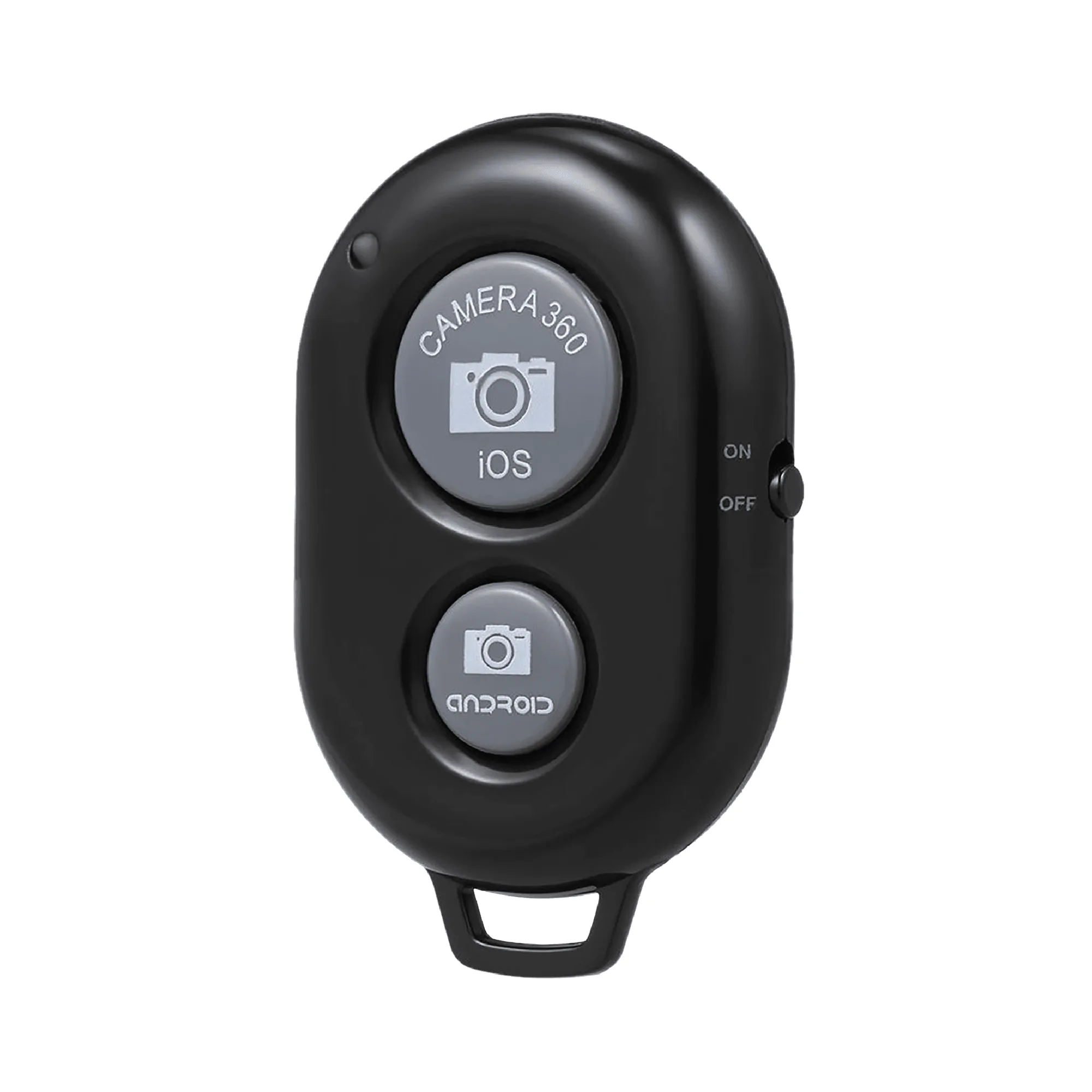
Bluetooth Remote
Tips for Better Selfies with a Remote
Use a tripod or selfie stand to hold your phone steady. The remote eliminates the need to touch the phone, so even a slight breeze or hand shake won't blur the shot. For group photos, set the phone on a table or ledge, step back, and press the remote – everyone stays in the frame without someone running back to press the timer.
The remote also works for product photography. Place the phone on a stable surface, compose the shot, and trigger the shutter from your hand. This avoids camera shake and lets you adjust lighting or props without resetting the timer.
For TikTok or video clips, the remote starts recording hands-free. You can hold props, adjust your outfit, or start a dance move without the awkward reach for the screen.
What the Supplied Information Does Not Confirm
The Juice Social remote is confirmed to pair with Apple or Android devices, but the supplied information does not specify which phone models or operating system versions are compatible. Bluetooth 3.0 is a standard that most phones support, but if you have an older device, check your phone's Bluetooth version before ordering.
Battery life and replacement instructions are not included in the supplied facts. The remote comes with a detachable carry strap and an instruction manual that may contain battery details. If battery information is important to you, refer to the manual included in the box.