Why a Kaleidoscope Filter Changes Your Portrait Approach
A kaleidoscope filter bends and refracts light to produce repeated elements and cool refractions at different angles. For portraits, this means you can create surreal, layered images without opening editing software. The effect works by multiplying and distorting elements in your scene, giving each shot a visually distinct look that is hard to replicate in post.
Both the K&F Concept 58mm Kaleidoscope Filter and the NEEWER 58mm Kaleidoscope Prism Lens Filter use high-transparency K9 optical glass to preserve image quality while introducing the prism effect. The result is a creative portrait tool that lets you adjust the look by simply rotating the filter or changing your angle to the subject.
How to Set Up and Shoot with a Kaleidoscope Filter
Follow these steps to get consistent results with a kaleidoscope filter on your camera. The process is the same whether you choose the K&F Concept or NEEWER model.
- Check your lens thread size: Before you attach the filter, confirm your lens thread diameter. It is marked next to the "ø" symbol on the front of your lens. Both filters are available in 58mm, 67mm, 72mm, 77mm, and 82mm sizes. If your lens uses a different size, you can use a compatible step-up or step-down adapter ring.
- Attach the filter and compose your shot: Screw the kaleidoscope filter onto your lens just like any other filter. Look through the viewfinder or live view and rotate the filter to see how the prism effect changes. The variable filter frame on both models lets you adjust exposure control as you move between lighting conditions.
- Adjust the angle for different refractions: The prism effect is strongest when light enters the filter at an angle. Tilt the camera or the filter slightly to shift the refractions. Each angle produces a unique pattern, so experiment with small movements to find the look you want.
- Avoid direct bright light sources: The NEEWER filter manual notes that you should avoid shooting directly into bright light sources, like the sun, to prevent potential damage to your camera's sensitive components. This is a good practice for any kaleidoscope filter.
What the Supplied Information Confirms About These Filters
-
K&F Concept 58mm Kaleidoscope Filter: The K&F Concept 58mm Kaleidoscope Filter is made from high-transparency K9 optical glass and includes three microfiber cleaning cloths for lens care. K9 glass maintains image resolution even with the prism effect, and the included cloths help you keep the filter clean between shots.
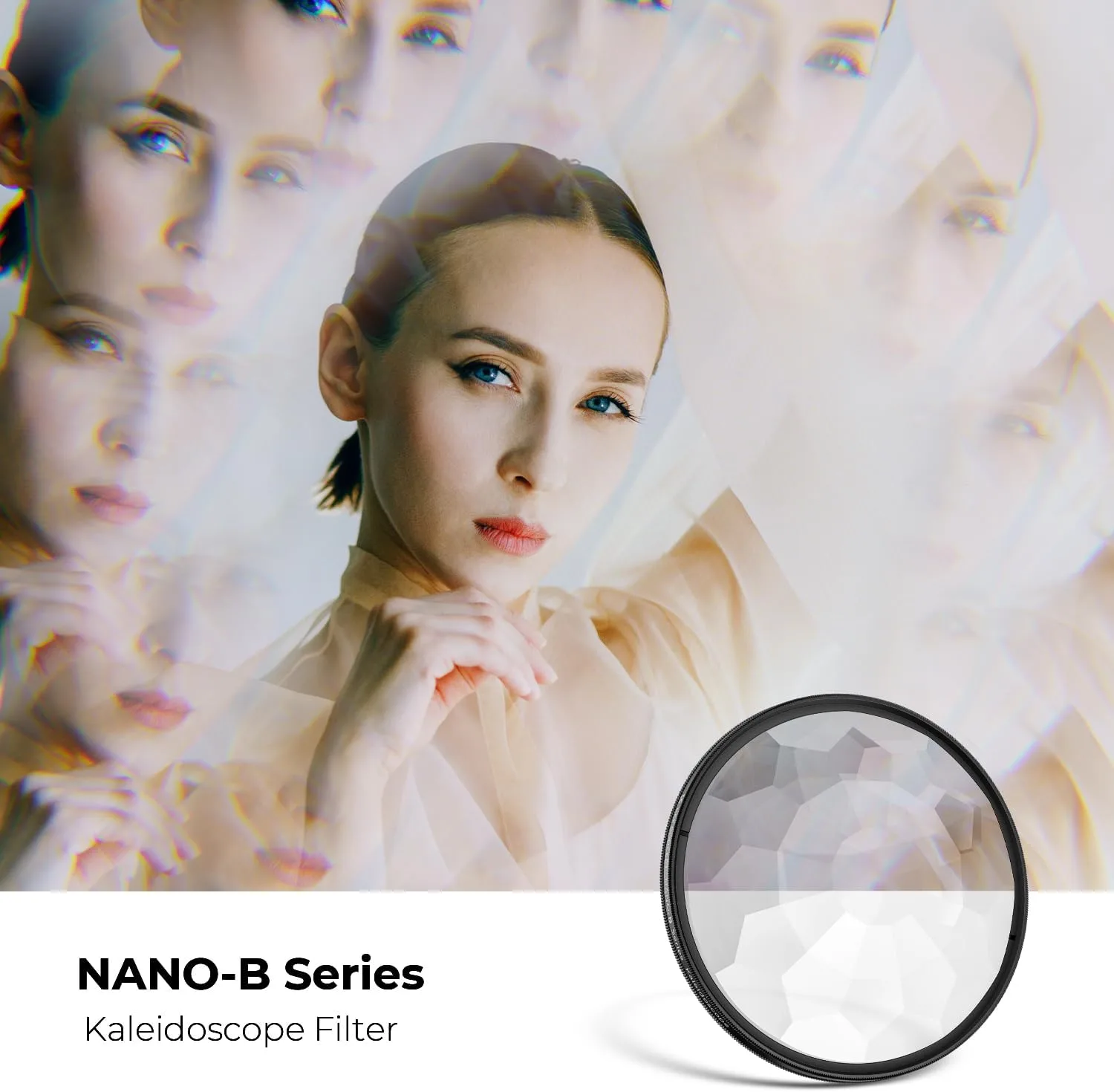
K&F Concept 58mm Kaleidoscope Filter
-
NEEWER 58mm Kaleidoscope Prism Lens Filter: The NEEWER 58mm Kaleidoscope Prism Lens Filter is built from durable K9 optical glass and comes with a convenient filter pouch for storage and portability. The pouch protects the filter when you are on the go, and the K9 glass ensures high transparency and durability for repeated use.
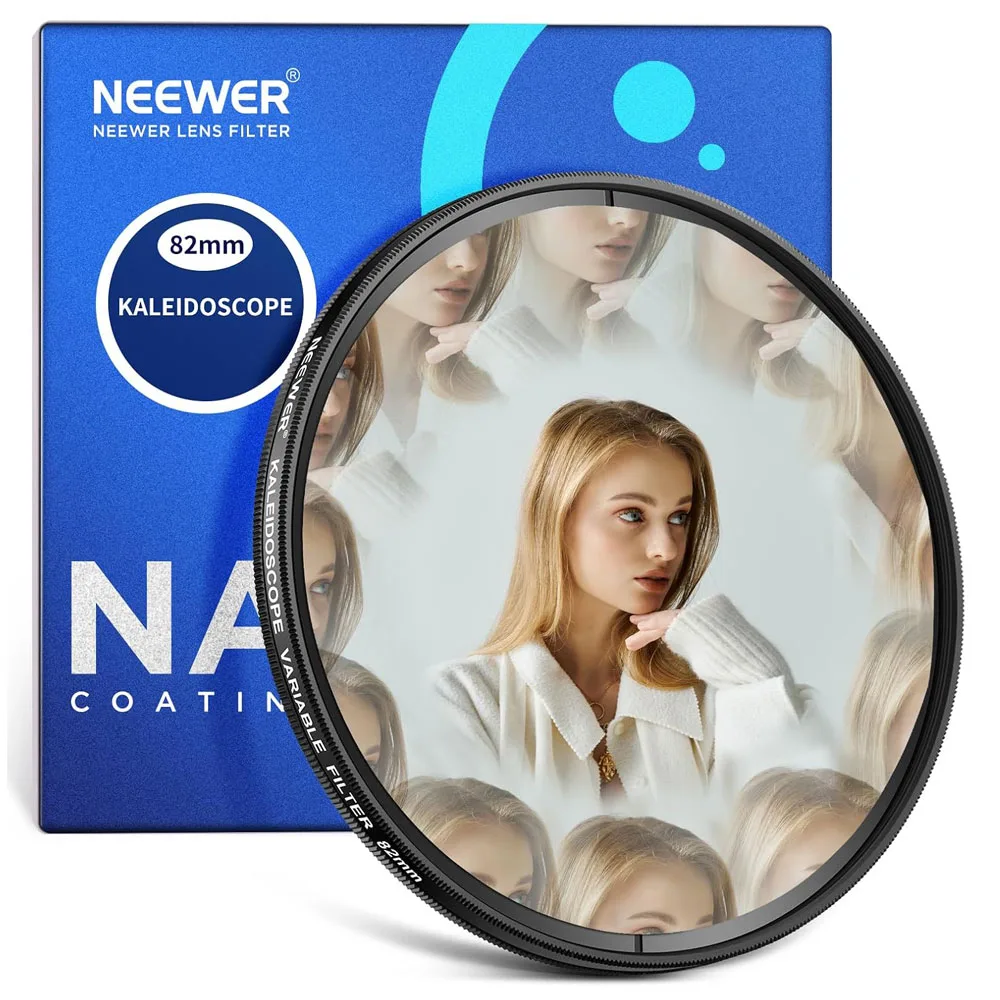
NEEWER 58mm Kaleidoscope Prism Lens Filter
Creative Portrait Ideas Using the Prism Effect
Once you have the filter attached, try these approaches to get the most out of the kaleidoscope effect in portraits. Because the filter multiplies and distorts elements in the scene, simple backgrounds work best to keep the subject readable.
Position your subject off-center so the refractions frame them. Rotate the filter to place repeated patterns around the face or shoulders. You can also move the filter closer to or farther from the lens (if your filter frame allows it) to change the size of the refracted elements. The variable exposure control on both filters helps you adjust quickly when moving from shade to sunlight.
For a softer look, shoot with the filter slightly angled so the refractions blur toward the edges of the frame. The K9 optical glass keeps the center sharp while the edges get the prism treatment.