Quick Answer
To use your August Smart Lock with Keypad Touch, start by installing the lock and keypad, then pair them with the August App. From there, you can create access codes, register fingerprints, and manage virtual keys for keyless entry.
Why the Keypad Touch Adds Convenience
The Yale Keypad Touch bundled with your August Wi-Fi Smart Lock gives you two extra ways to get in without a phone: fingerprint scanning and PIN codes. This is especially handy for small kids who may not carry a phone, or for one-time visitors like a dog walker or a repair technician.
What You Need Before You Start
Make sure your August Smart Lock is installed and connected to the August App on your phone. The keypad communicates with the lock, so both must be within range and powered. You'll also need the app to manage codes and fingerprints, so keep your phone nearby during setup.
Step-by-Step: Set Up and Use the Keypad Touch
- Install the Keypad Touch: Mount the keypad on the door frame or wall near the lock, following the included instructions. Ensure it's within the lock's Bluetooth range and that the batteries are inserted correctly. Check that the keypad is level and securely attached before proceeding.
- Pair the Keypad with the August App: Open the August App, go to your lock's settings, and select 'Add Keypad' or 'Keypad Settings.' Follow the on-screen prompts to pair the keypad with your Wi-Fi Smart Lock. If pairing fails, move closer to the lock and try again—distance can affect the connection.
- Set Up Fingerprint Access: In the app, choose 'Fingerprint Management' and register your fingerprint by placing your finger on the sensor multiple times as directed. You can add multiple fingerprints for family members. Register each finger in different angles to improve recognition accuracy.
- Create Access Codes: Use the app to generate PIN codes for family, guests, or one-time visitors. You can set schedules or expiration dates for temporary codes. For one-time visitors, set the code to expire after use to maintain security.
- Use the Keypad for Entry: To unlock, either place your registered fingerprint on the sensor or enter a valid PIN on the keypad. The lock will then disengage. If the keypad doesn't respond, check the battery level and ensure the keypad is still paired.
- Manage Virtual Keys and Remote Access: Through the August App, you can send virtual keys to guests, allowing them to unlock with their own phones. You can also remotely lock or unlock the door and monitor activity. Review your activity feed regularly to see who has entered and when.
Product Spotlight
-
Yale | August Wi-Fi Smart Lock with Keypad Touch: This Wi-Fi Smart Lock bundles the Yale Keypad Touch for fingerprint access and convenient code entry. You get three entry options—phone, fingerprint, and code—so you can choose what works best for each family member or guest.
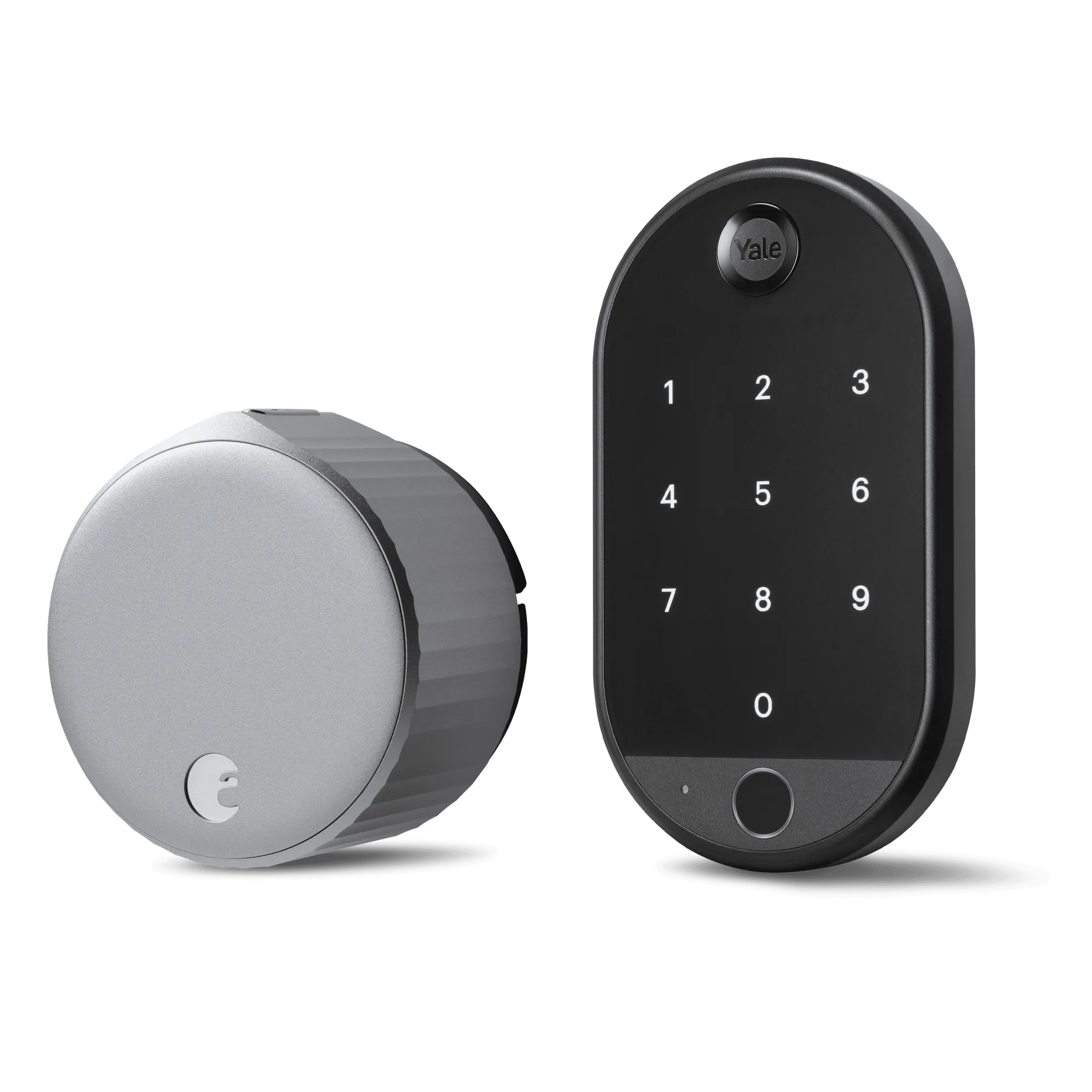
Yale | August Wi-Fi Smart Lock with Keypad Touch