Quick Answer
To use Bible indexing labels, start by laying the Bible flat, then apply each label along the edge of the corresponding book, using the pre-cut guides for easy placement.
Why Indexing Labels Help
Indexing labels save time when you're looking for a specific book during study or worship. Instead of flipping through hundreds of pages, you can spot the right section at a glance.
The adhesive-backed labels are designed to stick securely to the page edge, and the pre-cut guides help you position them consistently. This makes the process quick and neat, even if you've never used Bible tabs before.
Trade-Offs to Consider
While indexing labels are convenient, they do add a slight thickness to the page edges, which can make the Bible feel a bit bulkier. If you have a thin Bible, this might be more noticeable.
Also, once applied, the labels are not designed to be removed easily. Be sure you want to keep them before pressing down firmly, especially if you plan to give the Bible as a gift.
Step-by-Step Application Guide
- Prepare your workspace: Lay your Bible flat on a clean, dry surface. Make sure the pages are aligned and not curled. This prevents wrinkles or misalignment when you press the label down. Check that the pages are straight before you start.
- Peel the first label: Carefully peel one label from the sheet, starting from a corner. Avoid touching the adhesive too much, as oils from your fingers can reduce stickiness. Peel only one label at a time to keep the rest clean.
- Position the label: Using the pre-cut guides, align the label with the edge of the page where the book begins. Place it so it extends slightly beyond the page edge for easy visibility. If you're unsure, hold the label above the page first to check alignment before pressing.
- Press firmly: Once positioned, press the label down with your finger, moving from the center outward to avoid air bubbles. Apply even pressure for a secure bond. Run your fingernail along the edge to ensure it's fully adhered.
- Repeat for each book: Continue applying labels to each book of the Bible, working from the front to the back. Take your time to keep spacing consistent. If you make a mistake, gently lift the label immediately—do not wait until it's fully set.
Product Spotlight
-
Indice para Biblias: The Indice para Biblias comes with adhesive and pre-cut guides on each label, making it easy to position them correctly. You don't need a ruler or steady hand to align the tabs—the built-in guides help you place each one evenly for a professional look.
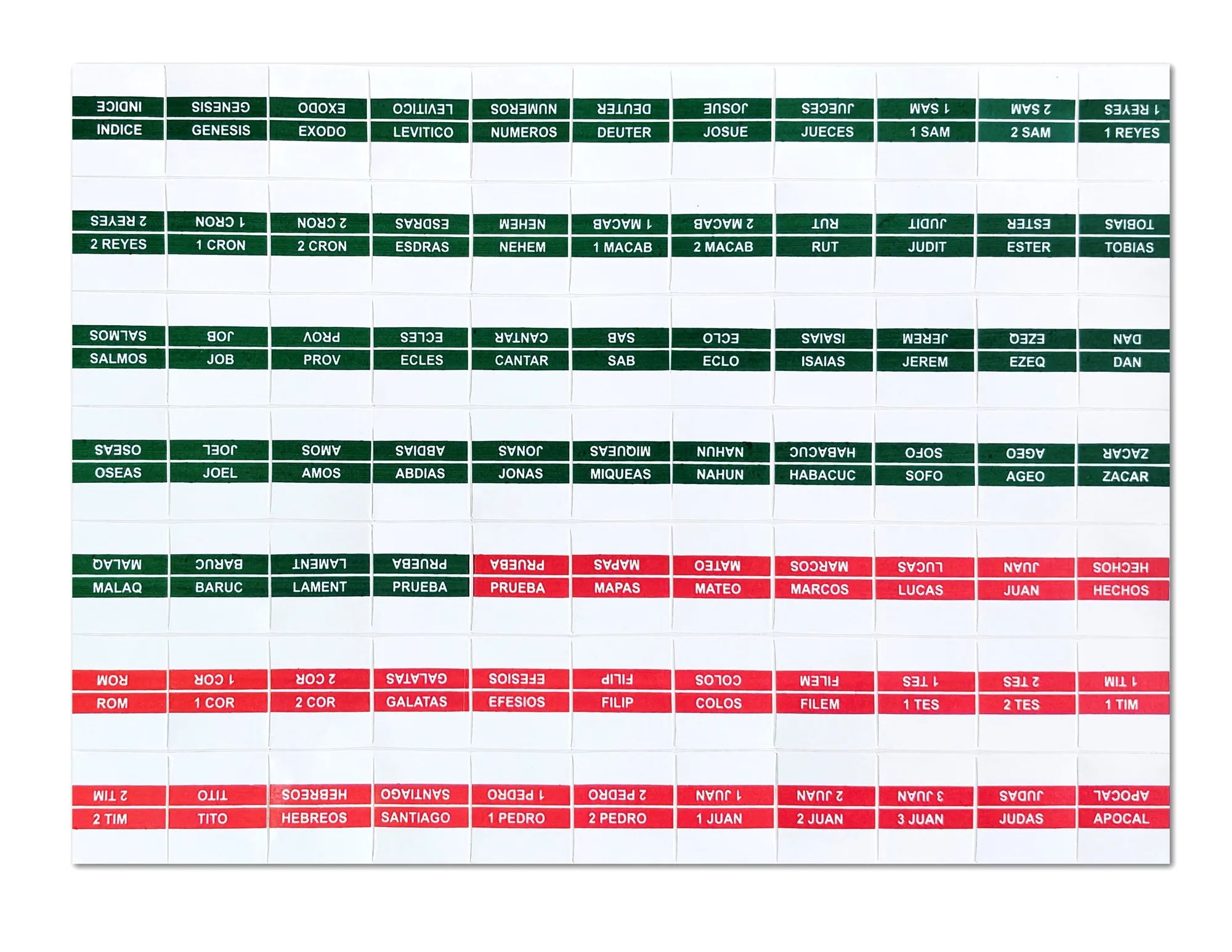
Indice para Biblias