Quick answer
The Blue Line G1 Extended Handcuff Key is used by inserting the key fully into the keyway, rotating it toward the cuff's back (the direction that unlocks the double-lock), then repeating for the primary lock. The extended handle and BackSet tab make operation faster in low-light or gloved conditions.
Why an extended key matters
Standard handcuff keys can be hard to grip and turn when you are wearing gloves or working in a hurry. The Blue Line G1 Extended Handcuff Key gives you a longer lever arm, so you need less finger strength to rotate the key. The BackSet tab on the side also helps you find the keyway by touch without looking, which is useful in low-light or high-stress situations.
Before you start: inspect the key and cuffs
Check that the key is clean and free of debris. Dirt or grit in the keyway can prevent full insertion. The G1 key is heat-treated for strength, but a bent or worn key should be replaced. Also verify that the handcuffs are not damaged or jammed. If the cuff is stuck in a double-lock position, the extended key can help, but do not force it.
How to use the Blue Line G1 Extended Handcuff Key
- Locate the keyway by feel: Hold the handcuff in your non-dominant hand with the keyway facing up. Use your thumb to feel for the small slot on the side of the cuff body. The BackSet tab on the G1 key helps you align the tip with the keyway without looking. Common mistake: Trying to insert the key at an angle. The key must be straight and fully seated before turning.
- Insert the key fully: Push the key into the keyway until it stops. The extended shaft gives you a better grip, but do not force it. If it does not slide in easily, check for debris or misalignment. Checkpoint: The key should seat with a slight click. If it feels loose, it may not be engaging the lock mechanism.
- Rotate to unlock the double-lock: Turn the key toward the back of the handcuff (the direction that releases the double-lock). The extended handle gives you more leverage, so you can use a controlled motion rather than a hard jerk. You will feel the cuff release slightly. Common mistake: Rotating the wrong way. Always turn toward the cuff's back (the side opposite the teeth).
- Rotate again to unlock the primary lock: Continue turning the key in the same direction. The primary lock will release with a more noticeable click. The cuff will open freely. Checkpoint: If the cuff does not open, you may have only released the double-lock. Repeat the rotation once more to disengage the primary lock.
- Remove the key and store it securely: Pull the key straight out. The extended shape makes it easy to grip even with gloves. Store the key in a pouch or on a key ring where it will not snag on gear. Common mistake: Leaving the key in the cuff while trying to remove the cuff. Always remove the key first to avoid bending it.
Product facts
-
Blue Line G1 Extended Handcuff Key: ASP Handcuff Keys are precisely machined for a universal fit, then heat treated for strength. The BackSet tab facilitates rapid location of the keyway. The precision machining means the key fits most standard handcuffs without wobbling, and the BackSet tab lets you find the slot by feel, speeding up the unlock process.
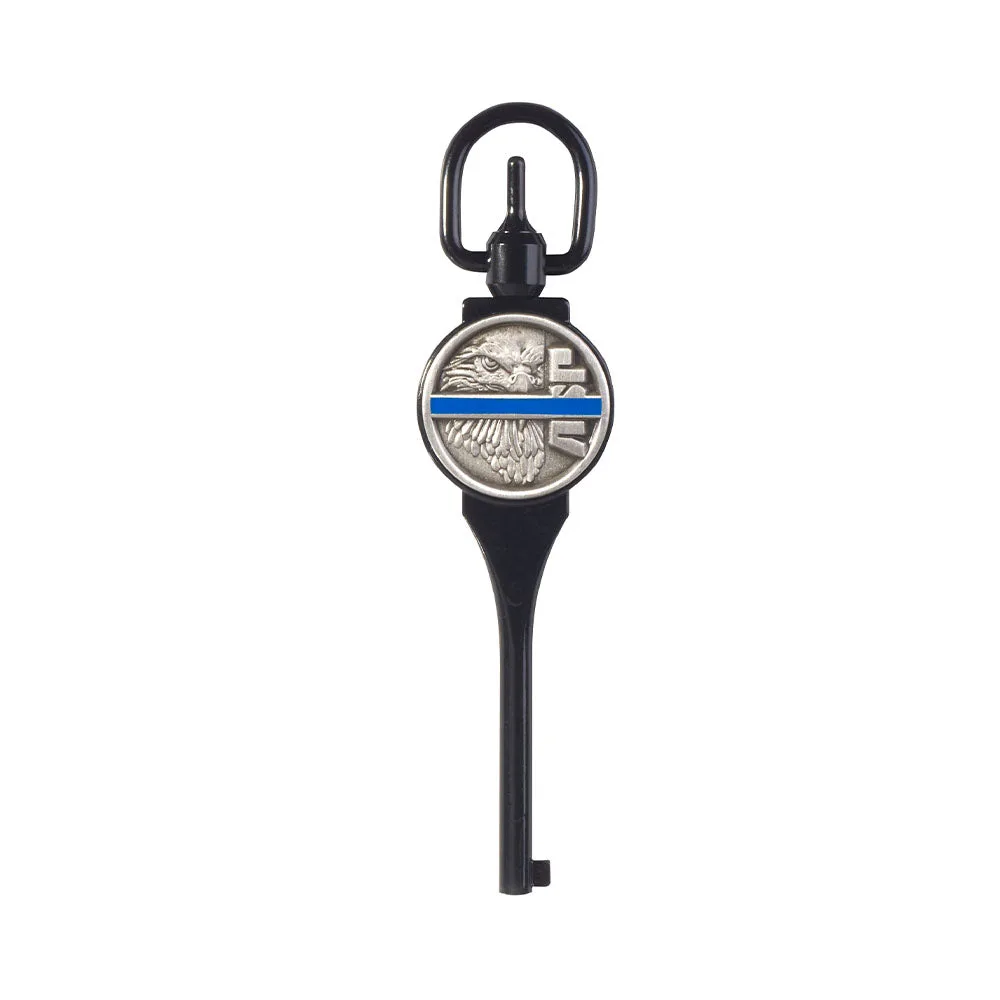
Blue Line G1 Extended Handcuff Key