Quick answer
Use Books & Flowers printable stickers to add a cozy, literary feel to your monthly or daily planner pages. Print, cut, and arrange them around your journaling areas for instant decoration.
Why choose printable stickers over physical ones
Printable stickers give you unlimited copies and the freedom to resize them. You can print only the designs you need, when you need them, without waiting for shipping. The Books & Flowers set is designed for bullet journal layouts, so each sticker complements common planner elements like headers, habit trackers, and mood logs.
Paper and printer considerations
For best results, print on matte or glossy sticker paper that matches your printer type (inkjet or laser). If you don't have sticker paper, use regular printer paper and a glue stick. The file is a downloadable PDF, so you can print at home or at a local print shop.
Step-by-step guide to using Books & Flowers printable stickers
- Download and prepare the file: After purchase, download the PDF file to your computer. Open it in a PDF reader and check that all pages are visible. If you want smaller stickers, adjust the print scale to 80% or 90% before printing. Always print a test page on plain paper first to confirm sizing and alignment.
- Print on sticker paper: Load a sheet of sticker paper into your printer. Select the correct paper type in your printer settings (e.g., 'photo paper' or 'heavyweight'). Print one page at a time to avoid jams. Let the ink dry for a minute before handling. If the ink smudges, use a higher quality print setting or switch to a laser printer.
- Cut out the stickers: Use scissors or a craft knife to cut along the outlines. For intricate shapes, a precision knife and cutting mat give cleaner edges. You can also leave a thin white border around each sticker for a classic sticker look. Cut slightly outside the printed line to avoid accidentally trimming off part of the design.
- Plan your layout before sticking: Lay out the cut stickers on your planner page without removing the backing. Move them around until you find a balanced arrangement. Group book-themed stickers near your reading log or habit tracker, and place flower stickers as corner accents. Snap a photo of your layout so you can recreate it later if you need to redo the page.
- Apply the stickers and press firmly: Peel each sticker from the backing and place it on your page. Press down from the center outward with your finger or a bone folder to prevent air bubbles. For repositioning, use a pair of tweezers for small stickers. Once pressed, stickers are permanent. Test placement with a removable adhesive dot if you think you might move them later.
Product facts
-
Books & Flowers Printable Stickers: This is a downloadable file to print and nothing will be shipped to you. The stickers are inspired by cozy evenings with your favorite books, hot drinks and book nooks. You can print as many copies as you want and use them across multiple planner spreads without running out.
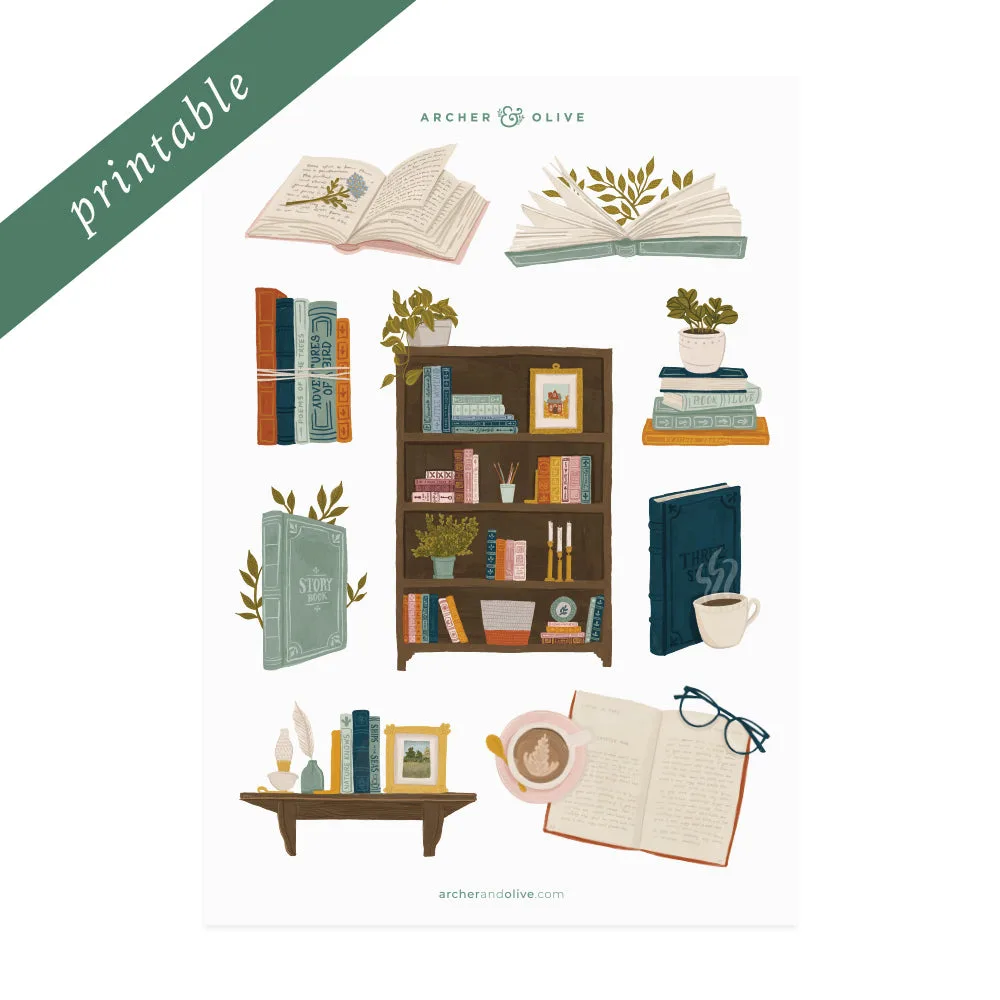
Books & Flowers Printable Stickers