What this ruler actually does
The Crafters Companion Ruler for Ultimate Pro is not just a measuring tool. According to the product information, it is designed as both a ruler and your cutting tool. That dual role is the key to using it well: you measure and cut with the same edge, so alignment matters before the blade touches paper.
The ruler is made to team with the Ultimate Crafters Companion Cutting Blade to form a trimmer that gives crisp, quality finishes. If you already own the Ultimate Pro system, this ruler is the measuring and cutting interface you will use for straight trims and scored layouts.
Compatibility check before setup
-
Crafters Companion Ruler for Ultimate Pro: This ruler is not compatible with the original Ultimate. If you own the original Ultimate rather than the Ultimate Pro, this ruler will not fit your machine. Check your machine model before buying or setting up.
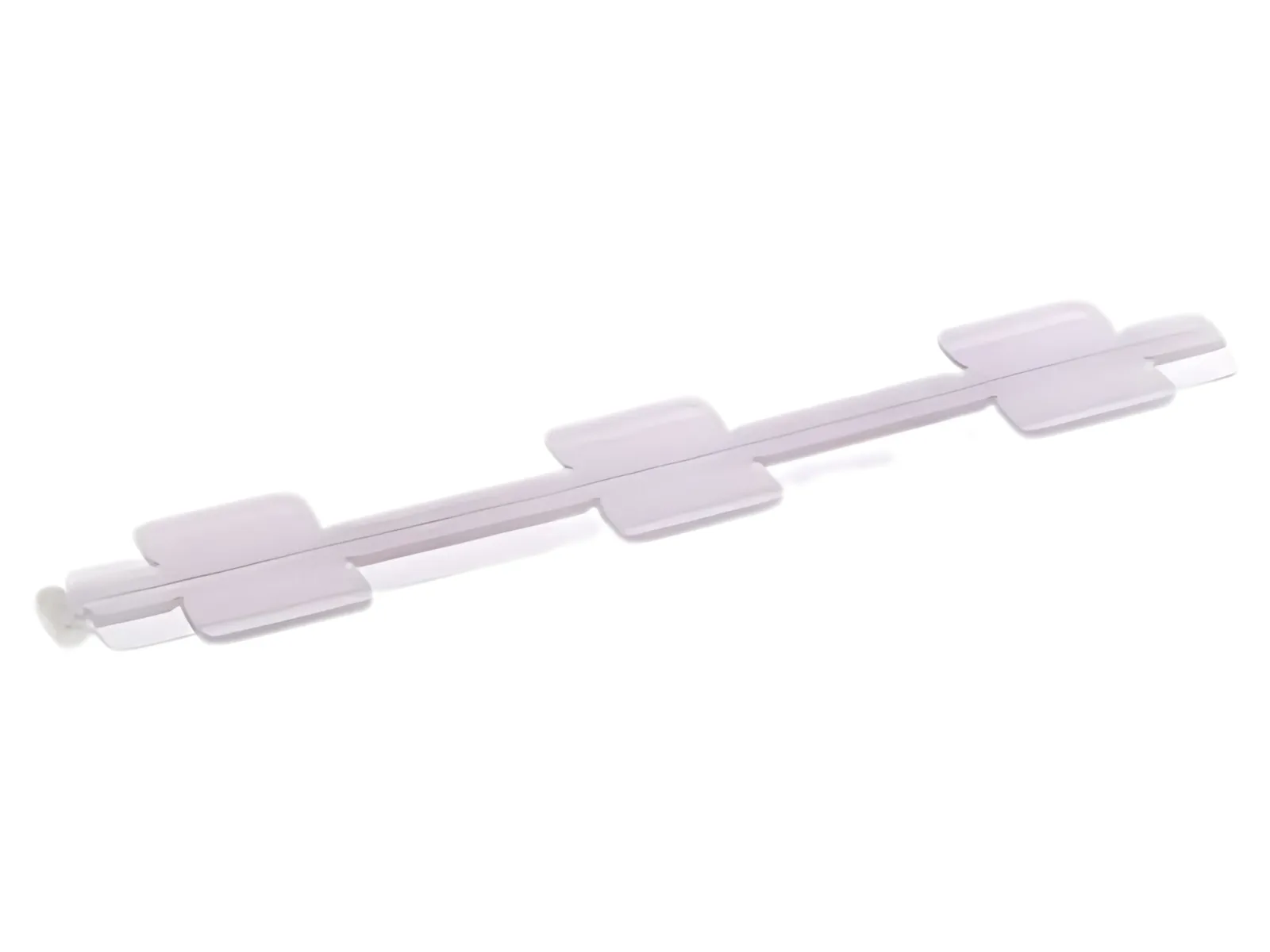
Crafters Companion Ruler for Ultimate Pro
-
Crafters Companion Ruler for Ultimate Pro: The ruler is designed for the Ultimate Pro. This confirms the correct platform for the ruler and helps you avoid a mismatch that would prevent safe, accurate cutting.
Setting up the ruler for measuring and cutting
The supplied information does not include a step-by-step operating procedure, so the following setup order is a practical way to prepare your workspace based on the product's stated dual role. It does not replace any instructions that came with your Ultimate Pro.
- Confirm your machine is an Ultimate Pro: The ruler is not compatible with the original Ultimate. Check the model name on your machine before placing the ruler.
- Pair the ruler with the Ultimate Crafters Companion Cutting Blade: The product information says these two items together provide a trimmer with crisp, quality finishes. Have the blade ready before you begin measuring.
- Place your paper and align the ruler edge: Because the ruler doubles as the cutting tool, the edge you measure from is the edge you cut along. Set your paper squarely against the ruler before cutting.
- Cut with a steady, controlled motion: The goal is a crisp finish. Keep the ruler steady and use the paired blade as intended. The supplied information does not specify cutting angles, pressure, or speed, so follow the blade and machine instructions you already have.
Where the ruler helps most in papercraft
The ruler's value comes from combining measurement and cutting in one tool. That makes it useful for repeatable straight cuts where a clean edge matters.
- Trimming card blanks and layers: Use the ruler edge to measure and cut cardstock to size for card fronts and mat layers.
- Squaring up patterned paper: Align the ruler before cutting so patterned sheets start from a true edge.
- Cutting strips for borders or sentiments: The ruler helps keep strip widths consistent when you measure from the same edge each time.
Safety and age guidance
The product record lists Age 14+. Treat the ruler and blade as cutting tools and keep them out of reach of younger children. The supplied information does not include additional safety instructions, so use your own judgment and follow the guidance that came with your Ultimate Pro and cutting blade.
Product facts
- Crafters Companion Ruler for Ultimate Pro: The ruler from the Ultimate Pro is designed as not only a ruler, but as your cutting tool also. This is the core reason to use the ruler as an alignment and cutting edge rather than a separate measuring step.
- Crafters Companion Ruler for Ultimate Pro: Teamed with the Ultimate Crafters Companion Cutting Blade, these provide a trimmer with crisp, quality finishes. The blade pairing is part of the intended setup, not an optional extra.
- Crafters Companion Ruler for Ultimate Pro: Age 14+. This is the only age guidance supplied for the ruler.