Quick Answer
Pick a set of donation‑themed planner stickers, reserve a dedicated spot in your monthly or weekly spread, and update the stickers each time you give. This visual cue keeps your charitable goals front‑and‑center and makes it easy to see progress at a glance.
Using planner stickers for charity tracking turns a routine task into a motivating visual habit. Whether you’re donating clothes, toys, or other items, a few well‑placed stickers can help you record each contribution without flipping through receipts.
This guide walks you through selecting the right stickers, setting up a tracking area in your planner, and maintaining the system so your giving stays organized and intentional.
Set Up a Dedicated Charity Tracking Space
Start by choosing a clear area in your planner—typically a small box on the monthly overview or a weekly habit tracker. The space should be large enough for a few stickers but not so big that it overwhelms other entries. Label the box with a simple heading like "Donations" or "Give Back" so you can spot it instantly each day.
If you prefer a more detailed view, create a mini‑log on a separate page where each sticker represents a specific donation event. Use a consistent color or icon for each type of item (clothes, books, toys) so the visual language stays intuitive.
- Tip: Use a ruler to keep the box dimensions uniform across months for a tidy look.
Your Charity‑Tracking Checklist
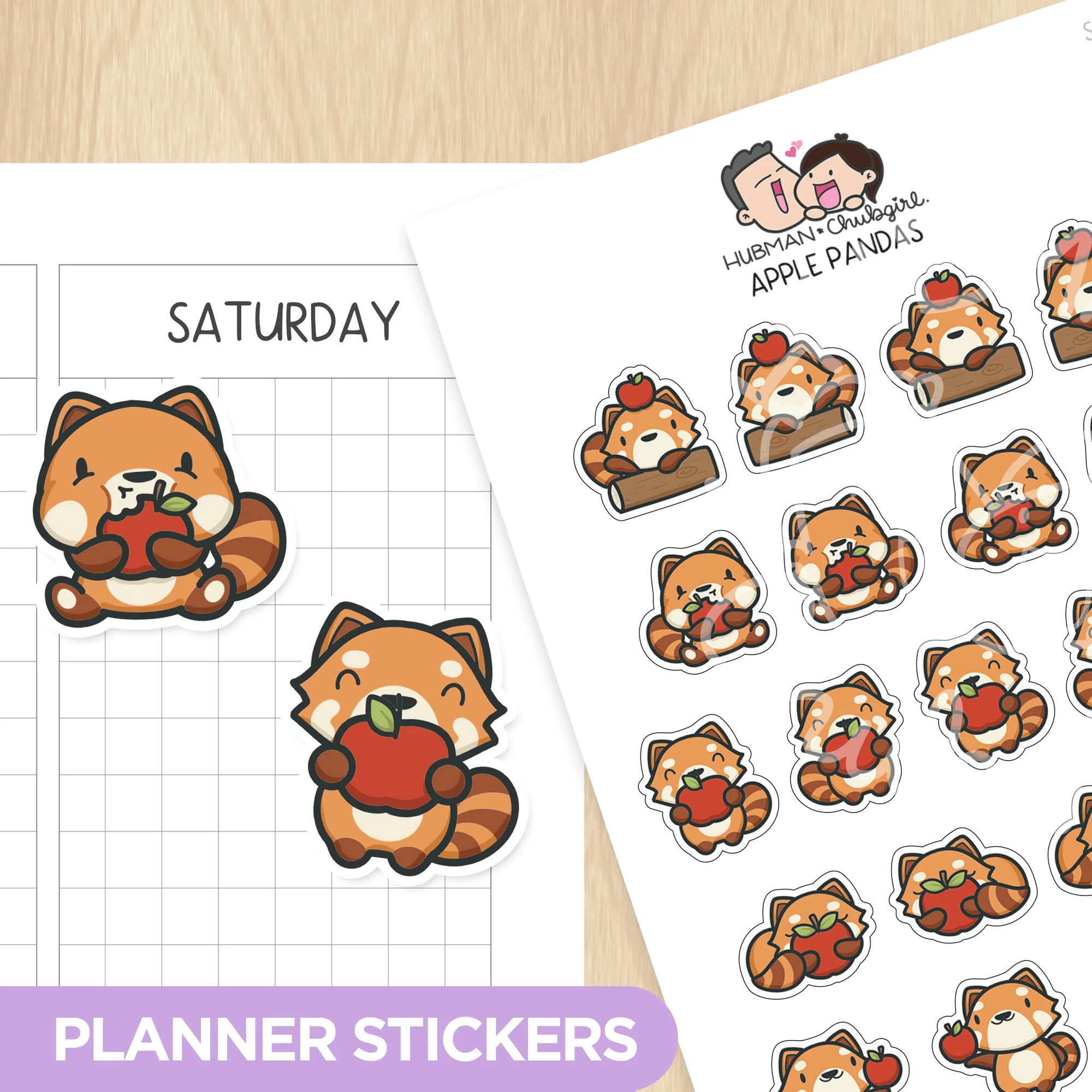
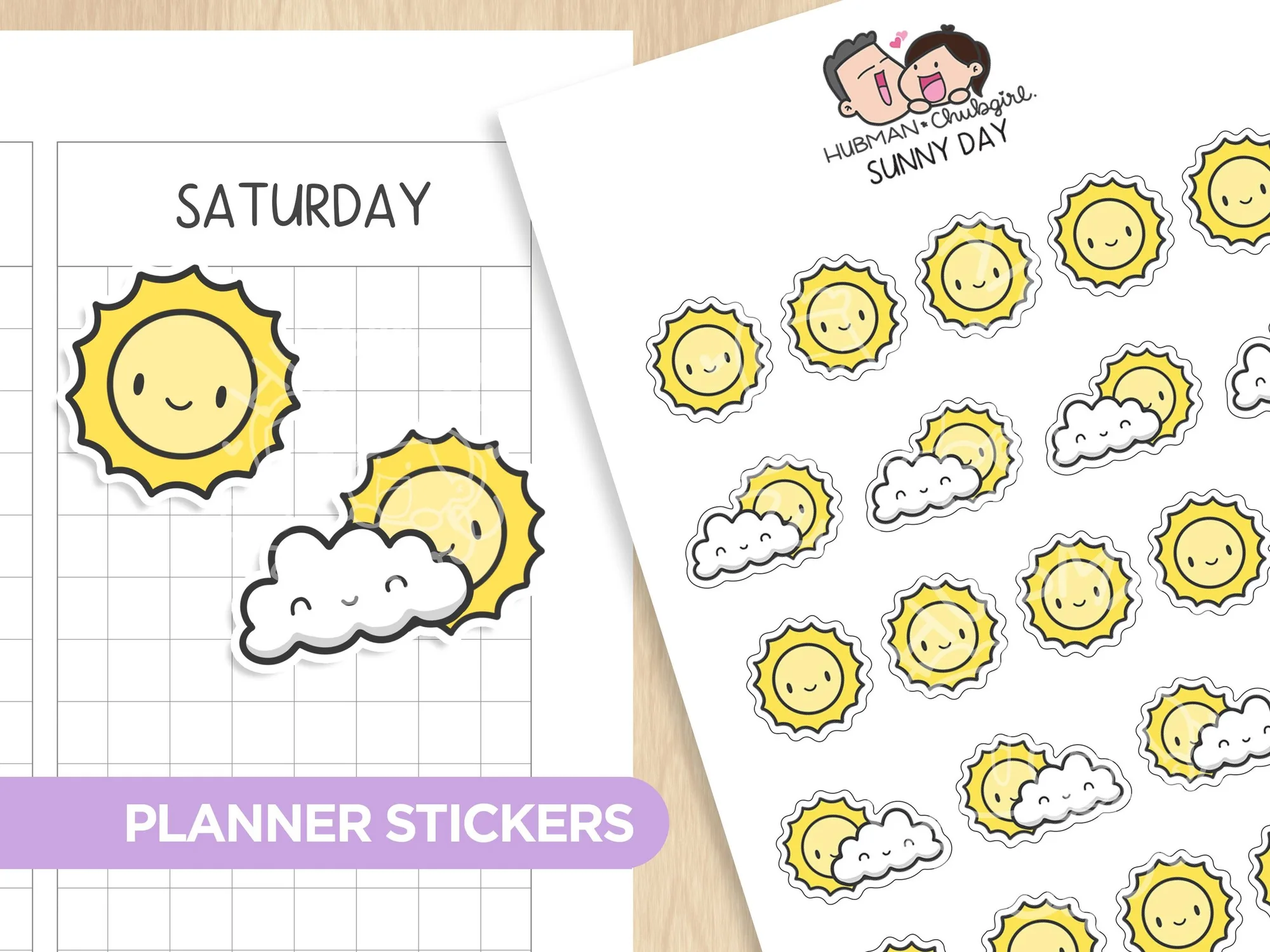
- 1. Choose donation‑themed stickers: Select stickers that match your giving style—e.g., Apple Pandas or Sunny Day Planner Stickers—for durability and visual appeal. Common mistake: Picking stickers that aren’t waterproof; they can bleed onto planner pages.
- 2. Reserve a tracking spot: Create a small box or habit‑tracker column in your monthly spread and label it clearly. Checkpoint: Ensure the spot is big enough for at least one sticker per donation.
- 3. Update after each donation: Place a sticker in the box, note the item donated, and date it. Move the sticker if you need to re‑categorize later. Next step: Review the box at month‑end to see total contributions and set new goals.
Planner Sticker Options for Charity Tracking
- Apple Pandas Planner Stickers: Sheet size: 3.5" x 5" – 21 individual stickers – high‑quality, waterproof vinyl – removable and repositionable. The waterproof vinyl prevents smudging, and the repositionable backing lets you move stickers as your donation goals evolve.
- Sunny Day Planner Stickers: Sheet size: 3.5" x 5" – 23 individual stickers – high‑quality vinyl, waterproof – can be peeled and re‑positioned. Their bright designs add a cheerful reminder to give, while the peel‑and‑stick feature makes it easy to adjust entries after each donation.
By integrating donation stickers into your planner, you turn charitable giving into a habit you can see and celebrate. Keep the system simple, stay consistent, and watch your impact grow month after month.