Quick Answer
Clip the Fenix E04R onto a hat brim or pocket using the 360° rotating clamp, then cycle through its 11 modes to match your task—hands-free light at a 40° angle keeps your path and hands illuminated.
Why the 40° LED Angle Matters for Hands-Free Use
Unlike a straight-ahead flashlight that forces you to tilt your head down, the Fenix E04R’s LEDs are set at a 40° angle. When clipped to a hat brim, this angle naturally aims the beam at the ground a few feet in front of you, so you see where you’re stepping without adjusting your head. On a backpack strap, the same angle lights up your immediate path rather than your own feet.
When to Skip the Clip and Use It as a Handheld
The E04R is designed primarily as a clip-on light, but its compact body fits comfortably in your hand for short bursts. However, the button placement on top is optimized for clipped use—when holding it, your thumb may accidentally press the side switches. Use handheld mode only for quick inspections, not for extended operation.
Step-by-Step Guide to Daily Use
- 1. Attach the Clip Securely: Open the 360° rotating clamp and slide it onto a hat brim, backpack strap, belt, or pocket edge. Rotate the clamp to aim the light where you want it. Press firmly until the clamp snaps shut. Make sure the clamp is fully closed—if it feels loose, reposition it on a thicker fabric.
- 2. Turn On and Select a Mode: Press and hold the side button for 0.5 seconds to turn on. Tap the same button to cycle through modes: eco, low, med, high, turbo, red, red flashing, green, green flashing, white flashing, and SOS. Start with low or med for most indoor tasks to avoid blinding yourself. Avoid switching directly to turbo in close quarters—it’s very bright and can wash out your near vision.
- 3. Adjust the Beam Direction: While the light is on, rotate the clamp left or right to pan the beam horizontally. Tilt the entire light up or down by loosening the clamp, repositioning, and retightening. The 40° fixed angle handles vertical aim automatically when clipped to a hat. If the beam points too high on a hat, slide the clip lower on the brim to lower the beam angle.
- 4. Use the Lockout Feature to Prevent Accidental Activation: When storing the E04R in a pocket or bag, press and hold the button for 4 seconds until the light flashes twice to enter lockout mode. Repeat the same hold to unlock. This prevents the light from turning on and draining the battery. Always lock it before putting it in a pocket with keys or coins—they can press the button accidentally.
- 5. Recharge and Monitor Battery Level: The built-in battery charges via the USB-C port under the rubber cover. Charge when the light starts dimming or the indicator blinks red. A full charge takes about 1.5 hours. The battery level indicator shows green (full), yellow (medium), or red (low) when you turn off the light. Don’t let the battery drain completely before charging—partial charges extend overall battery life.
Product Fact
-
Fenix E04R Clip On Flashlight: The Fenix E04R Clip On Flashlight features a 360° rotating clamp that easily secures to a pocket, backpack, or hat, and the LEDs are set at a 40° angle. This design allows you to direct the beam exactly where you need it without adjusting the light or your head, making it ideal for hands-free tasks like reading a map or walking a dog at night.
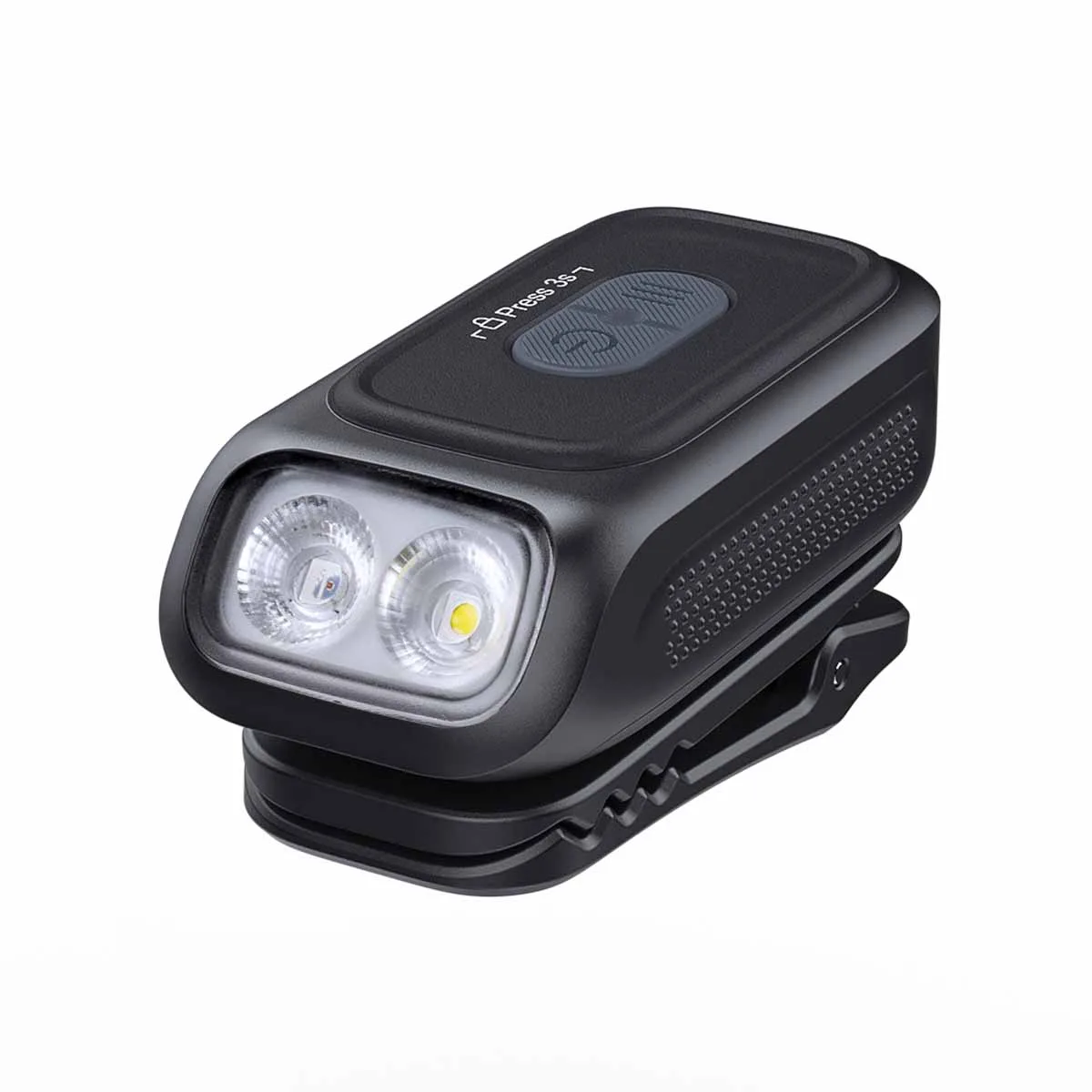
Fenix E04R Clip On Flashlight