Quick Answer
Pick script‑style text stickers, label each goal clearly, and place them on dedicated planner pages. Re‑position them as priorities shift, and review weekly to stay on track.
Using text planner stickers in a script font can turn a plain planner into a motivating visual roadmap. By labeling goals with stylish stickers, you create instant focus points that make planning both efficient and enjoyable.
This guide walks you through selecting the right stickers, setting up goal sections, and maintaining momentum without the common pitfalls that derail many planners.
Set Up Goal Pages with Script‑Style Stickers
Start by dedicating a two‑page spread for each major goal. Use a light‑grid or dot‑grid layout so the stickers sit evenly. Write a brief description of the goal at the top, then reserve space for milestones and deadlines.
Apply your script‑font stickers to the headings of each milestone. Because the stickers are vinyl and repositionable, you can move them if a deadline changes without leaving residue. This flexibility keeps your planner tidy and your goals visible.
- Tip: Reserve a small margin on each page for notes; stickers can be peeled back to reveal extra space.
Track Progress and Adjust Weekly
Each week, review the stickers you placed. If a milestone is completed, replace the sticker with a “Done” or a different color to signal progress. If a goal shifts, simply peel the sticker and re‑attach it to the new date.
Regularly updating stickers reinforces commitment and prevents goals from slipping into the background. The visual cue of a fresh sticker each week acts as a mini celebration.
Step‑by‑Step Guide
- 1. Choose script‑font stickers: Select stickers with a script or handwritten style that contrast nicely with your planner’s background. Avoid overly decorative fonts that become hard to read at a glance.
- 2. Create dedicated goal sections: Allocate two pages per major goal, add a headline, and place milestone stickers beneath. Check that each sticker aligns with a realistic deadline before sticking it down.
- 3. Review and adjust weekly: During your weekly planning session, move, replace, or add stickers to reflect current priorities. If a sticker no longer fits the timeline, reposition it—don’t force it, as that can damage the vinyl.
Product Recommendations
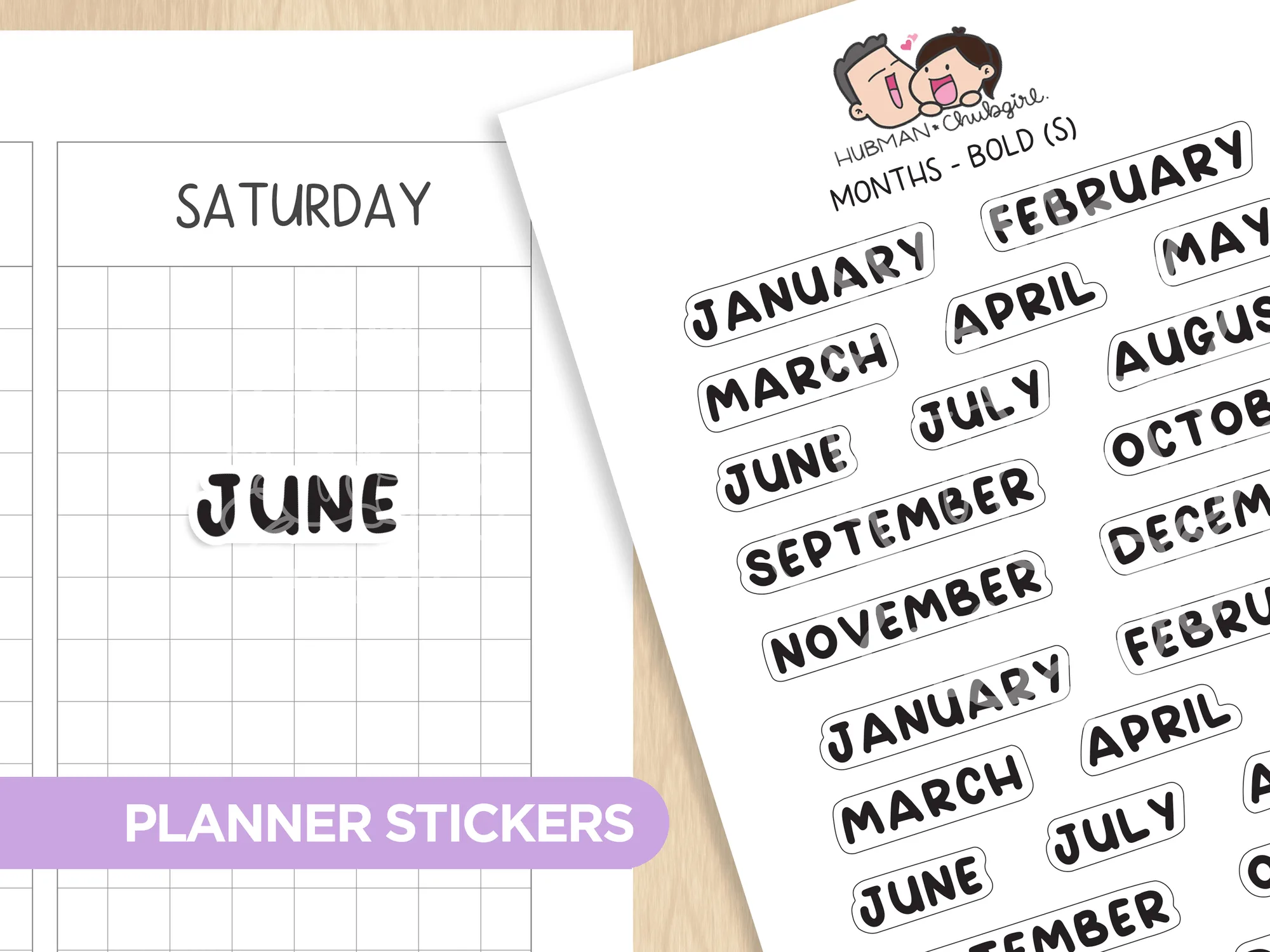
- Months (S) - Text Planner Stickers (Bold Font): Tired of writing the same titles and headers over and over again in your journal or planner? These text stickers are the perfect solution for making planning efficient and fun! You can choose from four different styles: Regular Vinyl Print, Matte Transparent Black Print, Glossy Transparent Gold Foil, Glossy Transparent Silver Foil. Sheet size: 3.5” x 5”. The variety of finishes lets you match a script aesthetic while keeping stickers easy to apply and read.
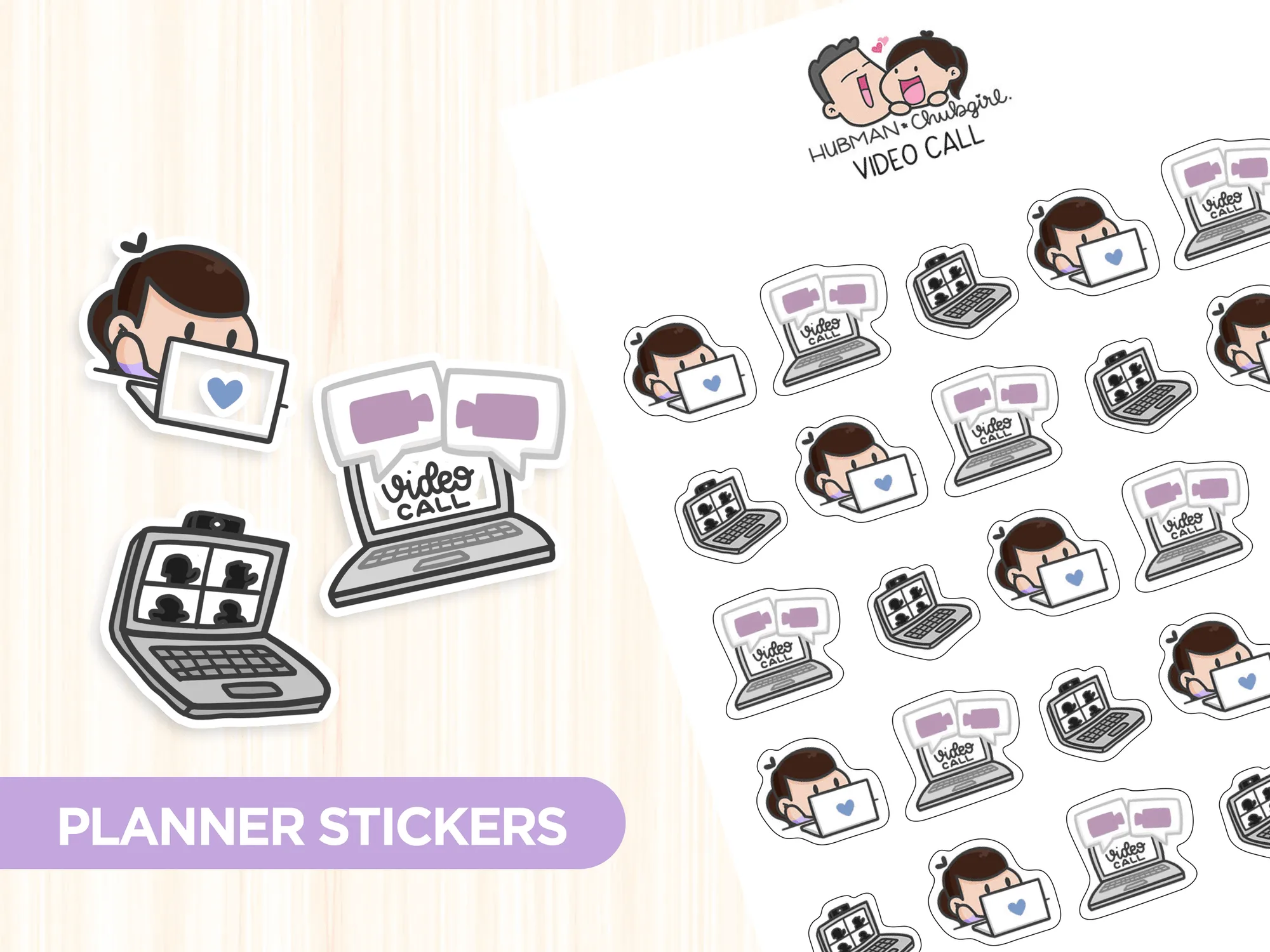
- Video Call Planner Stickers: All sticker designs are drawn by Chubgirl! Sheet size: 3.5” x 5”. 25 individual stickers. High quality vinyl, waterproof. Can be peeled and re-positioned. Waterproof vinyl and repositionability ensure your goal stickers stay crisp even after frequent moves.
By integrating script‑style text stickers into your planner, you turn goal setting into a visual, interactive habit. Stick, track, and adjust—your goals will stay front and center, day after day.