Quick answer
Connect the i5 slide dimmer between a power Bit and an output Bit like an LED, then move the lever to adjust brightness or volume in real time.
Where the slide dimmer fits in a circuit
The i5 slide dimmer is a control Bit that changes a signal as you move its lever. It works best when placed between a power source (like the littleBits p1 power Bit) and an output (like an LED or a speaker). Think of it as a volume knob for your circuit — sliding it one way increases the effect, sliding the other way decreases it.
Because it's a passive control, it doesn't add its own signal. If you need to generate a changing value automatically, look for an oscillator or a randomizer Bit instead.
What you can control with it
The slide dimmer works with any output that responds to varying input. Use it to dim lights, change motor speed, or adjust audio volume. For a quick test, snap it between a power Bit and an LED Bit — sliding the lever will make the LED glow brighter or dimmer.
It won't work with on/off-only outputs like a button or a toggle switch. Those Bits expect a binary signal, not a continuous range.
How to set up the i5 slide dimmer
- Snap the power Bit to the left side of the slide dimmer: Connect the output of a power Bit (like the p1) to the input of the i5 slide dimmer. The Bits snap together magnetically, so make sure they click into place. If the Bits don't snap firmly, check that you're using the correct orientation — the input side of the dimmer has a small arrow pointing inward.
- Snap the output Bit to the right side of the slide dimmer: Connect the output of the i5 slide dimmer to the input of an LED, motor, or speaker Bit. This completes the circuit and lets the dimmer control the output. If nothing happens when you slide the lever, double-check that all Bits are fully snapped together. A loose connection can break the circuit.
- Slide the lever to test the range: Move the lever from one end to the other while watching the output. The LED should go from off to full brightness (or from dim to bright), depending on the direction you slide. If the output changes suddenly instead of smoothly, the dimmer may be connected to a Bit that only supports on/off signals. Try a different output Bit.
Product details
-
littleBits i5 slide dimmer: The slide dimmer functions just like a light dimmer you might find at home, or a volume fader in a recording studio. You control the slide dimmer Bit by moving its lever from one end of the Bit to the other. This means you can create smooth, gradual changes in your projects instead of abrupt on/off behavior.
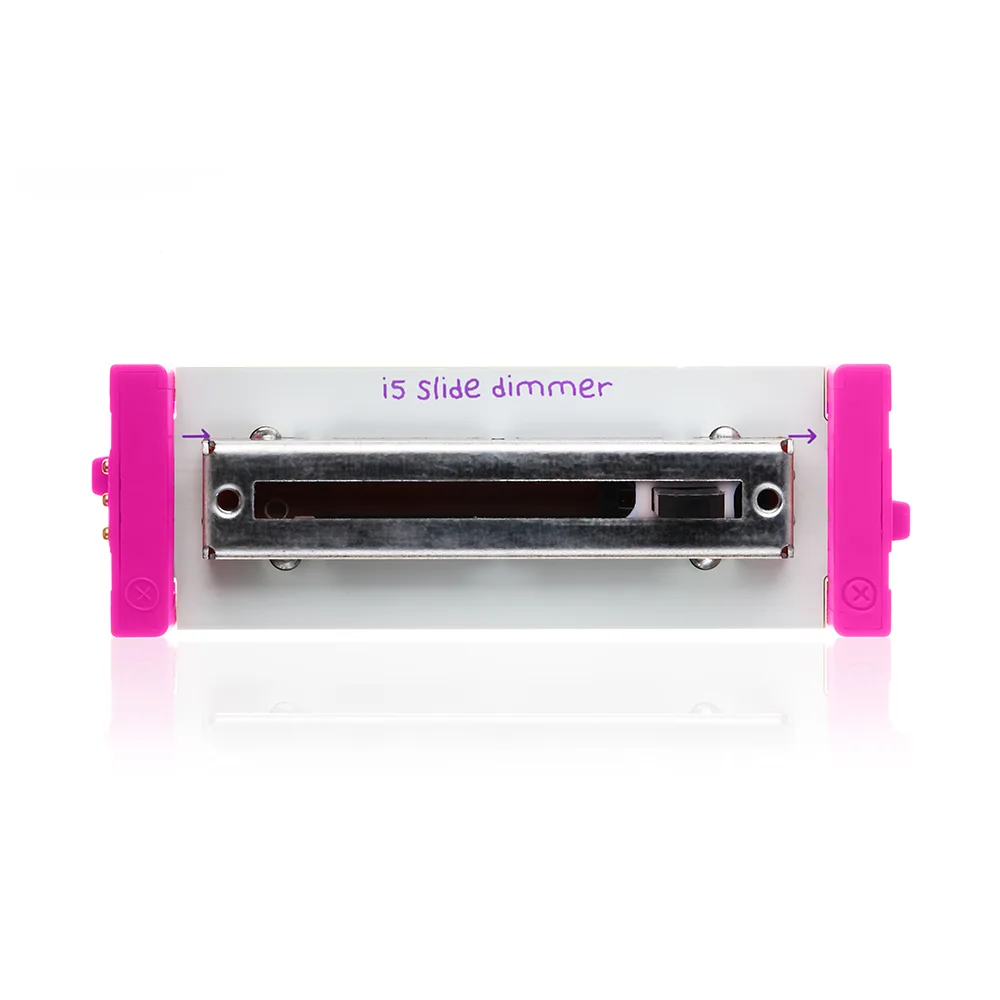
littleBits i5 slide dimmer