Quick Answer
To use Moglea undated planning sheets for time blocking, start by identifying your priorities and breaking your day into focused blocks. Use the flexible grid layout to assign specific tasks to each block, and pair it with a Moglea notepad for detailed notes. This method helps you manage your schedule visually and stay on track.
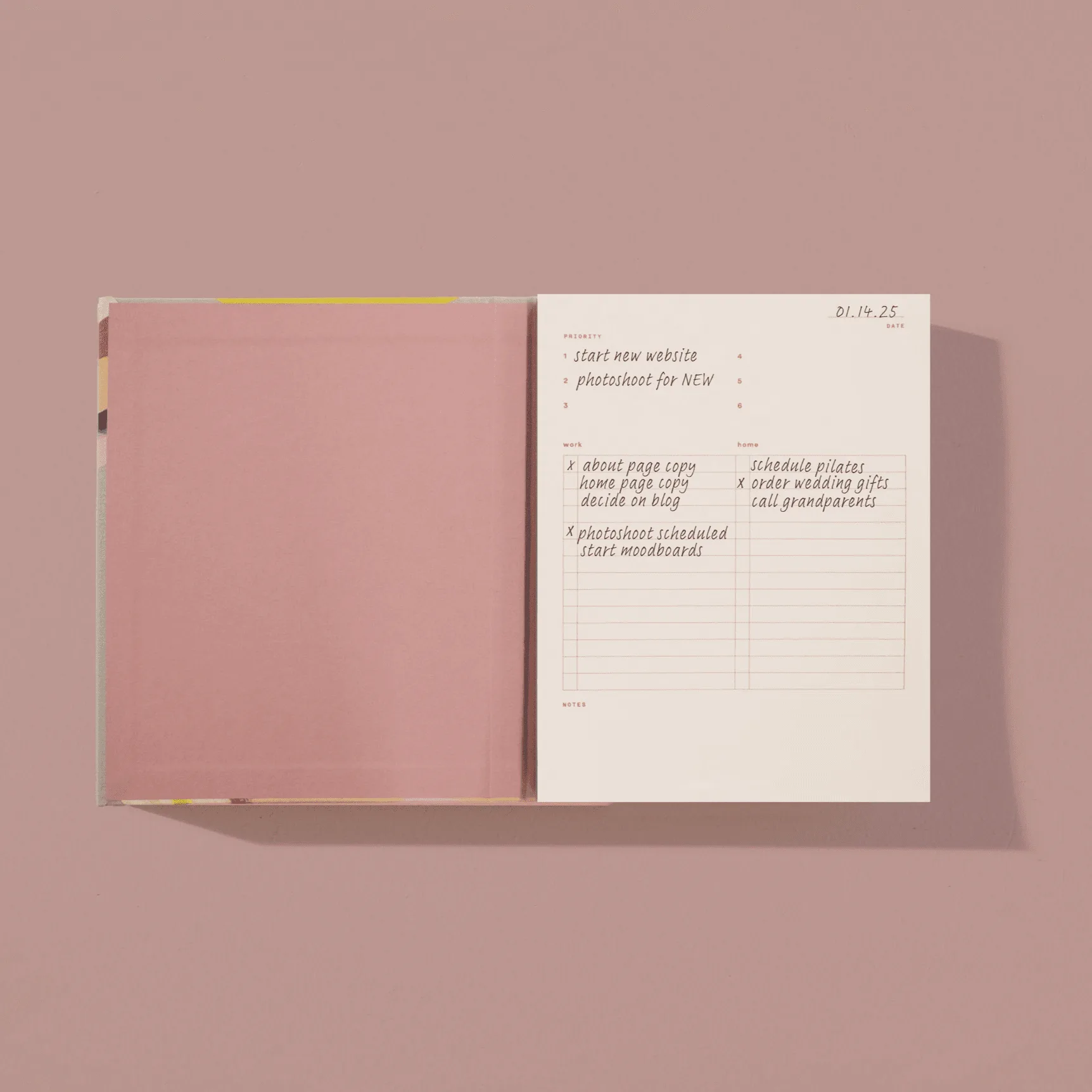
Time blocking is a powerful productivity technique that involves dividing your day into dedicated blocks of time for specific tasks. Instead of a never-ending to-do list, you schedule every activity, from deep work to meetings and breaks. Moglea's undated planning sheets offer a beautiful and flexible canvas for this method, allowing you to plan any week without being tied to a specific year.
In this guide, you'll learn how to leverage Moglea undated planning sheets for effective time blocking. We'll walk through the process step by step, share practical tips, and highlight how Moglea's products can enhance your planning experience.
Why Choose Moglea Undated Planning Sheets for Time Blocking
Moglea undated planning sheets are designed with flexibility in mind. Unlike dated planners, they don't restrict you to a specific year, making them perfect for any time you want to start a new habit or plan a project. The clean, minimalist layout provides ample space to write, while the high-quality paper ensures a pleasant writing experience.
The grid structure of these sheets is ideal for time blocking. You can easily divide the page into hourly or half-hourly blocks, assign tasks, and color-code different activities. This visual approach helps you see at a glance how your day is structured, reducing the cognitive load of remembering what to do next.
- Use different colored pens to distinguish between work, personal, and break blocks.
Step-by-Step Guide to Time Blocking with Moglea Planning Sheets
Time blocking with Moglea undated planning sheets is straightforward. Start by listing your top priorities for the day or week. Then, allocate specific time blocks for each priority, ensuring you include buffer time for unexpected tasks and breaks. The flexibility of undated sheets allows you to experiment with different block lengths until you find what works best.
Once you have your blocks planned, transfer them to your Moglea sheet. Use the grid to draw lines separating each block, and label them clearly. For example, you might have a block from 9:00-11:00 for 'Deep Work', 11:00-12:00 for 'Emails', and so on. This visual representation keeps you accountable and focused.
- Start with a daily plan before moving to weekly planning to build the habit gradually.
Pairing Your Planning Sheets with Moglea Notepads
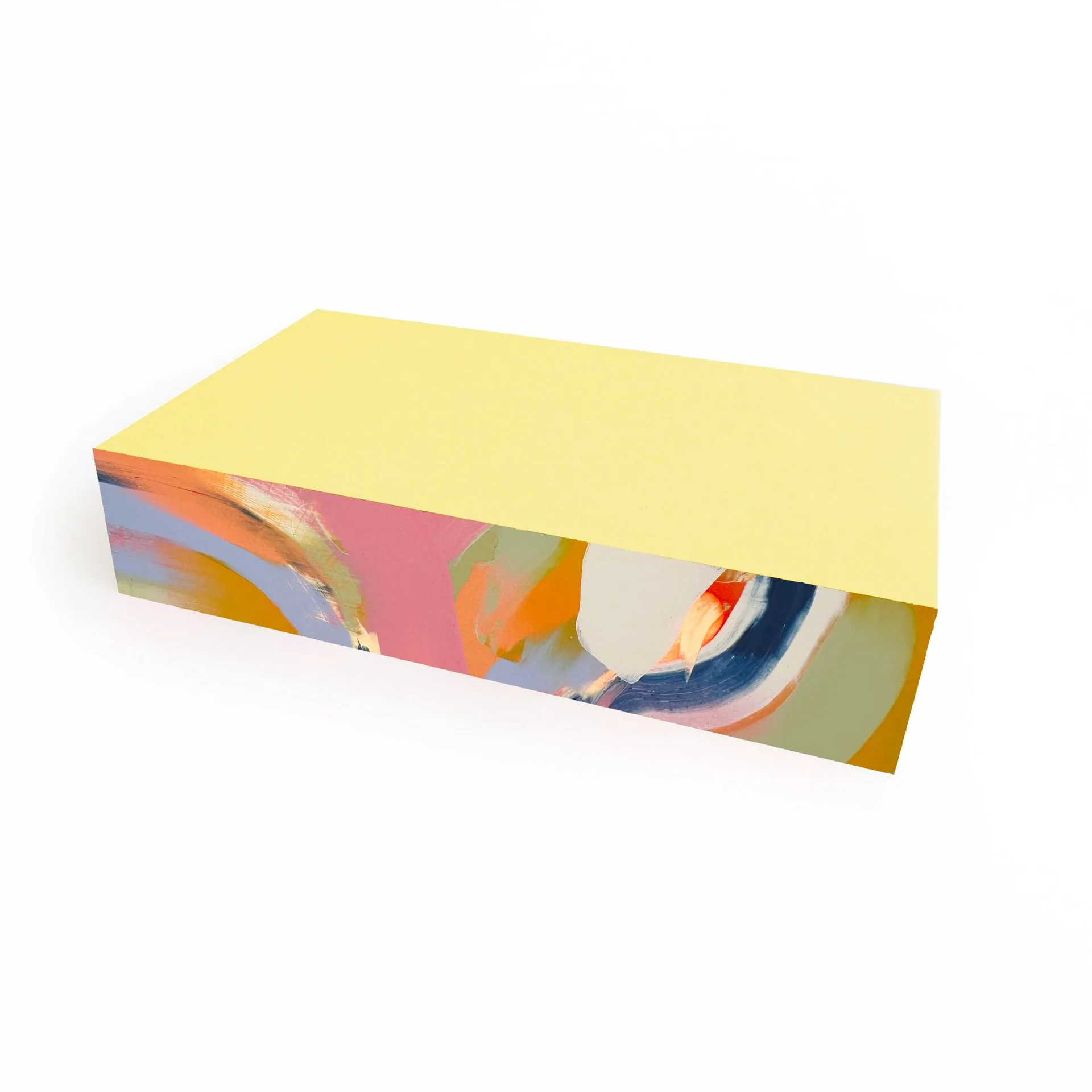
While undated planning sheets are excellent for time blocking, you may need extra space for detailed notes or brainstorming. This is where Moglea notepads come in handy. For instance, the Section Pad Gray/Red/Yellow offers three colorful pads glued together, perfect for categorizing tasks or projects. You can use one section for meeting notes, another for ideas, and the third for action items.
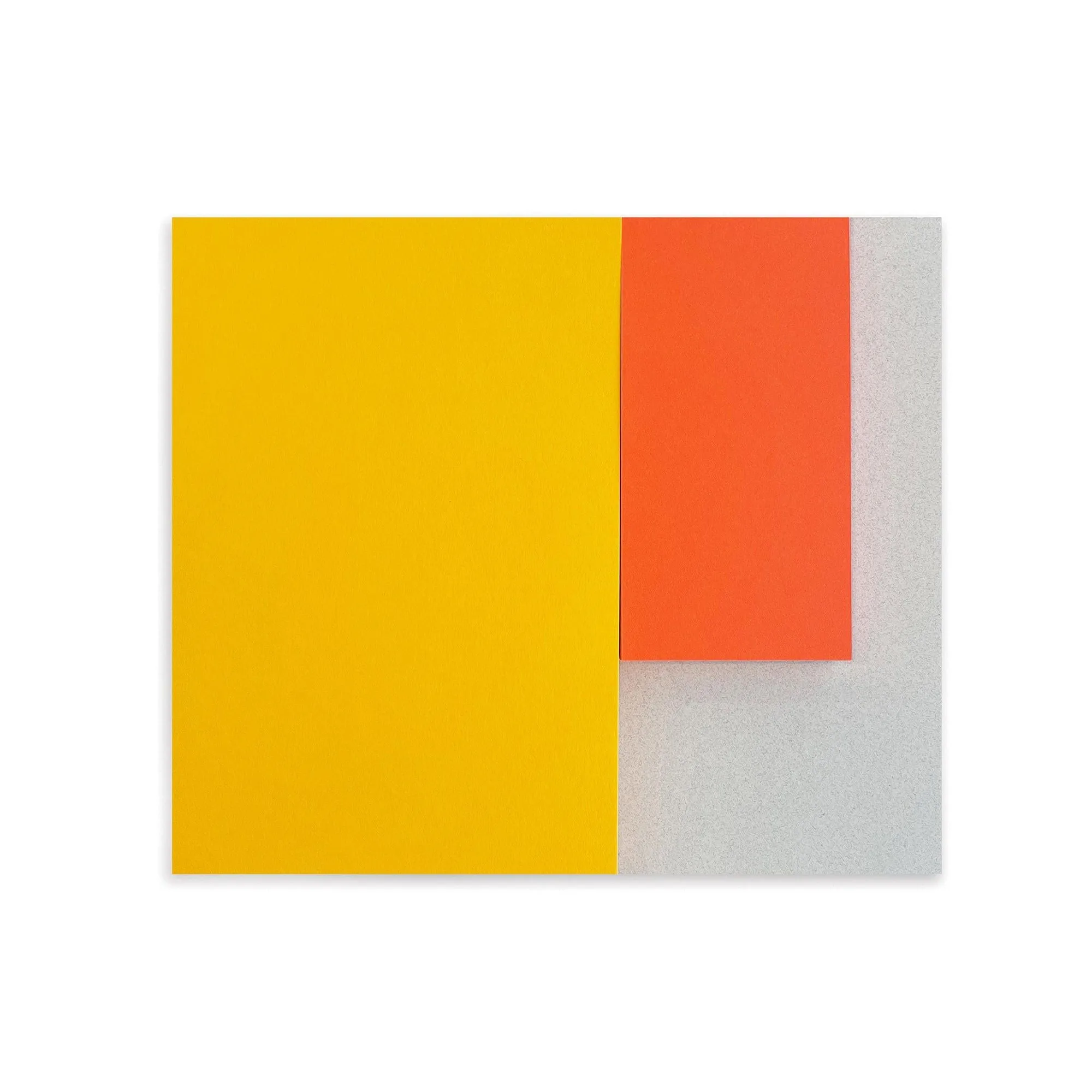
Section Pad Gray/Red/Yellow
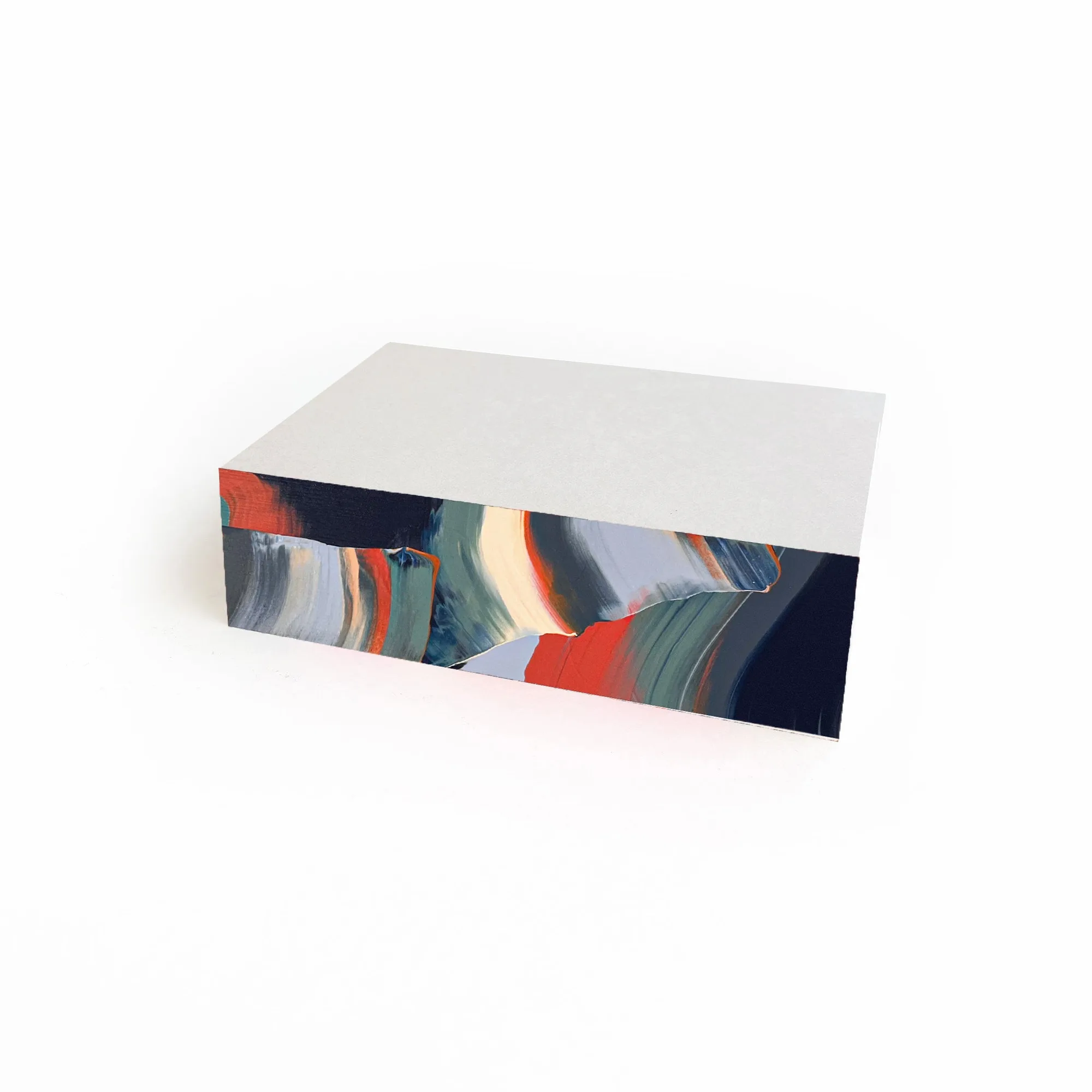
Similarly, the Something Awesome Notepad features 150 grid pages with hand-painted edges, ideal for jotting down tasks or sketching out your weekly plan before transferring it to your planning sheet. The grid layout complements the structure of time blocking, making it easy to create tables or lists.
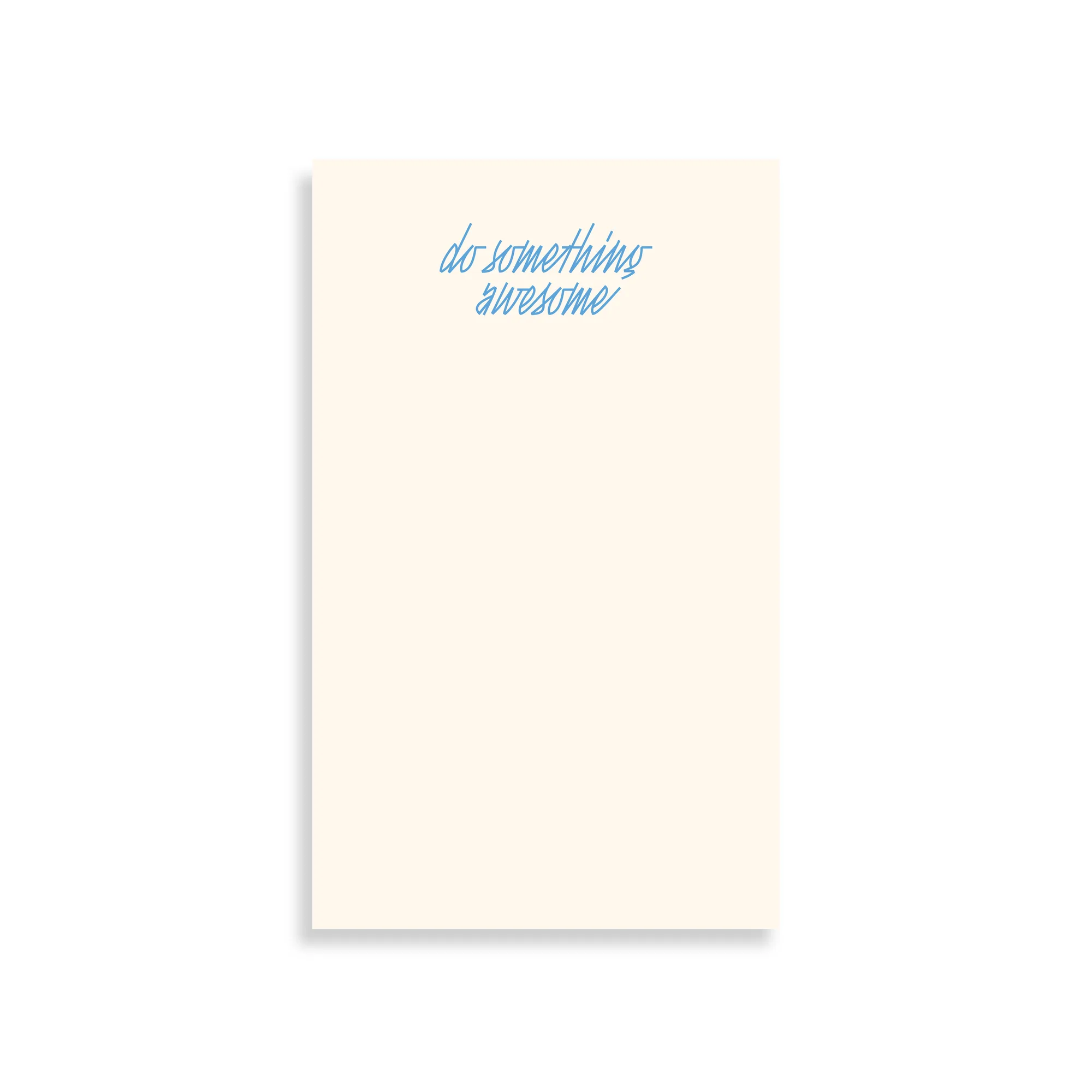
Something Awesome Notepad
- Keep a notepad next to your planning sheet to capture spontaneous thoughts without disrupting your schedule.
Step-by-Step: Time Blocking with Moglea Undated Planning Sheets
- Step 1: Identify Your Priorities: List the top 3-5 tasks that must be accomplished. Consider both work and personal commitments, and rank them by importance. Focus on high-impact tasks that align with your goals.
- Step 2: Allocate Time Blocks: Assign each priority a specific time block on your planning sheet. Estimate how long each task will take and add buffer time for transitions. Be realistic about time; overestimating is better than underestimating.
- Step 3: Transfer to Your Moglea Sheet: Use the grid on your undated planning sheet to draw lines separating each block. Label each block with the task and time range. Use different colors for different types of tasks for visual clarity.
- Step 4: Add Buffer and Break Blocks: Schedule short breaks between intense work blocks. Include a buffer block for unexpected interruptions or overflow tasks. Breaks are essential for maintaining focus and preventing burnout.
- Step 5: Review and Adjust: At the end of the day, review your planning sheet. Note what worked and what didn't, and adjust your blocks for the next day. Continuous improvement is key to mastering time blocking.
Moglea Products That Enhance Your Planning
- Section Pad Gray/Red/Yellow: Notepad with 3 colorful pads glued as one. Each pad is crafted with high-quality paper stock and glued together with a brightly painted edge. Features - 45 sheets - 104 gsm high-quality paper - Colorful hand-painted edge Size: 7 x 6 inches Made in the USA in Des Moines, Iowa. The three-section design is perfect for categorizing your time blocks, such as work, personal, and errands, making it easy to keep related notes together.
- Something Awesome Notepad: Notepad with brightly colored hand-painted edges. Each pad is riso printed and artfully crafted by hand in our studio. Features - 150 grid pages - Hand-painted edges in four assorted colors - Riso printed with soy-based inks - Handcrafted in Des Moines, Iowa Size: 4.625 x 7.625 inches The grid pages are ideal for sketching out your time-block layout or creating detailed to-do lists that complement your planning sheets.
Time blocking with Moglea undated planning sheets can transform your productivity by providing a clear visual structure for your day. The flexibility of these sheets, combined with the quality of Moglea's notepads, makes planning a pleasure. Start your time-blocking journey today with the Something Awesome Notepad and experience the difference.