What Music Pro Does Differently
The Etymotic Music Pro is an adaptive noise-reduction earplug that automatically adjusts its output as sound levels change. Unlike fixed filters that block everything equally, Music Pro circuitry lets you hear naturally until sound exceeds safe levels, then gradually introduces 9 or 15 dB of reduction. This makes it especially useful for live events and rehearsals where volume fluctuates.
Designed for musicians, directors, front-of-house crews, security personnel, and audiences, Music Pro removes the need to remove earplugs to hear conversation or quiet passages. You wear them continuously, and the electronics handle the rest.
Getting Started: Choosing a Mode
Music Pro has two operating modes that affect how much gain and protection you get. Select the mode that matches your environment before inserting the earplugs.
- Mode 1: Natural Hearing with 15-dB Sound Reduction: In this mode, your hearing remains completely natural—as if nothing is in your ears—until sound exceeds safe levels. When it does, the earplugs automatically provide 15 dB of protection. Impact sounds are also suppressed. This mode is ideal for rehearsals, live performances, and any situation where you want maximum protection only when needed.
- Mode 2: Enhanced Hearing with 9-dB Sound Reduction: This mode adds 6 dB of gain to soft sounds, making quiet dialogue or subtle instrument details easier to hear. Automatic protection kicks in at 9 dB when sound becomes too loud. Use this mode when you need to hear quiet cues or communicate in a loud environment without full isolation.
Using Music Pro at a Live Event
For a concert or festival, start with Mode 1. You will hear the music naturally until the volume rises, at which point the earplugs gradually apply 15 dB of reduction. When the song ends or the level drops, your hearing returns to normal. This avoids the muffled effect of passive earplugs and lets you enjoy the full frequency range.
If you are working front-of-house or as security, Mode 2 can help you hear radio communications or quiet announcements while still protecting your ears from sudden loud peaks. The 9-dB reduction is enough for most loud environments without over-isolating you.
Using Music Pro During Rehearsals
Rehearsals often involve sudden loud passages, instrument checks, and talking between songs. Music Pro adapts to these changes without you needing to adjust anything. Leave them in Mode 1 for most rehearsal settings. You will hear your instrument and bandmates naturally, and the earplugs will only engage when the volume spikes.
For quieter rehearsals or when you need to hear instructions clearly, Mode 2 provides a slight boost to soft sounds while still capping loud peaks. This can reduce ear fatigue over long sessions.
Music Pro Key Specifications
-
Music Pro: Adaptive noise-reduction earplugs automatically adjust to changing sound levels. Two modes: Natural Hearing with 15-dB reduction, and Enhanced Hearing with 9-dB reduction plus 6-dB gain for soft sounds. This adaptive behavior is what makes Music Pro suitable for environments where volume changes unpredictably, like live events and rehearsals. You do not have to switch earplugs or remove them to hear normal conversation.
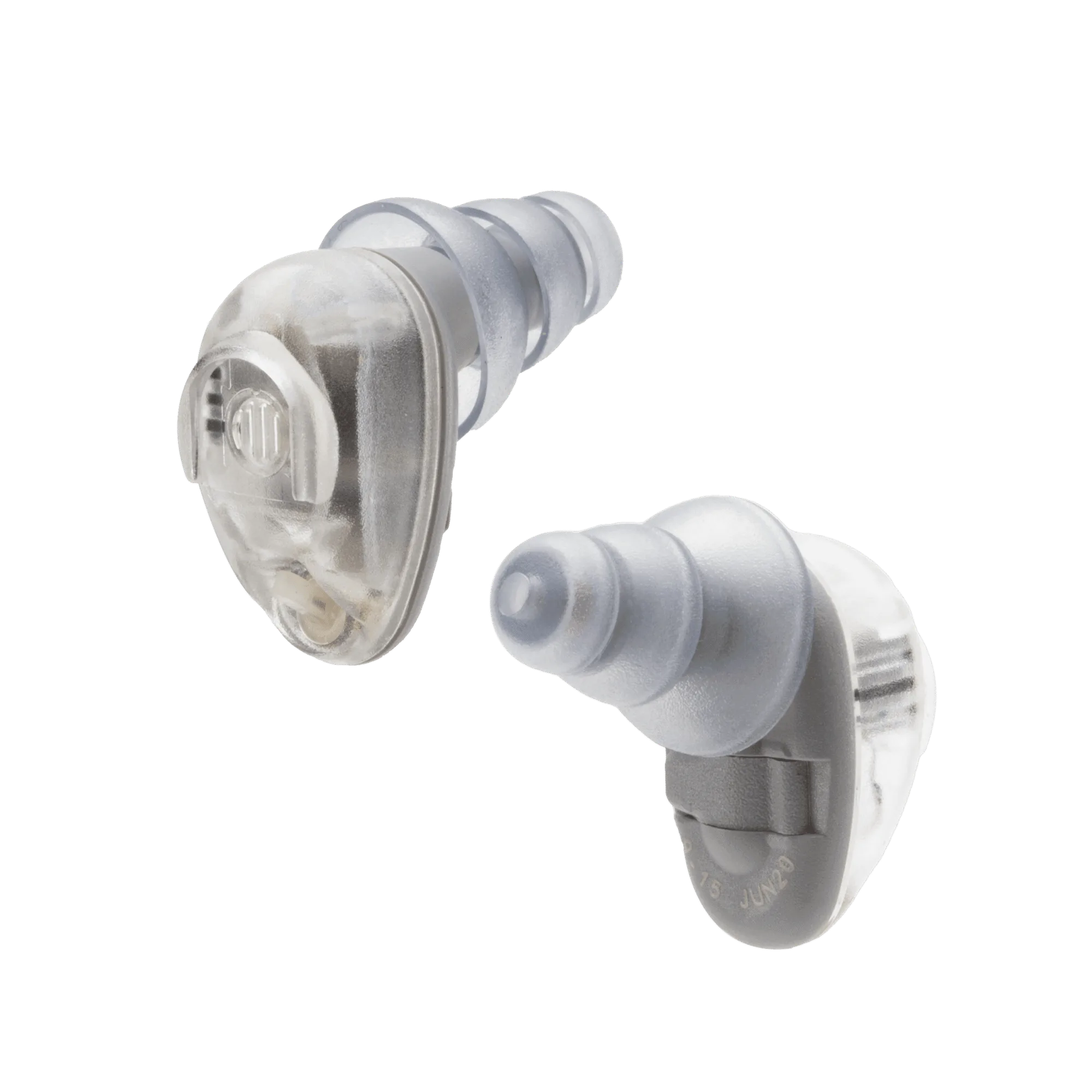
Music Pro
What the Supplied Information Does Not Cover
The available evidence does not include battery life, charging instructions, or fit guidance for different ear shapes. For best results, ensure a proper seal by selecting the right eartip size. If you experience discomfort or poor sound, check the fit before assuming the earplugs are faulty.
Music Pro is designed for continuous wear during events. If you need to remove them for a long period, store them in a clean case to prevent debris from blocking the microphone ports.