What the NiSi Shutter Release Cable C2 Does
The NiSi Shutter Release Cable C2 connects your selected Canon camera to the NiSi Bluetooth Wireless Remote Shutter Control (sold separately). Once paired, you can trigger the camera remotely and, using the NiSi app, calculate and execute long exposures in bulb mode without touching the camera.
This cable is designed specifically for the NiSi Bluetooth system, so it won't work with other remote triggers. It's a coiled 1m cable that keeps your setup tidy.
Compatible Canon Cameras
-
NiSi Shutter Release Cable C2 for NiSi Bluetooth Shutter Release: Supported Camera Models with the C2 cable: Canon EOS R5, 1D-series, 1Ds-series, 1Dx-series, 5D-series, 6D-series, 7D, 7D Mark II, D30, D60, 10D, 20D, 30D, 40D, and 50D. This list confirms which cameras can use the C2 cable. If your Canon model isn't listed, the cable won't connect physically.
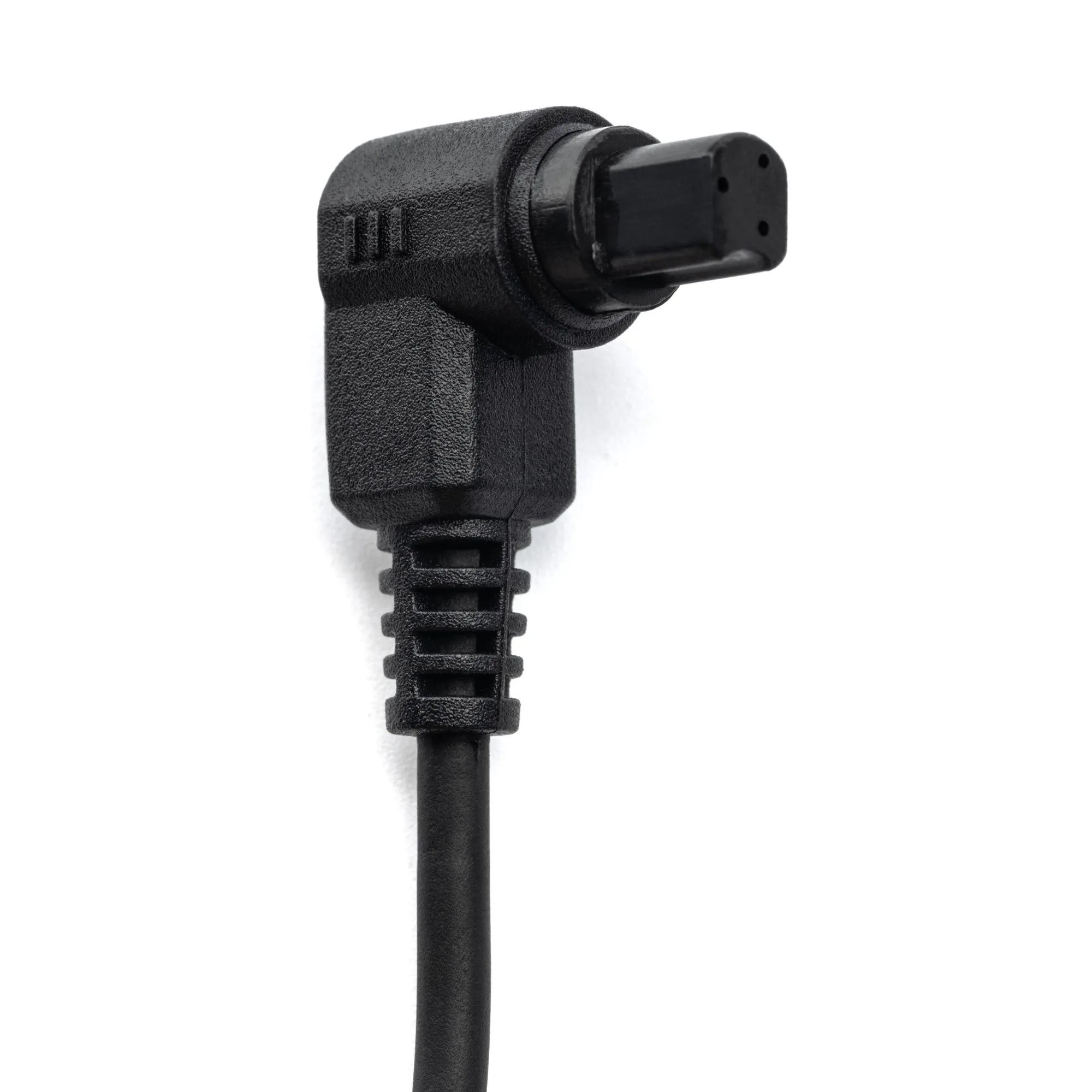
NiSi Shutter Release Cable C2 for NiSi Bluetooth Shutter Release
Setting Up the Cable and Remote
You need the NiSi Bluetooth Wireless Remote Shutter Control (sold separately) to use this cable. The cable alone cannot trigger the camera.
- Connect the cable: Plug the NiSi Shutter Release Cable C2 into the remote port on your supported Canon camera. The coiled 1m cable gives you some reach while keeping things compact.
- Attach the Bluetooth remote: Connect the other end of the cable to the NiSi Bluetooth Wireless Remote Shutter Control. Ensure the connection is secure.
- Pair the remote with your phone: Follow the instructions that came with the NiSi Bluetooth Remote to pair it with your smartphone via Bluetooth. The NiSi app will handle the rest.
- Set up the app for long exposures: Open the NiSi app, set your base exposure, and let the app calculate the correct long exposure time. The app then triggers the camera to start and stop the exposure in bulb mode automatically.
Using the Cable for Long Exposures
When combined with the NiSi app, the cable enables hands-off bulb exposures. After setting the base exposure in the app, it calculates the required long exposure time and triggers the shutter to open and close automatically. This eliminates camera shake from pressing the shutter button and ensures precise timing.
The cable itself doesn't store any settings or battery—it simply passes the signal from the Bluetooth remote to the camera. For the app features to work, your phone must remain connected to the remote throughout the exposure.
Important Note
The NiSi Shutter Release Cable C2 is the cable only. You must purchase the NiSi Bluetooth Wireless Remote Shutter Control separately. Without the remote, the cable cannot trigger the camera or communicate with the app.