Quick Answer
To use a non-contact forehead thermometer correctly, hold it 1.2 to 2 inches from the center of the forehead, press the button, and read the backlit display within one second. Avoid movement and ensure the forehead is clean and dry for the most accurate result.
Why Distance and Positioning Matter
The non-contact design of infrared thermometers measures the heat radiating from the skin. If you hold the device too far away, it may pick up ambient heat from the room or other objects, skewing the reading. Too close, and you risk touching the skin, which defeats the purpose of a no-contact check.
The center of the forehead, just above the eyebrows, is the recommended target. This area has consistent blood flow and provides a reliable surface temperature. Avoid scanning the temple, hairline, or areas covered by sweat, makeup, or lotion.
Environmental Factors That Affect Accuracy
Extreme temperatures can influence readings. If someone has been outdoors in cold weather or just finished a hot shower, wait 10–15 minutes before taking a measurement. Similarly, avoid using the thermometer in direct sunlight or near heating vents, as these can raise the ambient temperature and cause false highs.
For children, ensure they are calm and still. Movement can cause the sensor to read the wrong area or capture a mix of skin and background temperatures.
Step-by-Step Guide to Using a Non-Contact Forehead Thermometer
- Prepare the thermometer and the person: Ensure the thermometer is clean and the lens is free of dust. Position the person in a stable environment away from direct heat or cold. Wipe the forehead to remove sweat, makeup, or hair. A clean, dry forehead is essential for an accurate reading.
- Set the device to forehead mode (if applicable): Some models have multiple modes. Check the user manual and select the forehead setting. If no mode selector exists, the default is usually forehead. Using the wrong mode (e.g., ear or object) can produce inaccurate results.
- Hold the thermometer at the correct distance: Position the thermometer 1.2 to 2 inches (3–5 cm) from the center of the forehead. Keep the device steady and perpendicular to the skin. Too far or too close can cause measurement errors.
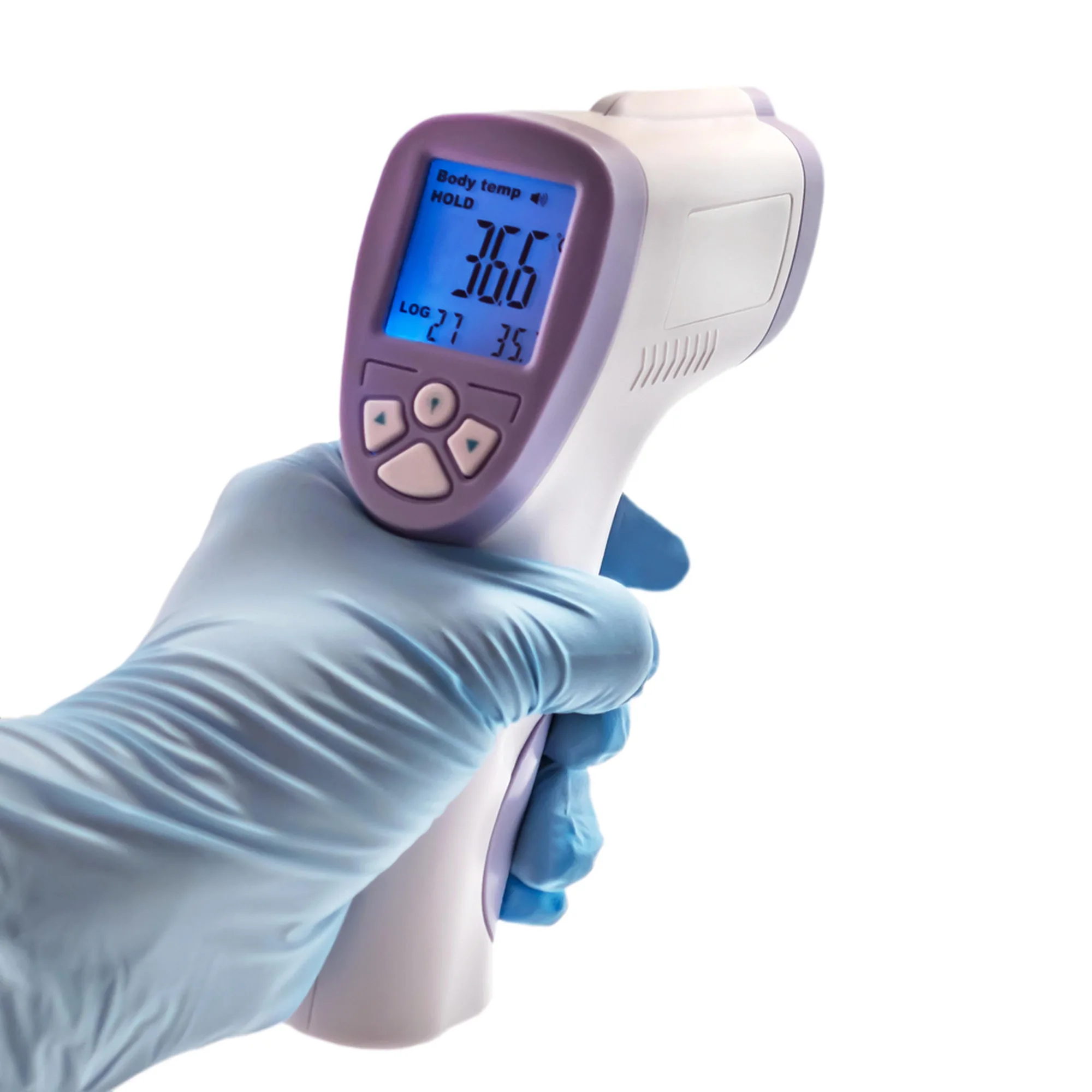
- Press the button and wait for the reading: Press the measurement button and hold the device still until the reading appears on the backlit display, typically within 1 second. Avoid moving the thermometer during the measurement to prevent an error.
- Interpret the reading and clean the device: Note the temperature and compare it with normal body temperature ranges (typically 97°F–99°F / 36.1°C–37.2°C for adults). Wipe the sensor with a soft, dry cloth after each use. If the reading seems off, wait a minute and retake it, or use a different method to confirm.
Product Facts
-
Non-Contact Forehead Thermometer: The Berrcom JXB-178 Non-Contact Infrared Thermometer provides a reading in just 1 second from a distance of 1.2 to 2 inches. This speed and non-contact design make it ideal for quick checks on restless children or multiple family members without the need for physical contact.
Non-Contact Forehead Thermometer