Quick Answer
Use a pack toggle to loop your ice axe or trekking poles through the webbing on your backpack, then cinch it tight for a secure, rattle-free carry without adding extra straps.
Why Choose a Pack Toggle Over Straps?
A pack toggle is a small replacement hardware piece that simplifies gear attachment. Unlike extra straps, it uses the webbing already on your pack, so it adds almost no weight and keeps your setup streamlined.
It works with packs like the Aspect 32 and Vertex 32 for ice axe attachment, and can also secure trekking poles to daisy chain webbing on packs without dedicated pole storage. This makes it a versatile tool for ultralight hikers who want to minimize bulk.
Trade-Offs to Keep in Mind
The pack toggle is not a universal solution. It relies on compatible webbing or attachment points, so it won't work on every pack. Also, it's designed for lightweight items like ice axes and trekking poles; avoid using it for heavy gear that might stress the webbing.
If your pack doesn't have the right daisy chain or attachment loops, you may need to consider alternative methods or additional hardware.
Step-by-Step: Securing Gear with a Pack Toggle
- Locate the Attachment Point: Find the daisy chain webbing or dedicated ice axe loop on your pack. For ice axes, use the loop near the top or bottom of the pack. For trekking poles, use a daisy chain point that keeps them stable and out of the way. Check that the webbing is wide enough to fit the toggle before you start.
- Insert the Pack Toggle: Slide the pack toggle through the webbing loop or daisy chain slot. Make sure it's fully seated and the webbing is flat, not twisted, to ensure a secure hold. If the toggle feels loose, try a different slot or adjust the webbing tension.
- Attach Your Gear: Place the ice axe shaft or trekking pole handle through the toggle's opening. For an ice axe, position the head down to prevent snagging. For trekking poles, fold them and insert the handle first. Avoid attaching gear by the strap or basket, as it may slip.
- Tighten and Test: Pull the toggle snug against the gear and webbing. Give the gear a gentle shake to ensure it's secure. If it moves, reposition and tighten again. A common mistake is not tightening enough—always do a final check before hiking.
Product Details
-
Pack Toggle: This is the replacement hardware for attaching an ice axe to packs like the Aspect 32 and Vertex 32, or upgrade existing ice axe attachment on the Prism 40, Ice Packs, Crux 40, and Headwall 55. It lets you securely attach an ice axe to compatible packs, or upgrade the attachment on newer models, without adding extra straps.
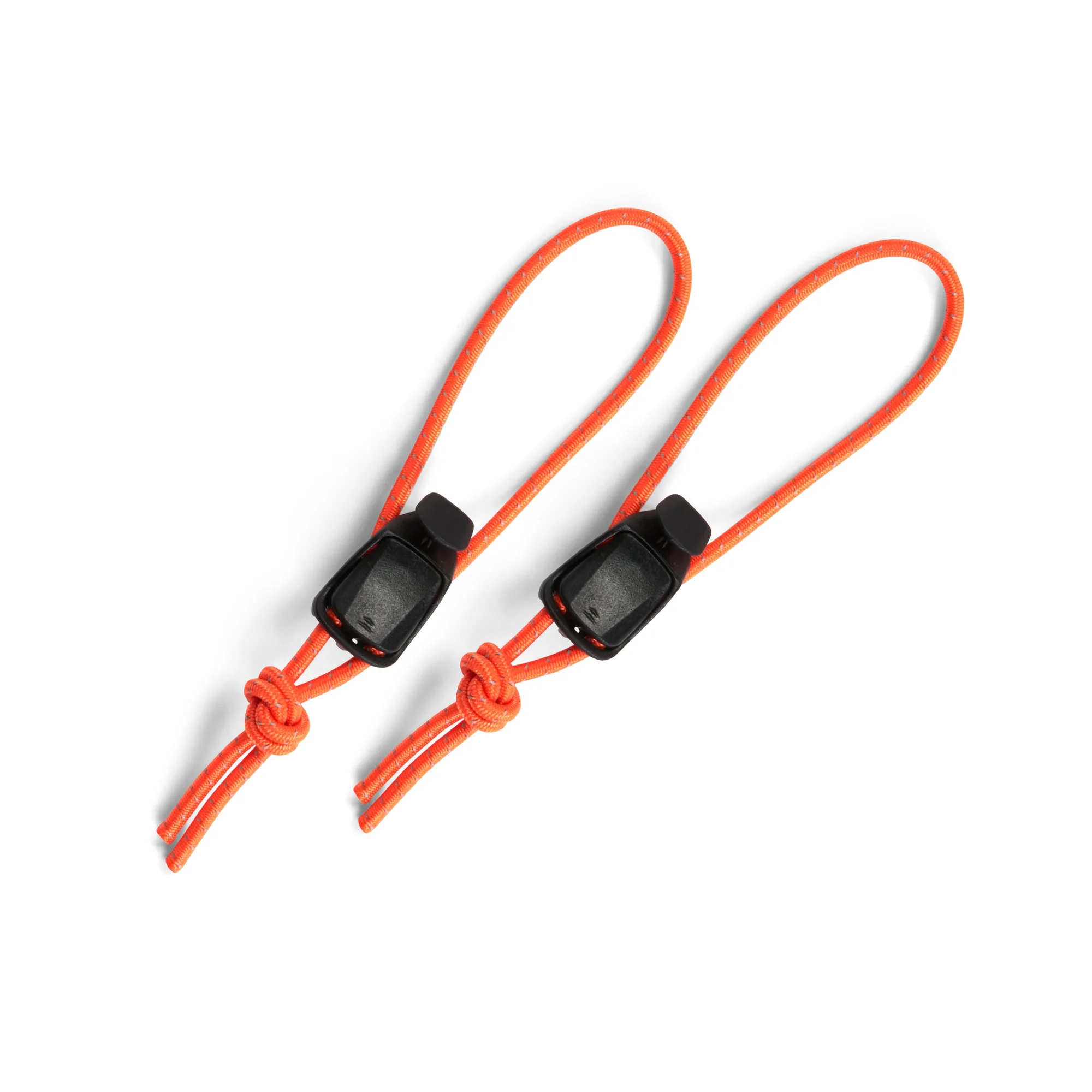
Pack Toggle