Start with the sleeve's actual job
A puffy laptop sleeve is not a hard case and it is not a backpack. It is a soft, padded layer that sits between your laptop and everything else in your bag. That distinction shapes how you use it: the sleeve handles bumps, scratches and daily wear, while your backpack or tote handles the rest of the commute.
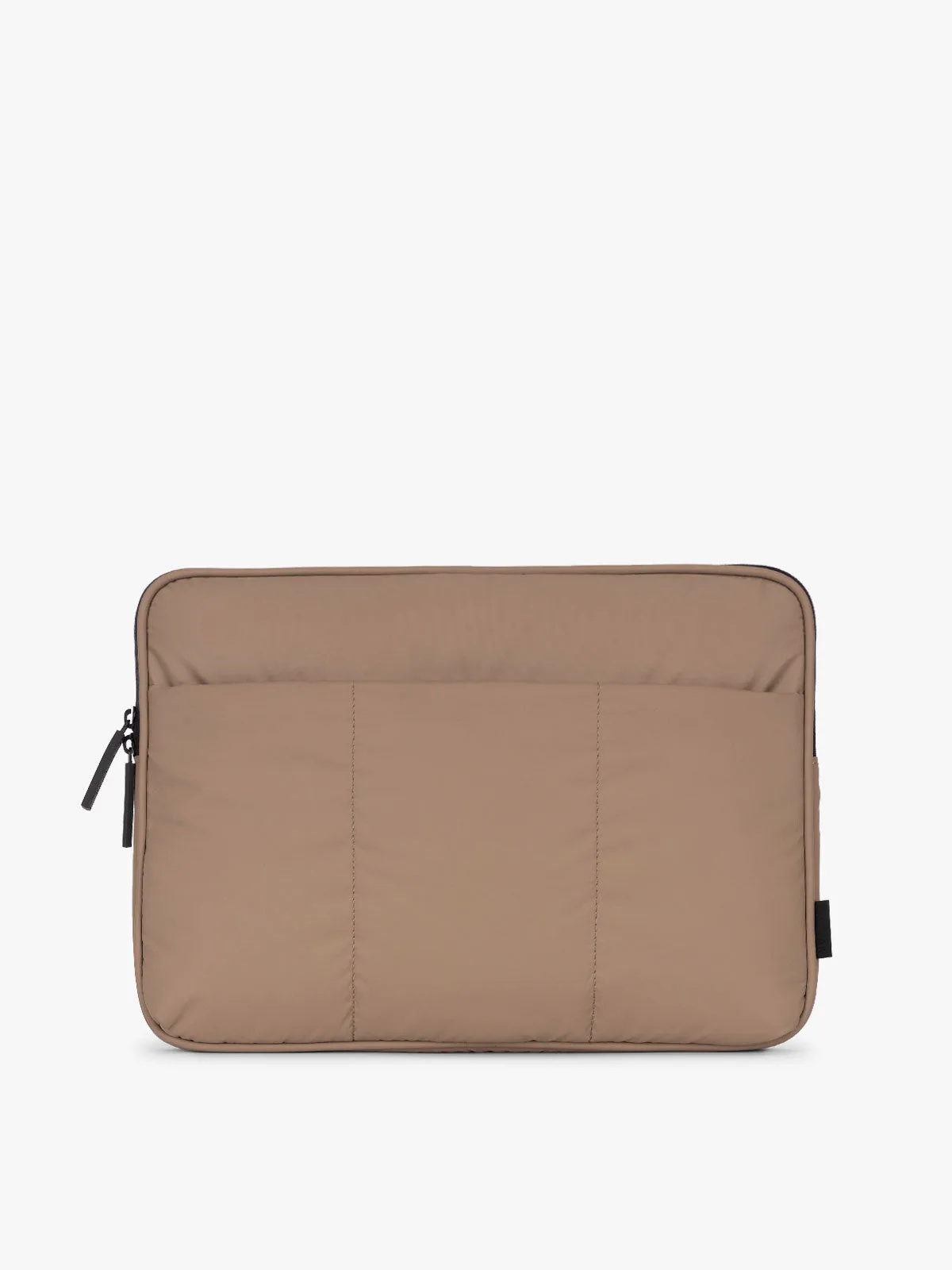
The Puffy Laptop Sleeve from Istahly-Lebanons is built around that single job. Its quilted puffer design is soft and padded, it closes with a smooth zipper, and it is slim enough to slide into a backpack or tote. Knowing that, you can plan a commute routine that plays to its strengths instead of asking it to do more than it can.
What the Puffy Laptop Sleeve record confirms
-
Puffy Laptop Sleeve: Available in 14-inch (fits 13” & 14” laptops) and 16-inch (fits 15” & 16” laptops) sizes. Size is the first decision: match the sleeve to your laptop's stated screen size before anything else.
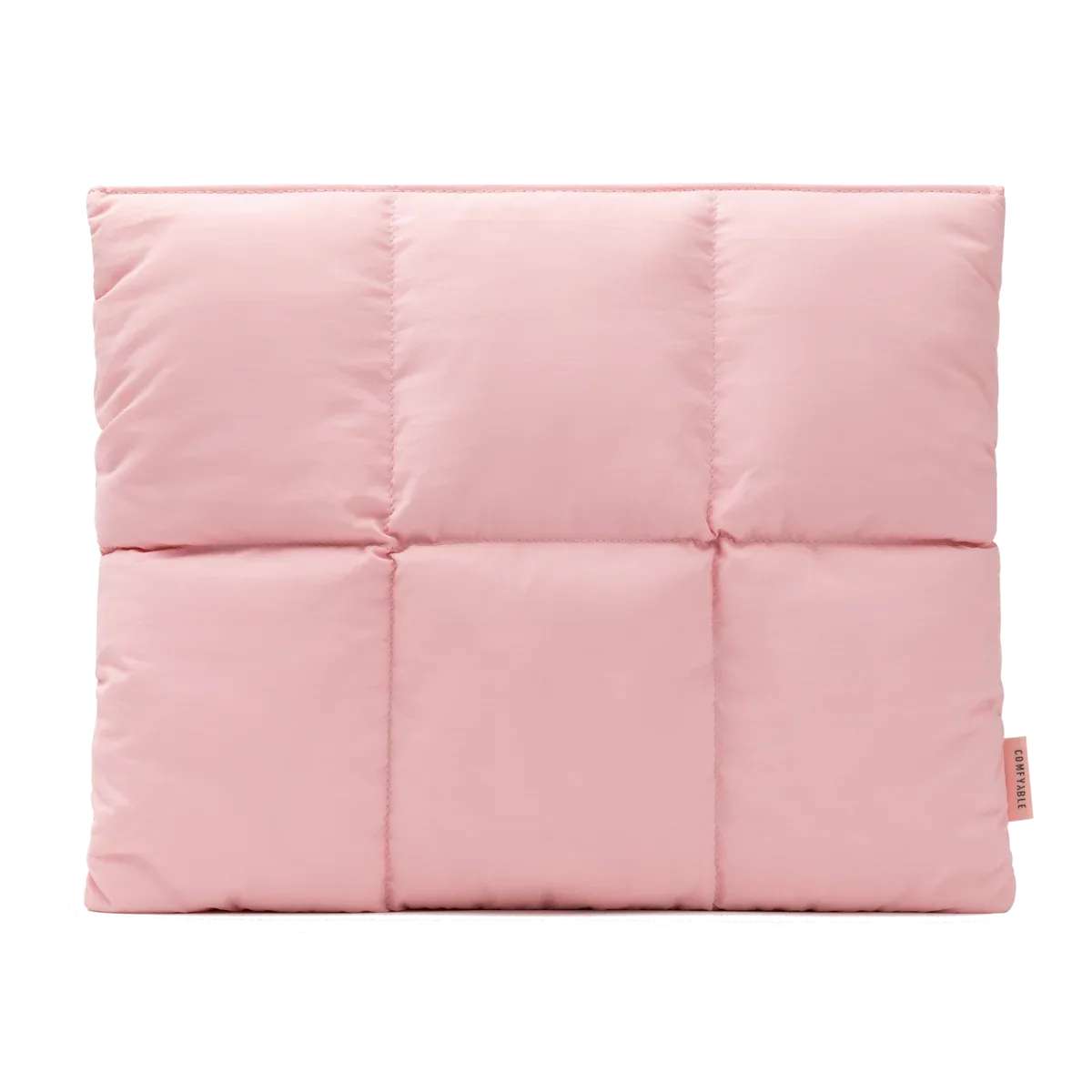
Puffy Laptop Sleeve
-
Puffy Laptop Sleeve: Soft padded design shields your laptop from bumps, scratches, and daily wear. This is the protection the sleeve is designed to provide, so you know what it is for on a commute.
-
Puffy Laptop Sleeve: Slim, easy-to-carry sleeve that fits into your backpack or tote bag. The sleeve is meant to be carried inside another bag, not instead of one.
-
Puffy Laptop Sleeve: Smooth zipper closure ensures secure storage with quick access. The zipper is the main closure, so your routine should include checking it is fully closed before you move.
A simple commute routine, step by step
These steps assume you already have a sleeve that matches your laptop size. If you are still choosing, read the sizing section below first.
- 1. Slide the laptop in fully before zipping: Open the zipper all the way, place the laptop inside, and make sure no corner is caught at the edge. The padded design protects against bumps and scratches, but only when the laptop sits fully inside the sleeve.
- 2. Close the zipper completely: The sleeve uses a smooth zipper closure for secure storage. Run the zipper to the end before you lift the sleeve, especially if you are in a hurry.
- 3. Place the sleeve inside your backpack or tote: The sleeve is designed to fit into a backpack or tote bag. Put it in first, then pack other items around it rather than on top of it.
- 4. Keep hard or sharp items away from the sleeve: Keys, water bottles and metal objects belong in a separate pocket. The sleeve protects against bumps and scratches, but separating hard items reduces unnecessary pressure on the laptop.
- 5. Carry the bag upright where possible: The sleeve is slim and lightweight, so it will not hold a shape on its own. Keeping your bag upright limits how much the sleeve and laptop shift during a commute.
- 6. Remove the laptop from the sleeve before opening it: Take the laptop out of the sleeve first, then open the lid. This keeps the sleeve clean and avoids stressing the zipper while the laptop is half in and half out.
Choosing the right size before you buy
The Puffy Laptop Sleeve comes in two size options: 14-inch, which fits 13” and 14” laptops, and 16-inch, which fits 15” and 16” laptops. The available variants listed in the product record are Black in 13/14 inches, Black in 15/16 inches, and Beige in 15/16 inches. Pink is also listed as a color option in the product description, but the variant list supplied here only confirms Black and Beige combinations.
Check your laptop's stated screen size first. If your laptop is 13 or 14 inches, the 14-inch sleeve is the intended match. If it is 15 or 16 inches, the 16-inch sleeve is the intended match. The supplied information does not include internal or external dimensions, so if your laptop sits at the edge of a size category, or if you use a thick shell or skin, confirm fit with the store before ordering. That is a limitation of the information provided, not a flaw in the sleeve.
How the sleeve fits into different commute setups
The same sleeve works differently depending on what you carry it in. Use this comparison to set expectations for your own routine.
- Backpack with a laptop compartment: The sleeve adds a padded layer inside the compartment. This is the most natural setup because the compartment already limits movement.
- Tote or open-top bag: The sleeve fits, but the bag offers less structure. Keep the sleeve upright and avoid stacking heavy items on top of it.
- Carried alone: The sleeve is designed to go into a backpack or tote, not to be carried by itself. It has no handle or shoulder strap in the supplied record, so plan to carry it inside a bag.
- Packed with a charger and cables: Put the charger and cables in a separate pouch or pocket. The sleeve protects the laptop, but it does not organize accessories for you.
Packing tips that keep the padding effective
The quilted puffer design is the sleeve's main protection, so the goal of packing is to avoid compressing it. Place the sleeve against a flat side of your bag rather than in the middle of a pile. If you carry a water bottle, keep it in an outer pocket so a leak does not reach the sleeve. And if your bag is very full, consider whether the pressure on the sleeve is worth it; the padding is soft, and constant compression reduces the cushioning effect over time.
For organization, treat the sleeve as one item, not a compartment. The supplied record describes a single sleeve with a zipper closure and does not list external pockets, so small items like dongles or cards need their own pouch. That keeps the sleeve slim and makes it easier to slide in and out of your bag.
Color and care notes from the record
The sleeve is available in Pink, Beige and Black, and the variant list confirms Black and Beige in specific sizes. The supplied information does not include washing or cleaning instructions, so avoid guessing at machine washing. A conservative approach is to spot-clean the exterior with a damp cloth and mild soap, then let it air dry, but confirm with the store if you need a manufacturer-approved method. The record also does not list water resistance, so treat the sleeve as a soft padded layer rather than rain protection.
- Pink: Listed as a color option in the product description; the supplied variant list does not confirm which sizes it is available in.
- Beige: Confirmed in the 15/16-inch size in the variant list.
- Black: Confirmed in both 13/14-inch and 15/16-inch sizes in the variant list.
When the sleeve is the right choice, and when it is not
The Puffy Laptop Sleeve makes sense if your commute involves a backpack or tote and you want a lightweight, padded layer that prevents scratches and everyday bumps. It is also a reasonable choice if you switch bags often, because the slim design slides in and out easily.
It is not the right choice if you need drop protection from height, a hard shell, a handle, or a shoulder strap. The supplied record does not confirm those features, and the sleeve is described as soft and padded rather than rigid. If your commute involves crowded public transport or frequent knocks, pair the sleeve with a structured bag rather than relying on the sleeve alone.