Quick Answer
Use the Spectrum Noir Gilding Flake Tools to apply gilding flakes to cards by first preparing your surface with adhesive, then pressing the flakes on with the tools for a smooth, even metallic finish. The kit's tools help you handle flakes precisely and avoid the mess.
Why Tool Choice Matters for Gilding Flakes
Gilding flakes are delicate and can easily tear or scatter. The Spectrum Noir Gilding Flake Tools are designed to give you control when picking up and placing flakes, which is especially helpful for detailed card designs like lettering or stamped images. Using the right tool reduces waste and helps you achieve a clean, professional-looking finish.
Common Mistakes to Avoid
One common mistake is applying too much adhesive, which can cause the flakes to clump and look uneven. Another is pressing too hard when burnishing, which can tear the flakes. Also, waiting too long before applying the flakes can make the adhesive dry out, reducing adhesion. The steps below include checkpoints to help you avoid these issues.
Step-by-Step Guide to Gilding Flakes on Cards
- Prepare your card and design: Stamp or draw your design with a pigment ink or embossing pad, or apply a thin layer of gilding adhesive to the areas you want to gild. Let it sit until it becomes tacky, not wet. Check that the adhesive is tacky but not dry—if it's dry, the flakes won't stick.
- Pick up the gilding flake: Use the Spectrum Noir Gilding Flake Tool to pick up a flake. Gently press the tool onto the flake to lift it without tearing. If the flake tears, use a lighter touch next time.
- Place the flake onto the adhesive: Carefully place the flake over the tacky area, pressing it down with the tool or your finger. For larger areas, you can use a larger flake or multiple flakes to cover the space. Make sure the entire adhesive area is covered; if not, add another flake.
- Burnish the flake: Using the burnishing tool or the back of a spoon, gently rub the flake to ensure it adheres well and creates a smooth, even metallic finish. Avoid pressing too hard, as this can tear the flake and leave gaps.
- Remove excess flakes: Use a soft brush or a clean, dry cloth to brush away any loose flakes that didn't stick to the adhesive. This will reveal your crisp gilded design. Brush gently to avoid disturbing the adhered flakes.
Featured Product
-
Spectrum Noir Gilding Flake Tools: The Spectrum Noir Gilding Flake Tools kit allows you to create detailed gilded designs in minutes, from luminous lettering to shimmering stamped designs. This makes it easy to add precise metallic accents to your cards without the mess or difficulty of handling loose flakes.
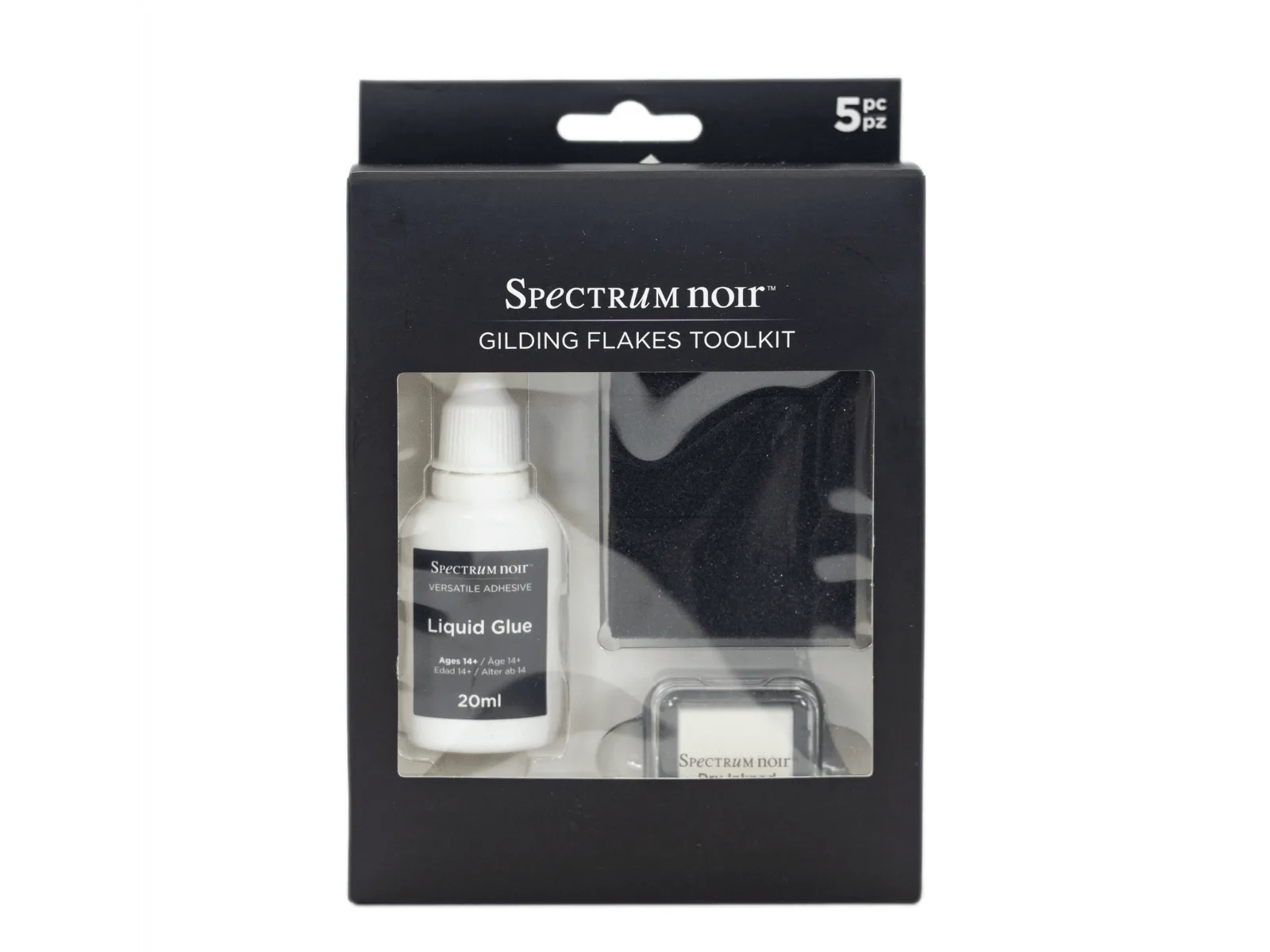
Spectrum Noir Gilding Flake Tools