Quick answer
Use the OXO Precision Scale w/Timer to weigh your coffee beans and water by mass, ensuring a consistent brew ratio every time. Follow the steps below to set up, tare, and time your pour-over for repeatable results.
Why weighing beats scooping
Coffee beans vary in density and size, so a scoop can deliver 20% more or less coffee than you expect. Weighing with a scale that measures in 0.1-gram increments eliminates that guesswork. The OXO Precision Scale w/Timer gives you that precision, so your morning cup tastes the same whether you use light or dark roast beans.
The built-in timer also helps you control pour-over timing. A consistent water flow and steep time are just as important as the ratio for extracting the right flavors.
Trade-offs to know
The OXO Precision Scale is compact and easy to store, but its 6 lb capacity means it won't handle very large batches. If you brew more than about 1 liter of water at once, the scale may max out. For standard single or double pour-overs, it works perfectly.
The display is easy to read, but in very bright sunlight the numbers can be harder to see. Place it in a shaded spot or angle it away from direct light.
How to use the OXO Precision Scale for consistent brewing
- Place and power on: Set the scale on a flat, stable surface. Press the power button to turn it on. Wait for the display to show 0.0 g before proceeding. Make sure the surface is level; an uneven surface can cause inaccurate readings.
- Tare your brewing vessel: Place your empty pour-over dripper or carafe on the scale. Press the tare button (marked with a 'T') to reset the display to 0.0 g. This subtracts the weight of the vessel so you only measure the coffee and water. Always tare after adding a new container or ingredient. Forgetting to tare is the most common mistake.
- Weigh your coffee beans: Add whole coffee beans to the vessel until the display shows your target dose (e.g., 20 g for a 1:16 ratio with 320 g water). The scale reads in 0.1 g increments, so you can be precise. If you overshoot, remove a few beans rather than trying to pour back — it's easier to adjust down than up.
- Grind and set the timer: Grind the beans, then place the filter and grounds back on the scale. Press the timer button to start it when you begin pouring water. The timer counts up, helping you track bloom time and total brew time. Don't forget to start the timer as soon as the first water hits the grounds. A delayed start makes your timing useless.
- Add water by weight: Pour water slowly while watching the scale. Stop when the display reaches your target water weight (e.g., 320 g). The scale updates quickly, so you can hit the number accurately. Pour in a steady, controlled stream — a fast pour can overshoot your target before you react.
- Finish and clean: Once brewing is done, press the power button to turn off the scale. Wipe the surface with a damp cloth. The non-slip silicone mat protects the scale and makes cleaning easy. Avoid submerging the scale in water. A quick wipe keeps it accurate and extends its life.
Product facts
-
OXO Precision Scale w/Timer: The OXO Good Grips 6 lb Precision Scale with Timer provides split-second precision with measurements from 0.5 g up in 0.1-gram intervals. This level of precision lets you dial in your coffee-to-water ratio exactly, so you can replicate your best brew without guesswork.
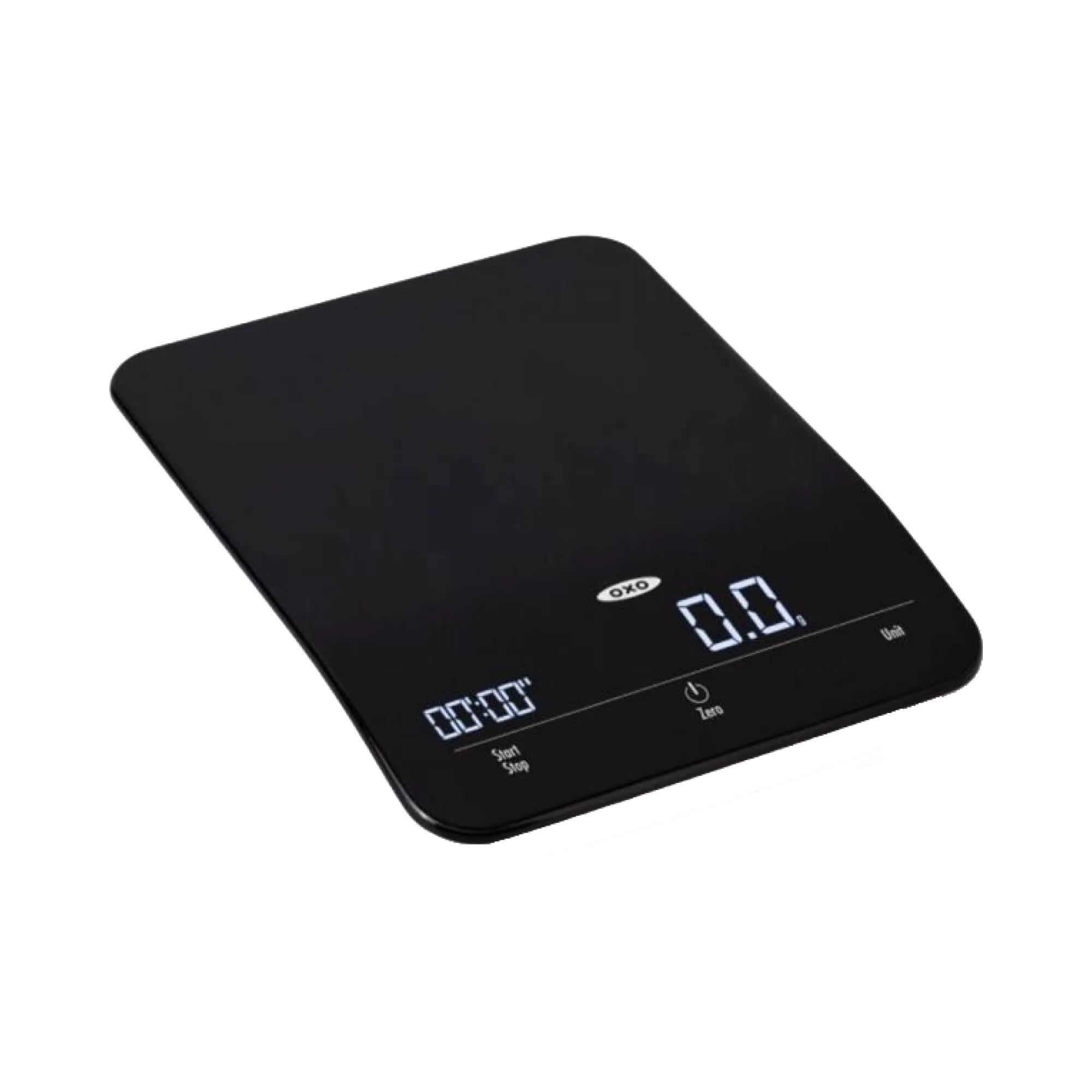
OXO Precision Scale w/Timer