Quick Answer
Use a visual timer by setting it before each transition, showing students how much time remains, and pairing it with a consistent routine so they can prepare themselves without repeated verbal reminders.
Why Visual Timers Work for Classroom Transitions
Transitions are often the most stressful part of the school day because students have to stop one activity and start another. A visual timer makes the abstract idea of time concrete: the colored disc visibly shrinks, so students can see exactly how much time is left. This reduces the anxiety that comes from not knowing when a change will happen, especially for children with autism, ADHD, or other sensory processing differences.
Unlike a verbal countdown, a visual timer gives a constant, silent cue. Students can glance at it whenever they need reassurance, which helps them build self-regulation skills. It also cuts down on repeated teacher prompts, freeing you to support students who need extra help during the transition.
Choosing the Right Timer for Your Classroom
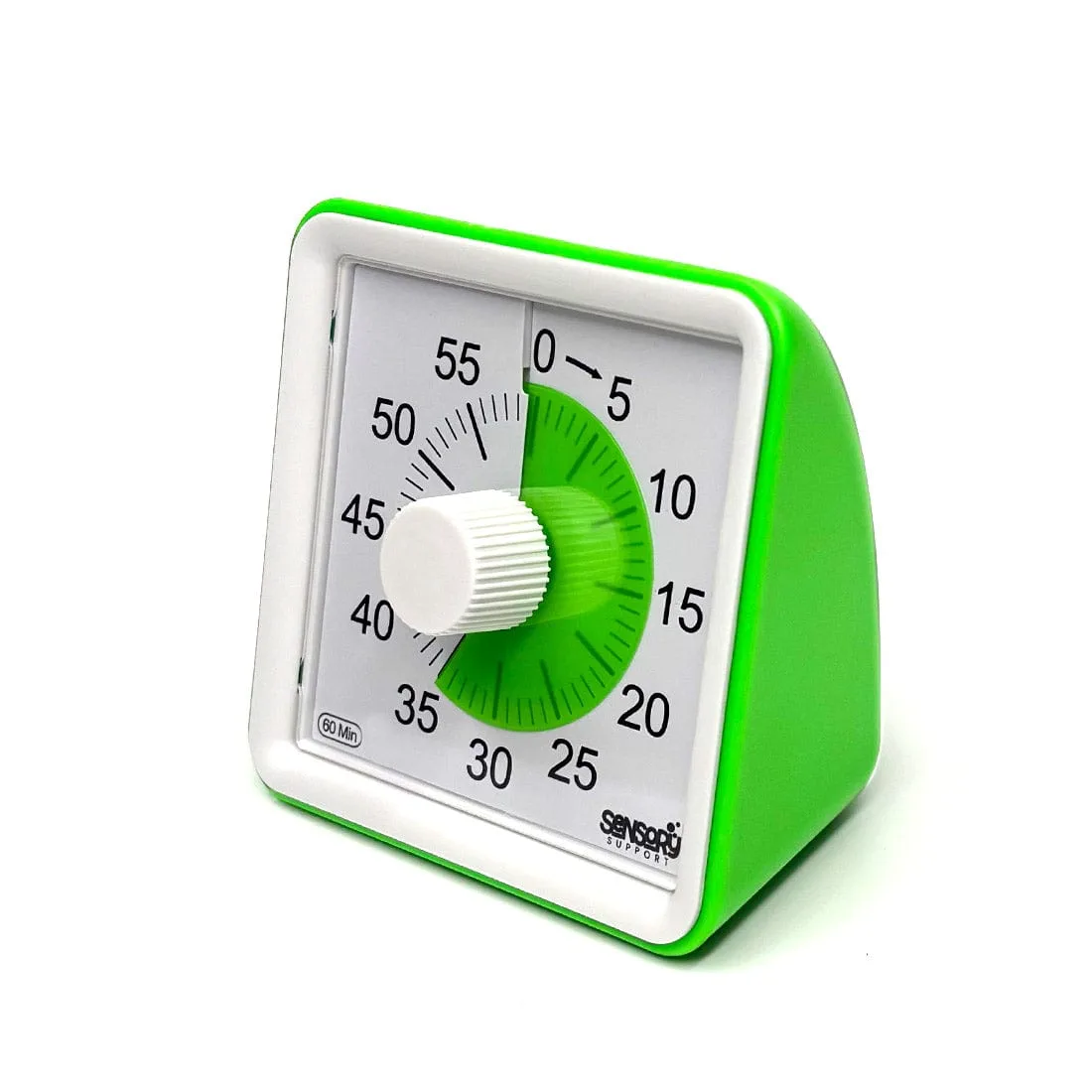
When selecting a visual timer, look for one that is easy to see from across the room and simple to operate. The Time Keeper Visual Timer uses a colored disc that disappears as time passes, making it intuitive even for young children. It comes in different colors, so you can match it to your classroom decor or use color coding for different activities.
Consider whether you need a timer with a loud alarm or a silent option. For sensory-sensitive students, a silent or gently chiming timer may be less startling. The Time Keeper Visual Timer is designed to be calm and clear, which fits well in a sensory-friendly classroom.
Step-by-Step: Using a Visual Timer for Transitions
- Set the Timer Before the Transition: Place the timer where all students can see it. Set the desired amount of time for the transition (e.g., 5 minutes for cleaning up). Make sure the timer is started before you announce the transition so students see the full time available. Check that the timer is visible from every student's seat before starting.
- Explain the Visual Cue: Point to the colored disc and say, 'This is how much time we have left. When the disc is gone, it's time to stop.' Repeat this explanation for the first few days until students understand the visual. Use consistent language each time so the cue becomes automatic.
- Use a Countdown Warning: When about one minute remains, give a brief verbal heads-up: 'One minute left.' This reinforces the visual and helps students who are deeply focused prepare to stop. Avoid adding extra warnings; the timer is the primary cue.
- Praise and Reinforce: When students complete the transition on time, acknowledge it positively: 'You finished before the timer ran out!' This builds motivation and reinforces the routine. Consistent positive feedback helps students internalize the timing.
- Adjust Time Based on Needs: Observe how long transitions actually take and adjust the timer accordingly. If students consistently finish early, shorten the time; if they struggle, lengthen it slightly and then gradually reduce it. The goal is to make transitions predictable, not rushed.
Product Facts
-
Time Keeper Visual Timer: The Time Keeper Visual Timer turns the abstract concept of time into something children can see, with a colored disc that gradually disappears to show how much time is left. This visual cue helps kids understand time at a glance, reducing anxiety and making transitions more predictable.
Time Keeper Visual Timer