Quick answer
To brand your gear with a Westcott logo sticker, clean the surface, peel the backing, position carefully, and press firmly from the center outward. This method gives you a bubble-free, durable result.
Why a vinyl sticker is a smart gear label
A vinyl sticker is more than a logo—it's a practical way to identify your equipment on a shared set or in a studio. The Westcott Logo Sticker is die cut from durable vinyl, so it holds up to the bumps and scrapes your gear sees regularly.
Putting a sticker on your laptop, tablet, or camera bag also makes it easier to spot your gear in a pile of similar cases. It's a low-cost, low-commitment way to add a personal touch without altering the gear itself.
Where to place it for best results
Stickers stick best to smooth, flat surfaces. A laptop lid, a hard-shell case, or a clean section of a camera bag works well. Avoid textured surfaces like fabric or rubberized grips—the adhesive won't bond as securely, and the sticker may peel over time.
If you're labeling a light stand or tripod leg, choose a spot that won't get rubbed when the stand collapses. A small sticker on the upper leg or near the head is often safer than one near the locking knobs.
Step-by-step sticker application
- Clean the surface: Wipe the area with a lint-free cloth and a little rubbing alcohol or a mild cleaner. Let it dry completely. A clean, dry surface is the key to long-lasting adhesion.
- Peel the backing: Carefully peel the sticker from its backing, handling it by the edges to avoid fingerprints on the adhesive. If the sticker curls, press it flat on the backing for a few seconds before peeling.
- Position before pressing: Hold the sticker just above the target spot and align it visually. For large stickers, use a piece of tape on the top edge as a hinge. Once pressed, repositioning is hard—get it right the first time.
- Press from the center outward: Place one edge down, then use a credit card or your thumb to press the sticker flat, moving from the center to the edges to push out air bubbles. If a bubble remains, lift the nearest edge and re-press slowly.
- Let it set: Wait at least 24 hours before handling the item heavily or exposing it to moisture. The adhesive bonds fully over time. Avoid washing or scraping the sticker for a day to get the strongest hold.
Product spotlight
-
Westcott Logo Sticker: These durable vinyl stickers are die cut with the good ol’ Westcott logo. The die-cut shape and vinyl material make the sticker easy to apply cleanly and tough enough to stay put on gear you use daily.
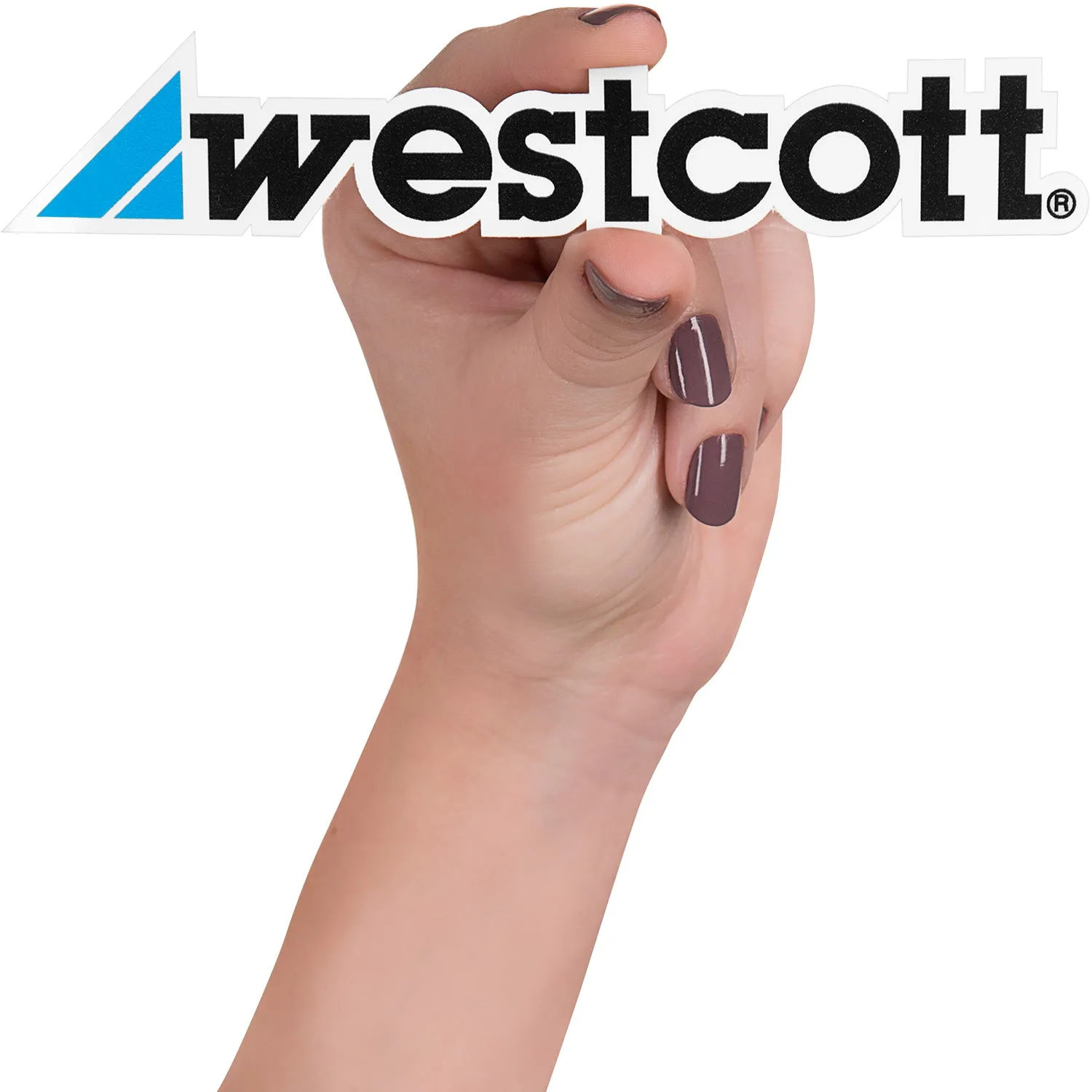
Westcott Logo Sticker