Quick Answer
To use the Zendure SuperBase Pro as a whole-home backup, start by calculating your essential loads, then connect the power station to your home's critical circuits via a transfer switch or extension cords. Configure the SuperBase Pro through the Zendure app to prioritize which devices to power, and regularly maintain the battery to ensure reliable performance during outages.
When the grid goes down, a whole-home backup powered by a portable power station like the Zendure SuperBase Pro can keep your lights on, fridge running, and devices charged. Unlike a fixed standby generator, the SuperBase Pro offers flexibility: you can move it where needed, expand capacity, and even pair it with solar panels for off-grid resilience.
This guide walks you through the practical steps to set up your Zendure SuperBase Pro for whole-home backup, from assessing your power needs to maintaining the system for long-term reliability.
Assess Your Home's Power Requirements
Before connecting your SuperBase Pro, list the essential appliances you want to power during an outage: refrigerator, lights, Wi-Fi router, medical devices, and perhaps a sump pump. Note their wattage and startup surge (motors like fridges draw extra power briefly). Add up the running watts to estimate your total load. For example, a refrigerator (700W), a few LED lights (50W), and a router (20W) total about 770W, well within the SuperBase Pro's output.
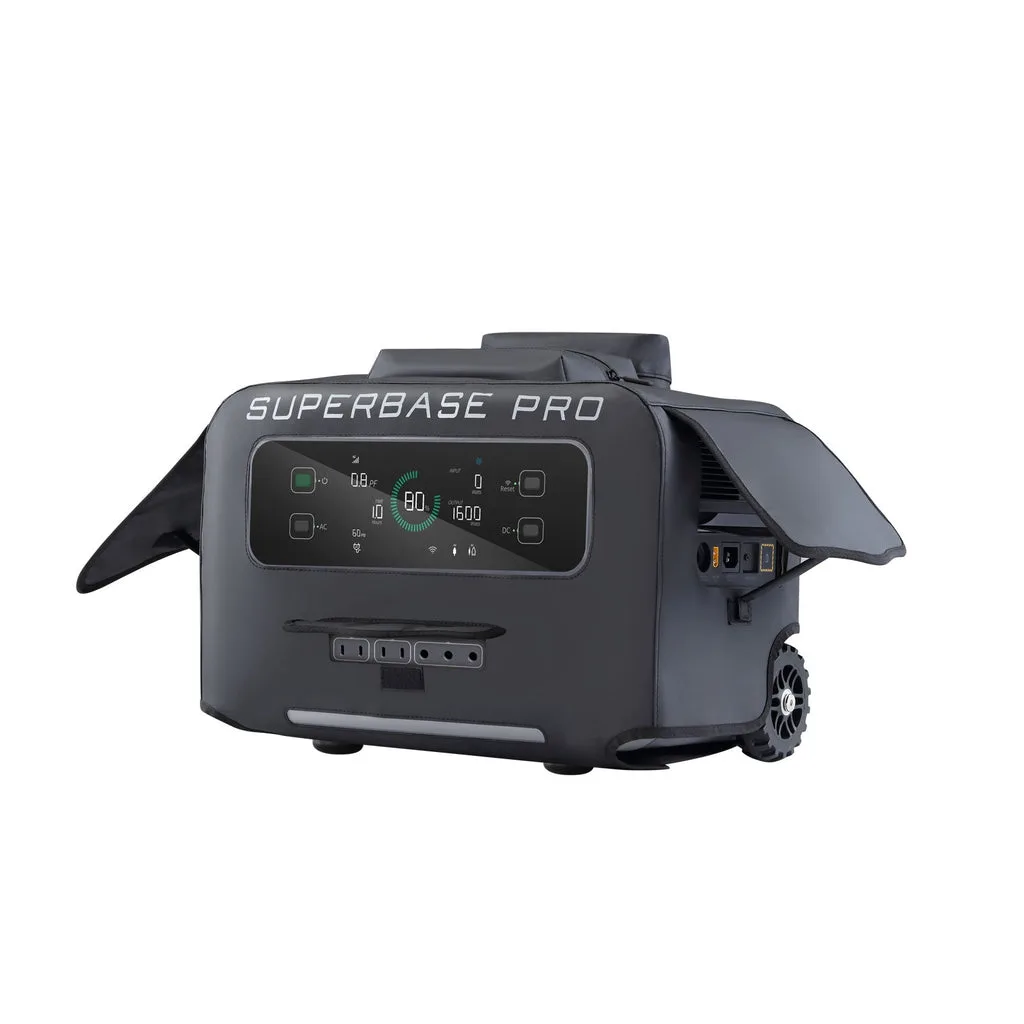
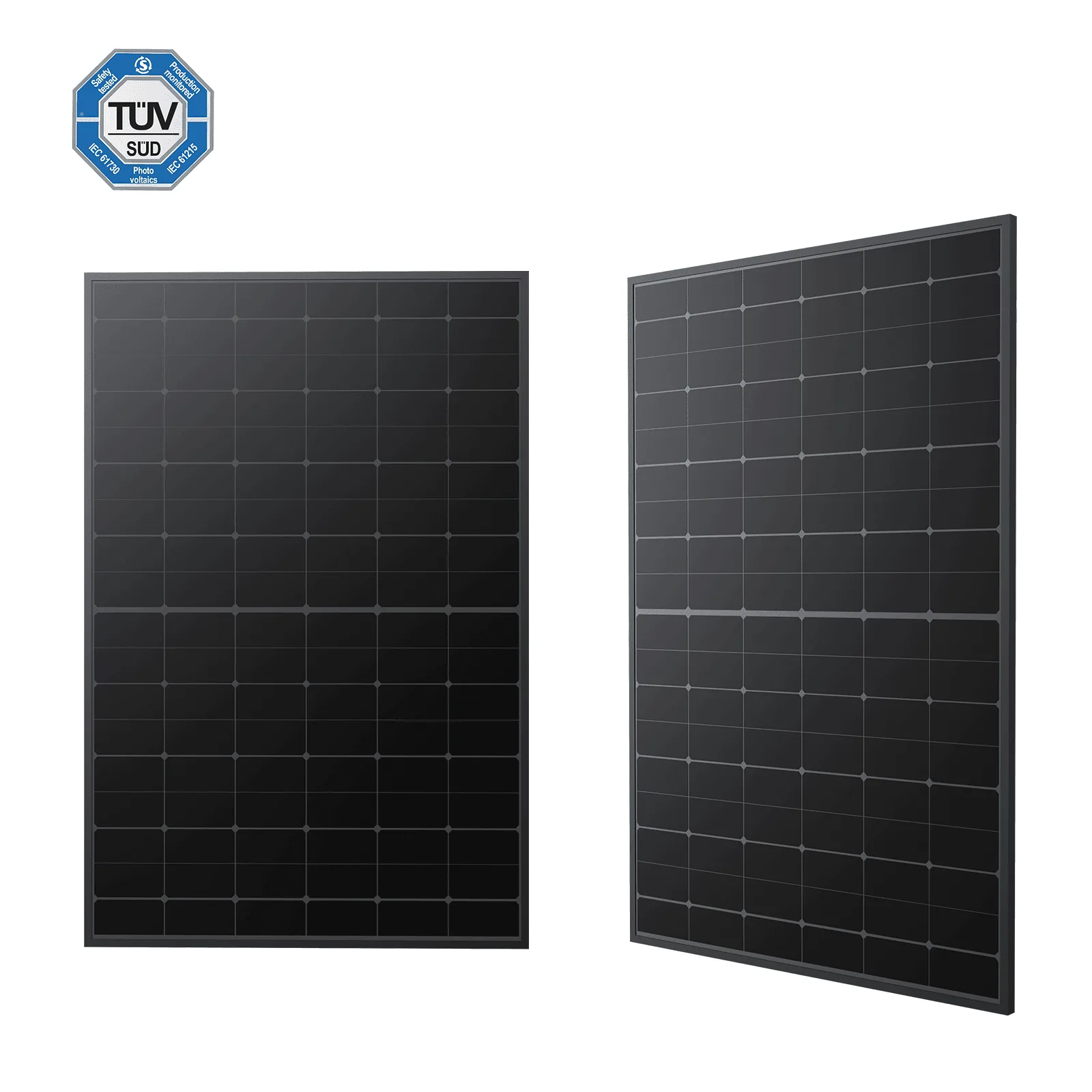
The Zendure SuperBase Pro Power Station provides a robust 2400W continuous output (4800W surge), which can handle most household essentials. However, it's not designed to run heavy electric heaters or central AC. If you need more capacity, consider the SuperBase Pro Solar Generators bundle, which includes solar panels for recharging, or pair it with a satellite battery for extended runtime.
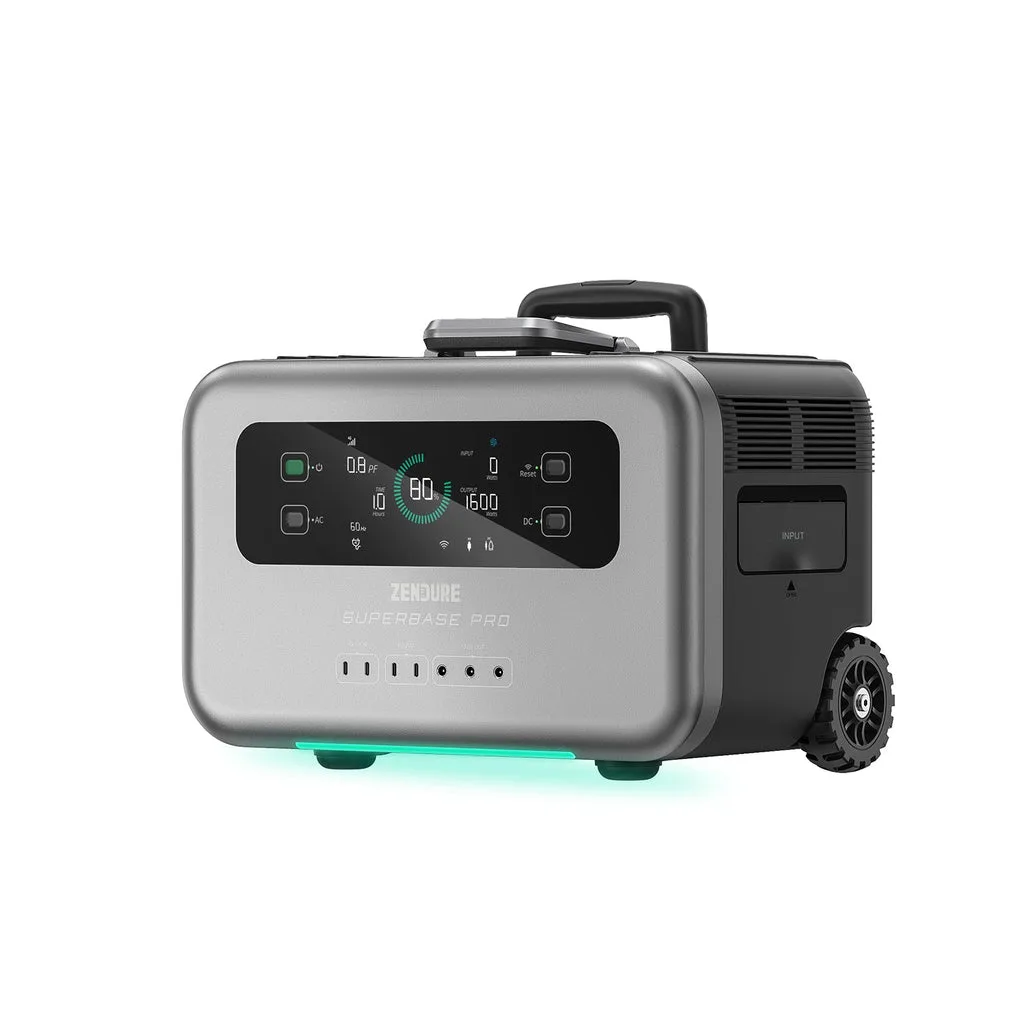
Zendure SuperBase Pro Power Station
- Use the Zendure app to monitor real-time consumption and estimate how long your battery will last.
Choose Your Connection Method
The safest way to power home circuits is through a manual transfer switch installed by an electrician. This isolates your home from the grid, preventing backfeed that could endanger utility workers. With a transfer switch, you can hardwire the SuperBase Pro to selected circuits, making it a true whole-home backup for those essentials.
If a transfer switch isn't feasible, use heavy-duty extension cords (rated for the appliance's wattage) to plug devices directly into the SuperBase Pro. This is simpler but limits you to devices within cord reach. Never connect the power station to a wall outlet (double male) as it's dangerous and illegal.
- Check local electrical codes; some areas require a licensed electrician for transfer switch installation.
Configure the SuperBase Pro in the App
Download the Zendure app and pair your SuperBase Pro via Wi-Fi or Bluetooth. The app lets you monitor battery level, input/output wattage, and set charging schedules. For whole-home backup, you can set a reserve capacity (e.g., keep 20% battery) so you always have emergency power even if you're using the station for daily load shifting.
If you have the SuperBase Pro Solar Generators version, the app also tracks solar input. Use the app to set priority: when grid power is available, the SuperBase Pro can charge from solar or AC, and when an outage occurs, it switches to battery automatically (if connected via transfer switch with an automatic transfer feature).
- Enable firmware updates to ensure optimal performance and new features.
Test Your Backup System Regularly
Once set up, simulate an outage by turning off the main breaker (with the SuperBase Pro connected to critical circuits). Run the system for a few hours to verify that all connected devices work and that the battery lasts as expected. This test reveals any wiring issues or overload problems before a real emergency.
Repeat this test every few months and after any significant change to your home's electrical load. Also, check the battery's state of health in the app; if capacity drops noticeably, consider maintenance or expansion.
- Keep a log of test results to track performance over time.
Maintain and Expand Your System
For long-term reliability, keep the SuperBase Pro in a dry, temperature-controlled area (ideally between 0°C and 40°C). If you don't use it for weeks, discharge and recharge the battery to about 50% every 3 months to preserve lithium-ion health. Clean the vents and ports with a dry cloth.
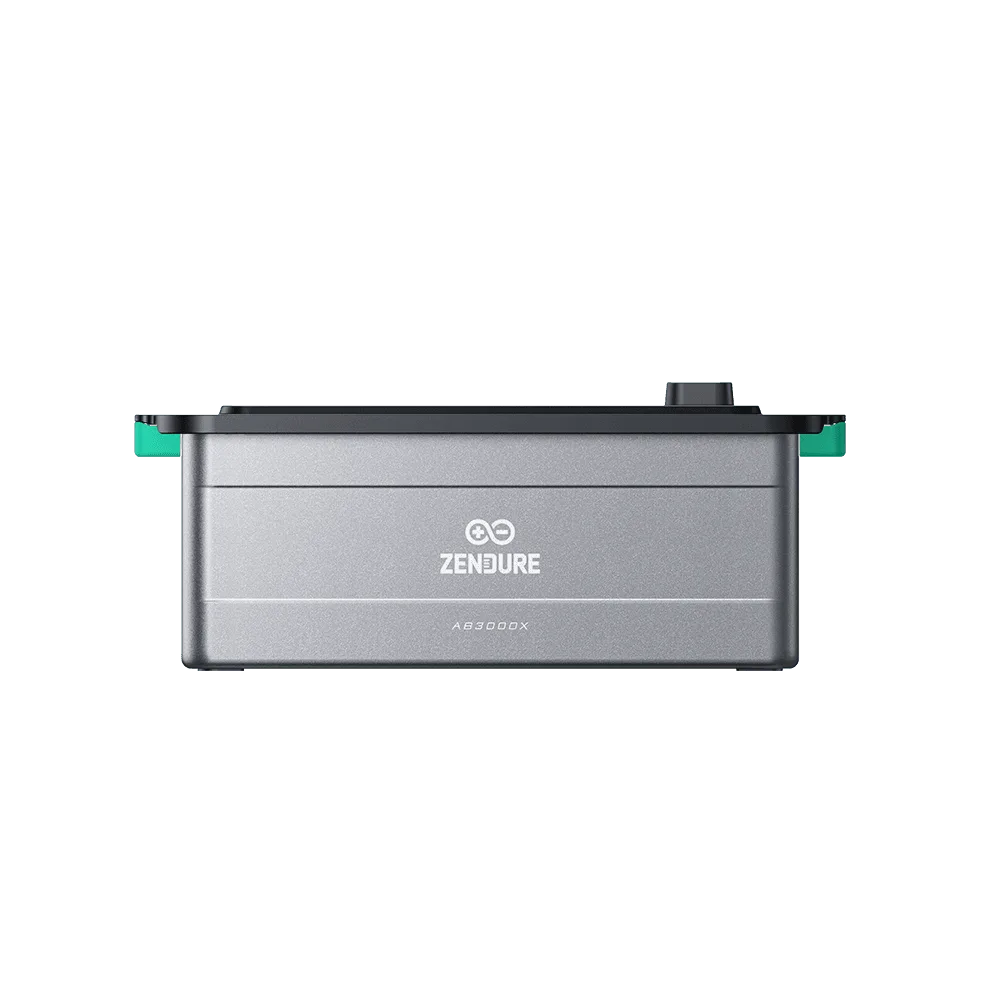
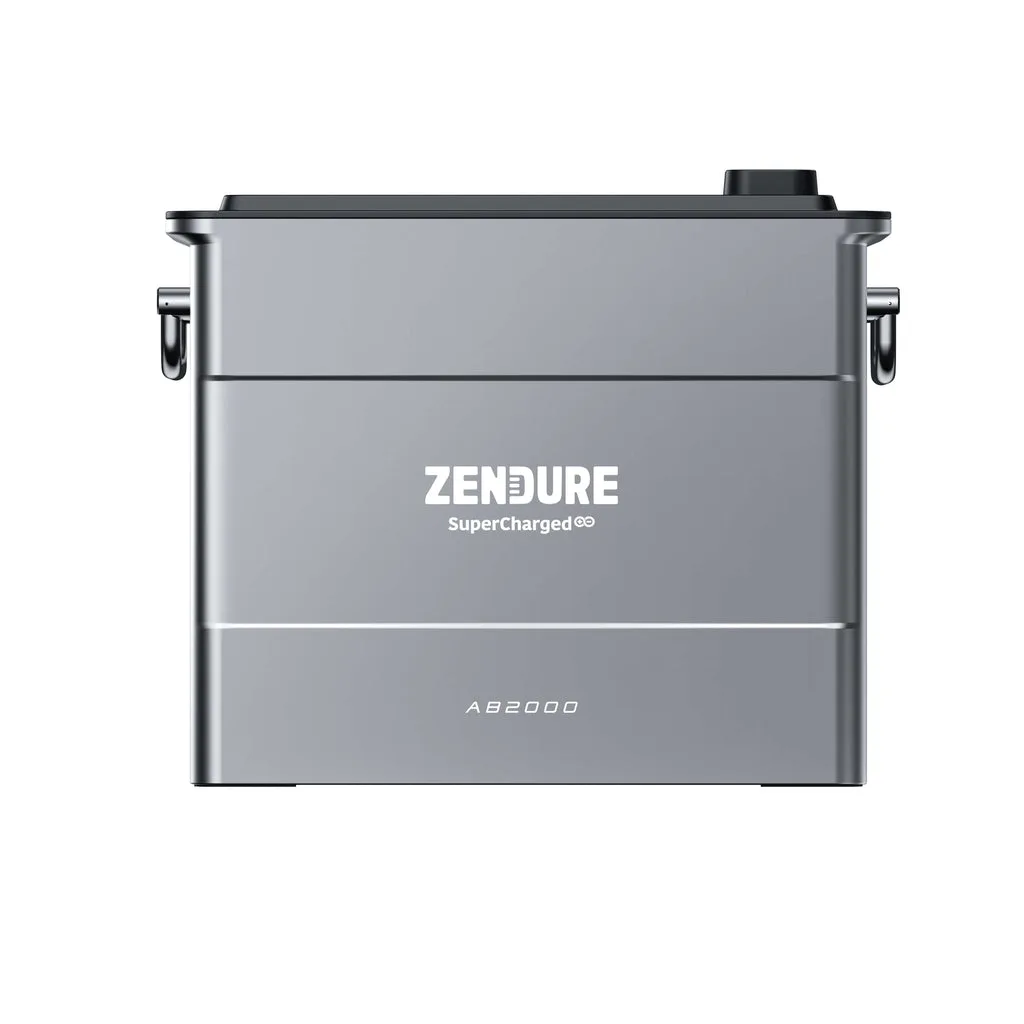
If your power needs grow, you can expand capacity by adding a Zendure SuperBase Satellite Battery. This plug-and-play unit doubles your capacity to 12.8 kWh, and you can add up to four for a massive 32 kWh. This modularity makes the SuperBase Pro a scalable whole-home backup solution.
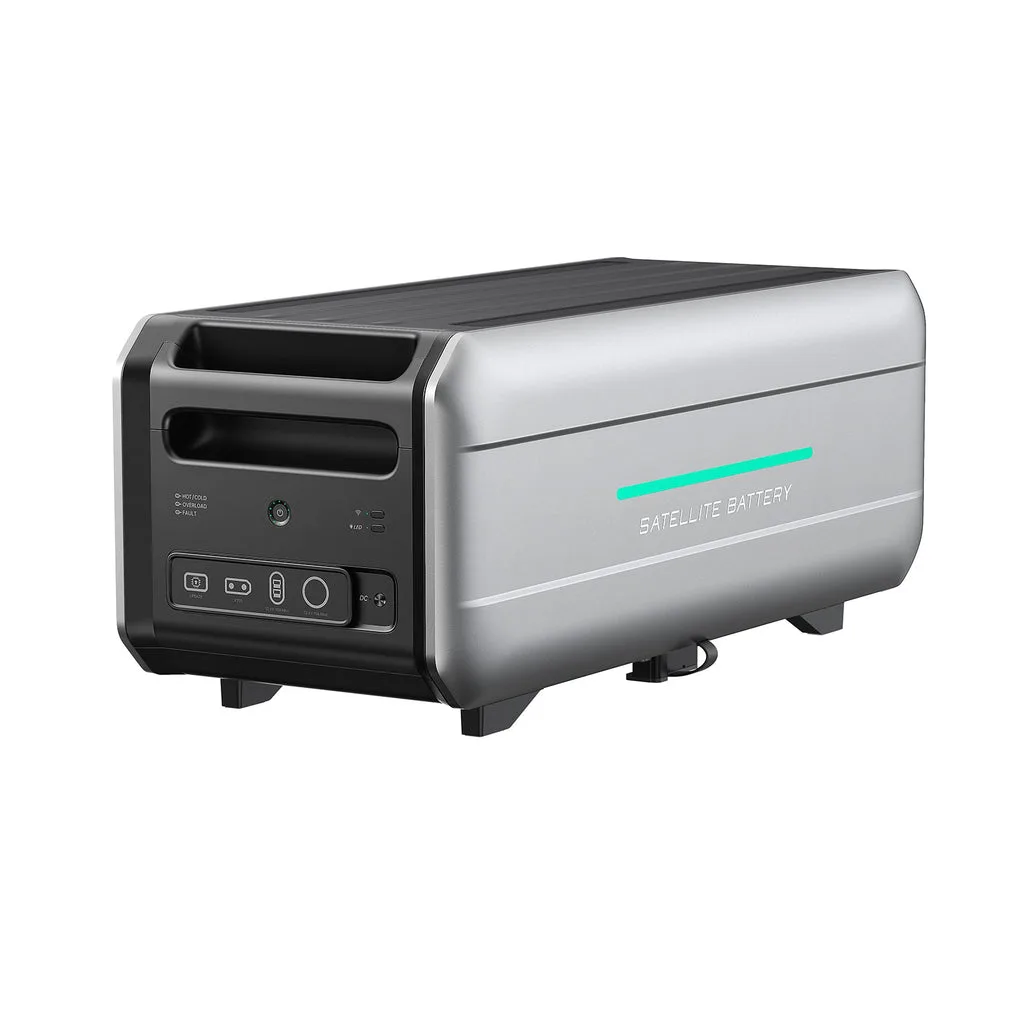
SuperBase Satellite Battery
- Check the Zendure app for battery health indicators and alerts.
Step-by-Step Setup Checklist
- Step 1: Calculate your essential load: List all devices you need during an outage and sum their wattages. Include startup surges. Checkpoint: Ensure your total running watts are below 2400W; otherwise, prioritize or expand capacity.
- Step 2: Choose a safe connection method: Install a transfer switch for hardwired circuits or use heavy-duty extension cords for direct connections. Checkpoint: Never backfeed the grid; use a transfer switch or unplug from the wall.
- Step 3: Configure in the Zendure app: Pair the SuperBase Pro, set reserve capacity, and monitor inputs/outputs. Checkpoint: Set a reserve of at least 20% to ensure emergency power.
- Step 4: Test the system: Simulate an outage by switching off the main breaker and running on battery for a few hours. Checkpoint: Verify all connected devices work and note runtime.
- Step 5: Maintain and expand: Store in a dry, cool place, discharge/charge every 3 months, and consider adding a satellite battery. Checkpoint: Monitor battery health in the app and plan for capacity upgrades.
Key Zendure Products for Home Backup
- Zendure SuperBase Pro Power Station: AIO 2400 3-minute quick installation Counter tab battery technology AIO's minimalist one-piece design keeps the micro-inverter out of sight for a clean and tidy appearance. AIO's proprietary counter tab battery technology accelerates heat dissipation and balances temperature distribution across the cells. This prevents dangerous hot spots and overheating for safer, more reliable long-term operation with reduced... This power station is designed for safe, long-term operation, making it a reliable core for your home backup system.
- Zendure SuperBase Pro Solar Generators: AIO 2400 3-minute quick installation Counter tab battery technology AIO's minimalist one-piece design keeps the micro-inverter out of sight for a clean and tidy appearance. AIO's proprietary counter tab battery technology accelerates heat dissipation and balances temperature distribution across the cells. This prevents dangerous hot spots and overheating for safer, more reliable long-term operation with reduced... The solar generator bundle adds renewable recharging capability, allowing you to sustain backup power indefinitely during extended outages.
Setting up your Zendure SuperBase Pro as a whole-home backup is straightforward when you follow these steps. By assessing your needs, connecting safely, configuring the app, testing regularly, and maintaining the battery, you'll have dependable power ready for any outage. For extended runtime or higher capacity, explore the SuperBase Pro Solar Generators or add a satellite battery to build a system that grows with you.