Quick answer
To connect and use the Zendure Hyper 2000, first ensure your system is powered off, then attach the input cables to your DC power source, connect the AC output to your load, and follow the startup sequence in the manual.
Before You Start: Know Your Setup
The Hyper 2000 is designed as a versatile accessory for your plug-in home ecosystem, but it requires a compatible DC source—such as a battery bank or solar charge controller—to function. It does not include internal batteries, so plan your power source before installation.
Check that your DC input voltage and current ratings match the Hyper 2000 specifications. Using an undersized source can cause the inverter to shut down or damage the unit. If you are unsure, consult the product manual or contact support.
Step-by-Step Connection and Usage Guide
- Step 1: Power Down and Prepare: Turn off all connected devices and disconnect the Hyper 2000 from any power source. Verify that your DC input source (e.g., battery) is off and the cables are in good condition. Common mistake: leaving devices on can cause a surge when connecting. Always power down first.
- Step 2: Connect DC Input Cables: Attach the positive (red) and negative (black) cables from your DC source to the corresponding terminals on the Hyper 2000. Tighten the screws securely but avoid overtightening. Checkpoint: ensure polarity is correct—reversing the connections can damage the inverter. Double-check before proceeding.
- Step 3: Connect AC Output Load: Plug your AC devices or power strip into the Hyper 2000's AC outlet(s). Do not exceed the rated output wattage of the inverter. Common mistake: overloading the inverter by connecting high-wattage appliances. Verify total load is within limits.
- Step 4: Power On the DC Source: Turn on your DC input source (e.g., battery switch or solar charge controller). The Hyper 2000 should power on automatically or after pressing the power button, depending on the model variant. Checkpoint: if the inverter does not start, check the DC source voltage and connections. A low battery may prevent startup.
- Step 5: Verify Output and Monitor: Check that the AC output indicator is lit and your connected devices are receiving power. Use the built-in display or app (if available) to monitor input voltage and output load. Common mistake: ignoring warning indicators. If the inverter beeps or shows an error, reduce the load or check connections immediately.
Product Facts
-
Hyper 2000: The Hyper 2000 is compatible with the Zendure ecosystem for seamless integration. This means you can pair it with other Zendure components like batteries or solar panels without extra adapters, simplifying your setup.
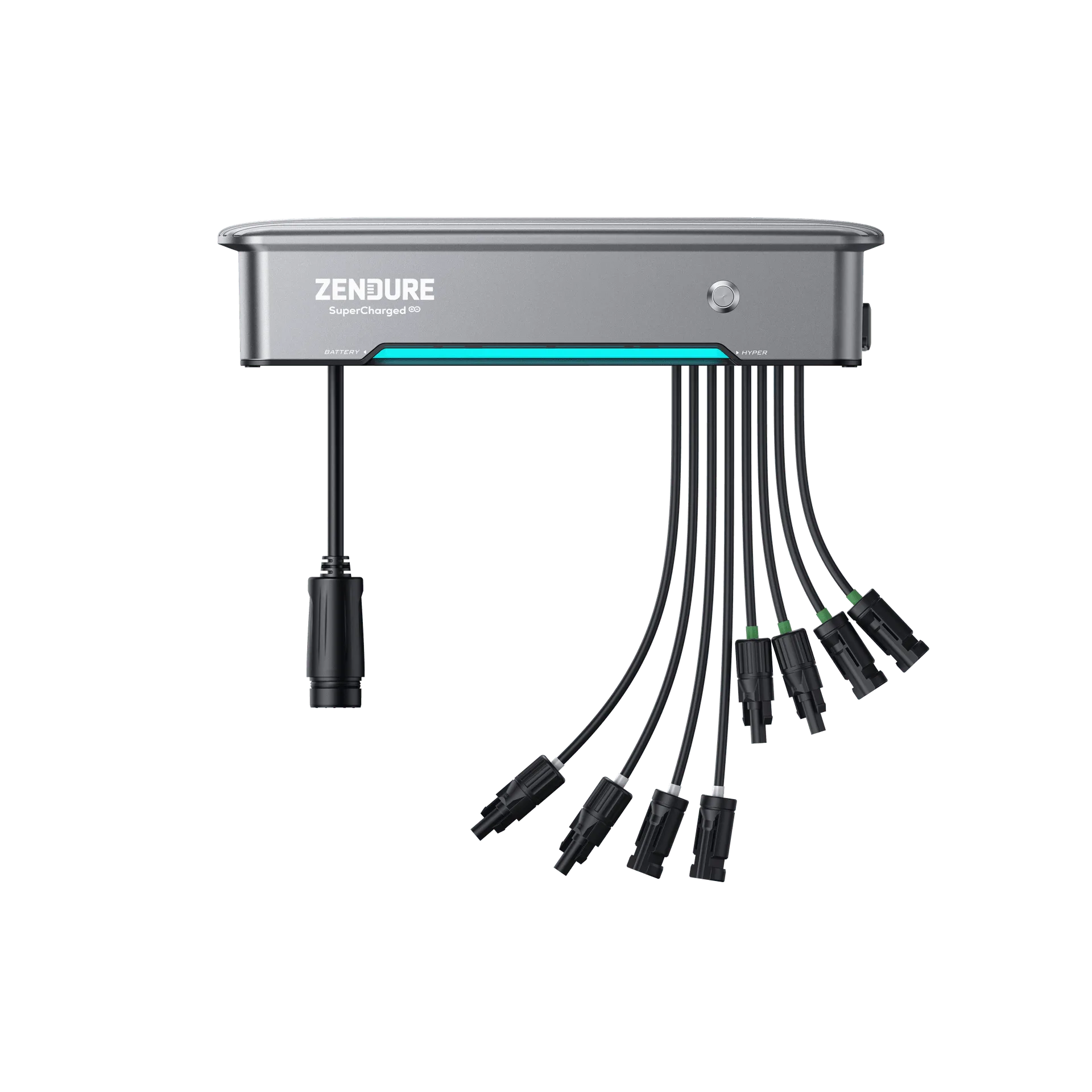
Hyper 2000