Quick answer
The Hyperkin The Competitor Controller is a wired gamepad that works on PC and console. To use it, plug the USB cable into your device, install any required drivers, and configure the controls in your game or system settings.
Wired vs. wireless: what to expect
The Competitor Controller uses a wired USB connection. This means zero input lag and no need to charge batteries, but the cable length limits how far you can sit from your screen. Make sure your setup allows for a comfortable cable reach.
Compatibility notes
This controller works with PC and select consoles. On PC, it typically registers as an Xbox 360 controller, so most games support it without extra software. For console use, check your specific model's compatibility—some may need an adapter.
Step-by-step setup guide
- 1. Connect the controller: Plug the USB cable into an available port on your PC or console. Use a USB 2.0 or 3.0 port for best performance. Common mistake: plugging into a low-power port can cause intermittent disconnects. Use a direct port on the device, not a hub.
- 2. Install drivers (if needed): On Windows 10/11, drivers install automatically. On older systems or Linux, download the appropriate driver from the manufacturer's site or use a generic Xbox 360 driver. Checkpoint: after installation, open Device Manager and confirm the controller appears under 'Human Interface Devices' or 'Xbox Peripherals'.
- 3. Configure in-game controls: Launch your game and go to the settings or controls menu. Select the controller option and remap buttons if desired. Most modern games recognize it instantly. Common mistake: if buttons don't respond, ensure the game is set to 'controller' input mode, not 'keyboard and mouse'.
- 4. Test the controller: Use the Windows Game Controller settings (joy.cpl) or a console's controller test utility to verify all buttons and sticks work correctly. Checkpoint: if a button or stick doesn't register, try a different USB port or restart the device before assuming a defect.
Product facts
-
Hyperkin The Competitor Controller -Combined: Catalog price is $31.99 (compared to $49.99). You get a reliable wired controller at a significant discount, making it a budget-friendly choice for PC and console gaming.
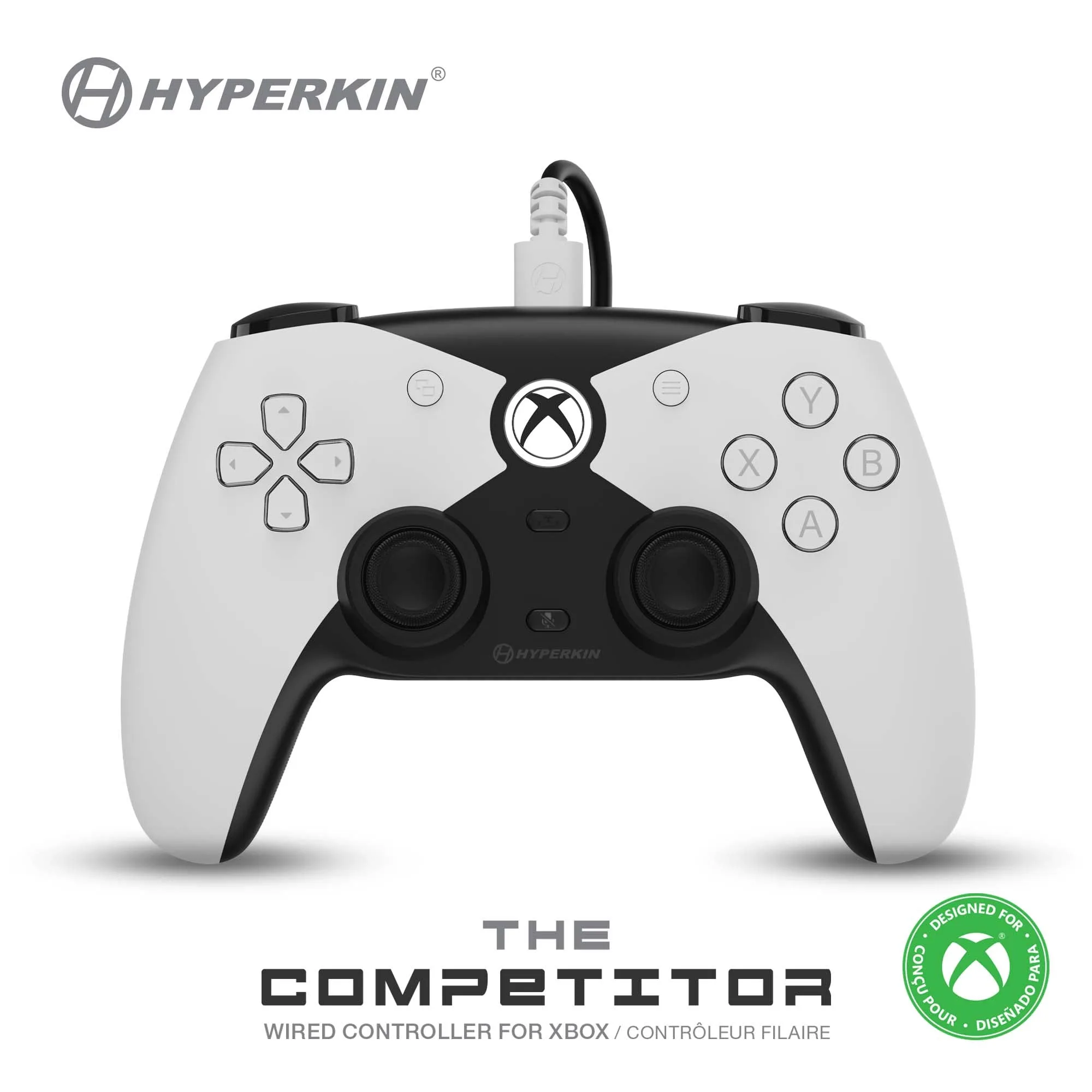
Hyperkin The Competitor Controller -Combined