What Makes a Hyperkin HDTV Cable Different from Standard AV Cables?
If you're playing classic consoles on a modern HDTV, the stock composite cables that came with your SNES, N64, or GameCube often look blurry or stretched. Hyperkin's HDTV cables are designed to solve that by outputting a cleaner 720p signal and letting you choose between 16:9 and 4:3 aspect ratios. But not all Hyperkin cables are the same—the standard model and the HD Pro Edition offer different features and price points. This comparison focuses on what each cable actually delivers, so you can decide which upgrade makes sense for your setup.
Hyperkin HDTV Cable (Standard) vs 3-In-1 720p HDTV Cable HD Pro Edition
Both cables let you play retro consoles on an HDTV at 720p, but they differ in visual flexibility and power requirements. Here's how they stack up:
- Resolution and Aspect Ratio: The standard Hyperkin HDTV Cable supports 720p resolution and offers 16:9 or 4:3 aspect ratio switching. The HD Pro Edition also outputs 720p but adds a Mode button with four visual styles, giving you more control over how the image looks.
- Visual Modes: The standard cable provides a straightforward 720p image. The HD Pro Edition includes four LED-indicated modes: Yellow (S-Video-style, sharper pixels, more vibrant), Green (S-Video-style, smoother pixels, subdued), Light Blue (AV-style, classic pixel quality, more vibrant), and Blue (AV-style, smoother, subdued). This lets you tune the look to match your preference or game type.
- Power Source: The standard Hyperkin HDTV Cable requires an additional 5V 1A USB power source (not included). The supplied evidence does not confirm whether the HD Pro Edition has the same requirement, so check your setup's power availability before choosing.
- Compatibility Note: The standard cable may not work with some PAL consoles. The HD Pro Edition's compatibility with PAL systems is not specified in the supplied information.
- Price: The standard cable is priced at $18.29 (catalog comparison $29.99). The HD Pro Edition costs $42.59 (catalog comparison $59.99). The price difference reflects the additional visual modes and potentially different build.
Key Differences at a Glance
-
Hyperkin HDTV Cable: Supports 720p resolution, 16:9 or 4:3 aspect ratio, crisp stereo audio. Requires a 5V 1A USB power source (not included). May not work with some PAL consoles. Ideal if you want a simple, affordable upgrade to 720p and have a USB port nearby. Be aware of PAL compatibility limits.
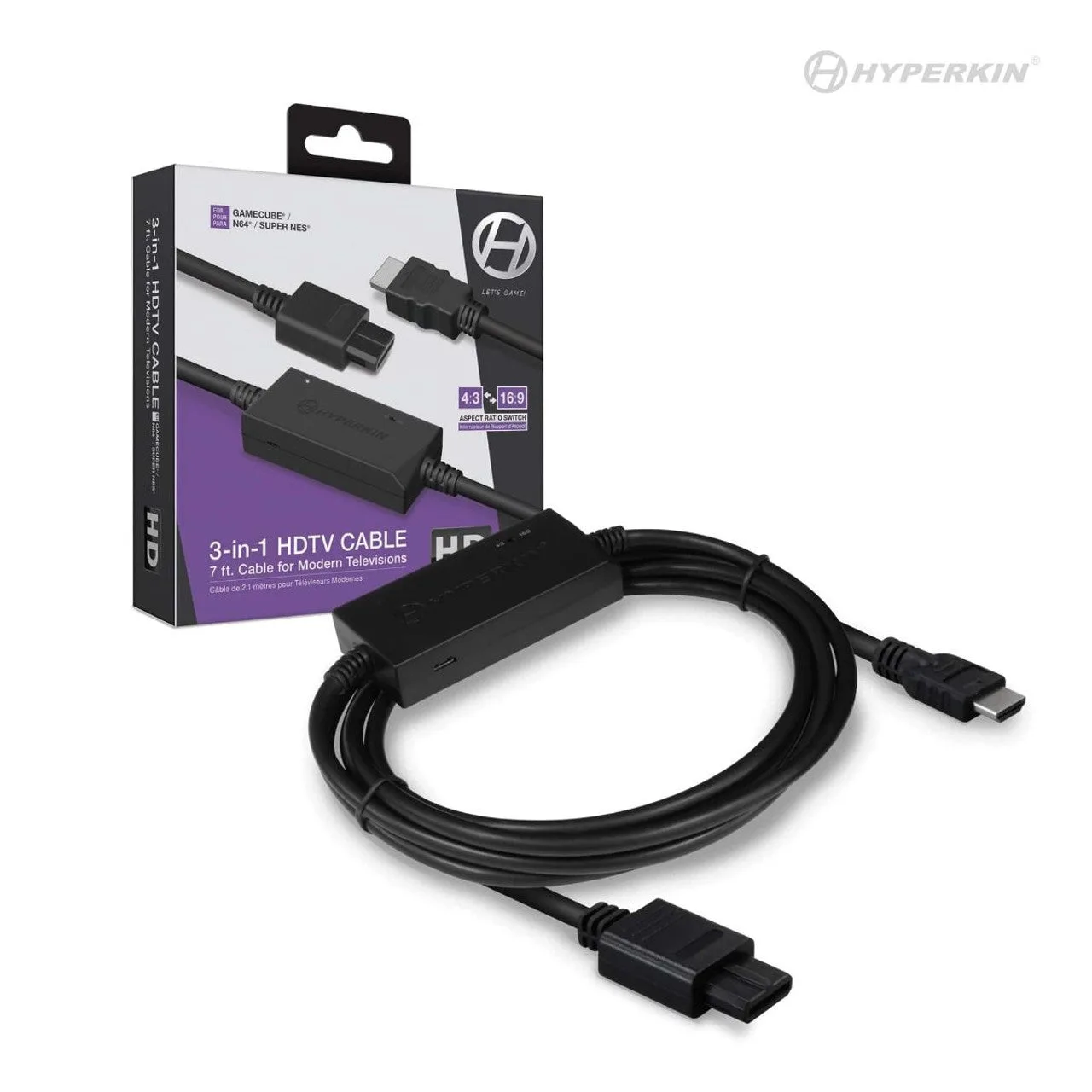
Hyperkin HDTV Cable
-
3-In-1 720p HDTV Cable HD Pro Edition: Includes a Mode button with four visual styles (S-Video and AV emulations), each with a different pixel sharpness and color profile. LED indicates active mode. Best if you want to customize the retro look per game—sharper pixels for platformers, smoother for RPGs—without changing cables.
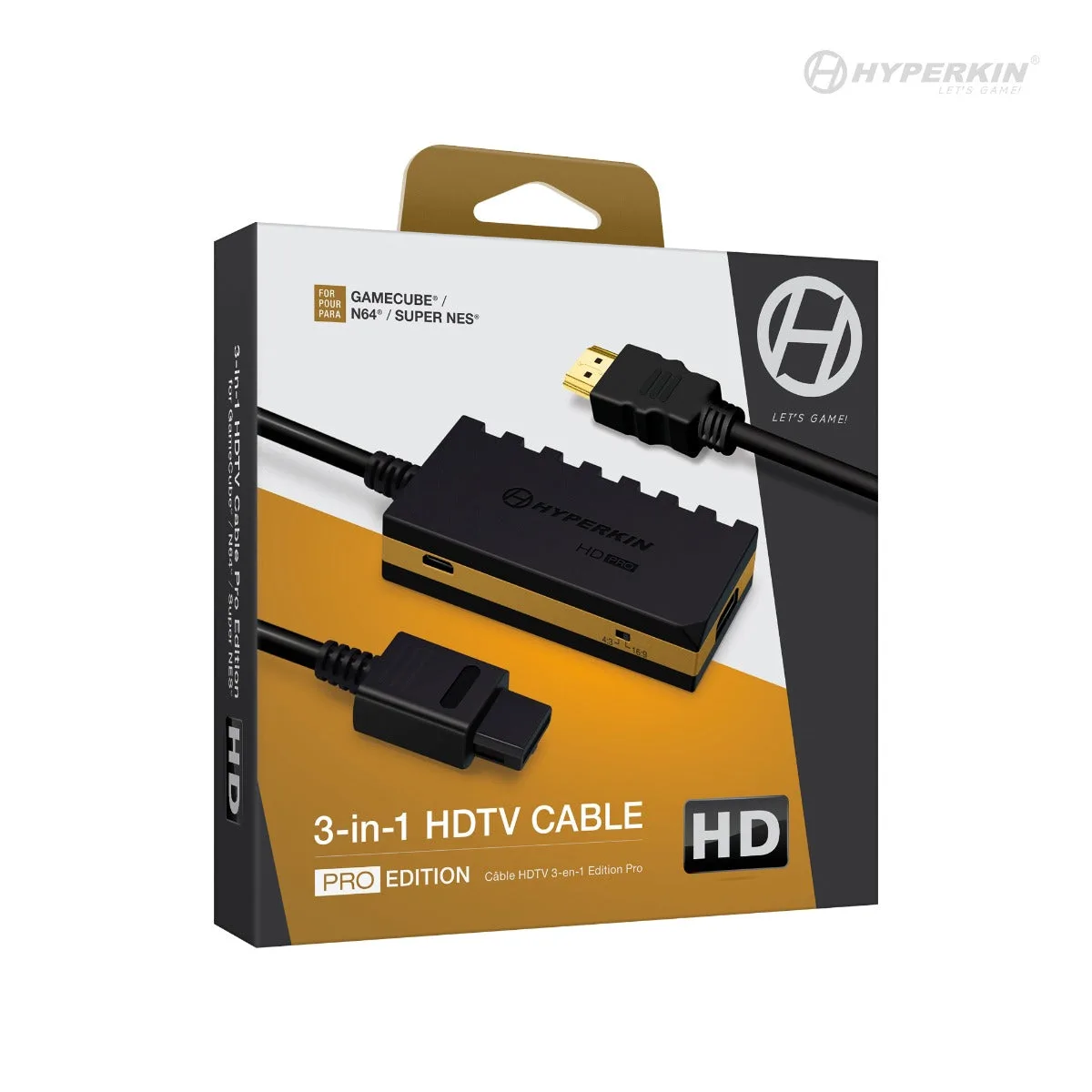
3-In-1 720p HDTV Cable HD Pro Edition
Which Cable Should You Choose?
If your main goal is a clean 720p image on an HDTV with minimal fuss and a lower price, the standard Hyperkin HDTV Cable does the job. Just make sure you have a USB power source nearby and that your console is NTSC (or test PAL compatibility at your own discretion).
If you enjoy tweaking the visual presentation—sometimes wanting sharper S-Video-style pixels, other times a smoother AV-style look—the HD Pro Edition's four modes give you that flexibility without needing separate cables or an upscaler. The higher price reflects that added control.
Both cables let you play three console generations on your HDTV, so the real decision comes down to whether you want a simple, affordable 720p solution or a more versatile cable with built-in visual tuning.