Quick answer
Installing Hyperkin Replacement TMR Sticks is a straightforward DIY project that requires a few basic tools and about 20 minutes. The TMR technology eliminates drift and offers precise control without physical wear.
Before you begin: tools and precautions
You will need a Phillips #00 screwdriver, a plastic opening tool or spudger, tweezers, and a clean workspace. The Hyperkin TMR Joystick Replacement Kit comes with two joysticks and a small screwdriver, but the included tool may be too short for some screws. A separate #00 screwdriver is recommended for easier access.
Work on a soft surface to avoid scratching your controller. Disconnect the battery before handling ribbon cables to prevent short circuits. If you have never opened a controller before, watch a teardown video for your specific model first.
Compatibility and limitations
The Hyperkin Replacement TMR Sticks are designed for Nintendo Switch Joy-Con controllers (left and right). They are not compatible with Switch Lite, Pro Controller, or third-party controllers without modification. The TMR technology works with all Switch firmware versions and does not require software updates.
Note that the replacement process voids the warranty on your Joy-Con. The TMR sticks themselves are covered by Hyperkin's warranty, but any damage during installation is your responsibility.
Frequently asked questions
What tools do I need to install Hyperkin TMR Sticks?
You need a Phillips #00 screwdriver (the included one works but is short), a plastic spudger or opening tool, tweezers, and a clean workspace. A magnetic mat helps keep screws organized.
How long does the installation take?
Expect about 20-30 minutes for your first replacement. The process involves removing four screws, disconnecting the battery, carefully unclipping the old joystick ribbon cable, and reversing the steps with the new TMR stick.
Will TMR sticks work on Switch Lite or Pro Controller?
No, these sticks are specifically designed for standard Joy-Con controllers (left and right). They do not fit Switch Lite or Pro Controller without extensive modification. Stick to Joy-Con models for a drop-in replacement.
Do I need to calibrate the TMR sticks after installation?
No calibration is required. The TMR technology is recognized by the Switch as a standard joystick input. Simply reassemble the controller and test in the system's controller calibration menu to confirm proper movement. Test in the Switch settings menu after reassembly.
What should I do if the joystick doesn't register movement?
First, check that the ribbon cable is fully inserted and the latch is locked. Ensure the cable is not torn or folded. If the issue persists, disconnect the battery, wait 30 seconds, and reconnect. Still no response? The cable may be damaged; inspect for tears. Double-check the ribbon cable connection first.
Can I reuse the original Joy-Con screws?
Yes, the original screws can be reused. However, they are small and easy to strip. Use gentle, steady pressure when tightening. If a screw feels loose, a replacement screw kit is recommended.
Product facts
-
Hyperkin Replacement TMR Sticks: Hyperkin's TMR Joystick Replacement Kit uses Tunnel Magnetoresistance (TMR) technology, which detects magnetic fields instead of relying on mechanical resistance. This means zero drift and no physical wear over time, giving you precise, responsive control that lasts longer than traditional joysticks.
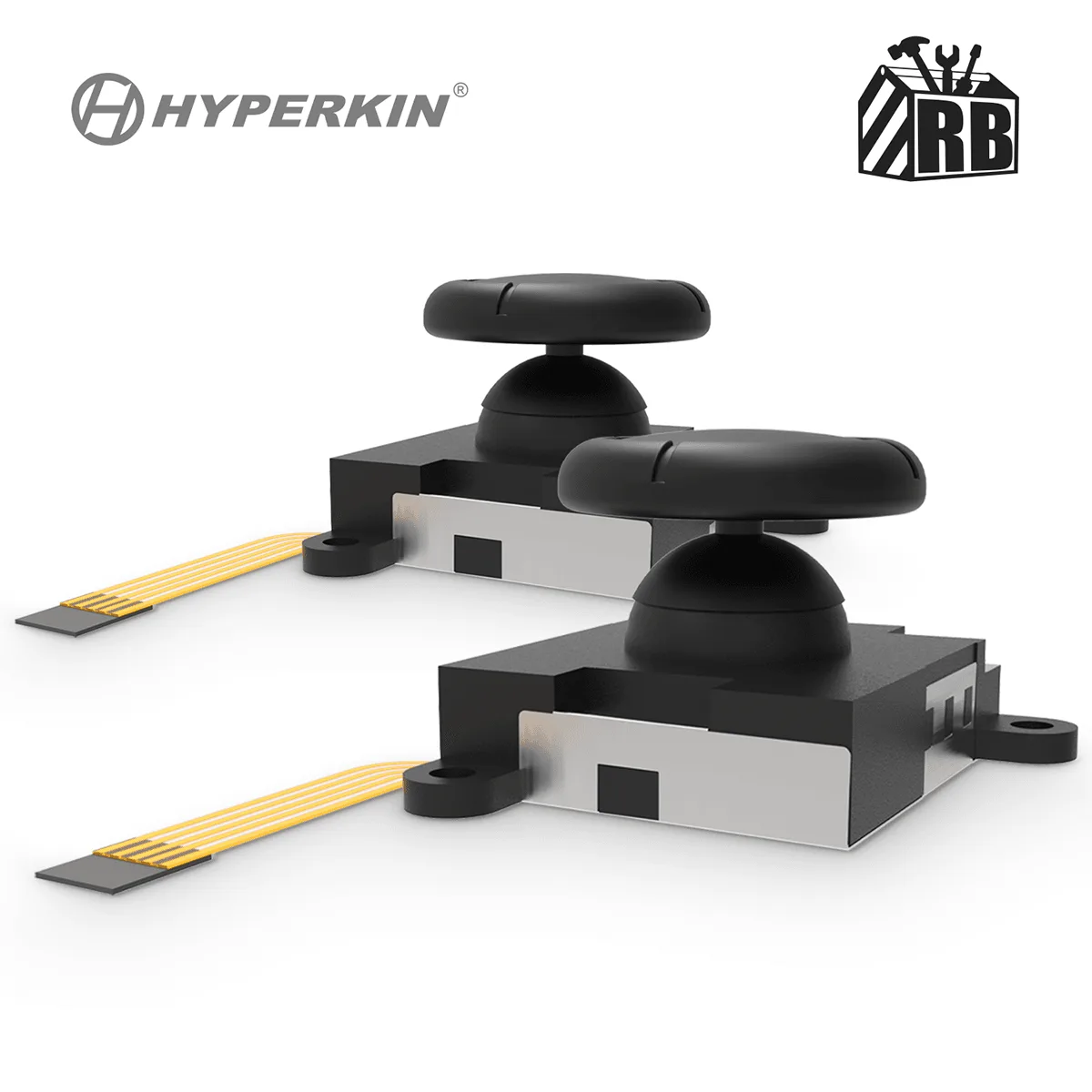
Hyperkin Replacement TMR Sticks