What the RetroN 2 HD Does
The Hyperkin RetroN 2 HD is a two-in-one retro console that plays NES, Super NES, and Super Famicom cartridges on your modern HDTV. It outputs in 720p HD and comes with two premium classic-style controllers: the 'Cadet' and the 'Scout'. You also get a 3 ft. HD cable, a 6 ft. Micro charge cable, and an AV cable for older TVs.
First-Time Setup Steps
- Unbox and connect the HD cable: Use the included 3 ft. HD cable to connect the RetroN 2 HD to your HDTV. For best picture quality, use the HD cable rather than the AV cable.
- Power up the console: Connect the 6 ft. Micro charge cable to the console and a USB power source (such as a wall adapter or TV USB port). The console powers on once connected.
- Insert a game cartridge: Insert a NES, Super NES, or Super Famicom cartridge into the appropriate slot. The console supports both NTSC and PAL cartridges.
- Choose your aspect ratio: Use the aspect ratio switch on the console to toggle between 4:3 and 16:9. This switch works only when using the HD cable.
- Start playing: Connect the Cadet and Scout controllers to the controller ports. The console supports two compatible controllers for each system.
At a Glance
-
Hyperkin RetroN 2 HD -Space Black: This two-in-one console is compatible with NES, Super NES, and Super Famicom (NTSC/PAL) cartridges, in stunning 720p HD. You can play a huge library of classic games from three different systems on one console.
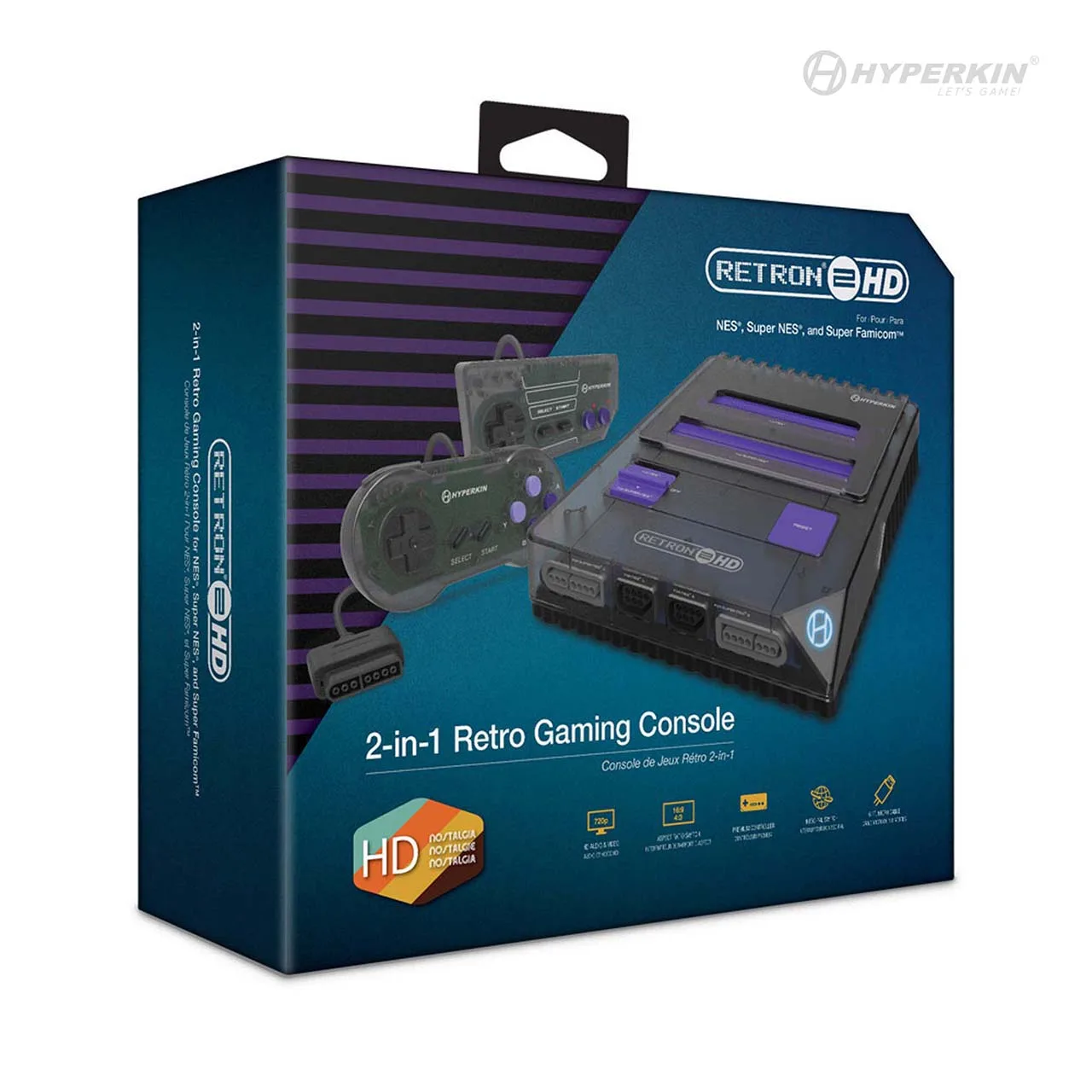
Hyperkin RetroN 2 HD -Space Black
-
Hyperkin RetroN 2 HD -Space Black: It includes a 'Cadet' and a 'Scout' premium classic-style controller; a 3 ft. HD cable; and a 6 ft. Micro charge cable. Everything you need to start playing is in the box, including two controllers for multiplayer gaming.
-
Hyperkin RetroN 2 HD -Space Black: Change between 4:3 and 16:9 aspect ratio via the RetroN 2 HD's aspect ratio switch (HD cable only). You can choose the display format that looks best on your HDTV, but remember the switch only works when using the HD cable.
What to Keep in Mind
The RetroN 2 HD outputs at 720p, not 1080p or 4K. This is standard for retro clone consoles and matches the original game resolution while adding crispness on modern screens. The aspect ratio switch is only functional when using the HD cable; if you use the AV cable, you won't be able to change between 4:3 and 16:9.
The console supports two controllers for each system, so you can play two-player games with friends. The included Cadet and Scout controllers are designed to feel like the original NES and SNES controllers, making the experience authentic.