Quick Answer
For the best comfort with your HyperX CloudX Stinger 3 Xbox headset, adjust the headband to sit evenly on your head, rotate the earcups to match your ear angle, and use the memory foam earpads to your advantage—if discomfort persists, consider trying different earpad materials or a different headset style.
Why Fit Matters More Than You Think
A headset that doesn't fit right can turn a long gaming session into a headache. The HyperX CloudX Stinger 3 is designed with comfort in mind, but even the best design needs a little personal adjustment. Your head shape, ear size, and how you wear glasses all affect how the headset feels.
The CloudX Stinger 3 features an adjustable headband and rotatable earcups. These aren't just for show—they let you tailor the fit to your unique head. Taking a few minutes to adjust them properly can make a huge difference in comfort and sound quality.
Common Fit Issues and Quick Fixes
If you feel pressure on the top of your head, the headband is probably too tight. Extend the sliders on both sides evenly to increase the headband's length. If the earcups feel like they're squeezing your ears, rotate them slightly forward or backward to align with your ears' natural angle.
The leatherette earpads with memory foam are soft, but they can trap heat. If your ears get warm, take short breaks to let them breathe. For glasses wearers, make sure the earpads rest gently over the arms of your glasses without pressing too hard—adjusting the headband length can help with this.
Fit Diagnosis: Symptom, Cause, Fix
- Symptom: Headache or pressure on top of head: Cause: The headband is too tight or sits too high. Fix: Extend the headband sliders on both sides equally to increase the length, then position the headband so it rests comfortably on the crown of your head, not on your forehead or the back of your skull. Check that the headband is centered and level after each adjustment.
- Symptom: Ears feel squeezed or sore: Cause: The earcups are not aligned with your ears, or the earpads are pressing too hard. Fix: Rotate the earcups so they sit flat against your ears, and adjust the headband length to reduce clamping force. If the earpads still feel tight, consider using thinner earpads or taking a break. If your ears still hurt after adjusting, the headset may not be the right size for you—consider trying a different model.
- Symptom: Ears get hot or sweaty: Cause: The leatherette earpads trap heat. Fix: Take short breaks every hour to let your ears cool down. You can also try using breathable cloth earpad covers if available. If heat buildup is a dealbreaker, look for a headset with cloth or mesh earpads.
Comfort Features of the HyperX CloudX Stinger 3
-
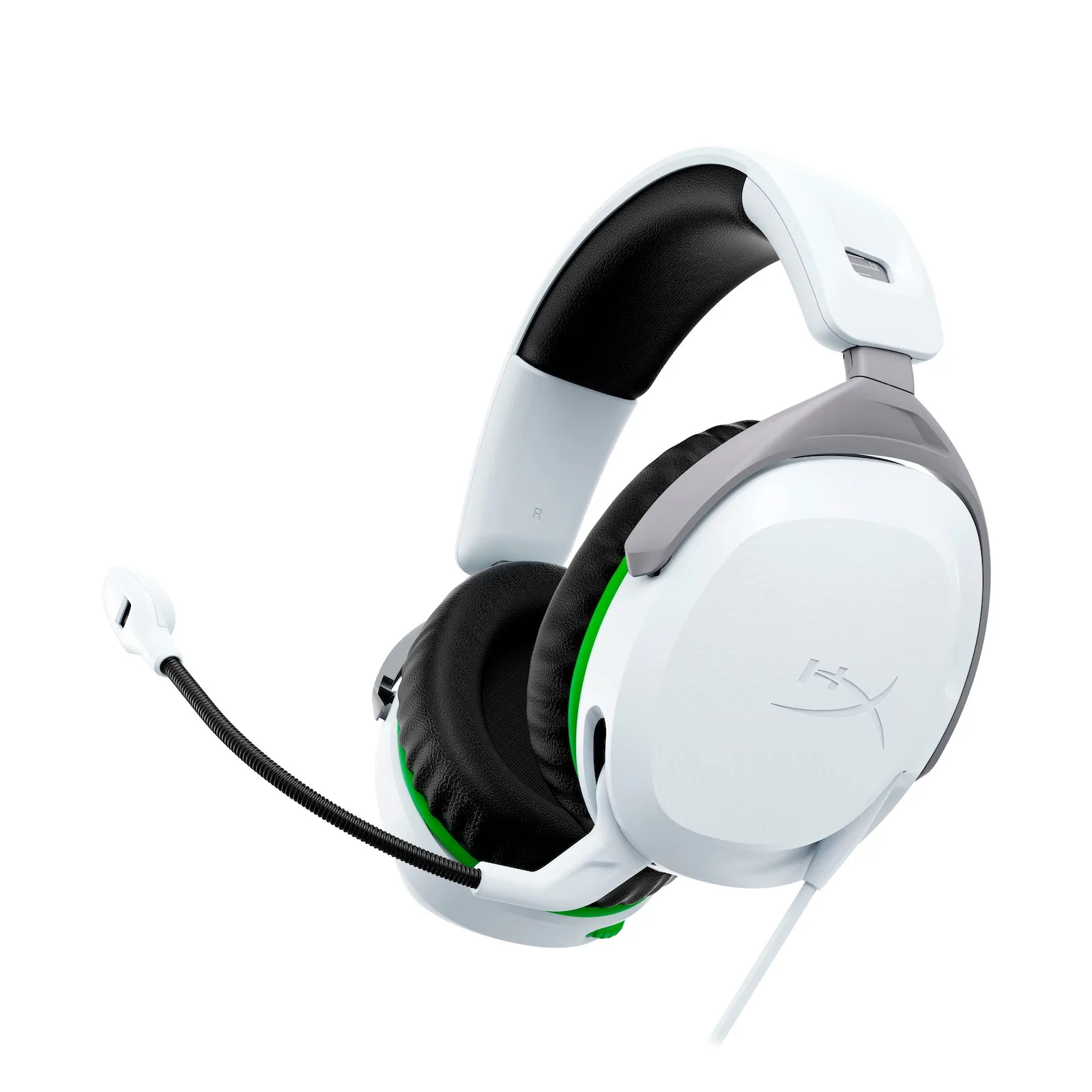
HyperX CloudX Stinger 3 Gaming Headset Xbox: The HyperX CloudX Stinger 3 features leatherette earpads and memory foam earcups, along with an adjustable headband and rotatable earcups. These features are designed to adapt to your head and ears, so you can find a secure yet comfortable fit for long gaming sessions.
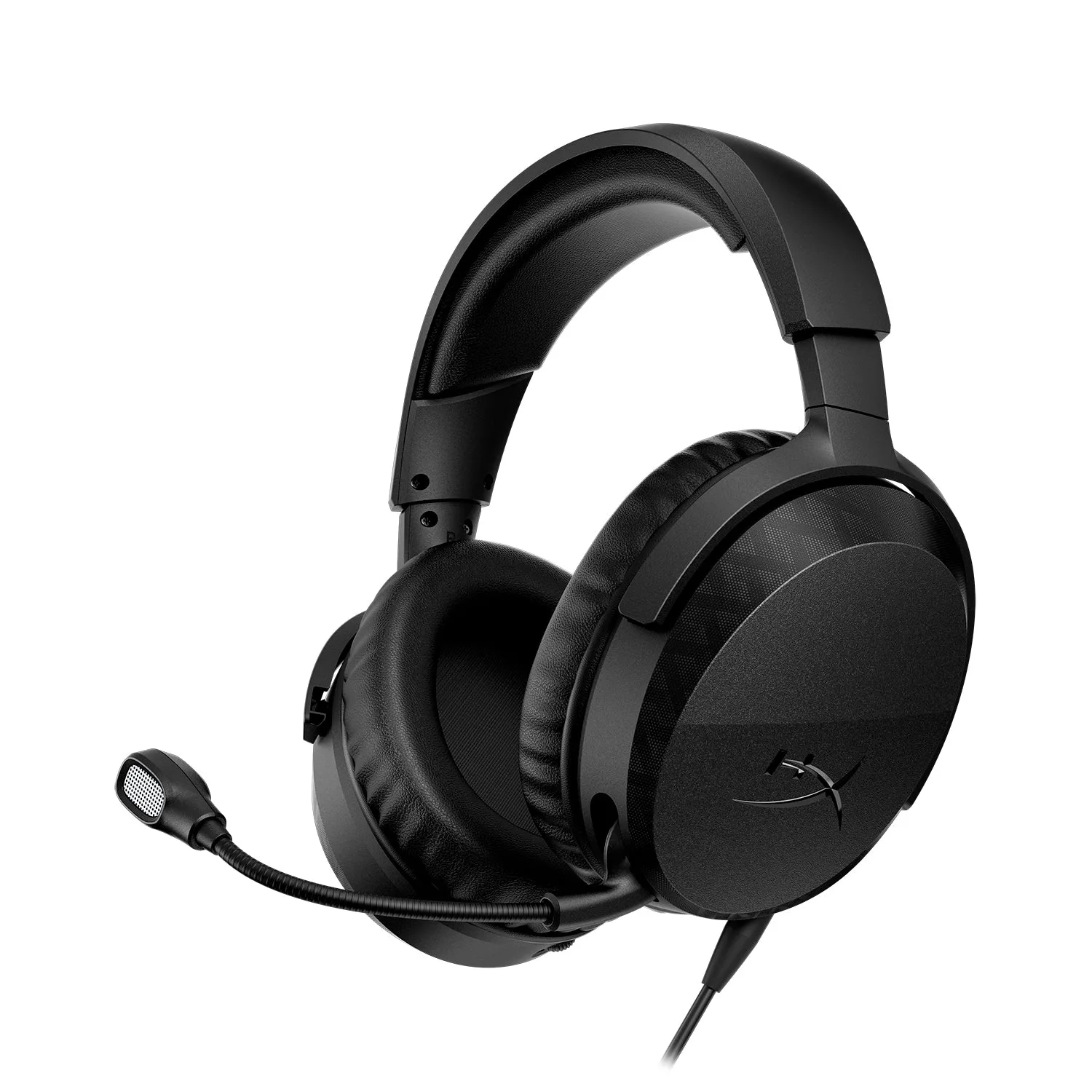
HyperX CloudX Stinger 3 Gaming Headset Xbox