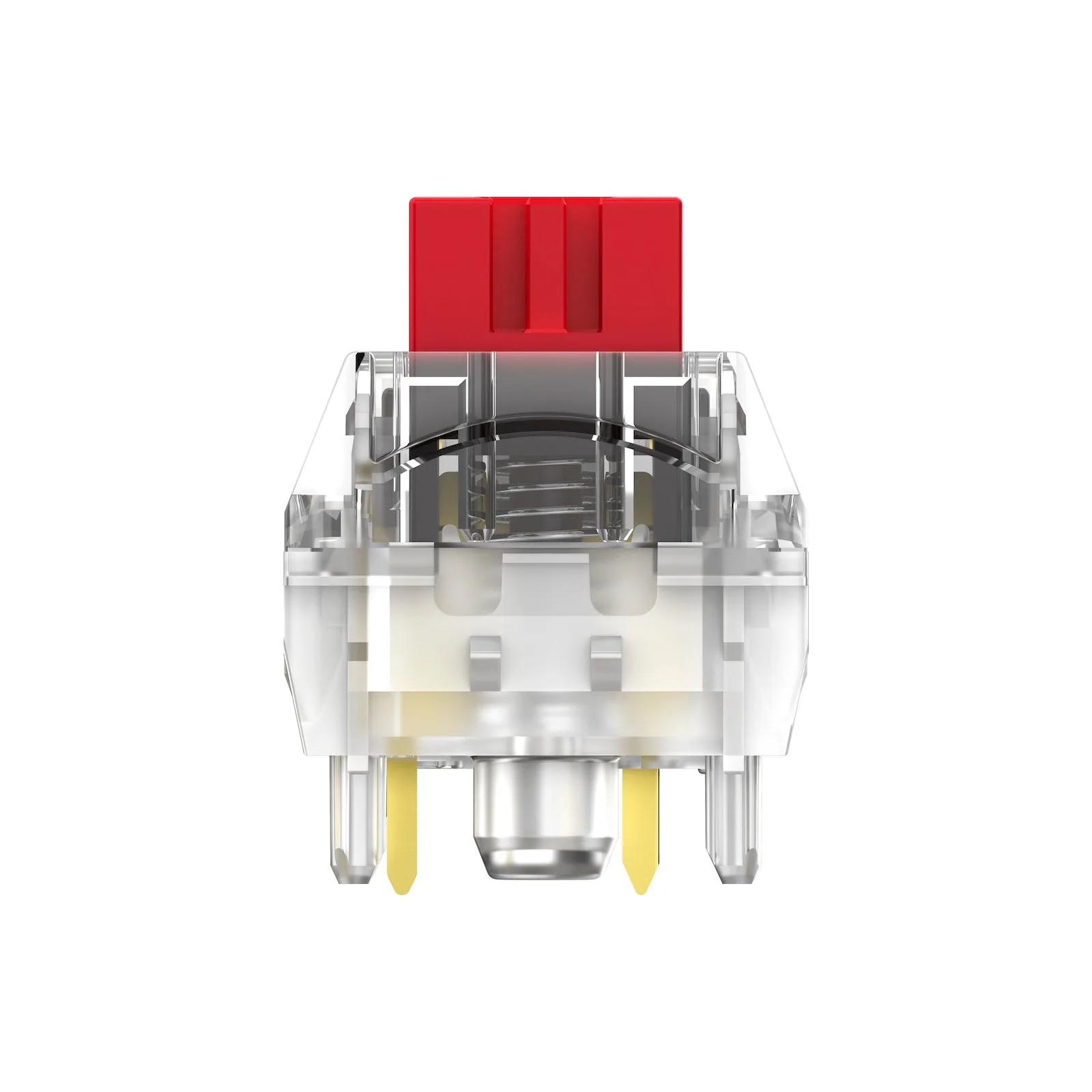
Why Upgrade Your Origins 2 1800?
The HyperX Origins 2 1800 is a full-function gaming keyboard with a compact 1800-style layout, hot-swap switches, and a customizable housing. Its stock HyperX Linear Red switches offer smooth, linear feedback with a 1.8 mm actuation point, but the real strength of this board is how easy it is to personalize. You can swap keycaps, switches, and even the housing to match your style or typing preference.
This guide walks you through two popular upgrades: replacing the keycaps with HyperX PBT keycaps and swapping the switches for a different feel. Both processes are straightforward and require no soldering.
What You Need to Know Before You Start
-
HyperX Origins 2 1800: The hot-swap sockets on the Origins 2 1800 are compatible with most 5- or 3-pin mechanical keyboard switches. This means you can install a wide range of aftermarket switches, including the HyperX Linear Switches, without any soldering.
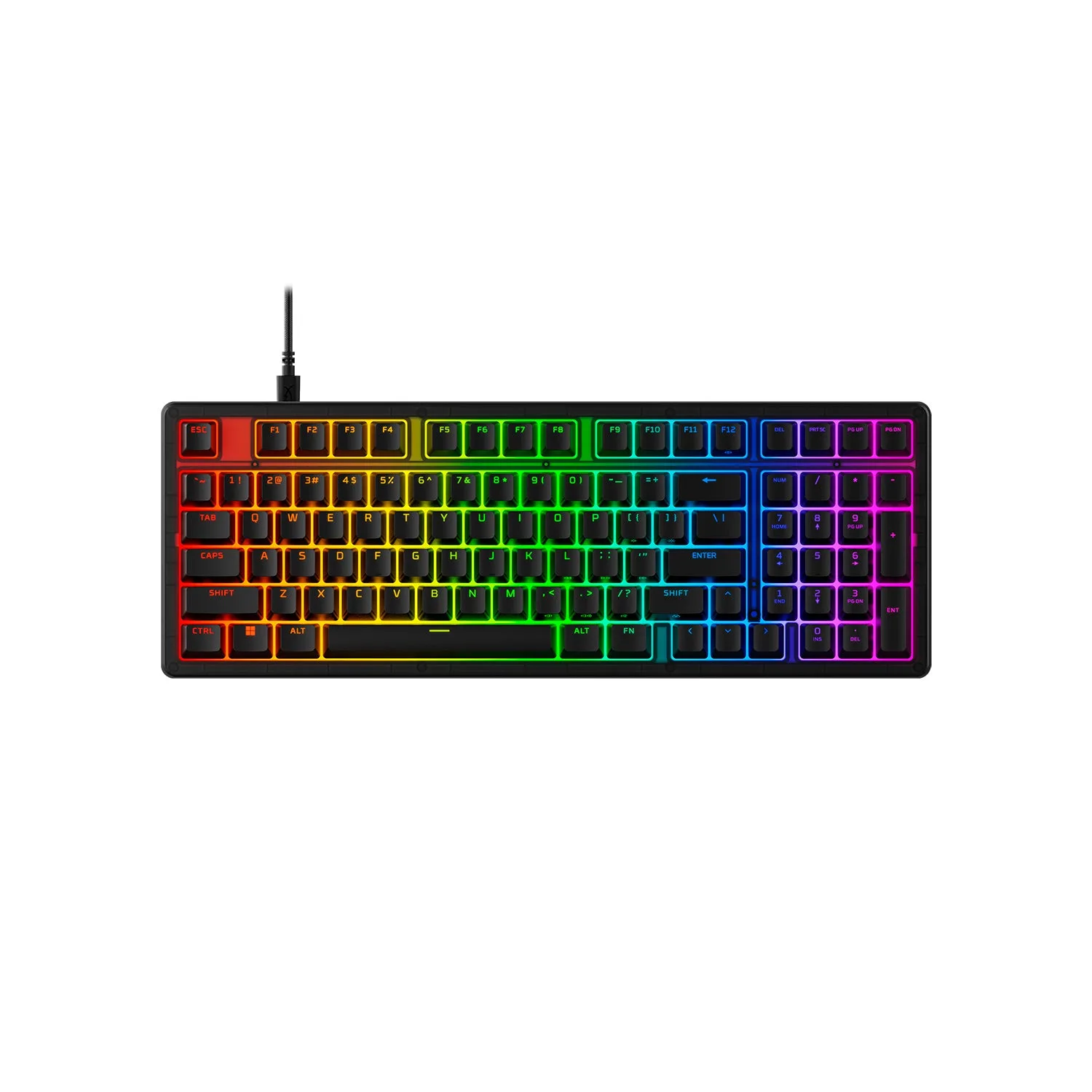
HyperX Origins 2 1800
-
HyperX Full key Set Keycaps - PBT: The full key set is compatible with most HyperX mechanical keyboards and most other mechanical gaming keyboards. The HyperX PBT keycaps are a drop-in upgrade for your Origins 2 1800, giving you a more durable, solvent-resistant surface and a signature font that lets RGB lighting shine through.
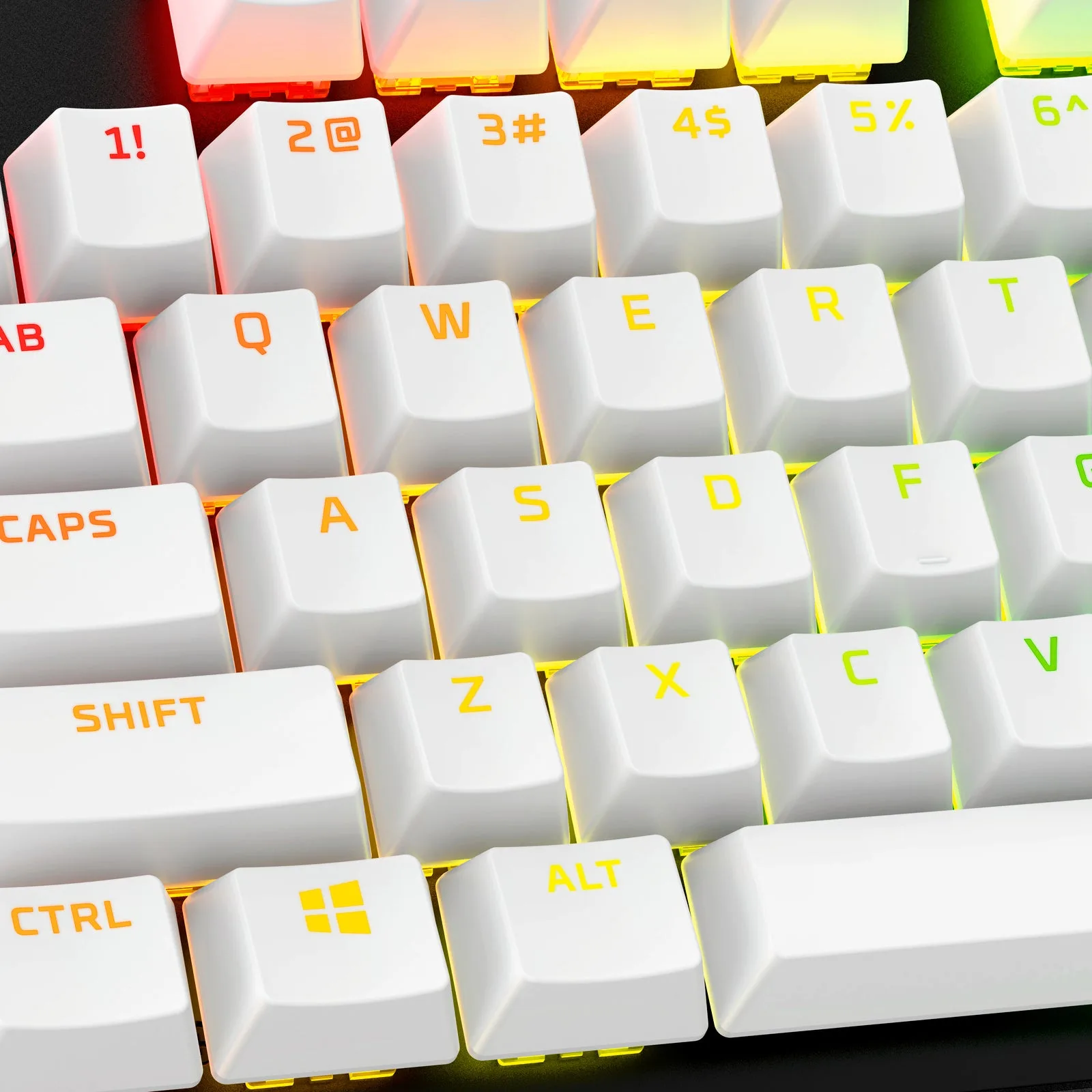
HyperX Full key Set Keycaps - PBT
How to Upgrade Keycaps on the Origins 2 1800
Replacing keycaps is the quickest way to change the look and feel of your keyboard. The HyperX Full key Set Keycaps - PBT come in multiple colors and layouts, and include a keycap removal tool.
- Remove the original keycaps: Use the included keycap puller to gently lift each keycap straight up. Work from the edges inward to avoid bending the switch stems.
- Install the new PBT keycaps: Align each new keycap over its switch stem and press down firmly until it clicks into place. The double-shot PBT construction is thicker and more durable than standard ABS, and it resists shine over time.
- Check for full seating: After installing all keycaps, press each key a few times to ensure it actuates smoothly and doesn't stick. The included tool makes removal easy if you need to reseat any cap.
How to Swap Switches on the Origins 2 1800
The hot-swap sockets allow you to change switches without soldering. The HyperX Linear Switches (Red) are a direct replacement, but you can also use the HyperX Tactile Switches (Aqua) for a different feel.
- Remove the keycap from the switch you want to swap: Use the keycap puller to remove the keycap over the switch you intend to replace. This exposes the switch housing.
- Pull the original switch: Use a switch puller (not included) to grip the top and bottom edges of the switch housing. Pull straight up with steady pressure until the switch releases from the socket.
- Insert the new switch: Align the pins of the new switch with the socket holes and press firmly until it snaps into place. The HyperX switches use a standard 5-pin design, which fits the Origins 2 1800's hot-swap sockets.
- Test the new switch: Replace the keycap and press the key to confirm it registers. If it doesn't actuate, remove the switch and check for bent pins.
Personalizing the Look Further
Beyond keycaps and switches, the Origins 2 1800's easy-access housing can be swapped for a different color or finish. This step requires removing the keycaps and a few screws, but it's fully supported by the design. Combined with RGB customization in HyperX NGENUITY software, you can create a keyboard that's uniquely yours.
Remember that the hot-swap sockets are rated for repeated use, so you can experiment with different switches over time without worrying about wear.
Switch Options for Your Origins 2 1800
- HyperX Linear Switches: HyperX Linear Switches feature a 1.8 mm actuation point and half-wall stems for stability, rated for up to 80 million keypresses. These switches offer a smooth, linear feel that's great for fast gaming, and they come pre-lubed for quiet operation right out of the box.
- HyperX Linear Switches: HyperX Tactile Switches (Aqua) provide a noticeable bump at actuation, with the same half-wall stem design and 80 million keystroke lifespan. If you prefer tactile feedback for typing or precise inputs, the Aqua switches give you that bump without being overly loud.
Final Thoughts on Customization
The HyperX Origins 2 1800 is designed for easy personalization. Swapping keycaps and switches are both beginner-friendly upgrades that can dramatically change how your keyboard looks and feels. Start with a PBT keycap set for durability and lighting, then experiment with different switch types to find your perfect typing or gaming feel.
All upgrades mentioned here are reversible, so you can always return to the original configuration if you prefer.