What the D40 Brackets Are Designed For
The D40 Brackets are a set of two stainless steel brackets intended for use with the Shelf Library. They are part of the SL Components range and are supplied under SKU 7209 in the Standard option. Each set includes two brackets, making them suitable for supporting a single shelf or a pair of shelves depending on your layout.
Before you begin, confirm that your wall type and shelf load are compatible with the bracket design. The supplied information confirms stainless steel construction but does not include specific weight ratings or wall-anchor recommendations, so you may need to consult a hardware professional for your specific wall material.
D40 Brackets Key Facts
-
D40 Brackets for Shelf Library | Set of Two | Stainless Steel: Set of two stainless steel brackets designed for the Shelf Library. You need exactly one set per shelf pair; plan your order accordingly.
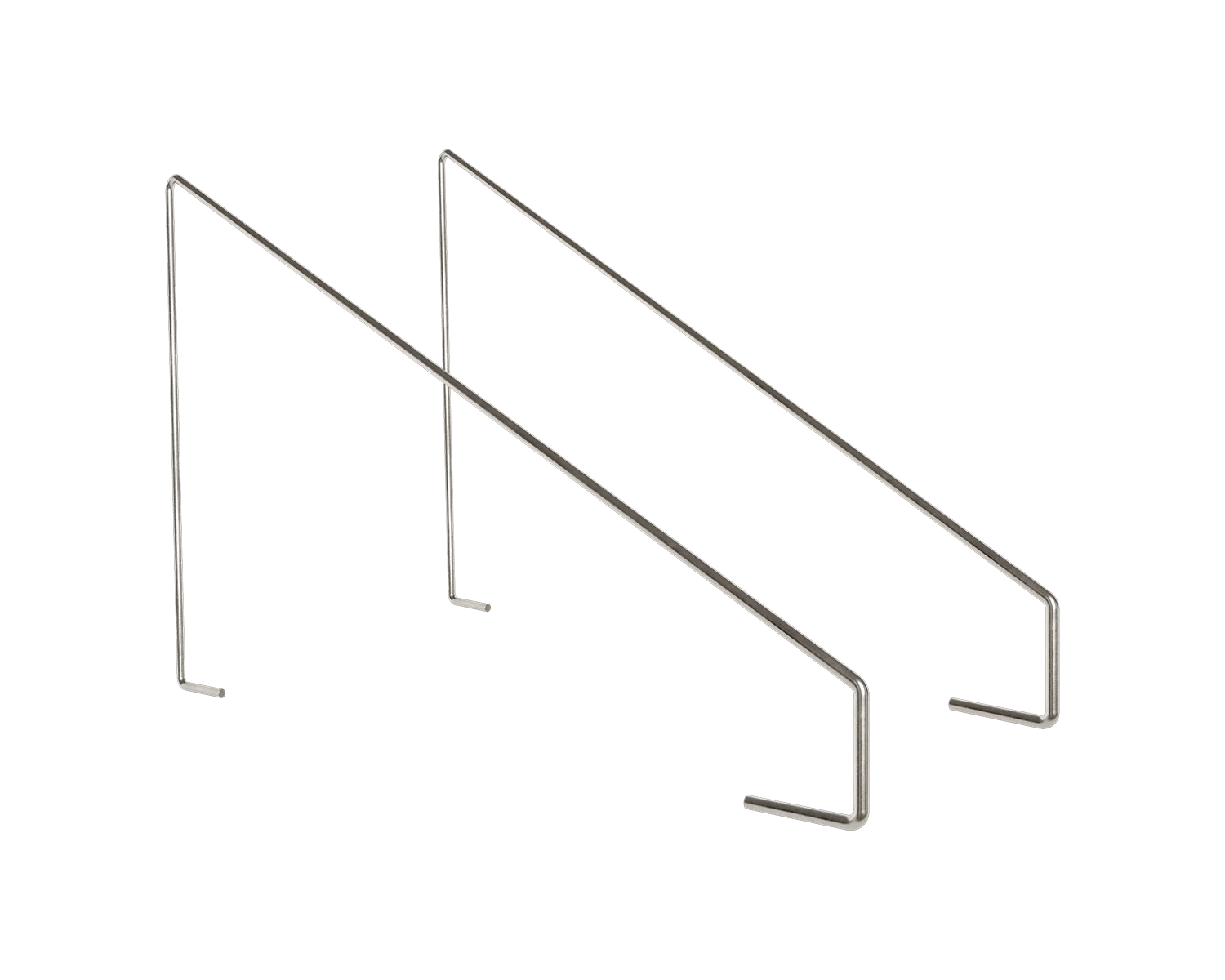
D40 Brackets for Shelf Library | Set of Two | Stainless Steel
-
D40 Brackets for Shelf Library | Set of Two | Stainless Steel: Part of the SL Components category, SKU: 7209, Standard option. Ensure you select the Standard option when ordering to get the correct brackets for your Shelf Library.
-
D40 Brackets for Shelf Library | Set of Two | Stainless Steel: Stainless steel construction. The material is durable and resistant to corrosion, suitable for kitchens, bathrooms, or humid environments.
Step-by-Step Installation Guide
The following steps assume you have the D40 Brackets, a Shelf Library shelf (or shelves), and appropriate wall-mounting hardware (not included). Always follow local building codes and use anchors rated for your wall type.
Because the supplied information does not include specific installation instructions, the steps below are based on general best practices for mounting stainless steel shelf brackets. Adjust as needed for your wall material.
- 1. Mark Bracket Positions: Hold one D40 Bracket against the wall at your desired height and level. Mark the screw holes with a pencil. Repeat for the second bracket, ensuring they are aligned horizontally and spaced to match the shelf width.
- 2. Drill Pilot Holes: Using a drill bit appropriate for your wall type (drywall, concrete, or brick), drill pilot holes at the marked positions. For drywall, use a stud finder to locate studs; if studs are not available, use heavy-duty wall anchors.
- 3. Attach Brackets to Wall: Insert wall anchors if needed, then secure each bracket to the wall using screws (not supplied). Tighten until the bracket is flush against the wall and level. Use a spirit level to verify both brackets are aligned.
- 4. Position the Shelf: Place the Shelf Library shelf onto the brackets. The shelf should rest securely on the bracket arms. For a two-bracket setup, ensure the shelf is centered and does not overhang excessively.
- 5. Secure the Shelf (if applicable): Some shelf designs include pre-drilled holes for screws to fasten the shelf to the brackets. Check your shelf for such features. If present, insert and tighten the screws. If not, the shelf may simply rest on the brackets; ensure it is stable before loading.
- 6. Load Test: Gently apply pressure to the shelf to confirm it is secure. Start with light items and gradually increase weight, monitoring for any movement. The supplied information does not specify a maximum load, so use caution and avoid overloading.
Important Considerations Before You Start
The D40 Brackets are specifically designed for the Shelf Library. They may not be compatible with other shelf systems. The supplied information does not confirm whether the brackets include mounting hardware (screws, anchors), so you will likely need to purchase those separately.
Stainless steel is strong and resistant to rust, but it can scratch or dent if handled roughly. Use a soft cloth and appropriate tools when tightening screws to avoid marring the finish.
If you are unsure about wall compatibility or load limits, consult a professional installer or a hardware specialist. The supplied information does not include safety or compatibility evidence, so proceed with caution.