Quick answer
To install a GeekShare OLED protective case without bubbles, clean your console thoroughly, start from the top edge, and press outward slowly. This method prevents trapped air and ensures a tight, professional fit.
Why bubbles form and how to avoid them
Bubbles usually appear when dust or moisture gets trapped between the case and console, or when you press the case down too quickly. A clean, dry surface and a slow, deliberate installation are your best defenses.
Step-by-step bubble-free installation
- 1. Clean and dry your console: Turn off your Switch or Switch OLED and remove any existing case or skin. Wipe the back panel with a microfiber cloth slightly dampened with water or a mild electronics cleaner. Let it air-dry completely for 2-3 minutes. Even a tiny dust speck can cause a bubble. Use a lint-free cloth and check under bright light.
- 2. Align the case from the top edge: Hold the GeekShare protective case by its top edge and lower it onto the back of the console. The cutouts for the kickstand, vents, and game card slot should line up before any part of the case touches the surface. Start at the top so gravity helps keep the case straight. Misalignment at this stage will trap air.
- 3. Press outward from the center: Once the top is aligned, use your thumb to press firmly from the center of the case outward toward the edges. Work slowly, moving in small sections. If you see a bubble, lift the nearest edge slightly and re-press outward. Never press from the edge inward – that pushes air toward the middle and creates larger bubbles.
- 4. Check the Joy-Con rails and cutouts: Slide the Joy-Con controllers onto the rails to confirm the case does not interfere. The GeekShare case is designed to allow Joy-Con removal without taking off the case, so verify the edges are fully seated and no gaps remain. If the Joy-Con feels tight, a small section of the case may be lifted. Press it down again from the center.
- 5. Final inspection and adjustment: Hold the console up to a light and look for any remaining bubbles or lifted edges. Small bubbles near the corners can often be worked out by pressing gently with a soft cloth. Let the case settle for 10 minutes before heavy use. Most bubbles that appear within the first hour are caused by residual moisture. Wait and check again.
Product facts
-
GeekShare Nutcracker Christmas Protective Case: Features a Nutcracker-inspired Christmas pattern and is designed for Nintendo Switch and Switch OLED. The precise cutouts help minimize air pockets because the case aligns perfectly with the console contours.
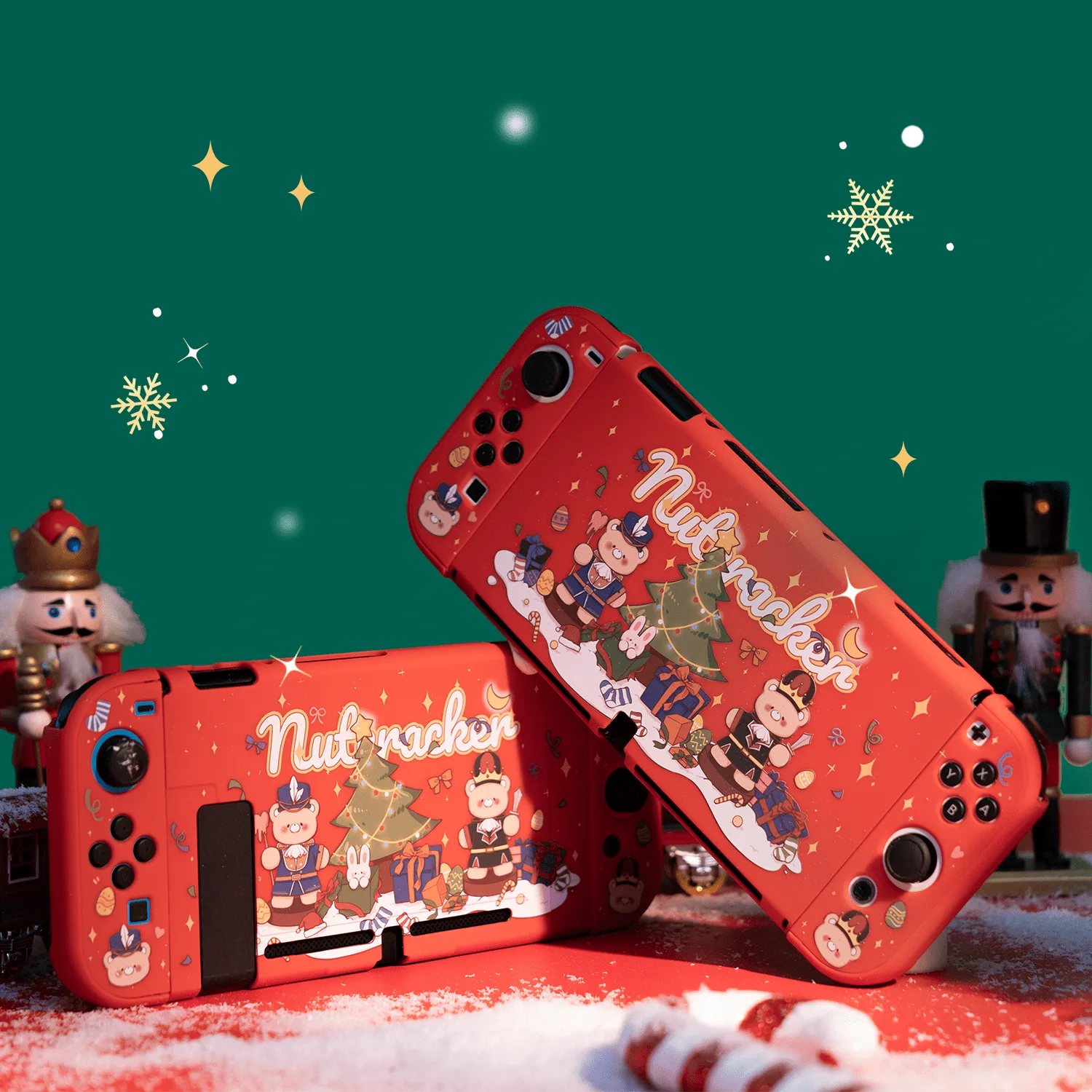
GeekShare Nutcracker Christmas Protective Case