Quick answer
Installing a MadJax Cruise steering wheel with its all-in-one adapter bundle takes about 30 minutes and requires basic hand tools. The key is matching the correct adapter spline to your cart brand and torquing the center nut to spec.
Why the all-in-one adapter bundle simplifies the job
The MadJax Cruise steering wheel ships with a compatible adapter that fits Club Car, EZGO, Yamaha, and MadJax XSeries Storm carts. That means you don't have to hunt down a separate adapter or worry about spline mismatch — the bundle includes everything needed for a direct swap.
One trade-off: the universal adapter uses a tapered fit that works on most stock and aftermarket steering columns, but if your cart has a non-standard or heavily worn spline you may still need a shim. Check the fit before tightening.
Installation steps
- Disconnect the battery: Remove the negative battery cable to prevent accidental horn or electrical contact while working near the steering column. Some carts have a horn wire that can short if the battery is connected — always disconnect first.
- Remove the existing steering wheel: Use a steering wheel puller (or a mallet if no puller is available) to loosen the stock wheel. Remove the center nut and washer, mark the shaft orientation, and pull the wheel straight off. A common mistake is yanking the wheel without a puller, which can damage the column splines. Rent or borrow a puller if you don't own one.
- Install the MadJax adapter: Slide the included all-in-one adapter onto the steering shaft. Ensure it seats fully and aligns with the flat spot or keyway on the shaft. Hand-tighten the center nut to hold it in place. If the adapter feels loose or won't seat, verify you have the correct spline orientation — some carts use a D-shaped shaft that requires the adapter to be clocked correctly.
- Mount the Cruise steering wheel: Place the MadJax Cruise wheel onto the adapter hub. Align the bolt holes and insert the supplied Allen bolts. Tighten them in a star pattern to 10-12 ft-lbs using a torque wrench. Over-tightening can strip the adapter threads or crack the wheel hub. Stop at the torque spec — no more.
- Reconnect the battery and test: Reattach the negative battery cable. Turn the wheel left and right through full lock to confirm smooth operation and no rubbing against the column or dash. If the wheel rubs or feels tight, loosen the adapter nut slightly and re-center the wheel. A slight gap is normal; contact means you need to adjust the adapter depth.
Steering wheel & adapter bundle
-
Cruise Golf Cart Steering Wheel with All-in-One Adapter Bundle⎮MadJax®: The MadJax Cruise steering wheel bundle includes an ergonomically designed steering wheel and a compatible adapter for effortless installation on most carts. You get both the wheel and the correct adapter in one box, eliminating guesswork and extra purchases for Club Car, EZGO, and Yamaha applications.
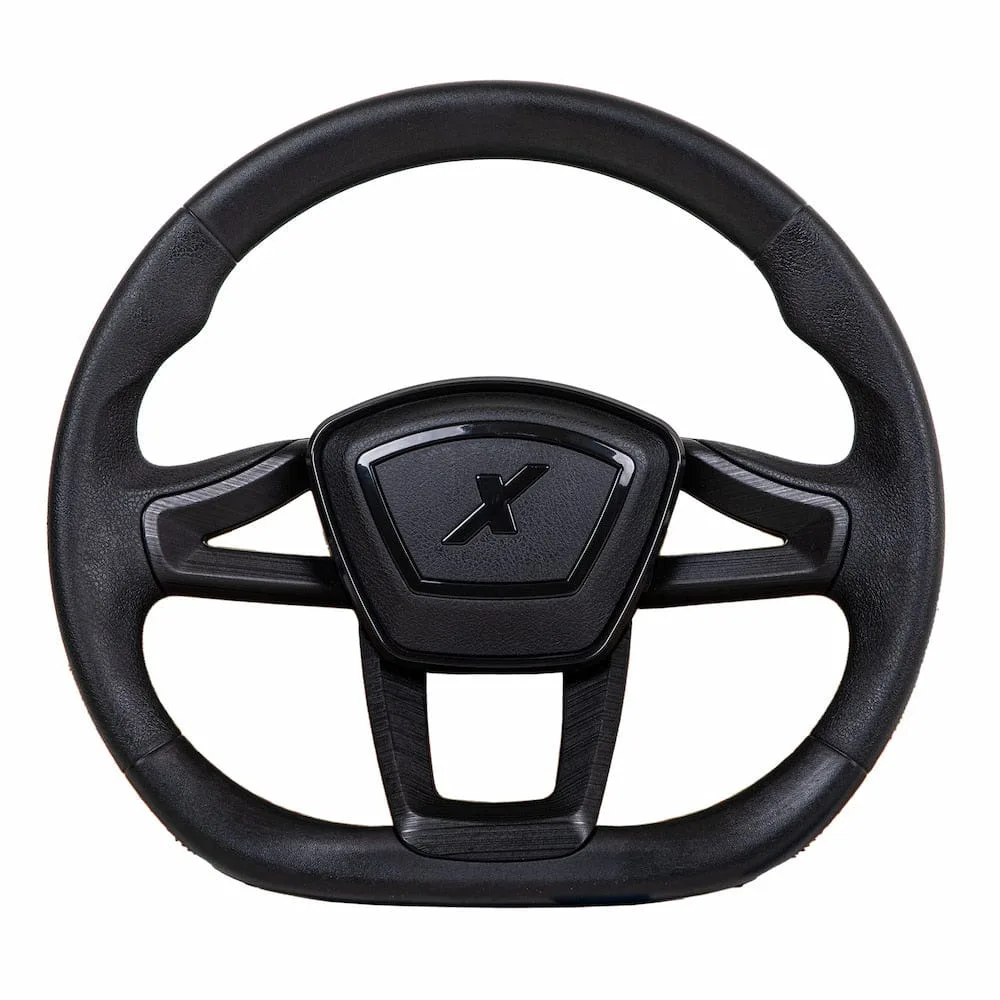
Cruise Golf Cart Steering Wheel with All-in-One Adapter Bundle⎮MadJax®