Quick answer
Install the SimXPro Single Screen Stand Tiltable by securing the base, attaching the VESA plate to your monitor, and adjusting tilt for optimal viewing.
Why the SimXPro Single Screen Stand Tiltable?
This freestanding monitor stand keeps your screen independent from the cockpit, reducing vibration transfer from heavy braking or force feedback. It supports VESA 75, 100, and 200 patterns, so it fits most sim racing monitors without adapters.
The tiltable design lets you angle the screen for better visibility, especially useful if your rig has a low seating position. Because it stands alone, you can place it around almost any cockpit frame.
One trade-off: the stand takes up floor space in front of or beside your rig. Measure your available area before you start.
Installation steps
- Prepare the stand base: Unbox the stand and place the base on a flat, stable surface. Adjust the leveling feet so the base does not rock. Use a spirit level to confirm. Skipping leveling can cause the monitor to lean after installation.
- Attach the VESA plate to the monitor: Lay the monitor face-down on a soft cloth. Align the VESA plate with the mounting holes on the back of the monitor. Use the supplied screws for the correct pattern (75, 100, or 200 mm). Tighten evenly, but do not overtighten. Using the wrong screw length can damage the monitor threads. Check that screws are long enough to engage but do not protrude into the screen.
- Mount the monitor on the stand arm: Lift the monitor with the attached VESA plate and hook it onto the stand's mounting bracket. Secure it with the locking mechanism. Have a helper for monitors over 20 pounds. Ensure the locking mechanism clicks fully. A loose connection can cause the monitor to slip.
- Adjust tilt and final position: Loosen the tilt adjustment knob, set the screen angle to your preference, then retighten. Move the entire stand to your desired position relative to the cockpit. Tighten the knob firmly after adjustment. Vibration can shift an under-tightened tilt over time.
- Route cables and test: Use the cable management clips on the stand to route monitor cables along the arm and down to the base. Plug in the monitor and test for stability by gently nudging the screen. Cables pulling on the monitor can affect tilt. Leave slack near the connection point.
Product facts
-
SimXPro Single screen stand tiltable - VESA 75/100/200: The SimXPro Single Screen Stand Tiltable is a freestanding sim racing monitor stand that remains independent from the cockpit, reducing the transfer of movement and vibrations. This isolation keeps your monitor steady during intense racing, so you see a clear image even when the wheel or pedals shake.
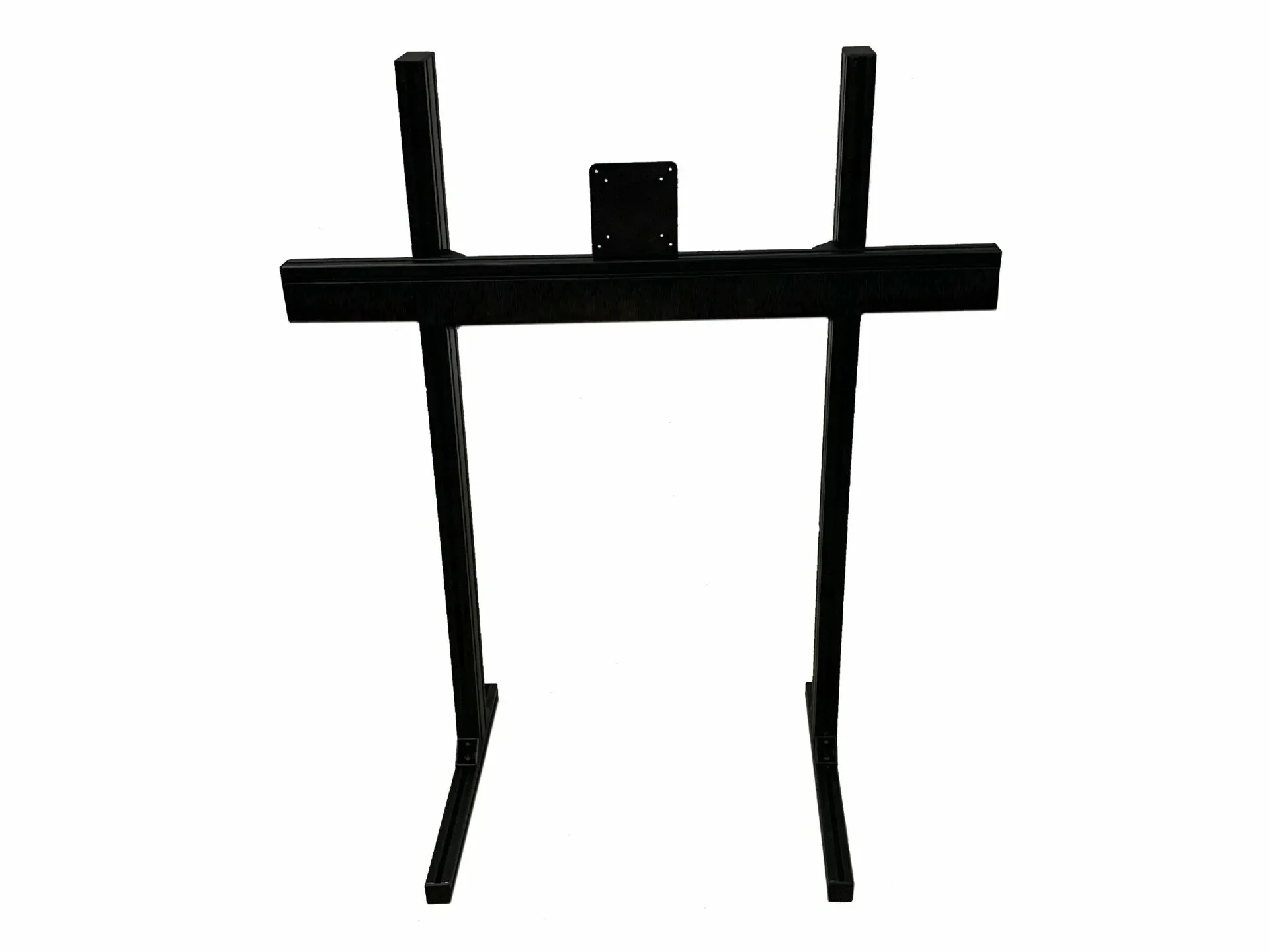
SimXPro Single screen stand tiltable - VESA 75/100/200