Adding a weapon light to your Glock is one of the most practical upgrades you can make. It transforms your pistol from a daytime-only tool into a versatile, low-light defensive instrument. Among the many options on the market, the Surefire X300 Turbo stands out for its intense, focused beam and rugged reliability. But before you can enjoy its benefits, you need to install it correctly. A poorly mounted light can shift under recoil, lose zero, or even damage your rail. This guide walks you through every step to ensure a secure, repeatable installation.
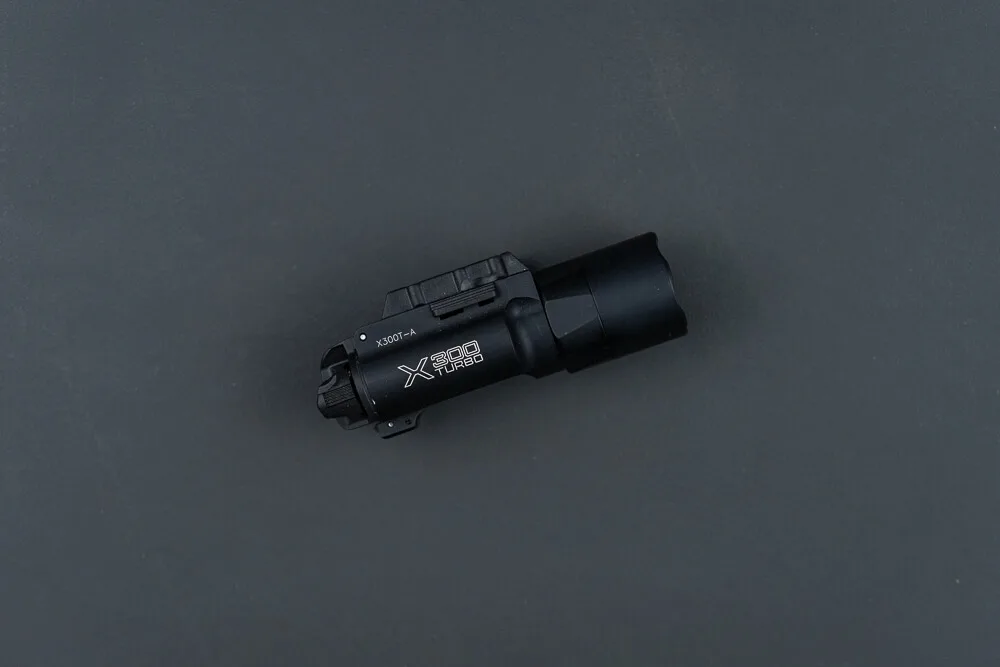
Surefire X300 Turbo
Whether you're a seasoned shooter or new to weapon lights, the process is straightforward. The X300 Turbo uses a rail-lock system that fits most Glock models with a standard accessory rail. In this article, we'll cover the tools you need, the different rail lock variations, and how to achieve a rock-solid mount. We'll also share tips on maintaining your light and ensuring it stays put through thousands of rounds.
Tools You'll Need
Before you start, gather the necessary tools. Fortunately, installing the Surefire X300 Turbo requires minimal equipment. You'll need a flathead screwdriver or a coin to adjust the rail lock, and optionally a small Allen wrench if you plan to swap the lock key. Most users find that a standard flathead screwdriver is sufficient. Having a clean, lint-free cloth on hand to wipe down the rail and the light's mounting surface is also a good idea.
If you're using a Glock with a proprietary rail (like the GLOCK rail on subcompact models), you may need to adjust the lock key to fit. The X300 Turbo comes with interchangeable keys, so you can customize the fit. We'll explain how to do that in the next section.
- Flathead screwdriver or coin
- Small Allen wrench (for key swaps)
- Clean, lint-free cloth
- Optional: thread locker (blue) for extra security
Understanding the Rail Lock System
The Surefire X300 Turbo uses a rail-lock system that tightens against the accessory rail to secure the light. There are two main variations: the quick-detach (QD) lever and the screw-type lock. The QD version allows for rapid attachment and removal without tools, while the screw-type provides a more permanent, tool-required mount. Both are equally secure when properly adjusted, but the QD is more convenient for users who frequently swap lights between firearms.
For Glock owners, the most common rail is the Picatinny (MIL-STD-1913) or the Glock rail. The X300 Turbo ships with a key that fits both. If you're using a subcompact Glock with a shorter rail, you may need to position the light slightly rearward to achieve a snug fit. Always ensure the light is seated firmly against the trigger guard to prevent any forward-backward movement.
- Check your Glock's rail type (Picatinny vs. Glock rail) before installation.
- The X300 Turbo fits most full-size and compact Glocks with a standard rail.
- For subcompacts, you may need to adjust the key or position the light further back.
Step-by-Step Installation
Start by ensuring your Glock is unloaded and clear. Slide the X300 Turbo onto the rail from the front, pushing it back until it contacts the trigger guard. The light should sit flush and level. If it doesn't, you may need to adjust the rail lock key. To do this, loosen the screw on the lock mechanism, slide the key out, and rotate it to the correct position for your rail type. Reinsert and tighten.
Once the light is positioned, tighten the rail lock screw or engage the QD lever. For screw-type locks, use your flathead screwdriver to turn clockwise until snug. Avoid over-tightening, as this can strip the screw or damage the rail. For QD versions, push the lever down until it clicks securely. Give the light a gentle tug to confirm it's locked in place. If it moves, tighten further or adjust the key.
After installation, test the light's function. Ensure the switch is easily accessible and the beam aligns with your sights. For most Glocks, the X300 Turbo will sit slightly below the muzzle, which is normal. If you're using a suppressor-height sight or a red dot, you may need to adjust your sight picture. The light's beam should be centered on your point of impact at close range.
- Always verify your firearm is unloaded before handling.
- Tighten the lock screw until snug, then check for movement.
- Test the light's activation and beam alignment after mounting.
Tips for a Secure and Lasting Mount
To ensure your X300 Turbo stays put through heavy use, consider applying a small amount of blue thread locker to the lock screw. This prevents it from backing out due to vibration. Additionally, periodically check the tightness of the mount, especially after cleaning or disassembly. Over time, the screw may loosen slightly, so a quick check every few hundred rounds is wise.
Another tip is to keep the rail and the light's mounting surfaces clean. Dirt and debris can prevent a snug fit, leading to wobble. Use a dry cloth or a mild solvent to clean the rail before installation. If you notice any play after extended use, re-tighten the screw or replace the key if it's worn. Remember, a secure mount is critical for consistent performance.
- Use blue thread locker on the screw for extra security.
- Check the mount tightness regularly, especially after cleaning.
- Keep the rail and light surfaces clean to ensure a snug fit.
Pairing Your X300 Turbo with Other Gear
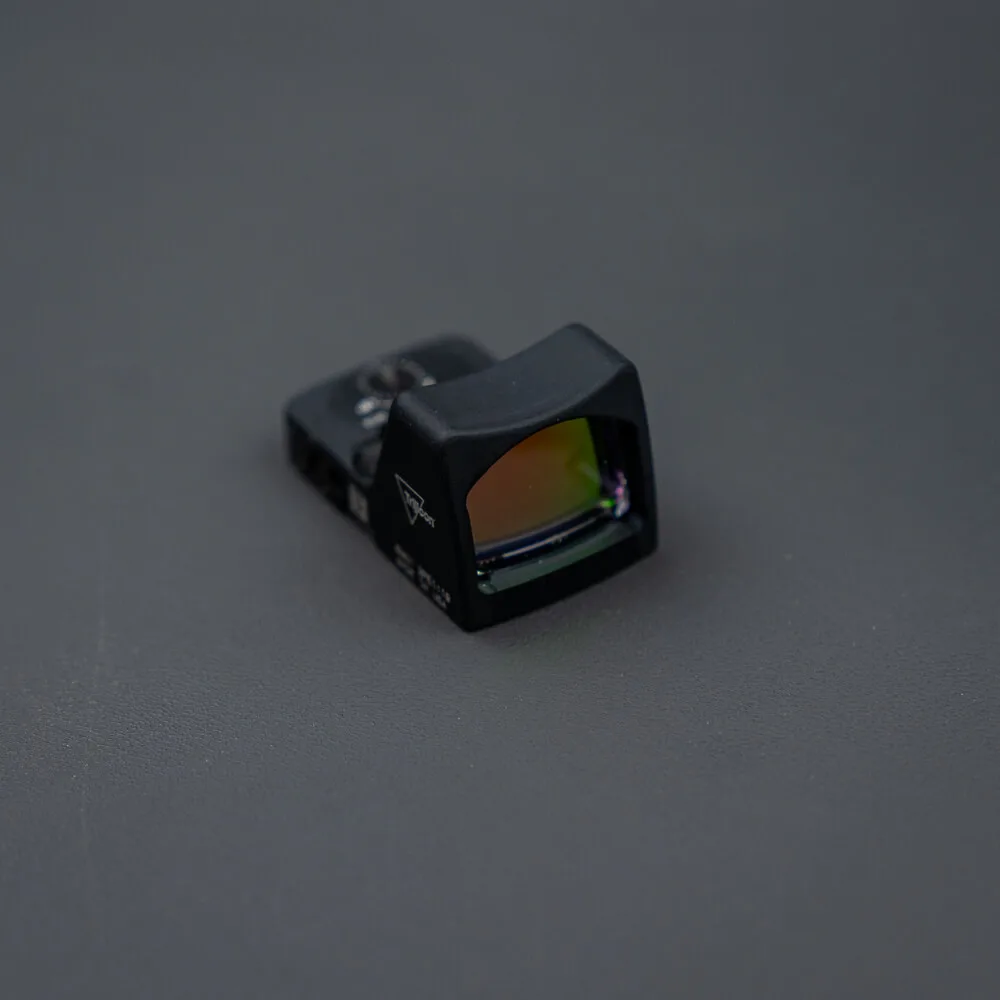
Once your X300 Turbo is installed, you might want to complement it with other tactical accessories. For instance, a quality red dot sight like the RMR Type 2 - 3.25 MOA or the Eotech EFLX / Tan - 3 MOA can enhance your aiming capabilities in low light. These optics co-witness well with the X300's beam, providing a fast and accurate sight picture.
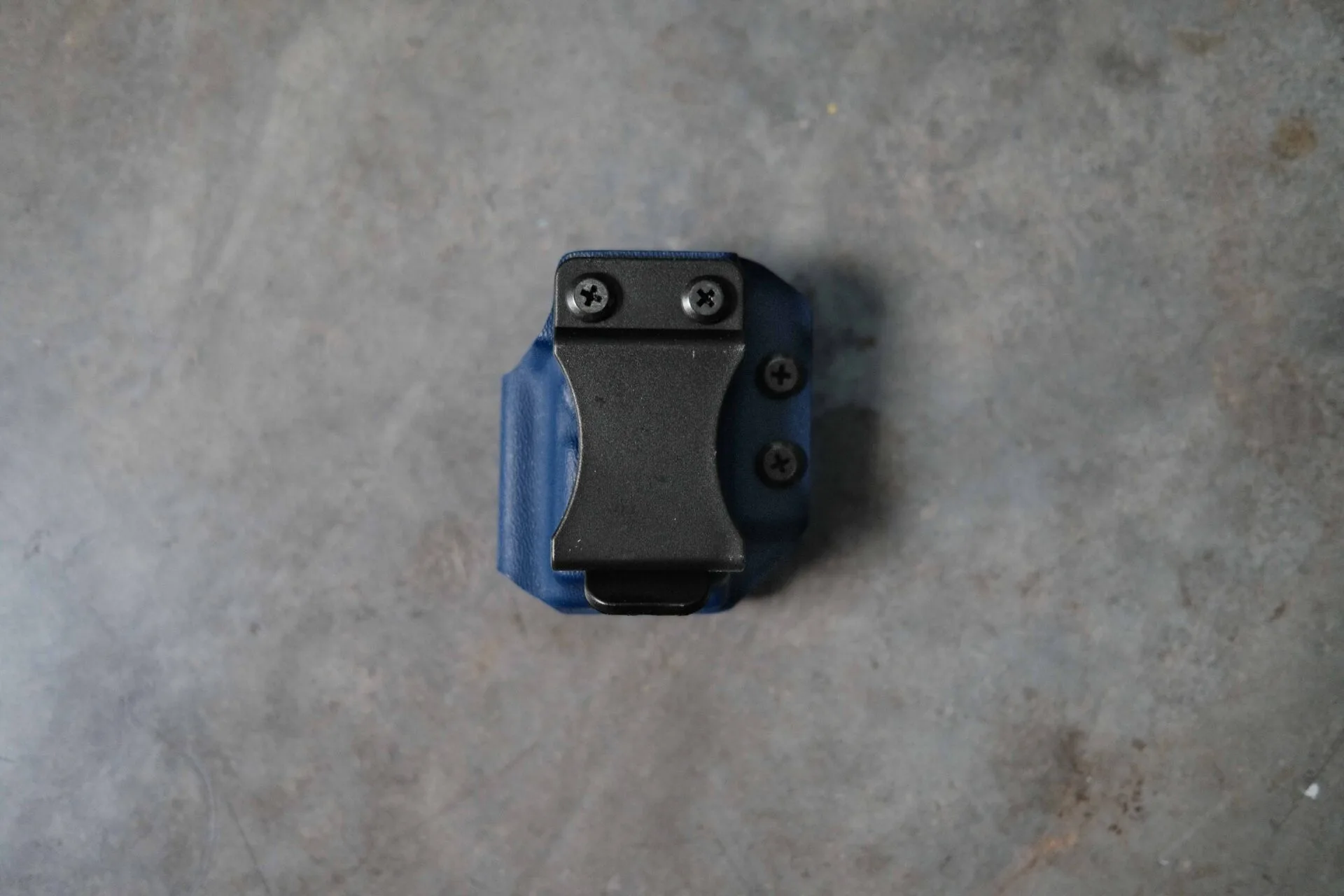
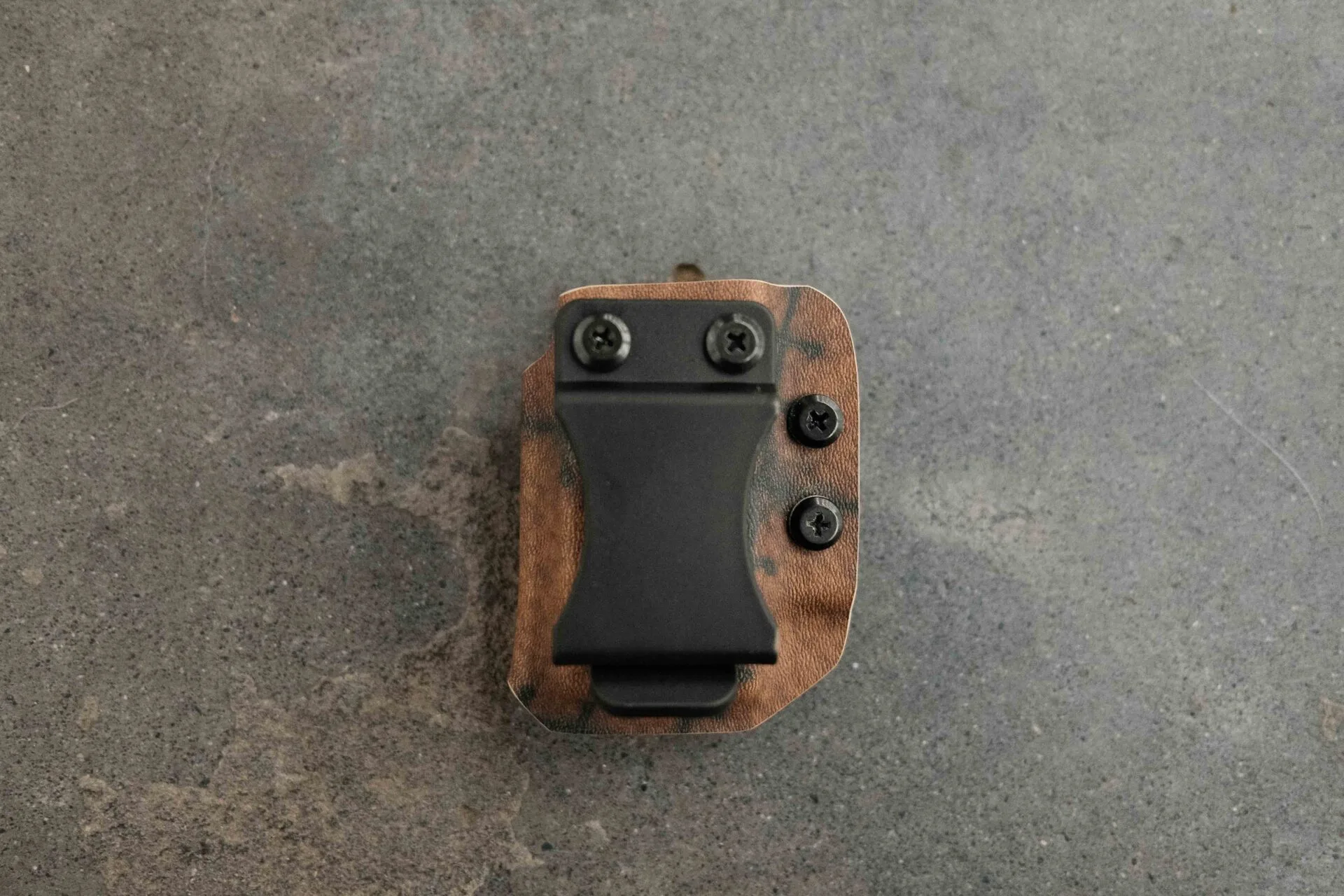
Additionally, consider a reliable magazine carrier to keep spare rounds handy. The https://guerillatactical.com/products/garage-sale-one-shot-single-mag-carrier-double-stack-9-40-365266Garage Sale One Shot - Single Mag Carrier - Double Stack 9/40 is a durable option that pairs well with your Glock. And don't forget to maintain your firearm with a quality CLP like the KleenBore Mil-Spec CLP to keep everything running smoothly. A well-equipped setup ensures you're ready for any situation.
- Red dot sights like the RMR or EFLX complement the X300 Turbo.
- A sturdy mag carrier ensures you have extra ammunition accessible.
- Regular cleaning with a good CLP extends the life of your gear.
Installing a Surefire X300 Turbo on your Glock is a straightforward process that greatly enhances your defensive capabilities. By following these steps and tips, you can ensure a secure, reliable mount that will serve you well for years. Whether you're a professional or a responsible citizen, a properly mounted weapon light is an invaluable asset. For more high-quality tactical gear, check out the Surefire X300 Turbo and other products at Guerrilla Tactical.