If you’re tired of tangled cables and want a cleaner, more efficient workspace, the Omnidesk MagRail is a game-changer. This magnetic rail lets you attach peripherals like your phone, tablet, or even a secondary monitor arm without drilling or permanent modifications. In this guide, we’ll walk you through the installation process and share tips for getting the most out of your cable-free setup.
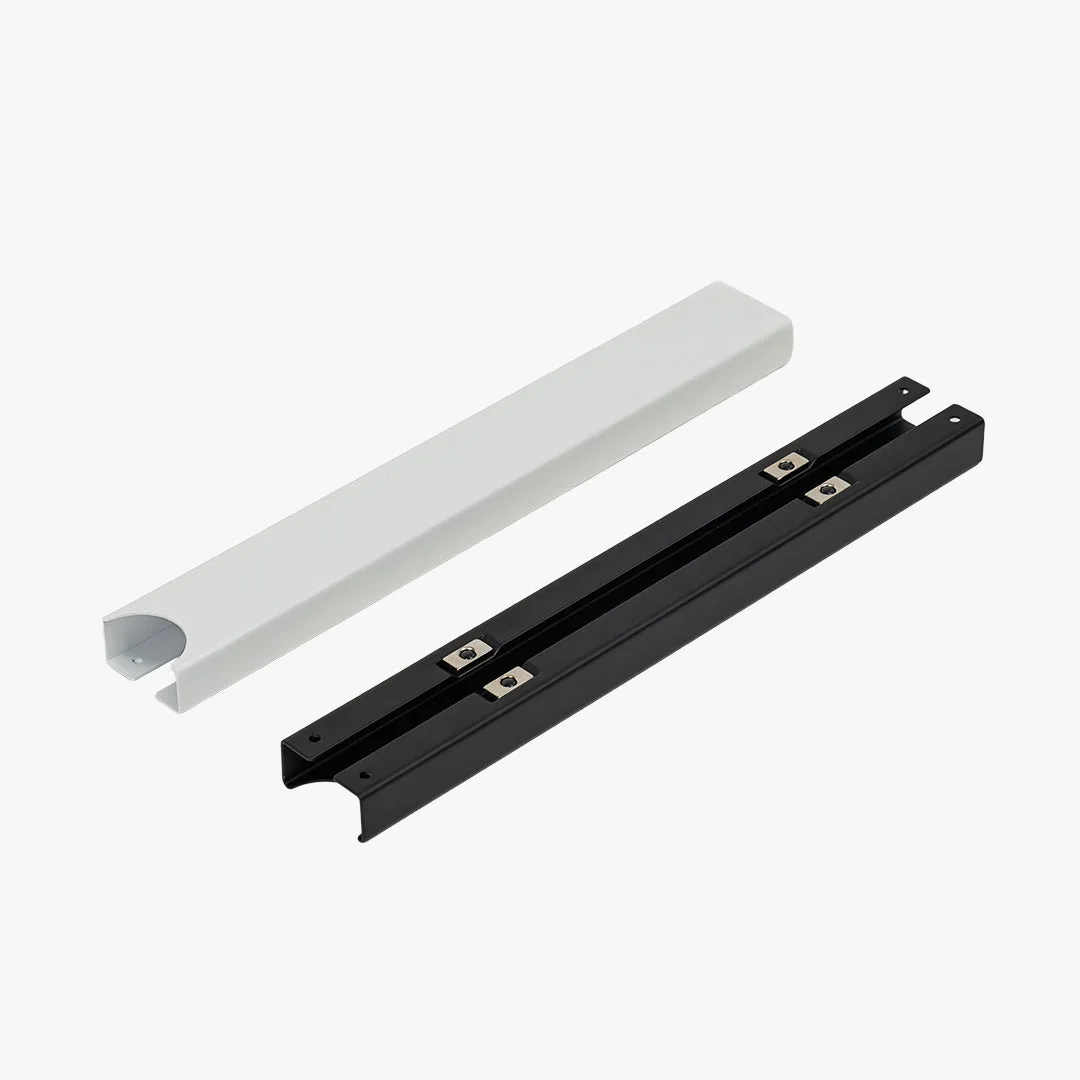
MagRail
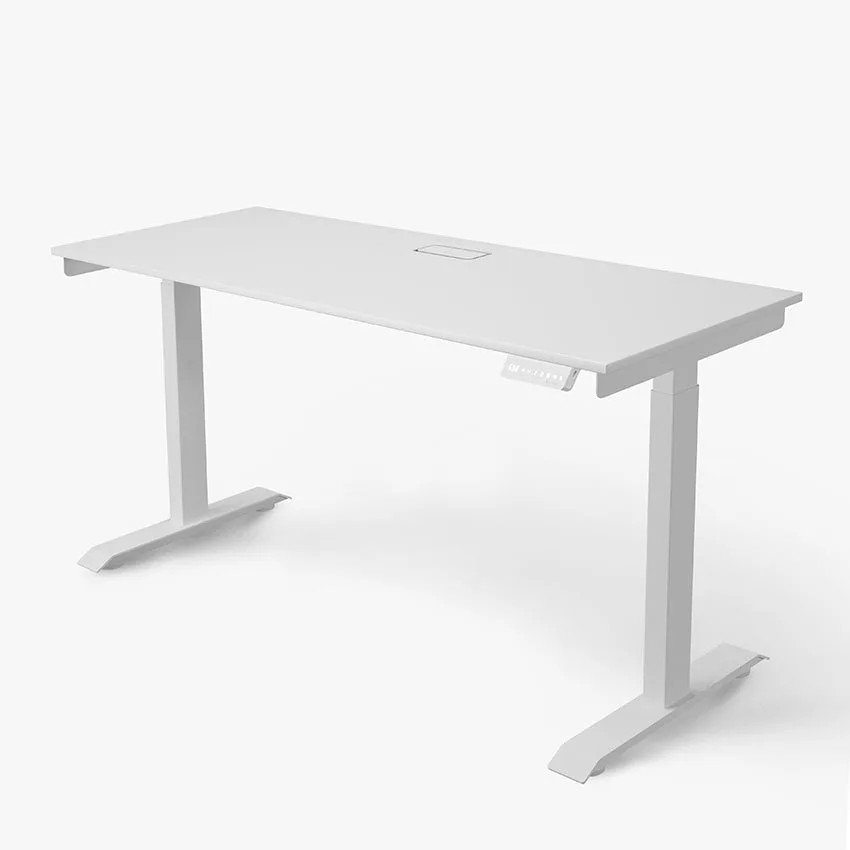
The MagRail is designed to work seamlessly with Omnidesk standing desks, including the Omnidesk Essential and Omnidesk Mystic. It attaches to the desk’s underside or rear edge, providing a sturdy magnetic surface for compatible accessories. Whether you’re a gamer, designer, or remote worker, this rail helps you declutter your desk and keep frequently used items within easy reach.
What You’ll Need for Installation
Before starting, ensure you have the Omnidesk MagRail kit, which includes the rail, mounting brackets, screws, and a hex key. You’ll also need a clean, dry desk surface and a few minutes of patience. The MagRail is compatible with most Omnidesk desks, but check that your desk has a flat edge (front or back) for mounting. If you have a Privacy Panel installed, you may need to adjust the rail placement to avoid interference.
For a truly wireless setup, consider pairing the MagRail with cable-free peripherals like a wireless mouse and keyboard. The rail itself doesn’t require power, but you can attach magnetic cable clips to route charging cables neatly. Optional accessories like the Battery Pack (Coffee Table) can also be mounted for a clean power solution.
- Tip: Clean the mounting area with a damp cloth to ensure the adhesive brackets stick firmly.
Step-by-Step MagRail Installation
Start by deciding where to place the rail. Most users prefer the front edge of the desk for easy access to phones or tablets, or the rear edge for monitor arms. Hold the rail in position and mark the screw holes with a pencil. If your desk has pre-drilled holes (common on Omnidesk models), align the rail accordingly. Otherwise, drill pilot holes carefully to avoid splitting the wood.
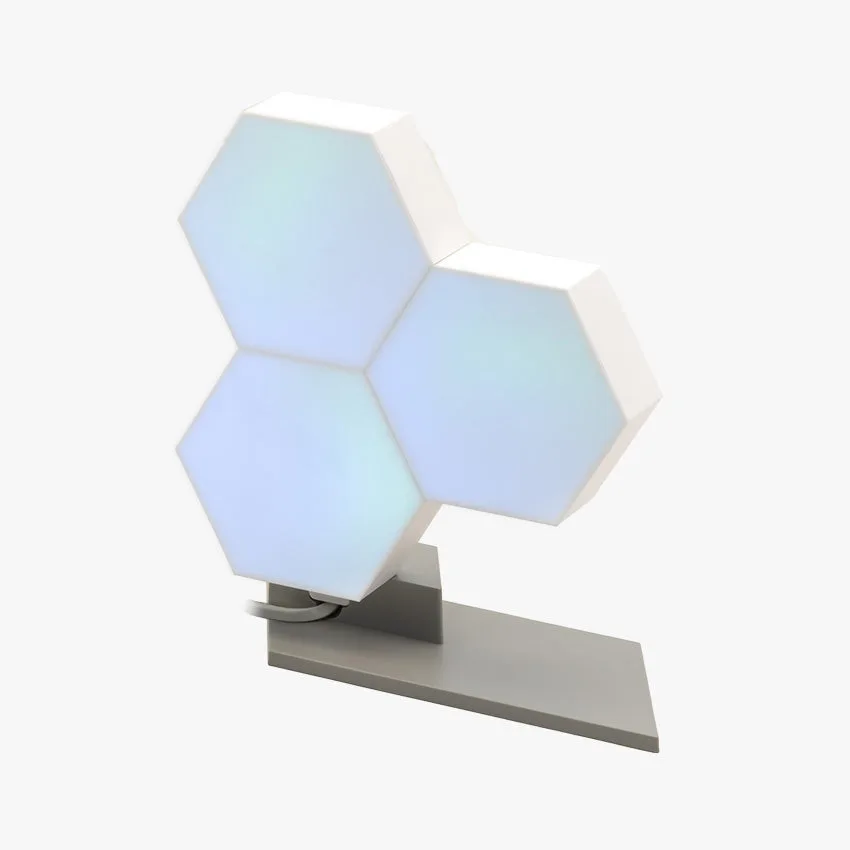
Attach the mounting brackets to the rail using the provided screws and hex key. Then, secure the brackets to the desk using the included screws. Tighten them firmly but avoid over-tightening. Once the rail is mounted, test the magnetic strength by attaching a metal accessory. The MagRail can hold up to 5 kg when evenly distributed, so it’s ideal for lightweight peripherals like the Nanoleaf Canvas or Audioengine HD4 Speakers.
- Tip: Use a level to ensure the rail is straight before tightening all screws.
Organizing Peripherals with the MagRail
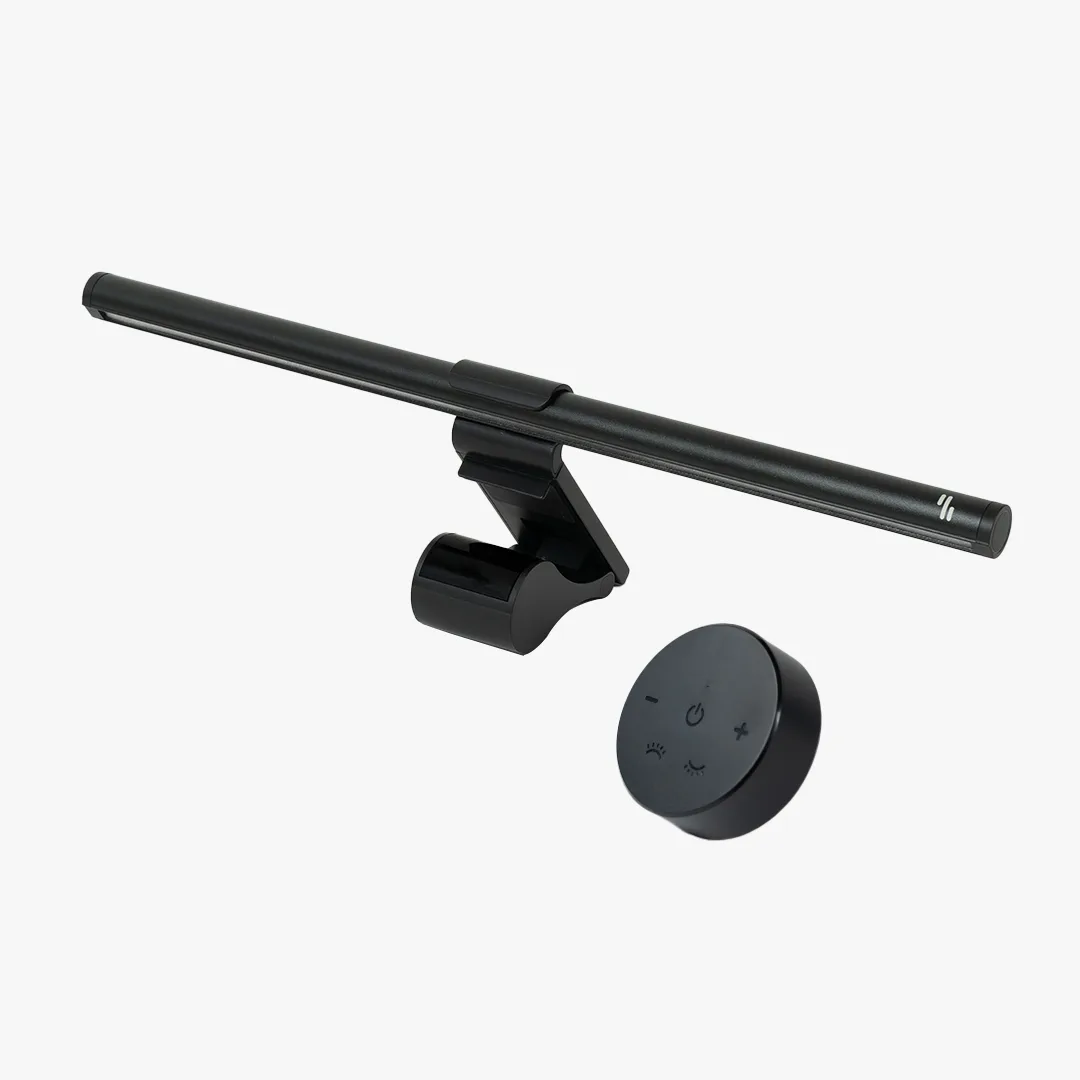
With the rail installed, you can now attach magnetic accessories. Many modern devices have metal backs, or you can use adhesive metal plates (included with some accessories) to make them magnetic. For example, mount your smartphone horizontally for quick notifications, or attach a small shelf for your tablet. The rail also works with third-party magnetic mounts for webcams or lights.
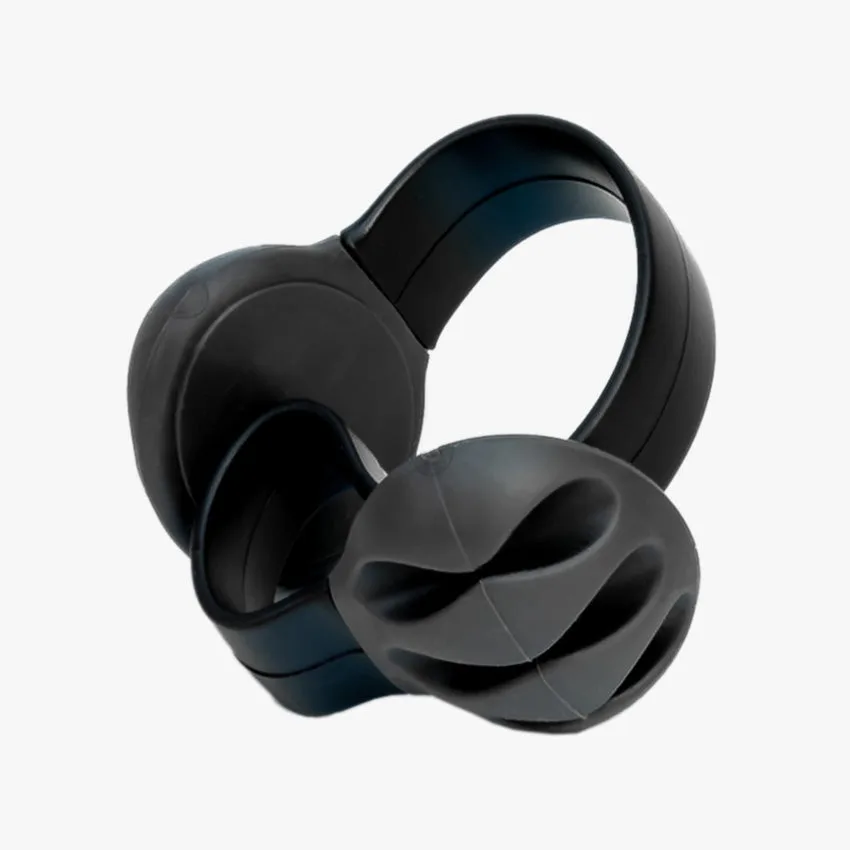
To keep cables completely hidden, route them along the rail using magnetic cable ties. This prevents wires from dangling and maintains a clean look. If you use a standing desk, the rail stays fixed while the desk moves, so your peripherals remain in place. For gamers, consider mounting a Logitech G560 Lightsync PC Gaming Speakers on the rail for immersive audio without desk clutter.
- Tip: Test the magnetic hold before placing expensive items to ensure they won’t slide off when the desk adjusts.
Maintenance and Troubleshooting
The MagRail requires minimal maintenance. Wipe it with a dry cloth occasionally to remove dust. If the magnetic strength weakens, check that the metal plates on your accessories are clean and free of debris. Over time, screws may loosen due to desk movement; tighten them every few months. Avoid attaching heavy items like monitors directly to the rail without a dedicated mount.
If you encounter alignment issues, loosen the brackets slightly and adjust the rail position before re-tightening. For desks with a wood finish, use the included rubber pads to prevent scratches. The MagRail is designed for indoor use only; avoid exposure to moisture or extreme temperatures.
The Omnidesk MagRail is a simple yet powerful tool for achieving a cable-free desk. With proper installation and a few compatible accessories, you can transform your workspace into a clean, organized hub that boosts productivity. Start small with your phone and mouse, then expand as you discover new ways to go wireless.