Smart bird feeders have transformed backyard birding, but their true potential unlocks when you integrate them into your broader smart home ecosystem. Instead of checking a single app, you can have your feeder send real‑time alerts to your smart speaker, trigger a light when a rare species visits, or log every visitor to a dashboard you already use. Birdbuddy feeders are designed with connectivity in mind, and with a few steps you can make them a seamless part of your daily routines.
This guide walks you through exactly how to integrate Birdbuddy with popular smart home systems – from Alexa and Google Assistant to open‑source platforms like Home Assistant. Whether you want voice control, automated notifications, or deeper data logging, you’ll find practical steps to turn your feeder into a true smart home device.
Why Integrate Birdbuddy with Your Smart Home?
The obvious benefit is convenience. Instead of opening an app every time you want to see who’s at the feeder, a smart home integration can push a photo or short video clip directly to your phone, your TV, or even your smart display. For example, you could say “Alexa, show me the bird feeder” and see live footage on an Echo Show. This hands‑free bird watching makes it easier to stay engaged with your backyard visitors while cooking, working, or relaxing.
Deeper integrations also allow you to create automations. If you use a platform like Home Assistant, you can trigger a light near the window when a bird of a certain species is detected, or log visits into a spreadsheet for citizen science. These automations turn your feeder from a passive observer into an active participant in your smart home, and they rely on the strong connectivity built into modern Birdbuddy models.
- Instant alerts on any smart device, not just the Birdbuddy app
- Voice control to ask for the latest visitor or feeder status
- Cross‑platform automation that links feeder data to other sensors and actuators in your home
Supported Platforms and How to Connect Your Feeder
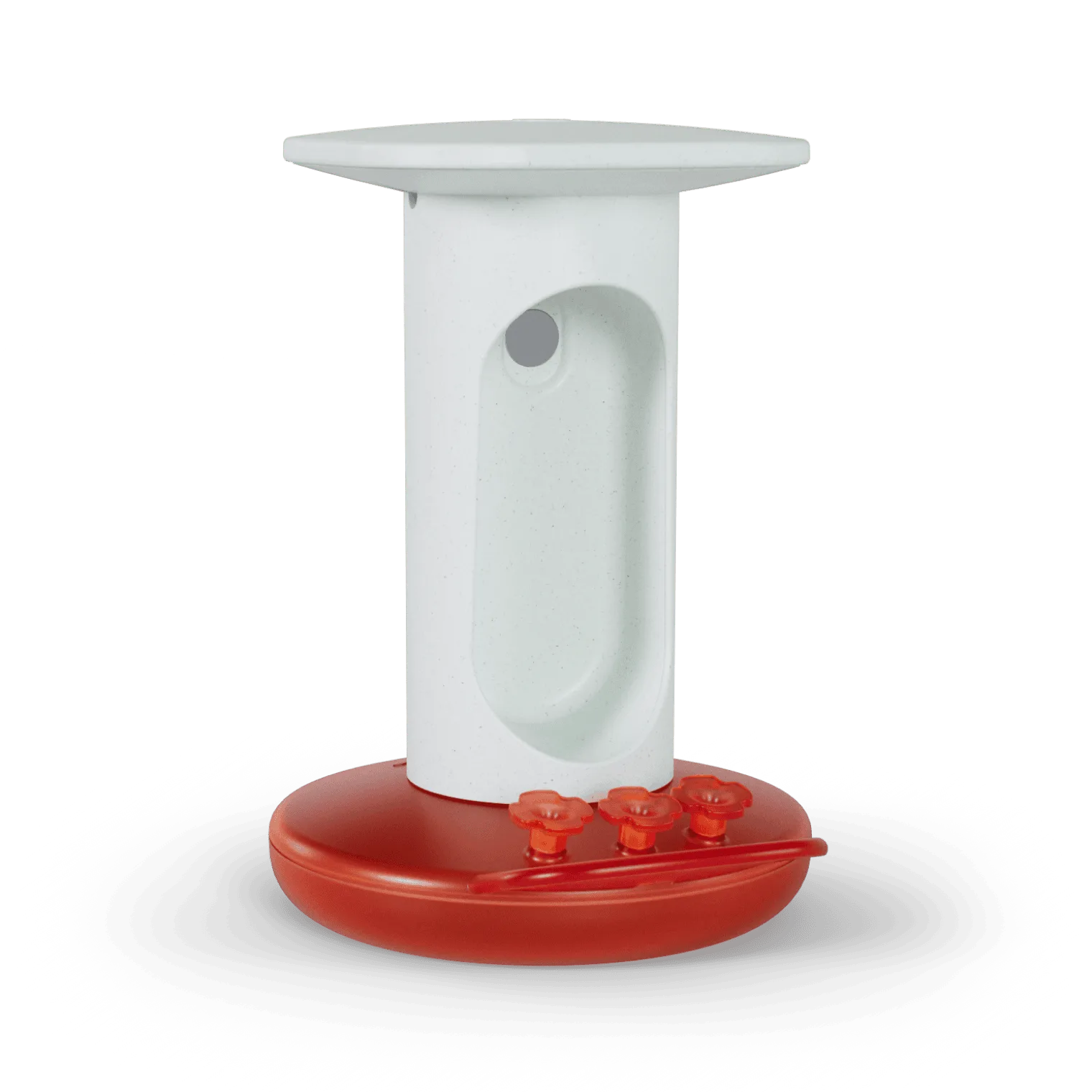
Birdbuddy feeders work with a range of smart home ecosystems. The official Birdbuddy app provides integration with Amazon Alexa and Google Assistant via built‑in skills. To connect your Smart Hummingbird Feeder Pro or https://nexaelectroai.shop/products/birdbuddy-pro-solar-221217Birdbuddy Pro Solar, open the Birdbuddy app, go to Settings, and select Connected Services. From there, link your Amazon or Google account – the skill will walk you through granting permissions. Once linked, you can use voice commands like “Alexa, ask Birdbuddy what birds are at the feeder” or “Hey Google, show the latest bird photo.”
For more advanced users, Birdbuddy also offers IFTTT (If This Then That) applets, which let you connect to hundreds of other services. And for full local control, you can connect your feeder to Home Assistant using the Birdbuddy integration via the Home Assistant Community Store (HACS). This requires a small amount of technical setup – you’ll need your Birdbuddy account email and an API token – but once connected, you get sensor entities for the latest bird species, visit count, and battery level that you can use in any automation.
- Amazon Alexa: Enable the Birdbuddy skill, then say “Alexa, open Birdbuddy”
- Google Assistant: Link your Birdbuddy account in the Google Home app
- Home Assistant: Use the HACS integration and add a REST sensor for bird activity
- IFTTT: Create applets that send tweets, log to Google Sheets, or trigger smart lights
Practical Automation Ideas for Smart Home Bird Watching
Once your feeder is connected, the possibilities for automation are nearly endless. One popular setup uses the feeder’s motion detection to trigger a smart light outside your window, illuminating the feeding area for better camera shots at dusk. Another is to have your smart speaker announce the species name each time a new bird is detected – perfect for families with children learning about local wildlife.
You can also combine data from multiple sensors. For example, if the Birdbuddy reports a hummingbird and your outdoor temperature sensor shows it’s above 50°F, your smart thermostat could adjust the indoor temperature to make bird watching more comfortable. Or, when battery level drops below 20%, have your phone send a reminder to check the solar panel – especially useful if you own a Birdbuddy Pro Solar with its Solar Roof, which keeps the feeder powered without manual battery swaps.
- Automate a camera to take a snapshot when a specific bird species visits
- Log feeder visits to a Google Sheet for year‑round tracking
- Send a push notification with the bird photo to everyone in your household
- Use a smart plug to turn on a heated bird bath when a bird is detected on cold days
Products That Make Integration Smoother
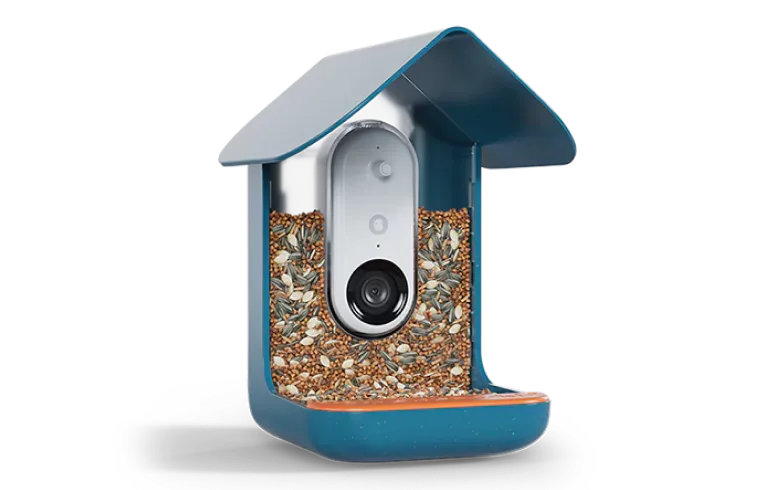
While all Birdbuddy feeders offer smart features, some models are especially suited for smart home enthusiasts. The Birdbuddy Pro Solar comes with a built‑in solar panel and an advanced camera that supports higher‑resolution images and faster motion detection – both of which improve the quality of automation triggers. Its Solar Roof accessory ensures the battery stays topped up, so your integrations never go offline due to power loss.
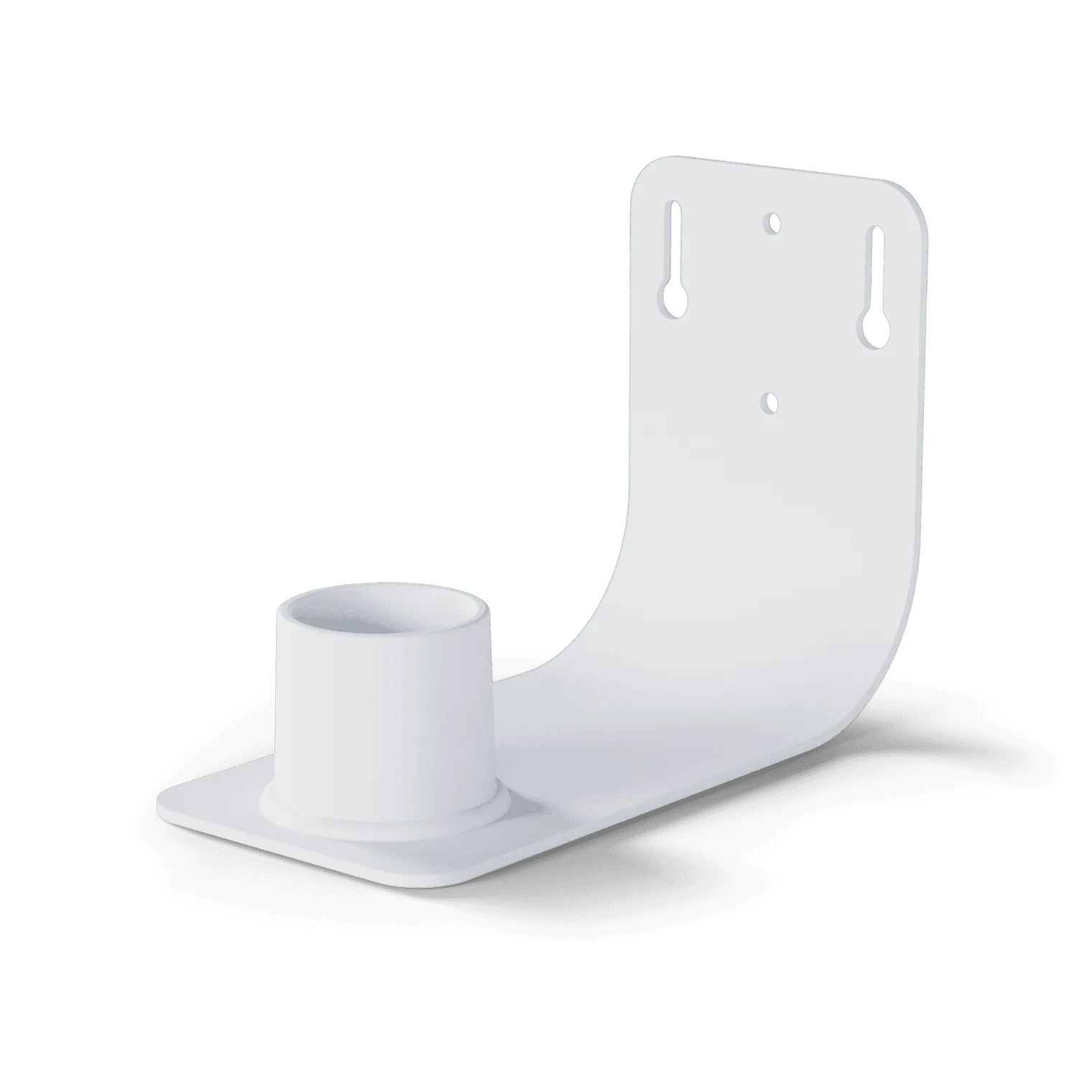
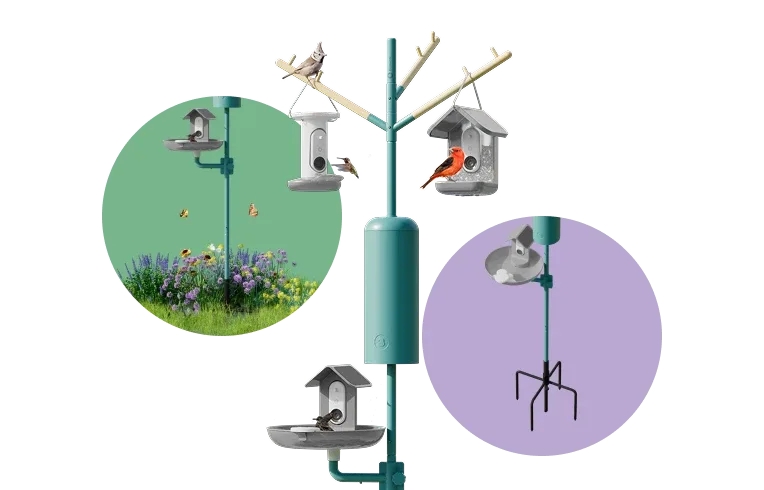
If you’re just starting with smart bird feeding, the Nature Station Essential bundle is an excellent choice. It includes the feeder, a solar roof, and a wall mount, giving you everything needed for a reliable, always‑on setup that’s easy to connect to your smart home. With the wall mount, you can position the feeder in the ideal spot for both birds and your home’s Wi‑Fi signal, ensuring stable data flow to your automation platform.
- Birdbuddy Pro Solar: Best for high‑activity yards and advanced automation
- Nature Station Essential: Complete kit for a hassle‑free smart home integration
- Solar Roof: Keeps the feeder powered 24/7, eliminating battery anxiety in automations
Integrating your Birdbuddy feeder with your smart home system turns casual bird watching into a dynamic, automated experience. Whether you prefer voice commands, IFTTT applets, or full local control via Home Assistant, the process is straightforward and the rewards are immediate. Start with one of the recommended products – the Birdbuddy Pro Solar or the Nature Station Essential – and follow the connection steps in this guide to bring your backyard birds into your smart home ecosystem.