Choosing between an iPad Pro and a MacBook Air for your daily carry can feel like picking a favorite child. Both are Apple's finest, but they serve fundamentally different workflows. The iPad Pro is a touch-first powerhouse with Apple Pencil support and stunning portability, while the MacBook Air offers a traditional laptop experience with a full keyboard, trackpad, and macOS flexibility.
In this guide, we break down the key differences in performance, portability, accessory compatibility, and real-world productivity. By the end, you'll know which device deserves a spot in your bag every morning.
Performance and Workflow: Laptop Power vs Tablet Versatility
The MacBook Air, powered by Apple's M3 chip, excels in sustained multitasking, coding, video editing, and any task that benefits from a full operating system. With up to 18 hours of battery life, it's a workhorse for professionals who need to run multiple apps simultaneously without compromise.
The iPad Pro, especially the M4 model, is no slouch. It handles creative tasks like digital art, photo editing, and note-taking with ease. However, iPadOS can feel restrictive for certain workflows—file management, external monitor support, and legacy app compatibility are areas where the MacBook Air still has the edge. For daily carry, consider whether you need a desktop-class OS or a touch-first creative tool.
- MacBook Air: Best for heavy multitasking, software development, and traditional office work.
- iPad Pro: Ideal for artists, presenters, and anyone who values touch interaction and Apple Pencil.
Portability and Daily Carry: Bag Compatibility Matters
Both devices are incredibly thin and light. The 13-inch MacBook Air weighs just 2.7 pounds, while the 11-inch iPad Pro is under 1.1 pounds. But daily carry isn't just about the device—it's about the bag that protects and organizes it. A padded sleeve or dedicated compartment is essential to prevent scratches and dents during commutes.
For iPad Pro users, a slim folio-style case or a protective sleeve works well. MacBook Air owners often prefer a structured backpack with a padded laptop compartment. The Pro Executive Laptop Backpack offers a dedicated, padded laptop compartment that fits both devices securely, plus additional pockets for accessories like chargers and cables. For a minimalist approach, the Packable Backpack is a lightweight option that folds flat when not in use, perfect for the iPad Pro user who wants to travel light.
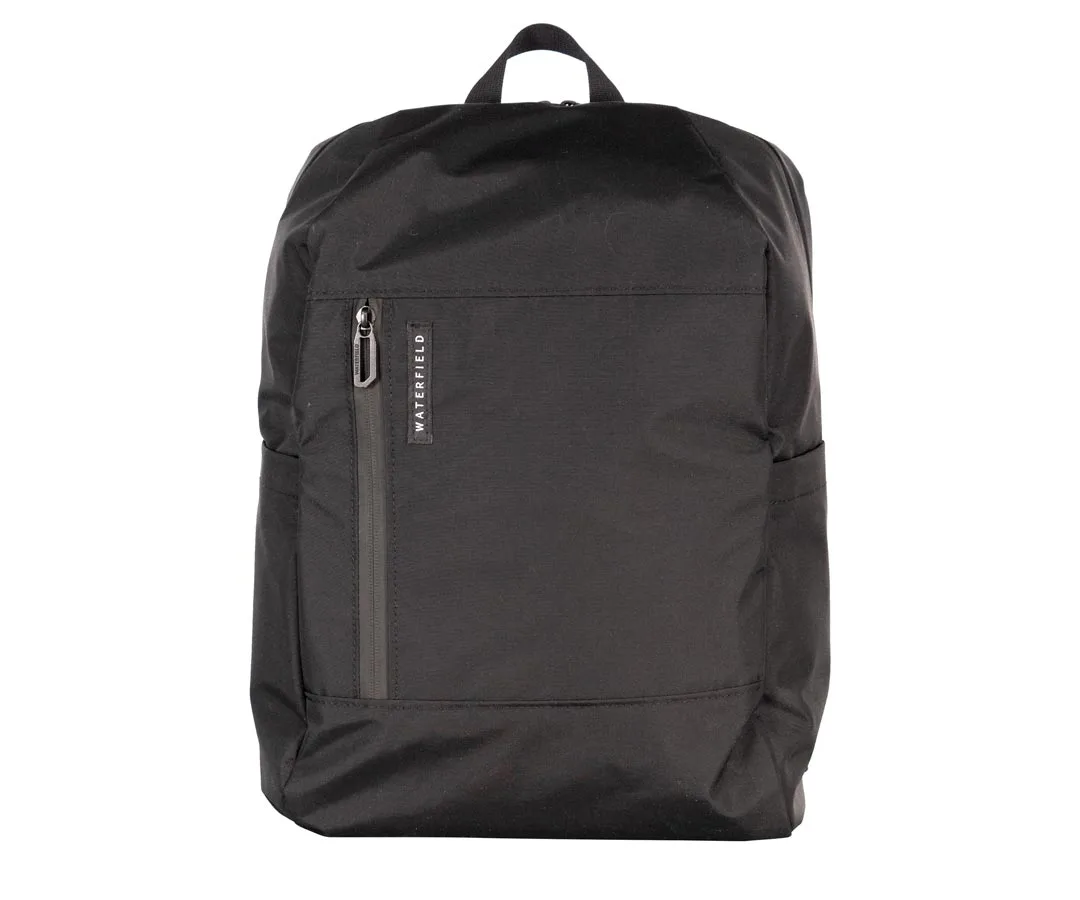
Packable Backpack
- iPad Pro: Fits easily in most sling bags or small crossbodies.
- MacBook Air: Requires a bag with a padded 13-inch compartment.
Accessories and Ecosystem: What You Really Need
Accessories can make or break your daily carry experience. For the iPad Pro, a Magic Keyboard and Apple Pencil are almost mandatory for serious productivity, adding weight and bulk. The MacBook Air, on the other hand, comes with a built-in keyboard and trackpad, so you only need a charger and perhaps a mouse or external drive.
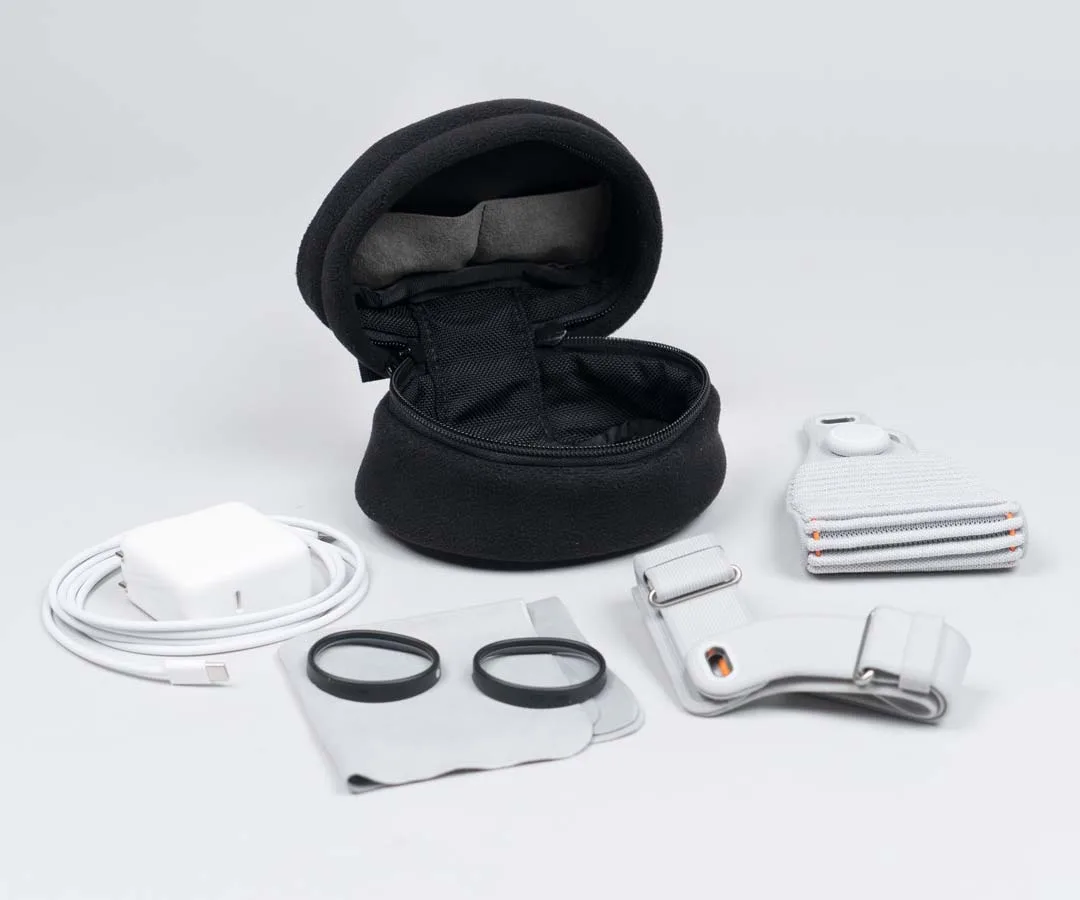
Organizing these accessories is key to a clutter-free bag. The Gear Pouch is perfect for storing cables, dongles, and a small charger, keeping them accessible without digging through your bag. For iPad Pro users who carry a pencil and keyboard, the Air Caddy provides dedicated slots for each item, ensuring nothing gets lost. The MacBook Air user might prefer a simple sleeve and a small cable organizer.
- iPad Pro accessories: Magic Keyboard, Apple Pencil, USB-C hub.
- MacBook Air accessories: USB-C charger, external drive, mouse (optional).
Battery Life and Charging: Staying Powered All Day
Battery life is a critical factor for daily carry. The MacBook Air offers up to 18 hours of video playback, easily lasting a full workday. The iPad Pro provides up to 10 hours of wireless web browsing, which is sufficient for most users but may require a midday top-up for heavy users.
Both devices charge via USB-C, so a single charger can serve both. However, the iPad Pro's battery drains faster when using the Magic Keyboard or running demanding apps. If you're on the go, consider carrying a portable battery pack or a compact charger. The Tech Folio Backpack includes a dedicated pocket for a power bank, making it easy to charge devices without unpacking.
- MacBook Air: Excellent battery life for full-day use without recharging.
- iPad Pro: Good battery life, but plan for a mid-day charge if using heavily.
Real-World Use Cases: Which Device Fits Your Lifestyle?
Your daily routine determines the better choice. If you're a student who takes notes by hand, reads textbooks, and occasionally writes essays, the iPad Pro with Apple Pencil is a game-changer. It replaces notebooks, textbooks, and even a laptop for light tasks.
If you're a remote worker who needs to run multiple apps, attend video calls, and edit documents, the MacBook Air is the clear winner. Its larger screen, full keyboard, and trackpad make it more efficient for prolonged use. For creative professionals who do both, a hybrid setup—iPad Pro for sketching and MacBook Air for editing—might be ideal, but that means carrying two devices. In that case, a spacious bag like the Pro Executive Laptop Backpack can hold both securely.
- Student/creative: iPad Pro + Apple Pencil + Magic Keyboard.
- Professional/developer: MacBook Air + external monitor (at desk).
Ultimately, the iPad Pro and MacBook Air are both excellent daily drivers, but your workflow and portability needs will dictate the winner. If you value touch input and pencil support, go with the iPad Pro. If you need a full desktop OS and all-day battery, the MacBook Air is your match. Whichever you choose, protect your investment with a bag that fits your lifestyle—explore the Pro Executive Laptop Backpack for a versatile, padded solution that carries either device with ease.