Quick answer
To ensure a snug fit and reliable MagSafe connection with your OtterBox Symmetry Series Western Noir case for iPhone 16 Pro, align the case's magnets with your phone's internal array before pressing it fully into place, then test with a magnetic accessory to confirm alignment.
Why fit matters for MagSafe cases
The OtterBox Symmetry Series cases are designed to be thin and light while still providing drop protection. The Western Noir Collection adds a distinctive aesthetic, but the case’s magnetic ring must align precisely with the iPhone 16 Pro’s internal magnet array for consistent MagSafe accessory attachment.
If the case isn’t seated perfectly, wireless charging efficiency may drop or accessories like battery packs may not hold securely. The steps below help you avoid these common frustrations.
Steps to fit and test your Western Noir case
- 1. Clean your iPhone 16 Pro: Remove any existing case or screen protector from the phone. Wipe the back glass with a microfiber cloth to remove dust or oils that could prevent the case from sitting flat. Dust trapped behind the case can cause micro-wobbles and weaken MagSafe hold.
- 2. Align the case’s magnet ring: Hold the Symmetry case so the camera cutout is at the top. Lower the top edge of the case onto the phone first, then gently press the rest of the case down. The case should click into place without excessive force. If you feel resistance at the bottom corner, lift and realign—never force the case.
- 3. Check the side and button alignment: Run your finger along all four edges. The case should sit flush with the screen and back glass. Press each button—volume up/down, action button, and side button—to confirm they click crisply without sticking. Mushy or hard-to-press buttons mean the case isn’t fully seated; remove and reinstall it.
- 4. Verify MagSafe attachment: Attach a MagSafe charger or battery pack to the back of the cased phone. The accessory should snap firmly into the center and not slide off when you hold the phone vertically. Test wireless charging starts within two seconds. A weak or no magnetic grip means the case is rotated or not fully pressed down.
- 5. Final visual inspection: Hold the phone up to natural light and look for gaps between the case edge and the phone. The camera bump should be fully surrounded by the raised bezel. Wipe any fingerprints off the Western Noir finish with a soft, lint-free cloth. Regular cleaning keeps the leather-like texture looking its best and prevents dirt from interfering with the magnetic alignment over time.
Product fact
-
iPhone 16 Pro Symmetry Series Case for MagSafe Western Noir Collection: Shop By Feature Durable Phone Cases Leather Phone Cases Waterproof Phone Cases Thin Phone Cases Kids Shop All This thin-profile case keeps your iPhone 16 Pro pocket-friendly while protecting it, but you need to check that the built-in magnets align with your phone’s magnets before using any MagSafe accessory.
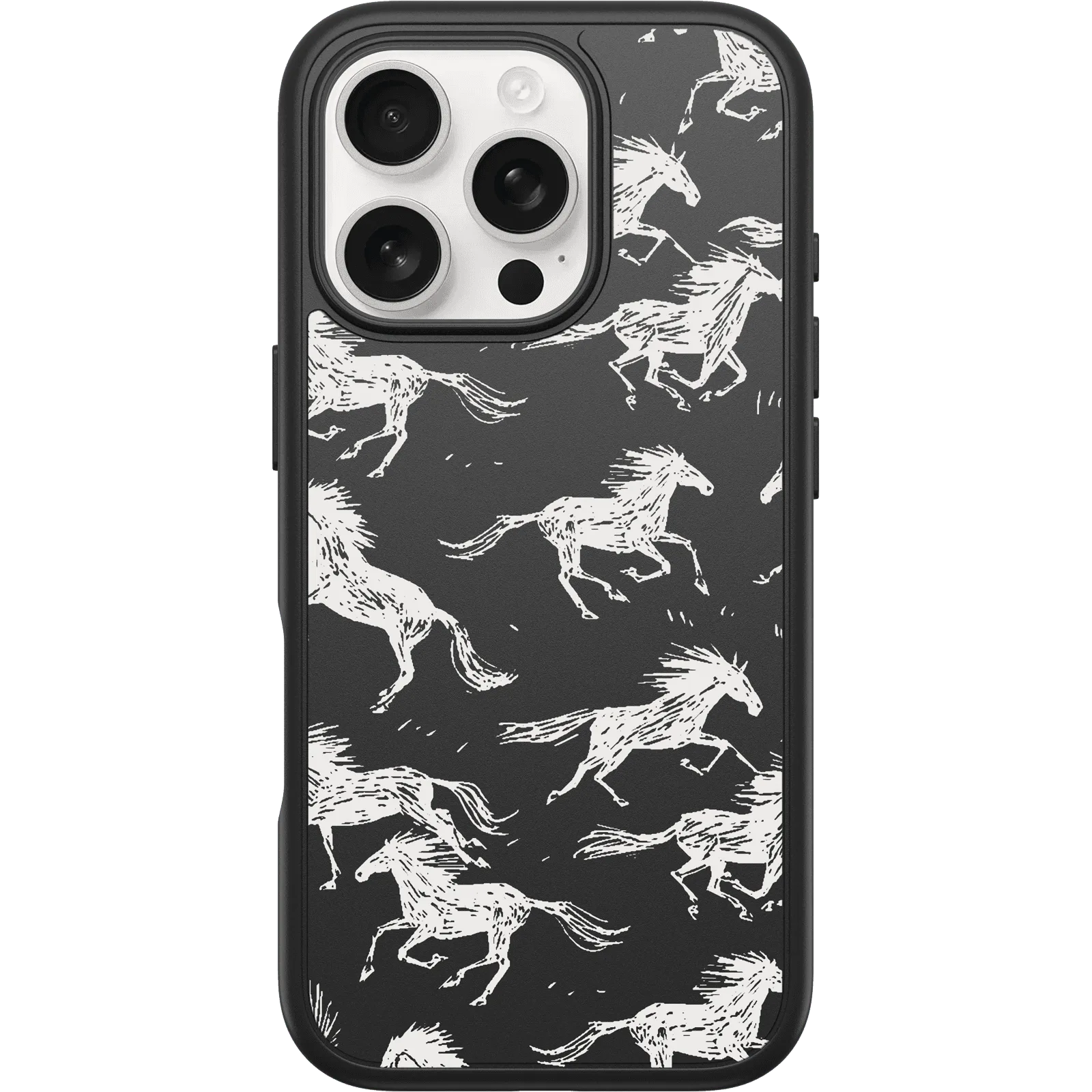
iPhone 16 Pro Symmetry Series Case for MagSafe Western Noir Collection