Quick answer
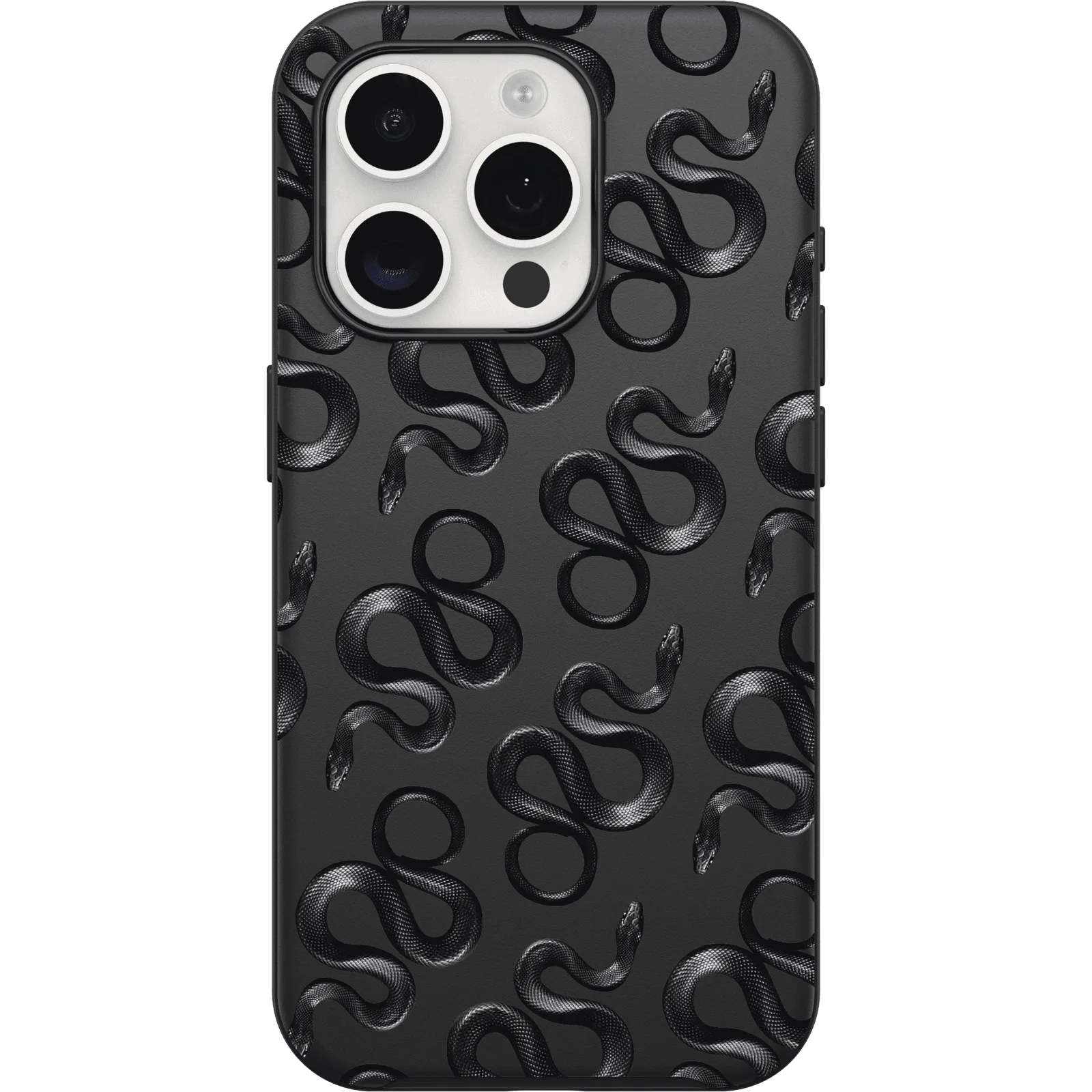
The OtterBox Symmetry Series Gothic Revival Collection case for iPhone 17 delivers a distinct stained-glass-inspired look without sacrificing drop protection, as long as you install it correctly and pair it with a compatible screen protector.
Why the Gothic Revival design matters for everyday use
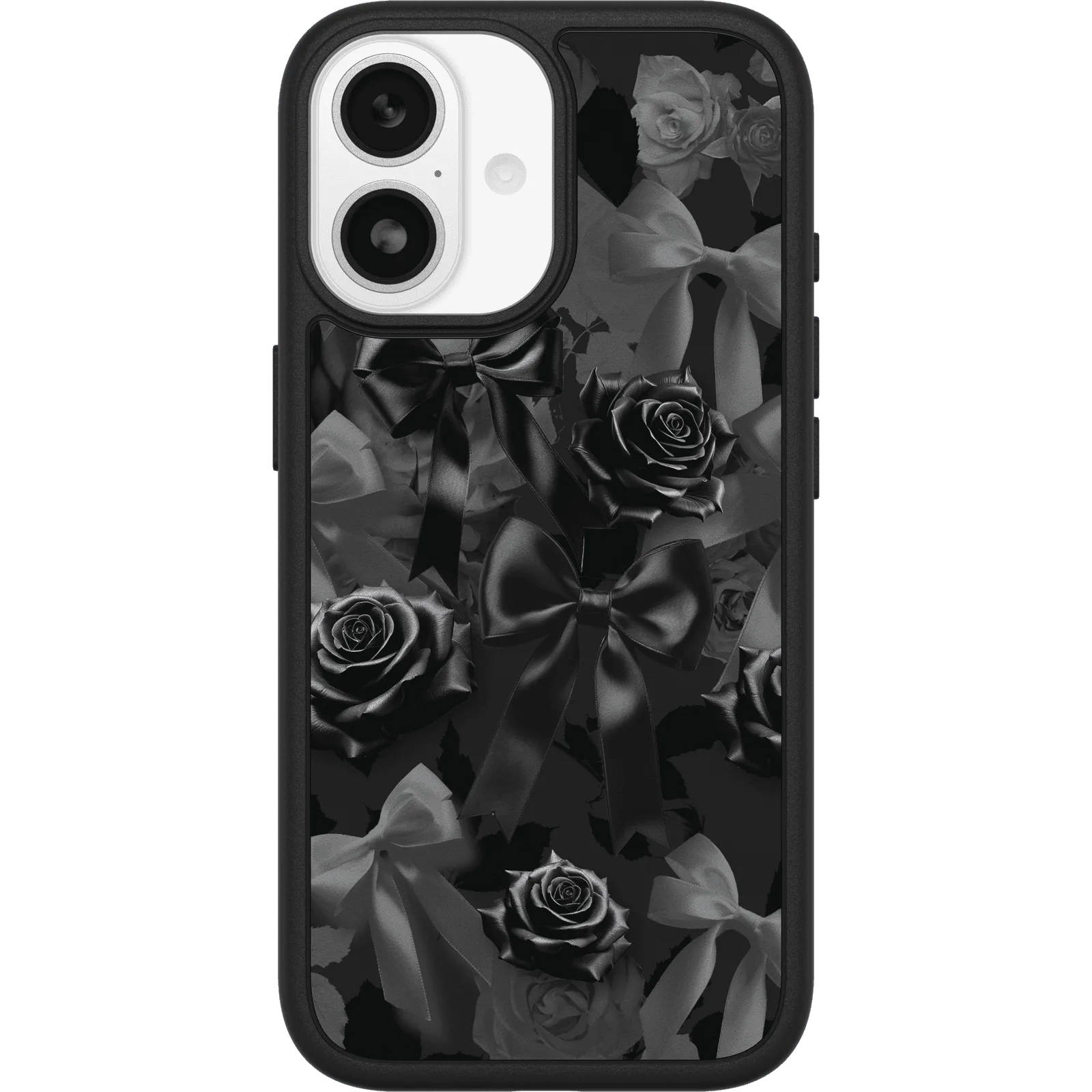
The Gothic Revival pattern uses layered translucent colors that create a stained-glass effect across the back of the case. Because the design is fused into the polycarbonate shell rather than printed on the surface, it won’t peel or fade over time. That means you get the same visual intensity after months of pocket carry.
The trade-off is that the intricate pattern can make it harder to see notifications or the wireless charging indicator on some iPhone 17 models. If you rely on those visual cues, you may need to tilt the phone or look from an angle.
Drop protection vs. slim profile
The Symmetry Series is OtterBox’s one-piece design that keeps the case noticeably thinner than traditional two-piece protective cases. The Gothic Revival Collection uses that same slim frame, so the phone slides easily into tight jean pockets or small bags.
The limitation is that a one-piece design offers less corner shock absorption than a multi-layer rugged case. For most daily drops from hand or pocket height, the Symmetry Series provides adequate protection. For frequent drops onto concrete or hard floors, a sturdier case style may be a better fit.
How to install and use your Gothic Revival case correctly
- 1. Clean your iPhone 17 before inserting it: Wipe the phone with a microfiber cloth to remove dust and fingerprints. Any debris trapped between the phone and the case can scratch the phone’s back glass or create visible marks under the translucent Gothic Revival pattern. A clean phone prevents permanent marks that show through the clear case back.
- 2. Align the case edges and press firmly around the corners: Start by inserting the top corner of the phone into the case, then press the opposite corner. Work around the edges until you hear a click at each side. A common mistake is pressing the center first, which can bend the case frame and leave gaps that collect dust. Always press from the corners inward to avoid frame distortion.
- 3. Test button responsiveness before adding accessories: Press the volume, power, and camera buttons to confirm they register through the case. The Gothic Revival pattern does not cover the button area, but if the case is not fully seated, the buttons may feel stiff. If they do, remove the case and reinstall it. Stiff buttons usually mean the case isn’t seated fully, not a defect.
- 4. Pair with a compatible screen protector: Because the Symmetry Series case has a raised bezel that sits slightly above the phone’s screen, most standard glass or polymer screen protectors fit without lifting. Avoid extra-thick protectors (over 0.5 mm) that may push against the bezel and cause the case to loosen over time. A thin screen protector preserves the case fit and the Gothic Revival aesthetic.
- 5. Clean the case with mild soap and water: The Gothic Revival pattern is embedded in the polycarbonate, so you can wash the case with warm water and a drop of dish soap. Use a soft cloth to dry it. Avoid isopropyl alcohol or abrasive cleaners — they can cloud the clear sections and dull the stained-glass effect. Mild soap keeps the pattern vibrant without damaging the finish.
Product facts
-
iPhone 17 Symmetry Series Gothic Revival Collection Case: The case is listed under durable, leather, waterproof, and thin phone case features, indicating it covers multiple use cases. You don’t have to choose between a slim profile and basic drop/water protection — the Gothic Revival case offers both in one package.
iPhone 17 Symmetry Series Gothic Revival Collection Case