Quick answer
Set up the JDS Labs Subjective 3 between your DAC and headphone amplifier, then adjust bass, mids, and highs to taste. Use bypass mode for a pure, unaltered signal.
Why analog EQ instead of software?
Software equalizers are convenient, but they process your music digitally and can introduce artifacts or require a running app. The Subjective 3 is a 100% analog three-band equalizer, so it shapes the signal before your amplifier without any digital conversion.
This matters for headphone listeners who want a physical, always-on tone control that works with any source—PC, phone, or dedicated streamer—without driver or app dependencies.
Trade-offs to consider before buying
The Subjective 3 adds one more box to your desktop chain and requires two short RCA cables. It also affects the signal slightly even in bypass mode, though the bypass path is designed to be as transparent as possible.
If you prefer a completely minimalist setup or never adjust tone, a simpler amplifier without EQ may suit you better. But if you want tactile control over bass, mids, and highs, this is a straightforward addition.
How to set up the Subjective 3
- Place the Subjective 3 in the signal chain: Connect the output of your DAC to the Subjective 3's input, then run a second RCA cable from its output to your headphone amplifier's input. The EQ must sit before the amp to affect the sound. Double-check that you're using the input and output jacks correctly; swapping them will bypass the EQ entirely.
- Set all tone controls to neutral: Start with bass, mids, and highs at their center detent positions (usually 12 o'clock). This gives you a flat baseline so you can hear what each band does. If you don't have a detent, mark the center with a small sticker for easy resetting.
- Adjust bass, mids, and highs to taste: Turn each knob slowly while listening to familiar tracks. Boost or cut one band at a time to avoid masking the effect. Small changes (1-2 dB) are often enough. Make changes one band at a time and listen for 30 seconds before adjusting another.
- Use bypass mode for a pure signal: When you want to hear the original recording without EQ, switch to bypass mode. The signal flows through unaltered, letting you compare your settings to the raw sound. Toggle bypass and your tuned settings to confirm you're happy with the difference.
- Match levels to avoid surprises: Because the Subjective 3 is passive, it may slightly reduce signal level. After setting your tone, adjust your amplifier's volume to match the bypass level for fair A/B comparisons. Use a test tone or a quiet passage to set matching levels.
Product spotlight
-
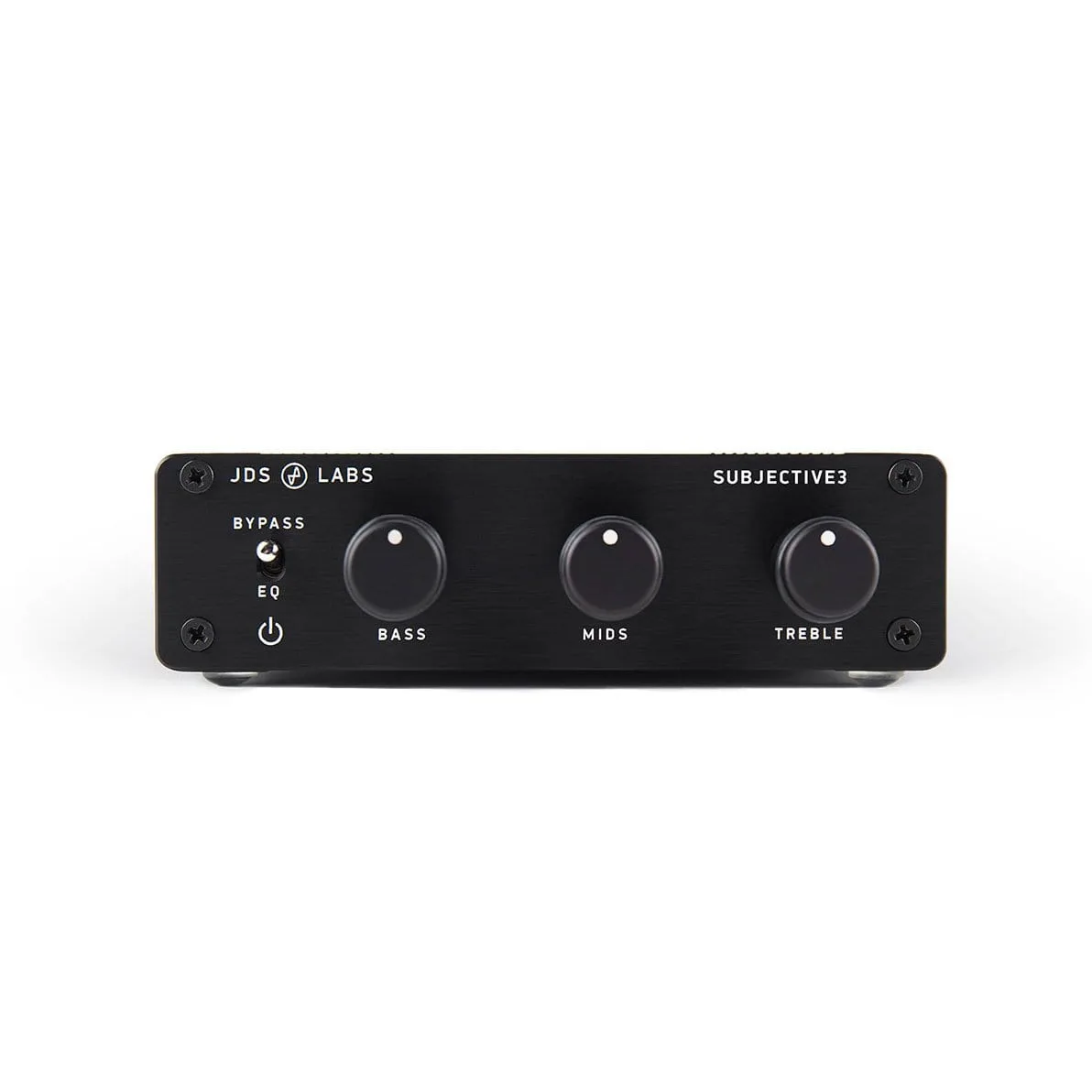
JDS Labs Subjective 3 3-Band Equalizer: Subjective 3 is a fun three-band equalizer enabling you to customize bass, mids, and highs, with a bypass mode for unaltered sound. You get physical tone controls that work with any headphone amplifier, and you can flip to bypass when you want the original signal.
JDS Labs Subjective 3 3-Band Equalizer