Quick answer
To expand an HHKB set with KAT WOB Extension keycaps, first confirm your keyboard uses a standard HHKB layout and that the extension kit includes the additional key sizes you need. Then plan which keys to replace, test-fit the keycaps, and install them firmly.
Why an extension kit makes sense for HHKB layouts
HHKB layouts often have fewer keys than a full-size keyboard, but many users customize them with extra keys or non-standard positions. An extension kit like the KAT WOB Extension provides additional keycaps in the same profile and colorway as a base set, letting you cover those extra positions without buying a whole new set.
The KAT WOB Extension is designed by biip and made from thickened double shot PBT, so it matches the durability and feel of the base KAT WOB keycaps. The white-on-black scheme keeps a clean, minimalist look.
Check compatibility before you buy
Not all HHKB keyboards use the same key sizes or stem type. The KAT WOB Extension is intended for MX-style stems, so confirm your HHKB has MX-compatible switches. Also check the specific key sizes in the extension kit against the keys you want to replace; the product listing shows the included keycaps, and you should compare those to your keyboard’s layout.
If your HHKB uses Topre stems, this extension kit will not fit without adapters. In that case, look for Topre-compatible keycaps instead.
Plan your layout and key selection
Before removing any keycaps, decide which keys you want to change. The extension kit includes additional keycaps for extended layouts, so you might use them for bottom-row modifiers, extra function keys, or non-standard positions. Lay out the extension keycaps next to your keyboard to visualize the changes.
A common mistake is assuming the extension kit covers every key on a non-standard layout. Check the kit’s key list carefully; if a key size is missing, you may need to keep the original keycap or source it separately.
Step-by-step: adding extension keycaps to your HHKB
- Verify stem compatibility: Remove one keycap from your HHKB and check the stem type. If it’s a cylindrical MX-style stem, the KAT WOB Extension will fit. If it’s a Topre stem, stop and consider adapters or a different keycap set. Test one key first to avoid damaging multiple keycaps.
- Compare key sizes: Match each key you want to replace with a keycap from the extension kit. Use a ruler or caliper to compare widths if unsure. The kit’s key list is your reference; do not guess. If a size is missing, decide whether to keep the original key or modify your plan.
- Remove original keycaps: Use a keycap puller to gently remove the keycaps you plan to replace. Pull straight up to avoid bending stems. Keep the original keycaps in a safe place. Avoid twisting or rocking the puller, which can damage switches.
- Install extension keycaps: Align the new keycap over the stem and press down firmly until it seats. Ensure it sits level and does not rub against neighboring keys. Repeat for each key. Press evenly; a partially seated keycap can feel mushy or cause binding.
- Test and adjust: After installation, press each replaced key to check for smooth travel and proper registration. If a key feels off, remove and reseat it. Also check that the keycaps do not interfere with case edges or other keys. A quick typing test can reveal issues before you reassemble the keyboard.
Product facts
-
KAT WOB Extension Double Shot PBT Keycaps for HHKB: Crafted from thickened double shot PBT plastic for durability and wear resistance. This means the extension keycaps will resist shining and last as long as your base set, even with heavy use.
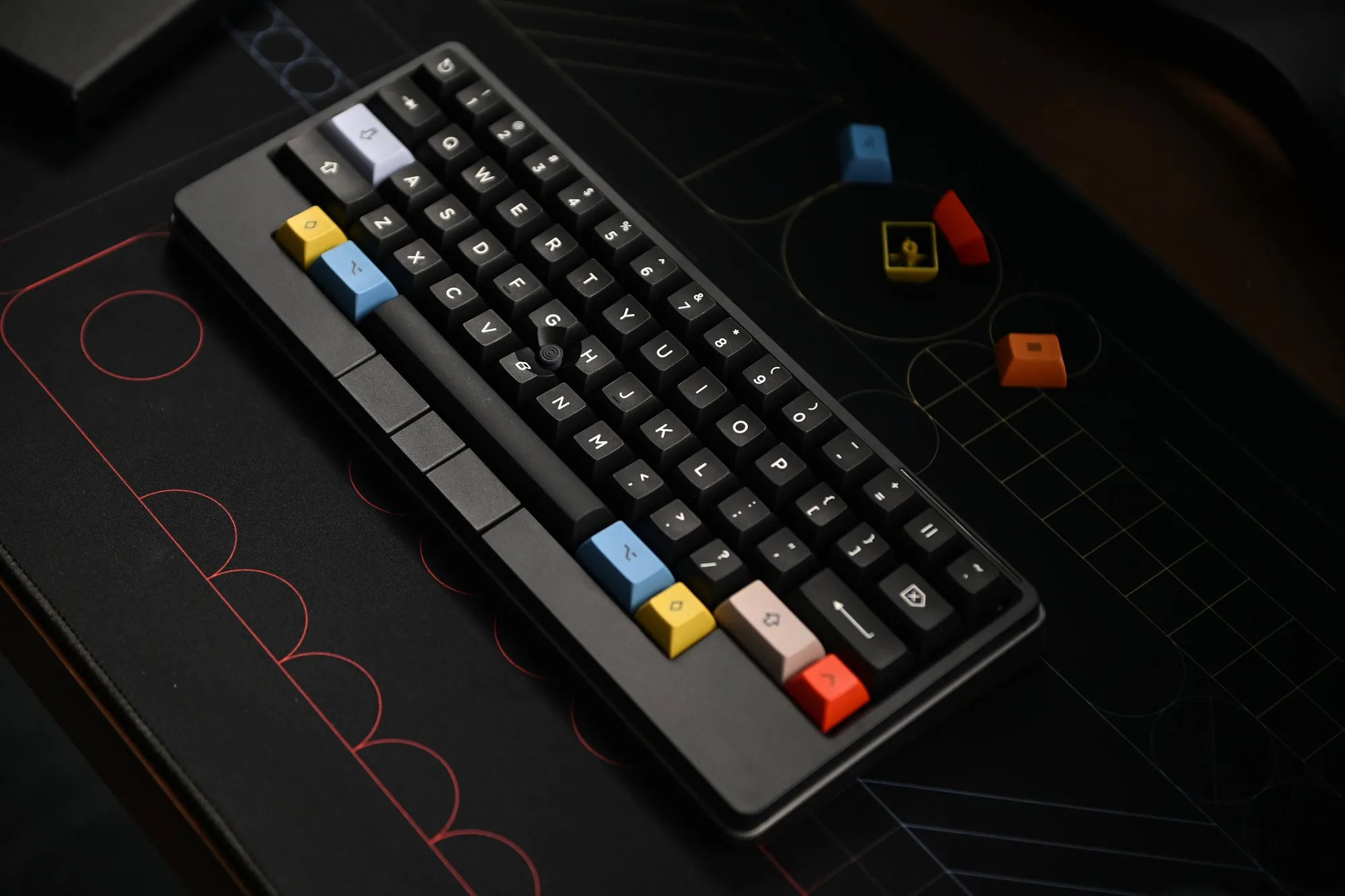
KAT WOB Extension Double Shot PBT Keycaps for HHKB