Quick Answer
For most sim racers, a keyboard tray for sim rig use is the better choice because it keeps the keyboard inside the cockpit, supports your wrists, and removes the need to twist toward a desk. A desk mount only wins when your rig sits directly against a desk and you want zero extra hardware on the profile. If you use a keyboard for chat, menus, or setup changes mid-stint, mount it to the rig.
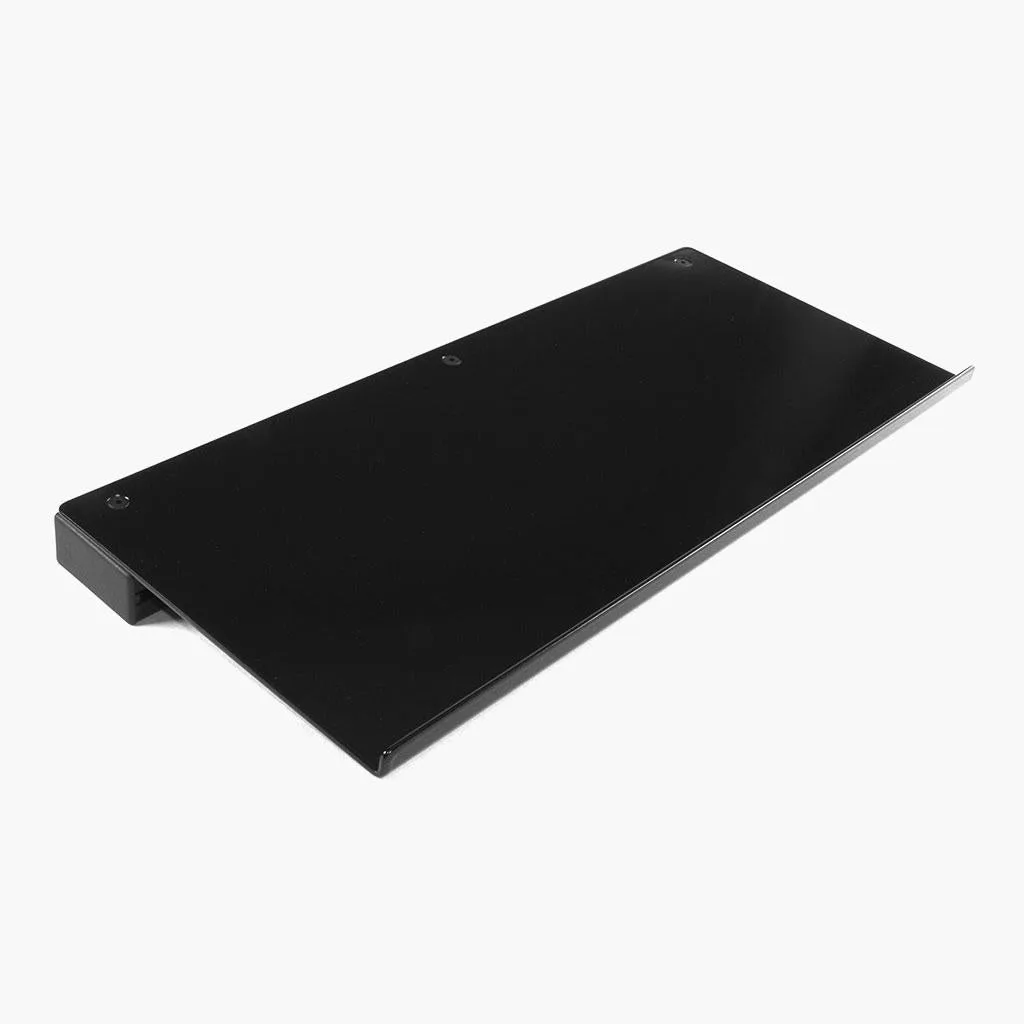
keyboard tray
Your keyboard placement decides how often you break posture during a stint. Reach too far and you twist your torso; mount too loosely and the keyboard rattles every time you shift. The two common answers are a tray bolted to the rig and a desk mount clamped to a nearby desk, and they solve different problems.
This comparison sticks to what the hardware actually does: where the keyboard ends up, how rigid it feels, how much floor and desk space it consumes, and which cockpit layouts each option suits. The Sim-Lab Keyboard Tray is the rig-mounted reference point here, with desk mounting treated as the alternative.
How Each Option Positions the Keyboard
A rig-mounted tray puts the keyboard on the same structure as your wheel and pedals. The Sim-Lab Keyboard Tray mounts directly to your profile rig and can be positioned on either the left or right side, so you can choose the hand you use for typing and keep the other hand free for the wheel or button box. Because it is attached to the cockpit, the keyboard moves with the rig rather than sitting in a separate zone behind you.
A desk mount clamps the keyboard to a desk surface next to the rig. That keeps the desk clear of permanent hardware, but the keyboard's position is tied to wherever the desk happens to be. If the desk is behind or beside your seating position, you still turn your head and torso to reach it, which is the exact movement a rig-mounted tray is meant to remove.
- Measure the distance from your seated shoulder to the keyboard before choosing; if it exceeds a comfortable arm reach, the desk mount will feel like a stretch.
Rigidity and Adjustment Compared
The Sim-Lab Keyboard Tray uses a 30x60 profile and a side plate and joint, and it measures 500 x 200 mm, which fits most keyboards. You can tilt or swivel it to find the most comfortable angle, so the same tray works for a low formula-style seating position and a more upright GT position. The trade-off is that you are adding a profile arm to the rig, which changes the cockpit's footprint slightly.
A desk mount is typically rigid because the desk itself is heavy and stable, but its adjustment range is limited to the clamp and arm you bought. Many desk arms tilt but do not swivel to a cockpit-friendly angle, and the keyboard can end up flat and far from your hands. If your desk is not directly beside the wheel, the mount's rigidity does not help because the position is wrong.
- Check that your rig has a free profile section on the side you want before ordering a tray; the tray needs a mounting point, not just space.
Space, Cable, and Everyday Use Trade-offs
A tray keeps the keyboard inside the cockpit envelope, so cables run along the rig and stay out of the way of your pedals and seat. It also means the keyboard is present even when you are not using it, which some drivers find clutters the view. Desk mounting keeps the rig visually clean and lets you push the keyboard away entirely between sessions, but you then manage a cable that crosses from desk to rig and a keyboard that may not be where you left it.
The Sim-Lab Keyboard Tray ships with a 30x60 profile, the tray itself, a side plate and joint, and the bolts and slot nuts needed for mounting. It is listed as compatible with GT1 Evo and GT1 Pro, and P1X Pro and P1X Ultimate, so if you own one of those cockpits the fit question is already answered. For other rigs, check the profile spacing before assuming a direct fit.
- If you share the room with a work desk, a desk mount avoids adding hardware to the rig, but you will still need somewhere to store the keyboard when you race.
When a Desk Mount Still Makes Sense
A desk mount is the simpler answer when your rig is already parked against a desk and you use the same keyboard for work and racing. You avoid a second keyboard, avoid drilling or bolting anything to the profile, and you can slide the keyboard out of the way when you switch to driving. For drivers who only touch the keyboard between sessions, that convenience can outweigh the reach penalty.
The catch is that a desk mount does not solve sim racing keyboard placement inside the cockpit. If you type during a race, change setup mid-stint, or use chat while driving, the desk position forces a head turn and a reach that a rig-mounted tray avoids. Desk mounting is a storage and workspace decision more than a driving-position decision.
- Try both positions for one session each before committing; the difference is obvious within a few laps.
Trade-offs at a Glance
- Reach and posture: A rig-mounted tray keeps the keyboard inside the cockpit, so you do not twist toward a desk. A desk mount is only comfortable if the desk sits directly beside your seating position. Choose the tray if you type during stints.
- Adjustability: The Sim-Lab Keyboard Tray can tilt and swivel and mounts on either side. Desk mounts usually tilt but rarely swivel to a cockpit-friendly angle. The tray offers more usable positions.
- Space and storage: A tray adds a profile arm to the rig but keeps cables contained. A desk mount keeps the rig clean but adds a cable run and a keyboard you must store. Pick based on whether you share the space.
Product Facts That Affect the Choice
- Keyboard Tray: Measures 500 x 200 mm, mounts directly to your profile rig, can be positioned on the left or right side, and can tilt or swivel. The size fits most keyboards, and the left/right and tilt/swivel adjustment lets you set a comfortable angle instead of accepting a fixed desk position.
- Keyboard Tray: Compatible with GT1 Evo and GT1 Pro, and P1X Pro and P1X Ultimate; includes a 30x60 profile, tray, side plate and joint, and required bolts and slot nuts. If you own one of those cockpits, the tray is a known fit; if not, verify your profile spacing before buying.
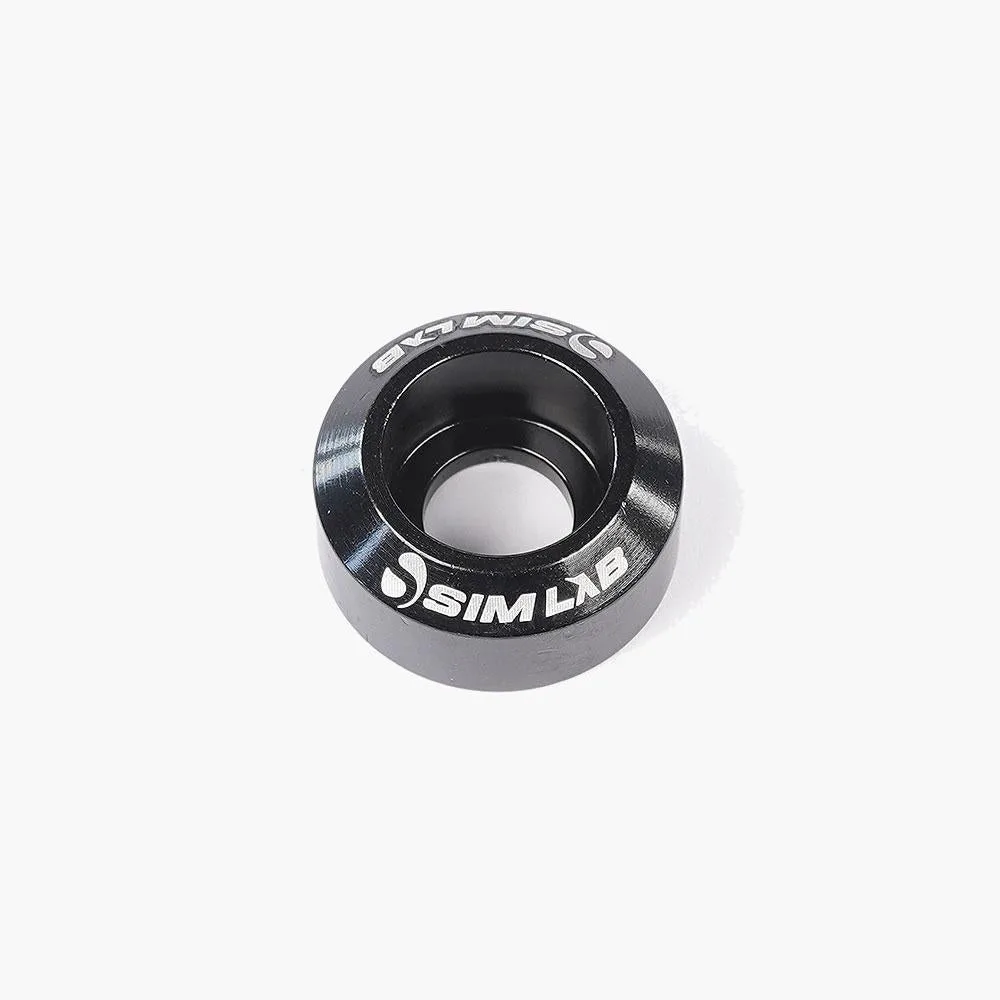
- https://sim-labtc.com/products/sim-lab-cap-washers-6x-sim-racing-99cdeaf78e99d613b295d552-1625600Sim-Lab Cap Washers (Set of 6): Aluminium cap washers with the Sim-Lab logo engraved, available in black, blue, or red and in M8, M6, or M5 sizes, with extra bolts and washers included to fit common brackets. Useful for finishing the tray mounting points and matching your rig's color scheme while keeping the hardware tidy.
Which Should You Choose?
Best for
- Drivers who type, chat, or change settings during a stint and want the keyboard within arm's reach
- Owners of GT1 Evo, GT1 Pro, P1X Pro, or P1X Ultimate cockpits who want a known-compatible mounting solution
- Racers who want to keep cables and hardware inside the rig footprint
Not for
- Drivers whose rig is already pressed against a desk and who only use the keyboard between sessions
- Anyone unwilling to add a profile arm and mounting hardware to the cockpit
- Rigs without a free profile section on the side where the tray would mount
For most sim racers, the Keyboard Tray is the more practical choice because it puts the keyboard where your hands already are and adjusts to your seating position. A desk mount remains a reasonable alternative when the desk is right beside the rig and you never type mid-stint. Match the decision to how you actually use the keyboard, not to which option looks cleaner.