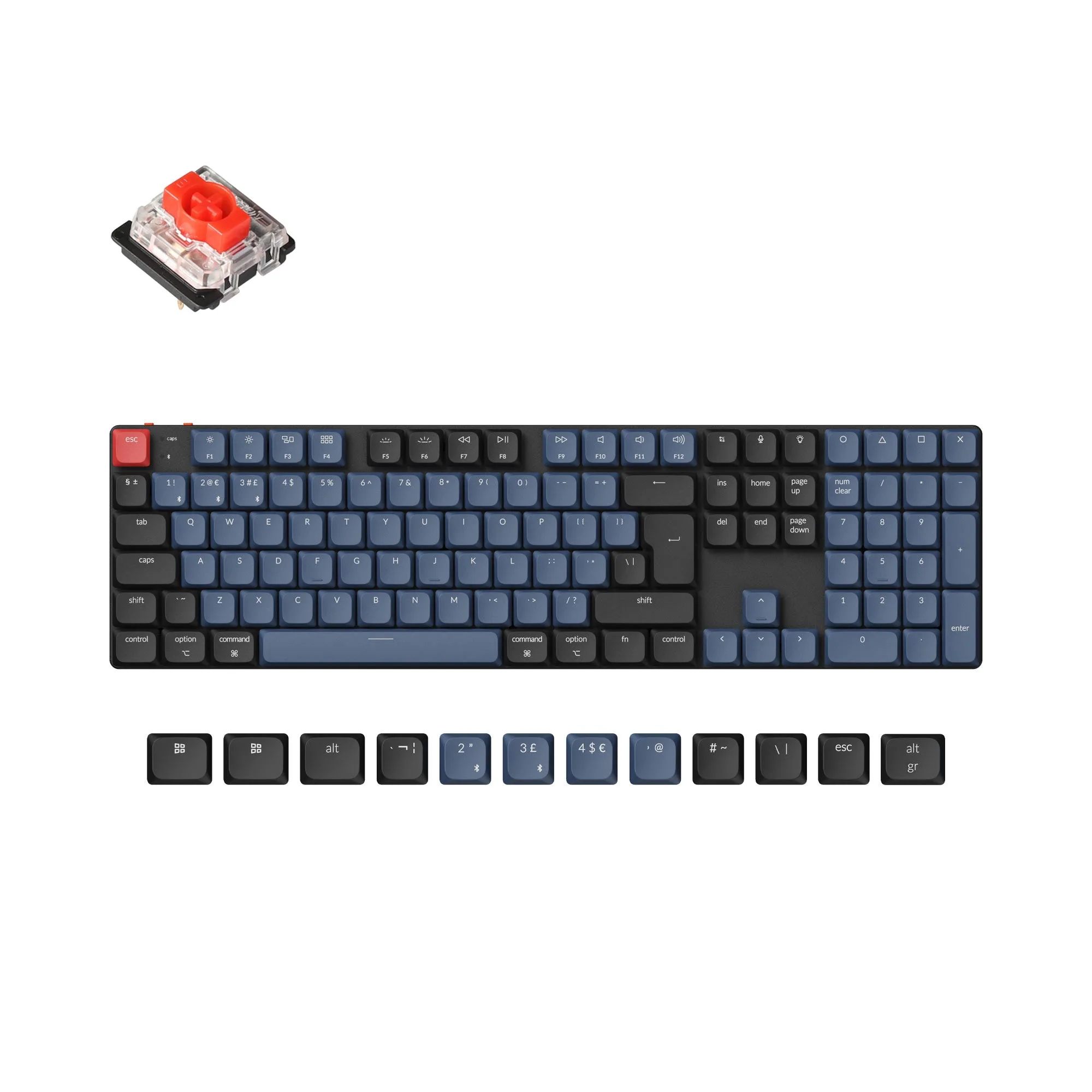
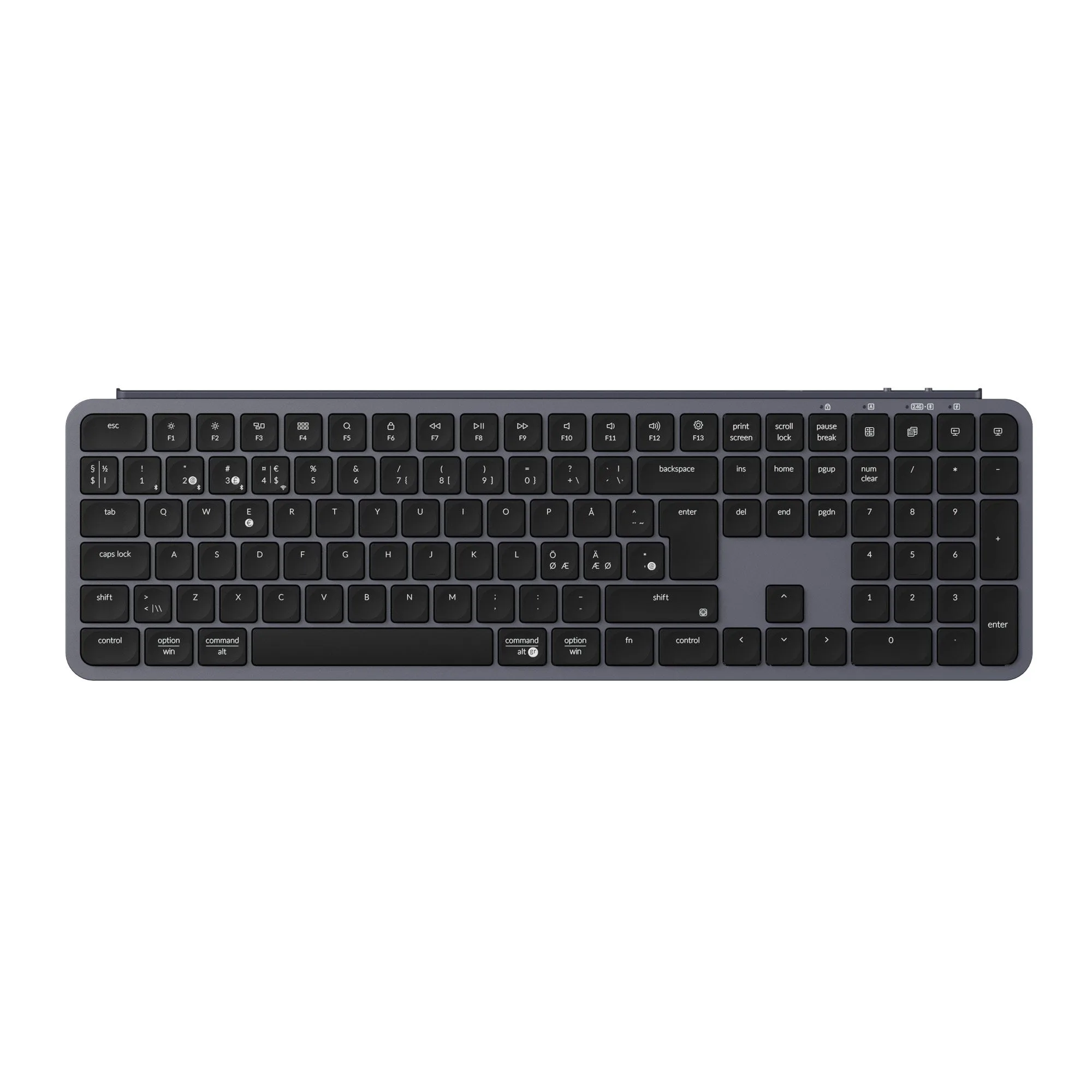
Quick answer
Choose the Keychron K1 Pro if you want an 80% tenkeyless layout with a dedicated function row and arrow cluster. Choose the Keychron K3 Pro if you prefer a more compact 75% layout that keeps essential keys while freeing desk space.
Layout size changes daily desk use more than specs
The K1 Pro uses an 80% tenkeyless layout, so it keeps a separate function row and arrow keys without a number pad. That suits people who regularly use function shortcuts or prefer arrows separated from the main block. The K3 Pro uses a 75% compact layout, which condenses the keys into a smaller footprint while still including arrow keys and a function row. The trade-off is a denser key cluster that can feel cramped if you rely on muscle memory for wide key spacing.
ISO language options and Mac support are shared strengths
Both keyboards are part of ISO layout collections, with the K1 Pro explicitly covering German, French, Nordic, Spanish, Swiss, and UK ISO layouts. The K3 Pro is also offered in ISO layout versions. Both include LSA low-profile spherical-angled keycaps for Windows and macOS, so switching between operating systems does not require a separate keycap set. If you need a specific language layout, confirm the exact Layout Version option before ordering, because availability can differ by model.
Hot-swap and wireless flexibility apply to both
Both boards support hot-swapping with Gateron low-profile MX mechanical switches, so you can change switch feel without soldering. Both also offer wireless connectivity and QMK/VIA customization through the Keychron Launcher web app. That means the real decision is not about core features but about which physical layout you will be happier typing on every day.
Decision rules for choosing between K1 Pro and K3 Pro
- If you use function keys and arrows constantly: Pick the K1 Pro. Its 80% tenkeyless layout keeps the function row and arrow keys in a familiar, less condensed arrangement.
- If desk space is tight or you want a smaller footprint: Pick the K3 Pro. Its 75% layout compresses the key cluster while retaining arrow keys and a function row. Measure your desk area and check whether you prefer separated arrow keys or a compact block.
- If you need a specific ISO language layout: Check the Layout Version option for both models. The K1 Pro explicitly lists German, French, Nordic, Spanish, Swiss, and UK ISO layouts; confirm the K3 Pro's available ISO versions before ordering.
- If you plan to change switch feel later: Both support hot-swapping with Gateron low-profile MX switches, so either model lets you adjust typing feel without soldering.
Product facts at a glance
-
Keychron K1 Pro QMK/VIA Wireless Custom Mechanical Keyboard ISO Layout Collection: 80% tenkeyless layout with ISO layout options including German, French, Nordic, Spanish, Swiss, and UK. A wider layout with a dedicated function row and arrow cluster suits users who want familiar key spacing and language-specific legends.
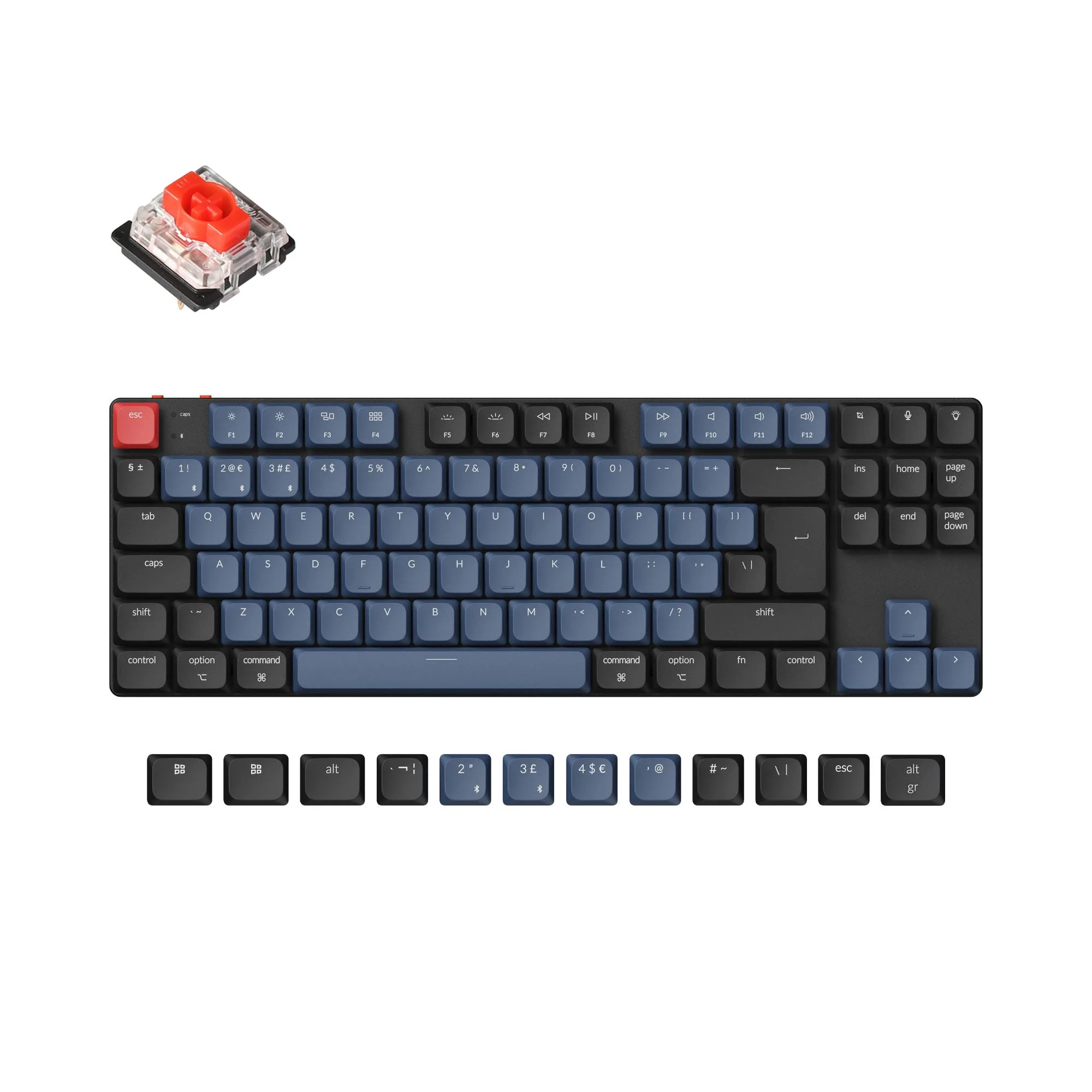
Keychron K1 Pro QMK/VIA Wireless Custom Mechanical Keyboard ISO Layout Collection
-
Keychron K3 Pro QMK/VIA Wireless Mechanical Keyboard ISO Layout Collection: 75% compact layout with hot-swappable Gateron low-profile MX switches and LSA keycaps for Windows and macOS. A smaller footprint saves desk space while still offering switch customization and cross-platform keycaps.
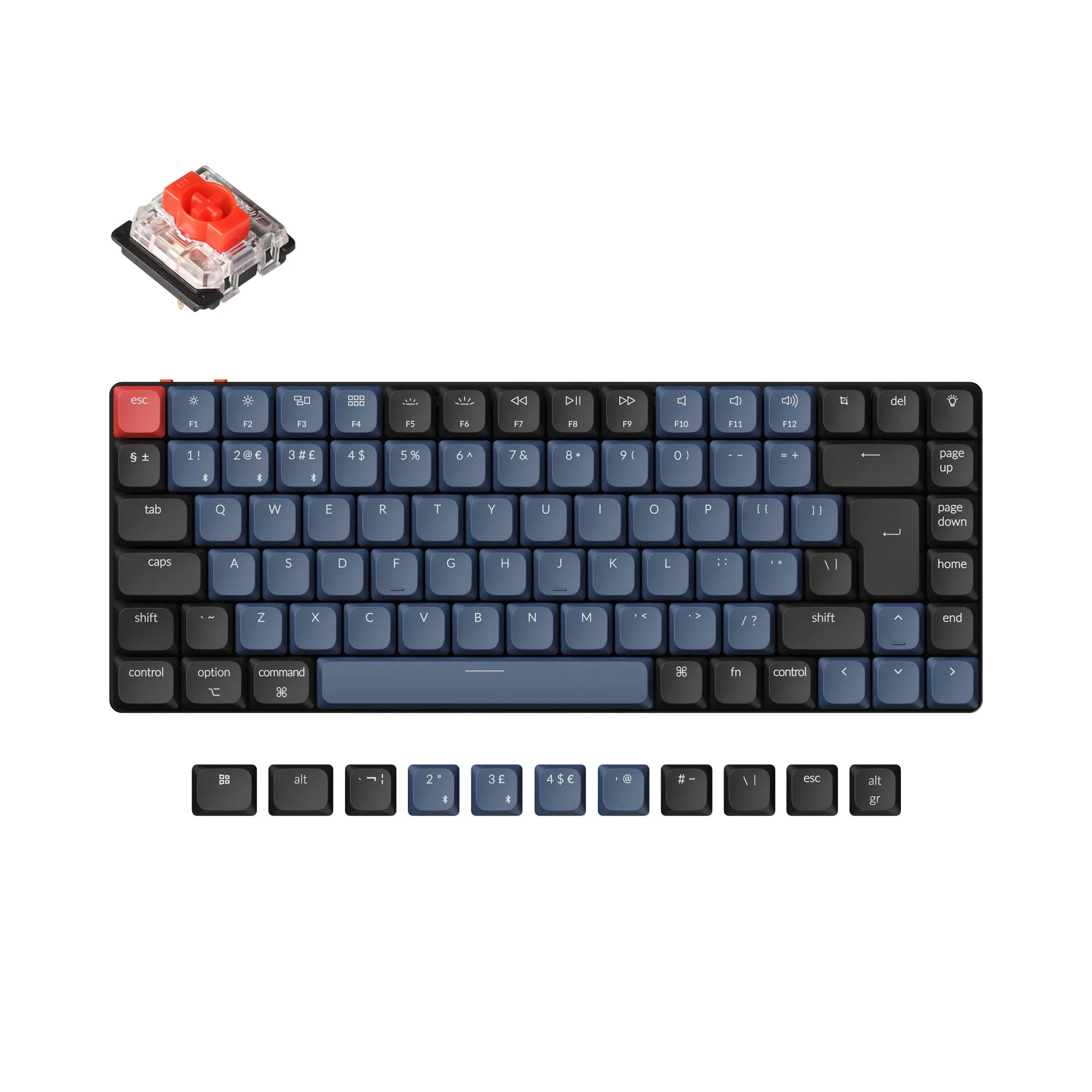
Keychron K3 Pro QMK/VIA Wireless Mechanical Keyboard ISO Layout Collection
Who each keyboard fits
Best for
- Typists who want an 80% tenkeyless layout with a dedicated function row and arrow cluster
- Mac and Windows users who need ISO language options and low-profile wireless typing
Not for
- Users who need a number pad built in
- People who want the absolute smallest possible keyboard footprint