Quick answer
Choose the August Wi-Fi Smart Lock + Keypad if you want the lowest-cost keypad bundle and your lock already connects directly over Wi-Fi. Choose the August Wi-Fi Smart Lock + Connect with Keypad Touch if you want the https://augustrfc.com/products/yale-keypad-touch-4b04235e456cd156317be050-1479181Yale Keypad Touch and the Connect Wi-Fi bridge, which August says extends battery life. Both give keyless code entry; the real decision is whether you value the touch keypad and bridge enough to pay more.
What each keypad bundle actually includes
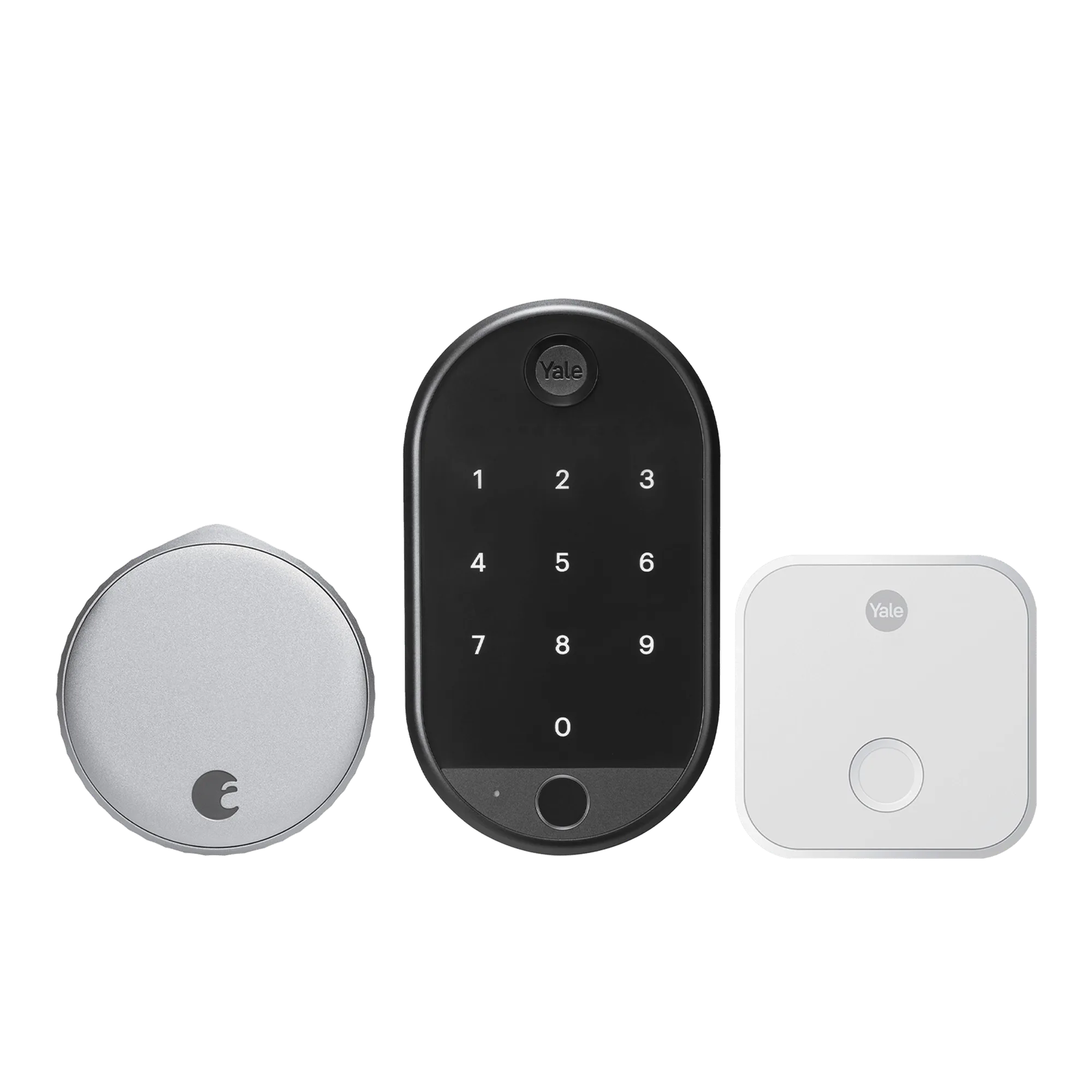
The August Wi-Fi Smart Lock + Keypad pairs the Wi-Fi Smart Lock with the Smart Keypad. August describes the lock as offering keyless entry, virtual keys, auto-lock and unlock, and remote monitoring and control through the August App, with the keypad added for code entry that suits small kids and one-time visitors.
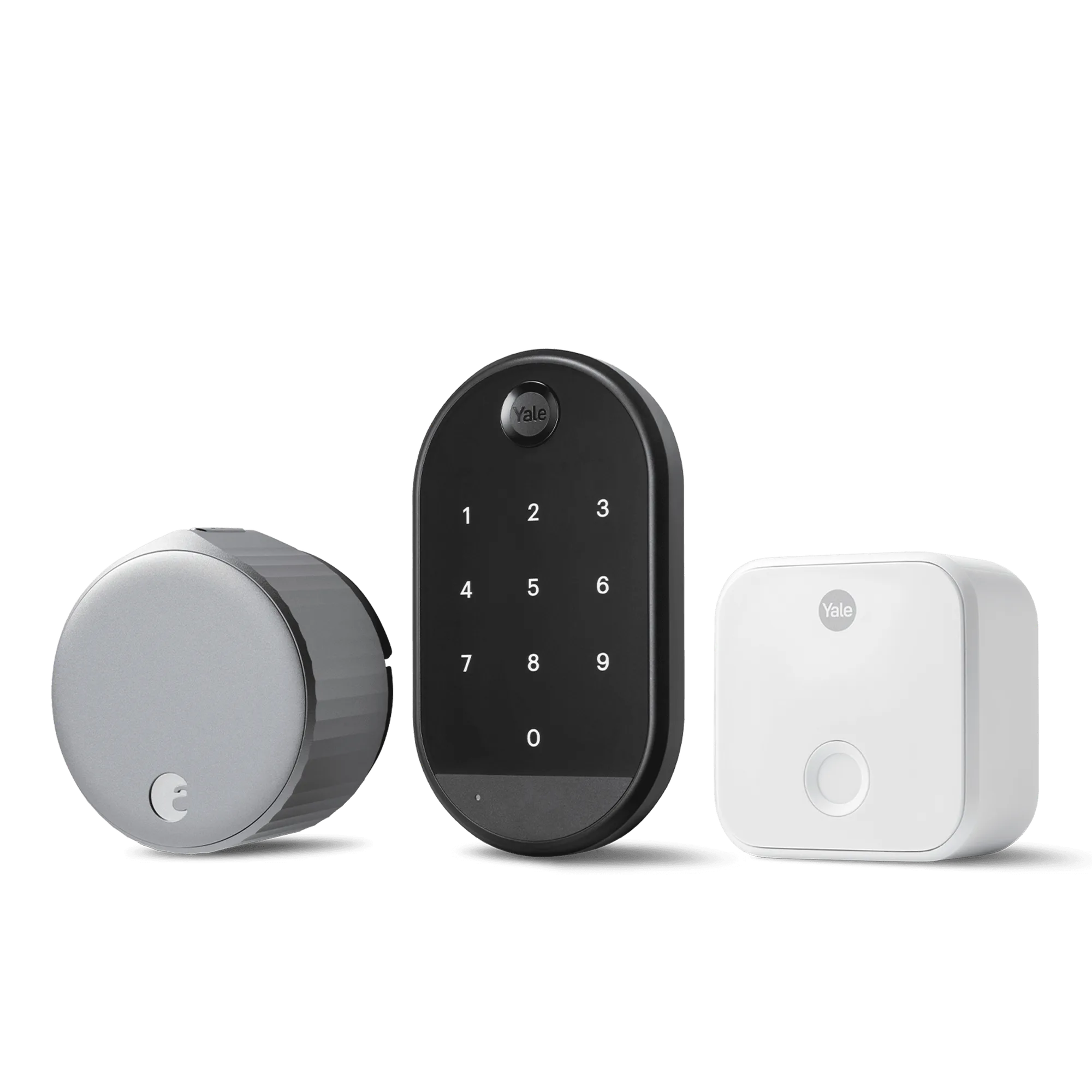
The August Wi-Fi Smart Lock + Connect with Keypad Touch pairs the same Wi-Fi Smart Lock with the Yale Keypad Touch and adds a Connect Wi-Fi bridge. August states that the bridge is included for extended battery life. That extra hardware is the main structural difference between the two bundles.
Code entry: who each keypad suits
Both bundles solve the same everyday problem: letting someone in without a phone or a physical key. The standard Smart Keypad is the simpler route if your household mainly needs a shared code for family members or a temporary code for a visitor. The Keypad Touch is the better fit if you want the touch-style keypad experience and are already bundling the Connect bridge for battery reasons.
Neither bundle's supplied facts include code capacity, backlighting, weather rating, or keypad battery life. If those details matter for an outdoor installation or a large household, confirm them before buying rather than assuming the two keypads match.
Wi-Fi bridge: the hidden battery trade-off
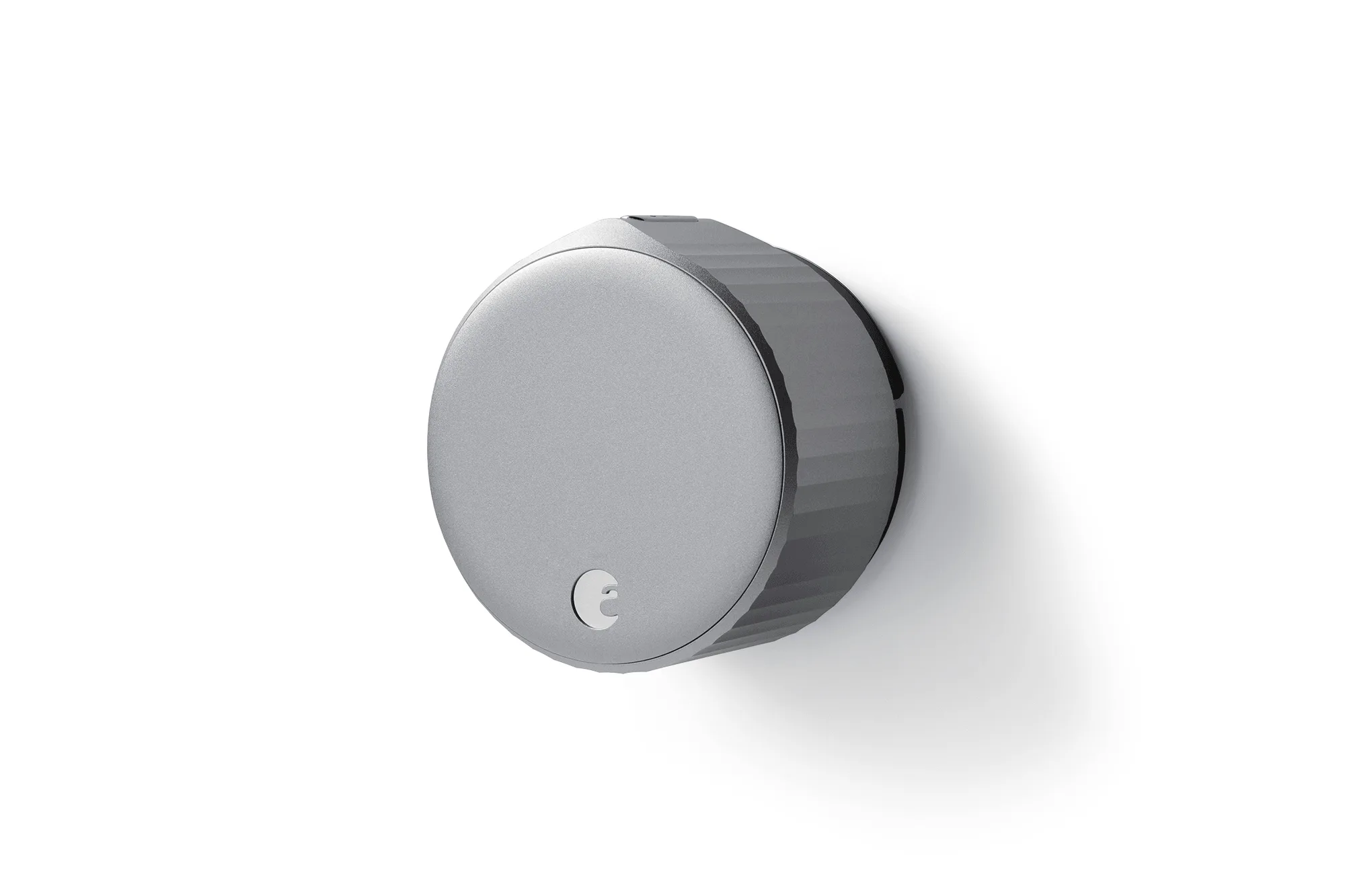
The Wi-Fi Smart Lock in both bundles is described by August as a Wi-Fi lock with remote monitoring and control through the August App. The Keypad Touch bundle adds a Connect Wi-Fi bridge specifically for extended battery life, according to the catalog. That makes the bridge bundle the more sensible pick if you would rather recharge or replace batteries less often and do not mind one more device to set up.
The standard keypad bundle has no bridge in the box. If you already have reliable lock connectivity and prefer fewer accessories, that simplicity is a real advantage, not a compromise.
Finishes and door hardware coordination
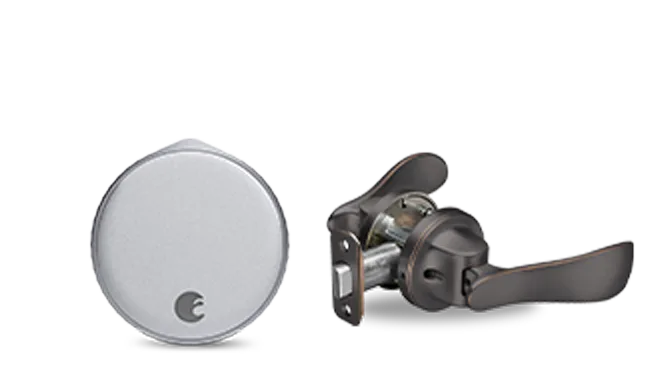
Both keypad bundles offer color options, so you can match the keypad to your door hardware. If finish coordination across the whole door matters, also look at the August Smart Lock Pro + Connect with Navis Paddle in Satin Nickel and the August Wi-Fi Smart Lock + Navis Paddle in Oil Rubbed Bronze. Those bundles add a Navis paddle, and August notes that the Wi-Fi Smart Lock unlocks the door for you so you can push to open with the paddle.
The keypad bundles do not include a paddle in the supplied facts. If a hands-free push-to-open handle is part of your plan, the paddle bundles are the ones to compare, not the keypad bundles.
Trade-offs to weigh before you choose
- Price vs. extras: The standard keypad bundle costs less and includes the Smart Keypad; the Keypad Touch bundle costs more and adds the Yale Keypad Touch plus the Connect Wi-Fi bridge. Pay more only if the touch keypad and bridge matter to you.
- Battery life vs. setup simplicity: August includes the Connect bridge in the Keypad Touch bundle for extended battery life, but that means one more device to install and keep powered. Choose the bridge bundle for fewer lock battery interruptions; choose the standard bundle for a simpler install.
- Keypad vs. paddle entry: Both keypad bundles rely on code entry. The Navis paddle bundles instead let the lock unlock for you and you push to open. If hands-free opening is the priority, compare the paddle bundles instead.
Product facts at a glance
- August Wi-Fi Smart Lock + Keypad: August Wi-Fi Smart Lock + Keypad: Wi-Fi Smart Lock with keyless entry, virtual keys, auto-lock and unlock, remote monitoring and control via the August App, bundled with the Smart Keypad for code entry suited to small kids and one-time visitors. The lower-priced keypad bundle covers the core keyless-entry job without adding a bridge.
- August Wi-Fi Smart Lock + Connect with Keypad Touch: August Wi-Fi Smart Lock + Connect with Keypad Touch: Wi-Fi Smart Lock bundled with the Yale Keypad Touch and an additional Connect Wi-Fi bridge for extended battery life. You pay more for the touch keypad and the bridge, which August ties to longer battery life.
- August Smart Lock Pro + Connect with Navis Paddle in Satin Nickel: August Smart Lock Pro + Connect with Navis Paddle in Satin Nickel: bundle pairing Smart Lock Pro + Connect with a Navis paddle for a coordinated keyless setup, with color options. A better match if you want a paddle handle and a coordinated finish rather than a keypad.
- August Wi-Fi Smart Lock + Navis Paddle in Oil Rubbed Bronze: August Wi-Fi Smart Lock + Navis Paddle in Oil Rubbed Bronze: August Wi-Fi Smart Lock unlocks the door for you, then you push to open with the Navis Paddle. The hands-free option for households that prefer push-to-open over typing a code.
Which August keypad setup fits you?
Best for
- Households that want a straightforward shared or one-time code for kids and visitors at the lowest bundle price
- Buyers who already have dependable lock connectivity and prefer fewer accessories
Not for
- Shoppers who specifically want the Yale Keypad Touch or the Connect bridge for extended battery life
- Households that want a hands-free push-to-open paddle instead of a keypad