If you’ve ever stuffed a handful of keys into your pocket only to feel a sharp metal dig into your thigh, you know the pain of a traditional keychain. Key organizers have become the go‑to solution for anyone seeking a cleaner, quieter, and more pocket‑friendly way to carry keys. Two of the most popular brands in this space are KeySmart and KeyBar. Both promise to eliminate jingle, reduce bulk, and keep your keys organized, but they take very different design approaches.
In this head‑to‑head comparison, we’ll break down the key differences between KeySmart and KeyBar—from build quality and capacity to ease of use and everyday carry (EDC) compatibility. By the end, you’ll know which organizer deserves a spot in your pocket.
Design Philosophy: Compact Screw‑Down vs. Slide‑Lock Bar
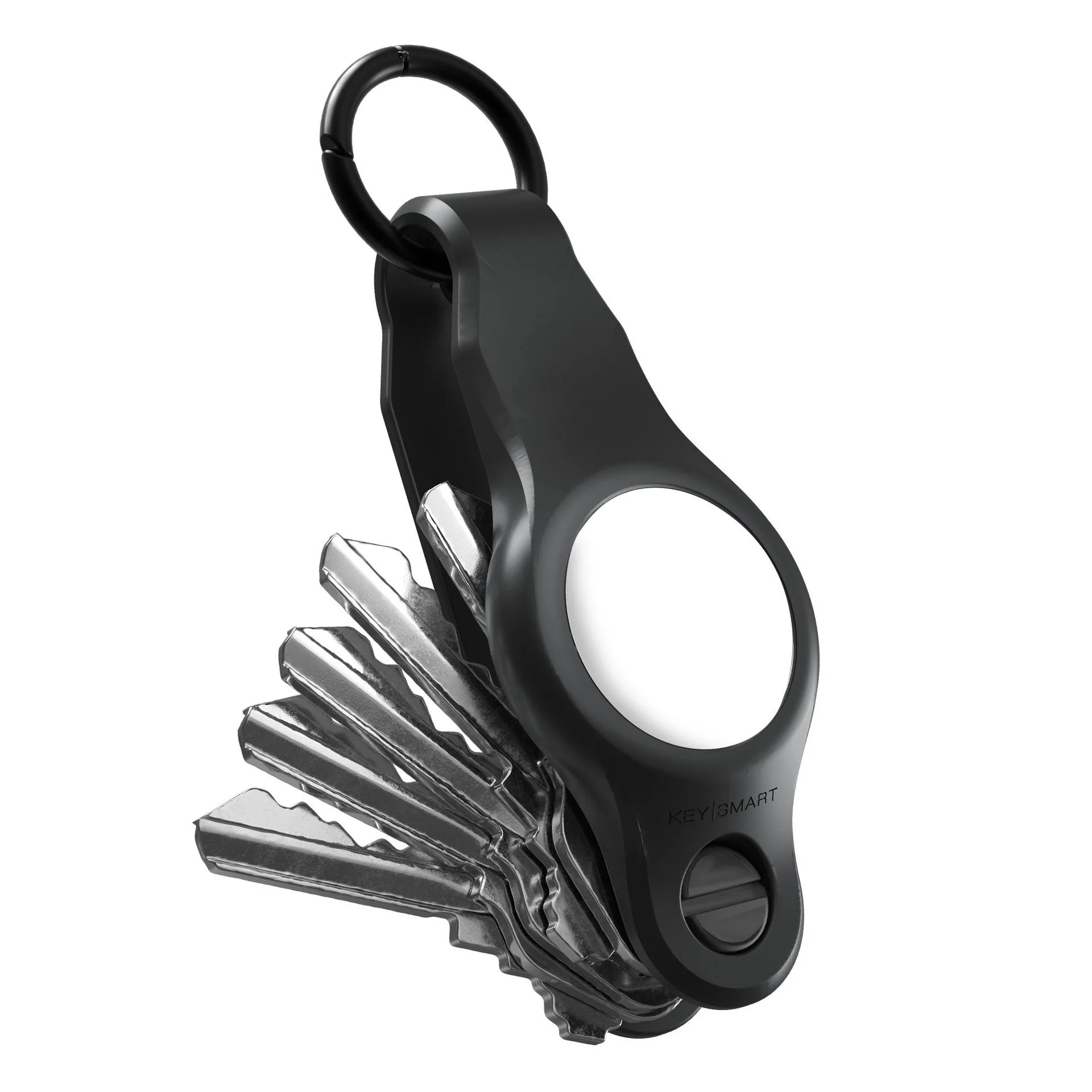
KeySmart organizers use a simple screw‑down mechanism. Keys and accessories stack onto a central post, and a single screw tightens everything together. The result is a slim, flat stack that fits neatly in a front pocket. KeySmart offers several models, including the original KeySmart, the KeySmart Mini, and the KeySmart Air, each with a slightly different capacity and form factor. The design is modular: you can add expansion packs to hold more keys or attach tools like a bottle opener or a USB drive.
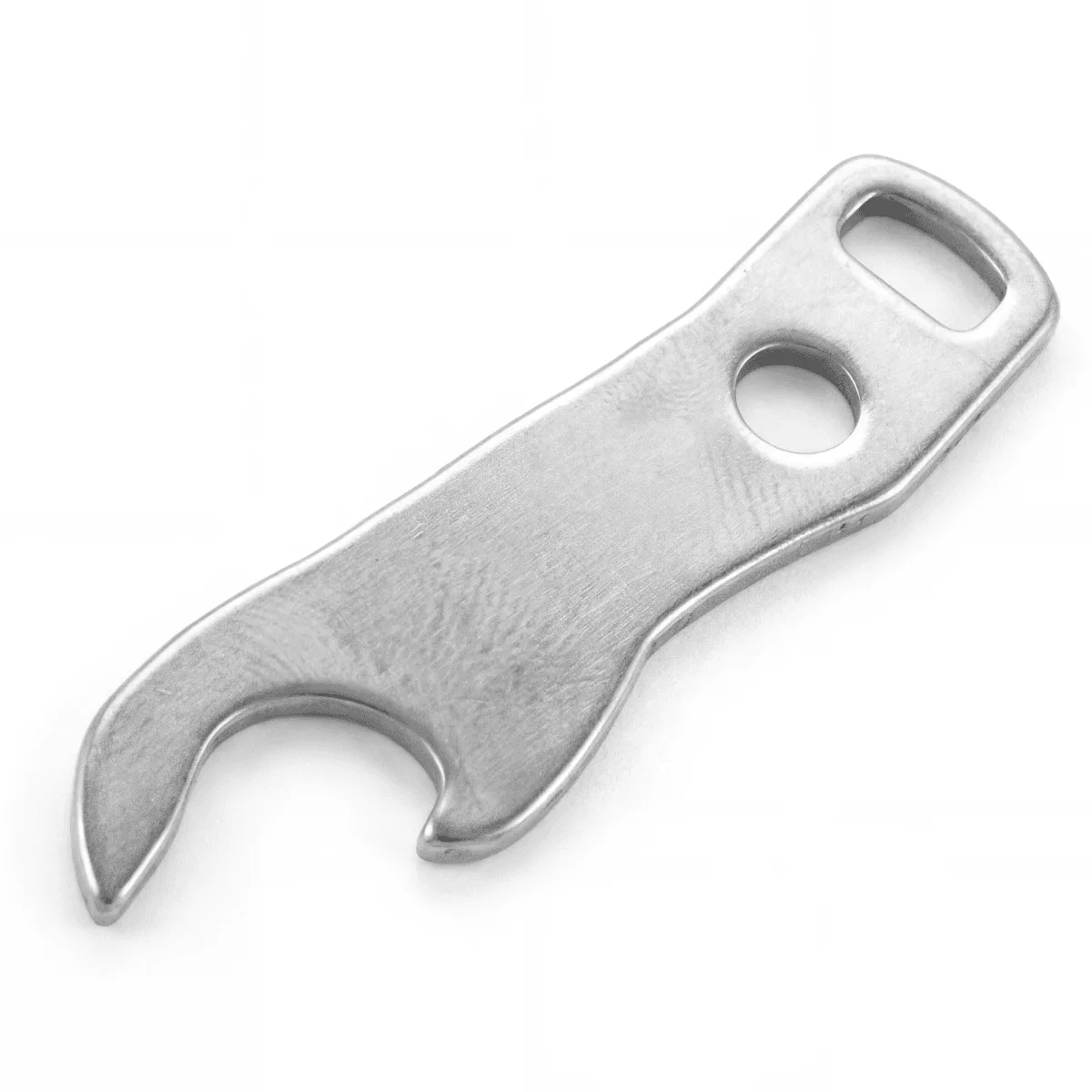
bottle opener
KeyBar, on the other hand, uses a slide‑lock bar system. Keys are placed onto a slotted bar, and a sliding lock secures them in place. The bar itself is thicker and often made from machined aluminum or brass, giving it a more substantial feel. KeyBars typically hold fewer keys than KeySmart’s stackable design, but they offer a more rigid, tool‑like appearance. The trade‑off is that KeyBar’s mechanism can be slightly slower to adjust when you need to add or remove a key.
- KeySmart: screw‑down stack, slim profile, modular expansion options.
- KeyBar: slide‑lock bar, rigid construction, fewer keys but more robust feel.
Capacity and Expandability: How Many Keys Can You Carry?
One of the biggest differences between these two organizers is how many keys they can hold. KeySmart’s standard models can carry 7 to 14 keys, depending on the model and whether you use an expansion pack. The expansion pack lets you add extra spacers and screws to increase capacity, making it easy to grow your setup as needed. If you carry a lot of keys—for work, home, gym, or family—KeySmart’s stackable system is hard to beat.
KeyBar organizers typically hold 5 to 10 keys. The slide‑lock bar design limits the number of keys you can fit because the bar has a fixed length. While you can buy longer bars, the maximum capacity rarely exceeds 10 keys. For minimalists who only carry a few keys, this is fine. But if you need to carry a dozen keys or more, KeySmart’s expandability gives it a clear advantage. You can also add accessories like the SafeBlade or a MagConnect attachment to your KeySmart setup without sacrificing capacity.
- KeySmart: 7–14 keys (expandable with expansion pack), modular add‑ons.
- KeyBar: 5–10 keys, fixed bar length, limited expansion.
Build Quality and Materials: Which One Feels More Premium?
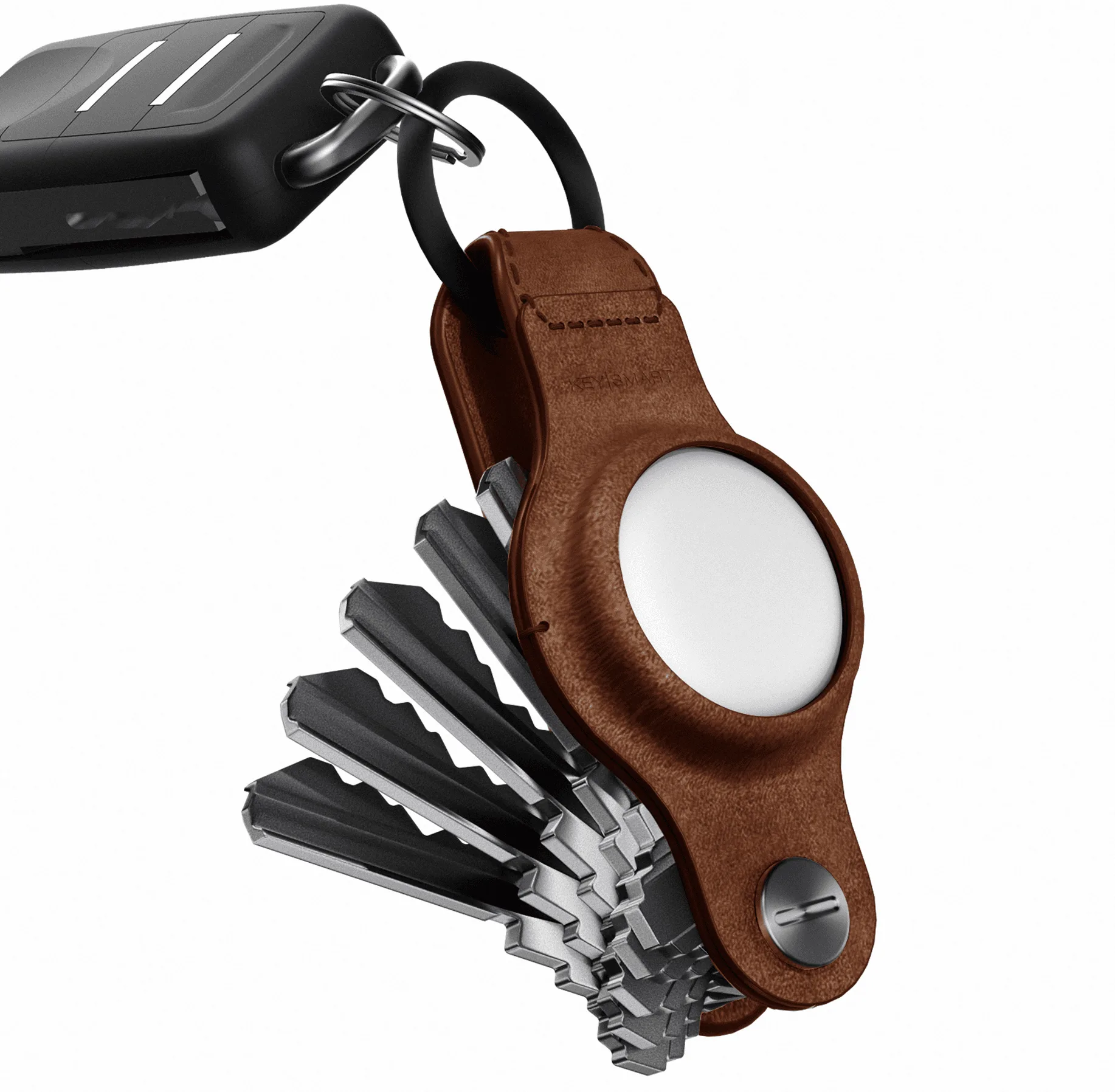
Both brands use high‑quality materials, but they feel different in the hand. KeySmart organizers are made from lightweight aircraft‑grade aluminum or stainless steel, with a matte finish that resists scratches. The screw‑down mechanism is simple and reliable, though you need to tighten it occasionally to prevent loosening. KeySmart also offers leather‑wrapped models like the KeySmart Mini Leather, which adds a touch of elegance and a softer grip.
KeyBar is known for its heft. Most KeyBars are machined from solid brass or stainless steel, giving them a dense, premium weight. The slide‑lock mechanism is smooth and secure, and the edges are usually chamfered for comfort. If you prefer a tool‑like feel and don’t mind a bit of extra weight, KeyBar feels more substantial. However, that weight can be a drawback if you’re trying to keep your pocket load as light as possible. For everyday carry, many users find KeySmart’s lighter build more comfortable for all‑day wear.
- KeySmart: aluminum/stainless steel, lightweight, optional leather wrap.
- KeyBar: brass/stainless steel, heavier, more tool‑like feel.
EDC Compatibility: Adding Trackers, Tools, and Accessories
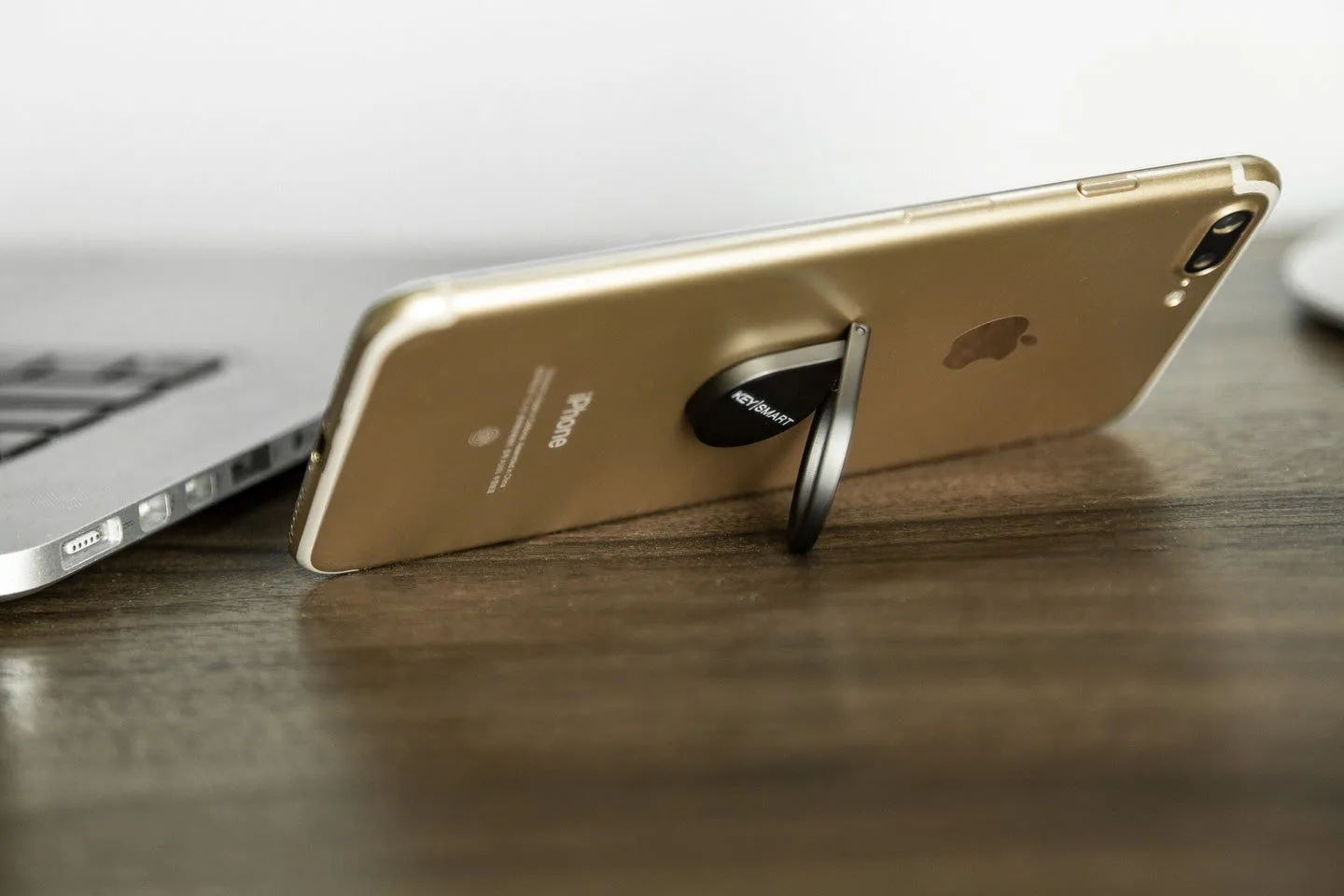
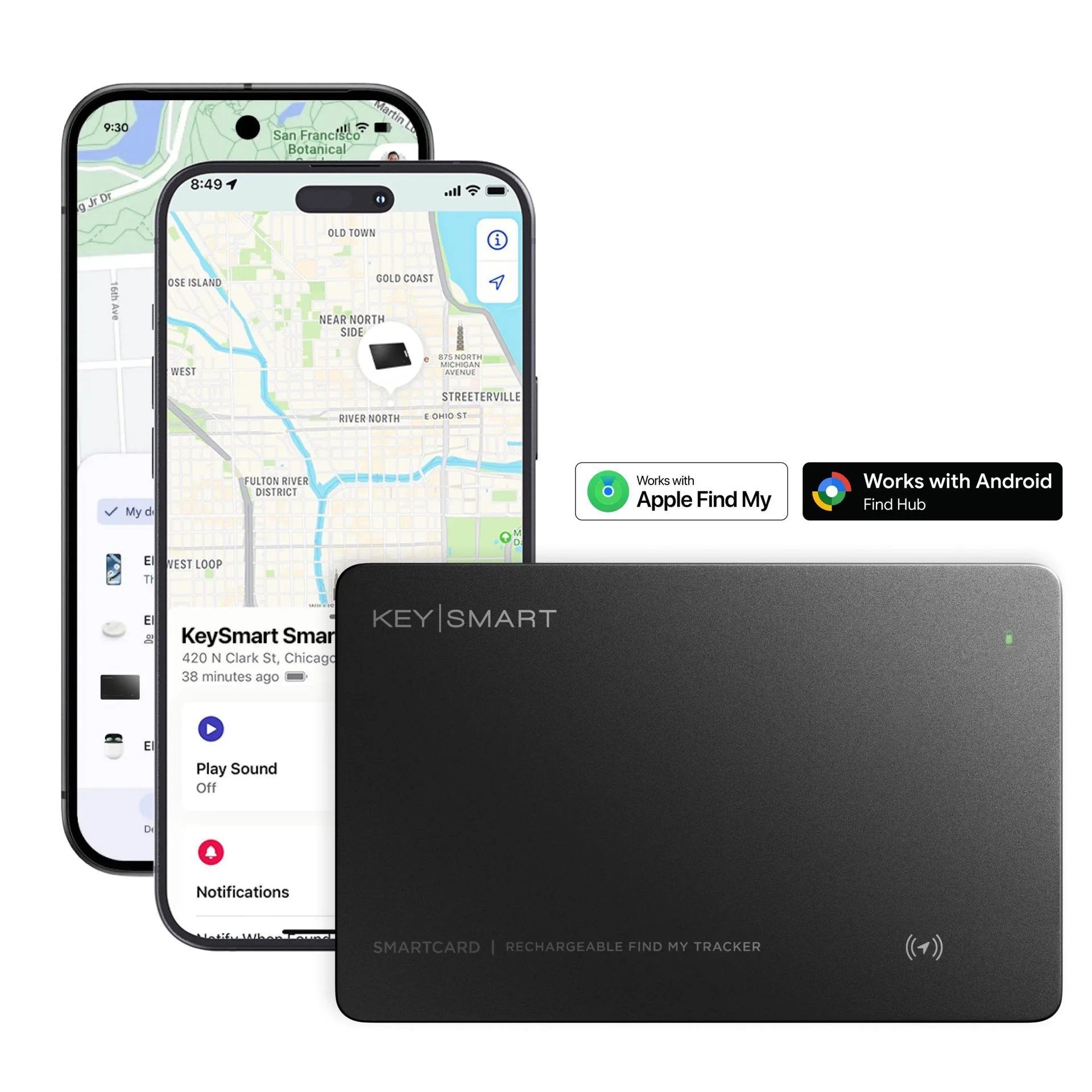
A key organizer is only as useful as the accessories it can support. KeySmart’s modular system makes it easy to attach a Bluetooth tracker like the SmartCard (Gen 3) directly to your key stack. The SmartCard is a credit‑card‑sized tracker that works with Apple Find My and Android Find Hub, and it charges wirelessly. You can also add the MagConnect or MagConnect Pro to quickly attach or detach your keys from a belt loop or bag. For cutting tasks, the SafeBlade offers a safe way to cut tape or open packages without exposing a sharp blade.
KeyBar has fewer official accessories. You can find third‑party attachments like a bottle opener or a small multi‑tool, but the ecosystem is not as robust. If you want to add a tracker, you’ll likely need to use a separate keychain ring or a dedicated tracker holder. For users who want a complete EDC system—keys, tracker, knife, and magnet—KeySmart’s ecosystem is more cohesive and convenient.
- KeySmart: supports SmartCard tracker, MagConnect, SafeBlade, and expansion packs.
- KeyBar: limited official accessories; third‑party add‑ons available but less integrated.
Ease of Use: Quick Access vs. Secure Storage
When you need to unlock a door quickly, you don’t want to fumble with your organizer. KeySmart’s screw‑down design allows you to fan out the keys like a pocketknife, giving you easy access to each key without removing them from the stack. This is great for daily use, especially if you have multiple keys that you use frequently. The fan‑out action is smooth and intuitive once you get the hang of it.
KeyBar’s slide‑lock mechanism is more secure—keys won’t accidentally fall out—but it’s slower to access. To use a key, you need to slide the lock open, remove the key from the bar, use it, and then slide it back in. This can be annoying if you’re unlocking several doors in quick succession. For users who prioritize security over speed, KeyBar works well. But for most daily commuters, KeySmart’s quick‑access fan design is more practical.
- KeySmart: keys fan out for quick access, easy to use one‑handed.
- KeyBar: keys must be removed from the bar, slower but more secure.
Price and Value: Which Organizer Gives You More for Your Money?
KeySmart organizers are generally more affordable, with prices ranging from $20 to $40 for the basic models. The expansion packs and accessories are also reasonably priced, so you can build a complete EDC setup without breaking the bank. The KeySmart Mini Leather, for example, offers a premium feel at a mid‑range price point.
KeyBar organizers are typically more expensive, often ranging from $40 to $70 or more, depending on the material and finish. The higher cost reflects the heavier machining and solid metal construction. If you value heft and durability above all else, the extra cost may be worth it. However, for most users, KeySmart offers better value because it combines a slim profile, expandability, and a wide accessory ecosystem at a lower price.
- KeySmart: $20–$40 for base models, affordable expansion packs.
- KeyBar: $40–$70+, premium materials but fewer features.
Choosing between KeySmart and KeyBar ultimately comes down to your priorities. If you want a lightweight, expandable organizer that lets you fan out keys for quick access and supports a full ecosystem of EDC accessories—including a Bluetooth tracker, a safe cutter, and a magnetic attachment—KeySmart is the clear winner. If you prefer a heavier, more tool‑like feel and don’t mind sacrificing speed for security, KeyBar is a solid alternative. For most daily carry enthusiasts, KeySmart’s design strikes the perfect balance between convenience, capacity, and cost. Explore the KeySmart lineup today and find the model that fits your pocket and your lifestyle.