Quick answer
Treat the Kiki's Delivery Service Limited Edition Steelbook as a Blu-ray + DVD combo in a collectible steel case: confirm the format pairing and case condition first, then check that both discs play before you file it away as a keeper.
Why the Steelbook format changes how you evaluate this release
The appeal of this edition is the steelbook packaging itself, so your inspection should start with the case rather than the movie. Steelbooks are display objects as much as disc holders, and small dents, spine scuffs, or loose disc trays matter more here than with a standard keepcase.
Because this is a Blu-ray + DVD set, it also gives you a backup disc for older players or a second room. That flexibility is the practical reason to choose the combo over a single-format copy, especially if your household still has a DVD player.
What to confirm before you open or store it
Check the listing's format line and the case's back cover together: both should identify Blu-ray and DVD. If the catalog page only shows a type option without disc-count details, treat that as missing information rather than assuming extra discs or booklets are included.
If you plan to keep the steelbook sealed as a collectible, verify the shrink wrap and any included j-card or backing card before removing anything. Once opened, the set is a viewing copy, not a sealed collectible.
How to check your Kiki's Delivery Service Steelbook step by step
- Inspect the steelbook case before opening: Look along the edges, spine, and front and back panels for dents, scratches, or warping under direct light. Common mistake: opening the shrink wrap first, which makes it harder to raise a condition issue with the seller. Photograph any case flaws before you remove the wrap.
- Confirm the format pairing on the case: Read the back cover and spine for both Blu-ray and DVD logos. If the case only shows one format, stop and compare it with the product listing before you assume the set is complete. Match the case to the listing's Blu-ray + DVD description.
- Open carefully and check the disc trays: Release the hub tabs gently and confirm both discs are seated and free of loose debris. Common mistake: prying a disc up by the edge, which can crack the tray or scratch the disc surface. A loose disc inside a sealed case is a red flag worth reporting.
- Play-test both discs: Load the Blu-ray first, then the DVD, and skip to a chapter near the middle and the end of each disc. This catches read errors that a quick start-up check misses. Test on the player you will actually use, not just a computer drive.
- Store the steelbook to protect the finish: Keep it upright on a shelf away from direct sun and humidity, and avoid stacking heavy objects on the case. Common mistake: storing steelbooks flat under other cases, which invites pressure marks and spine damage. A simple upright shelf spot keeps the collectible case in display condition.
Product facts
-
Kiki's Delivery Service Limited Edition Steelbook [Blu-ray + DVD]: The set is a Blu-ray + DVD combo in a Limited Edition Steelbook case. You get a high-definition disc plus a DVD backup, so check both formats play before you store the case.
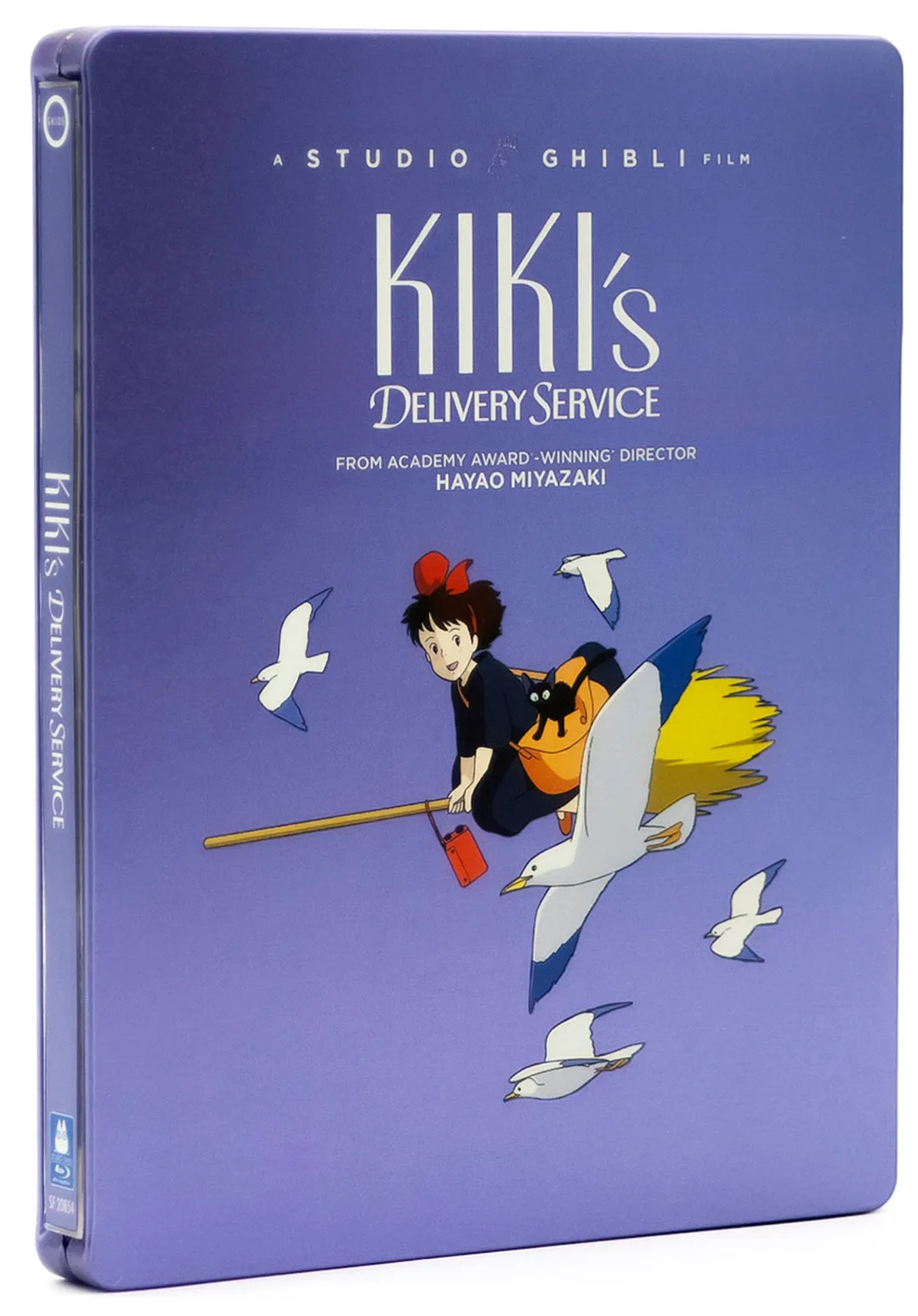
Kiki's Delivery Service Limited Edition Steelbook [Blu-ray + DVD]
-
Kiki's Delivery Service Limited Edition Steelbook [Blu-ray + DVD]: The film is directed by Hayao Miyazaki and comes from Studio Ghibli, the studio behind Spirited Away and Ponyo. That provenance tells you the disc is the Ghibli feature, not a spin-off, so you can judge the edition on packaging and discs rather than on film content.