Quick Answer
A laser cutter that won't cut through usually has a dirty lens, incorrect focus, insufficient power, or poor airflow. Check and clean the lens first, then verify focus and power settings before adjusting air assist or material choice.
Common Causes and Fixes
Start with the lens. A dirty or scratched lens absorbs laser energy instead of transmitting it, which reduces cutting power. Clean the lens with isopropyl alcohol and a lint-free cloth. If scratches are visible, replace the lens.
Check the focus. If the focal point is too high or too low, the beam spreads out and loses intensity. Use the focus tool or a ramp test to set the correct distance for your material thickness.
Inspect power and speed settings. Running at too low a power or too high a speed for the material thickness will result in incomplete cuts. Increase power in 5% increments or reduce speed by 10% until the cut is clean. Also verify the laser tube is not aging — a tube loses power over time and may need replacement.
Airflow matters more than you think. A weak air assist fails to clear smoke and debris from the cut kerf, allowing the beam to scatter. Clean the nozzle and check that the air pump is delivering adequate pressure. If your machine uses a replacement cutter nozzle, ensure it is not clogged or worn.
Material can also be the culprit. Some materials, like thick acrylic or certain hardwoods, require multiple passes or a different focal length. Try a test cut on a scrap piece of the same material to dial in settings before committing to the final workpiece.
Diagnosis Checklist
- Symptom: Laser beam passes over material but does not cut through, or leaves a charred, incomplete edge. The problem is almost always optical or power-related.
- Likely Cause: Dirty lens, incorrect focus, low power, weak air assist, or worn laser tube. Start with the simplest fix: clean the lens.
- Corrective Action: Clean lens with isopropyl alcohol. Refocus using a focus tool. Increase power or reduce speed. Verify air assist flow. Replace tube if power is consistently low. Test on scrap after each change to isolate the issue.
- Stop or Choose Another Option: If cleaning and refocusing do not restore cut quality, and the tube is known to be old, consider replacing the tube. For occasional use, outsourcing the cut may be more cost-effective than a tube replacement. A new tube can restore original performance, but weigh cost against machine age.
Tools That Help
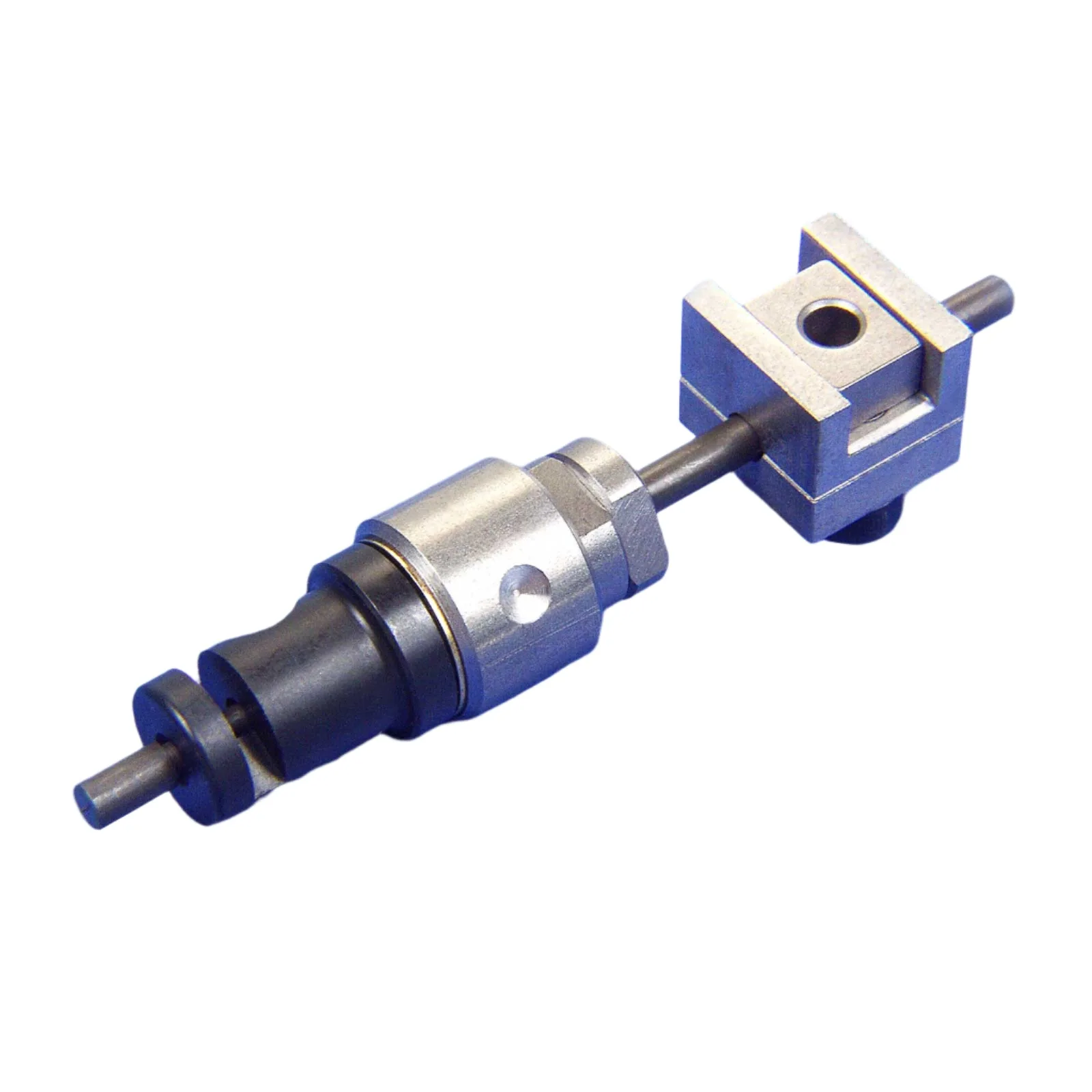
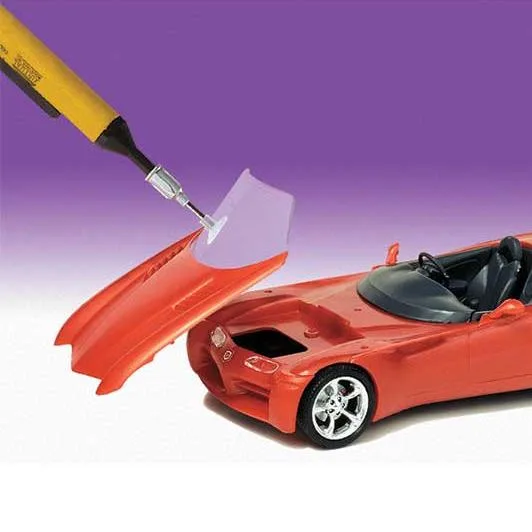
- Replacement Cutter / Nozzle: Cutter nozzle assembly. Direct replacement for the retired MicroLux Powered Nibbler. High-speed steel cutting blade. A Micro-Mark exclusive. If your laser cutter uses a nozzle for air assist, a clean, undamaged nozzle ensures proper airflow. This replacement cutter nozzle is a compatible part to keep your system running efficiently.
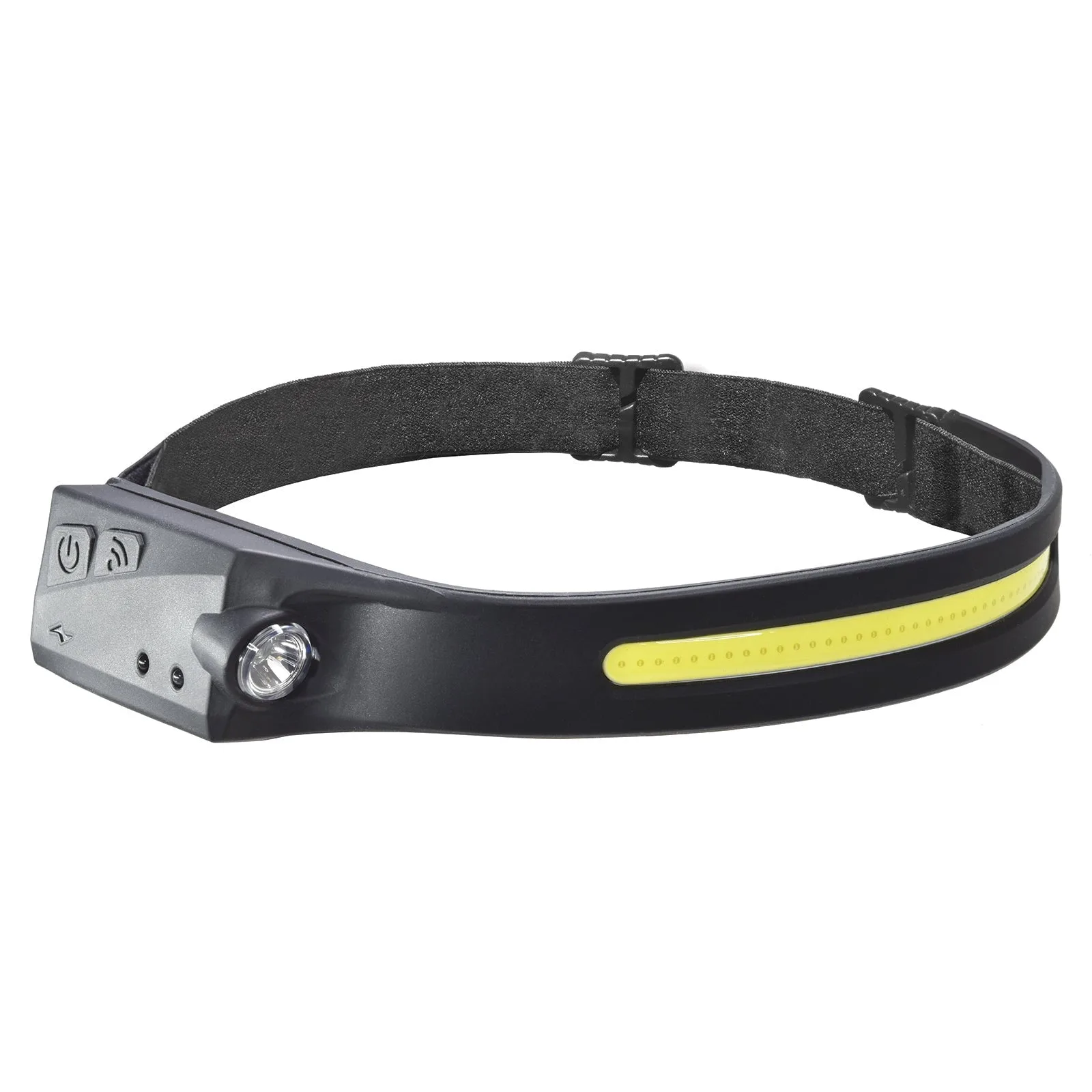
- BRYTE Band LED Headband Light by Micro-Mark: Durable, silicone headband is adjustable to any head size. 300 Lumen LEDs illuminate up to 150 feet away. 230-degree field of vision. Activate 5 power modes with the single switch button. USB rechargeable 3.7V lithium polymer battery. Good lighting helps you inspect the lens, nozzle, and cut quality. A headband light leaves both hands free for adjustments and cleaning.
- Micro-Mark Brass Ripping Gauges - 6 pc Set: Rip wood with precision. Use to align a table saw, set stops or create thin strips. Made of brass. Set of 6 gauges. When cutting thin strips of wood with a laser, consistent material thickness is critical. These brass gauges let you verify thickness before cutting, reducing failed cuts.