Exploring the Open-World Hub in LEGO The Incredibles
LEGO The Incredibles on Nintendo Switch offers more than story levels. The game includes an epic hub world where you can freely roam two cities: Municiberg and New Urbem. This open-world area is packed with side activities, collectibles, and opportunities to use each character's unique super abilities.
As you play through the story, you unlock more of the hub world and additional characters. The game encourages you to revisit areas with different family members to access new areas or solve puzzles.
What the Game Includes
-
LEGO The Incredibles - Switch: Players explore action-packed story levels and an epic hub world, including Municiberg and New Urbem, using their unique super abilities to bring the city's villains to justice. Confirms that the open world is a major part of the game, not just a backdrop, and that your character's powers are key to progression.
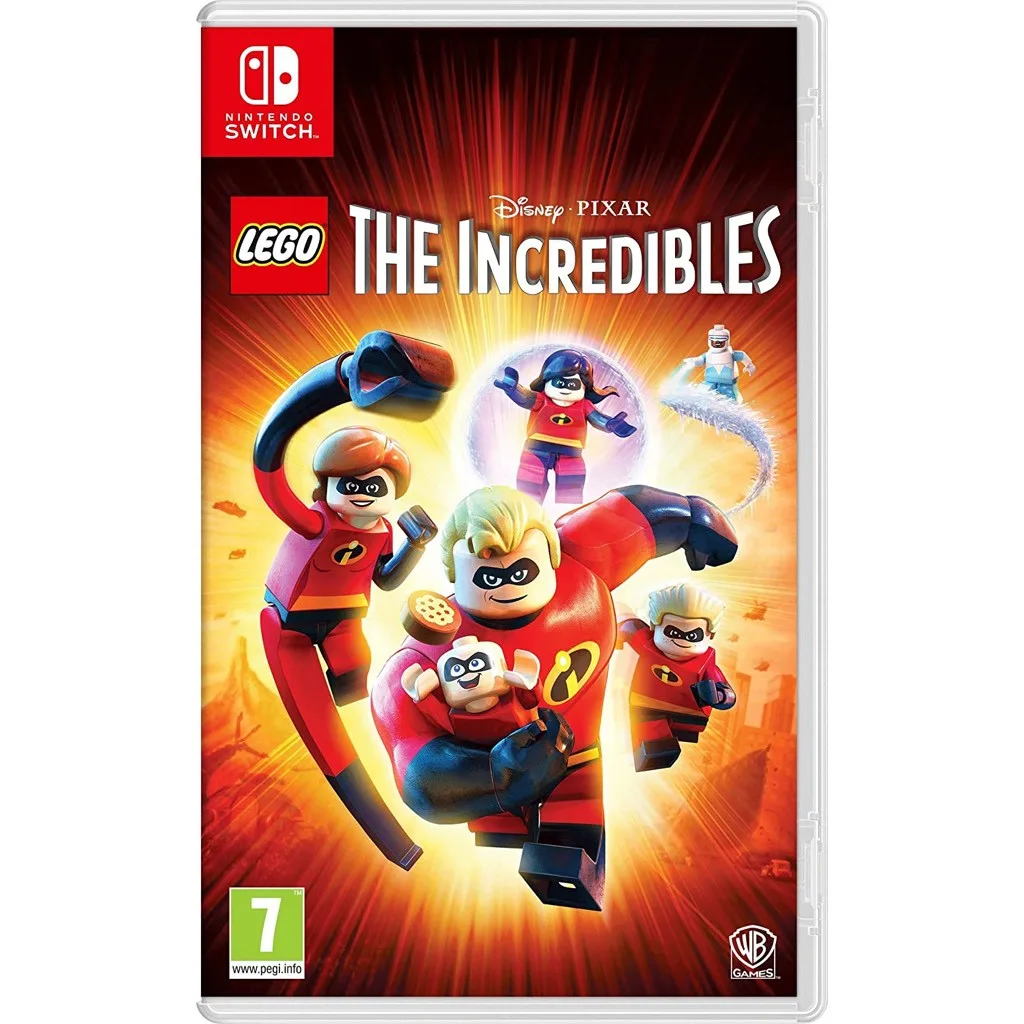
LEGO The Incredibles - Switch
-
LEGO The Incredibles - Switch: The game encourages players to work together by combining the Parr family's abilities and unique powers to conquer crime and family life in a LEGO world full of fun and humour. Highlights that co-op is built into the design, making it ideal for playing with a partner or child.
Getting the Most Out of Open-World Exploration
To fully enjoy the open-world hub, switch between characters frequently. Each member of the Parr family has a different power: Mr. Incredible's strength, Elastigirl's stretch, Violet's invisibility and force fields, Dash's speed, and Jack-Jack's unpredictable abilities. Many collectibles and puzzles require a specific power, so you'll need to return to earlier areas after unlocking new characters.
The hub world also contains side missions that are not part of the main story. These often reward you with new character tokens or gold bricks, which unlock even more content. Don't rush through the story levels alone; take time to explore between missions.
How to Play Co-op in the Open World
LEGO The Incredibles supports 2-player local co-op, so you can explore the open world together.
- Start or load a game: From the main menu, select your save file. The game will load you into the hub world or the last checkpoint.
- Connect a second controller: On the Switch, press any button on a second controller (Joy-Con or Pro Controller) to join the game. The second player will automatically appear as a different character.
- Switch characters independently: Each player can swap their character at any time by interacting with a character swap point in the hub. This lets both players use the right power for the situation.
- Work together on puzzles: Some puzzles require two characters at once, such as using Mr. Incredible to hold a heavy door while Elastigirl stretches through a gap. Communicate with your co-op partner to solve these quickly.
Navigating Municiberg and New Urbem
The hub world is large, but it's not empty. Look for golden brick markers on the map to find major objectives. Smaller gold bricks are hidden throughout the city; smashing LEGO objects often reveals them. Use Dash's super speed to travel quickly across long distances, or use fast travel points that unlock as you discover them.
For newer players, it's helpful to focus on one district at a time. The game's map is divided into sections, and completing all activities in one area before moving on reduces backtracking later.