Why a Finder Wallet Changes Your Airport Routine
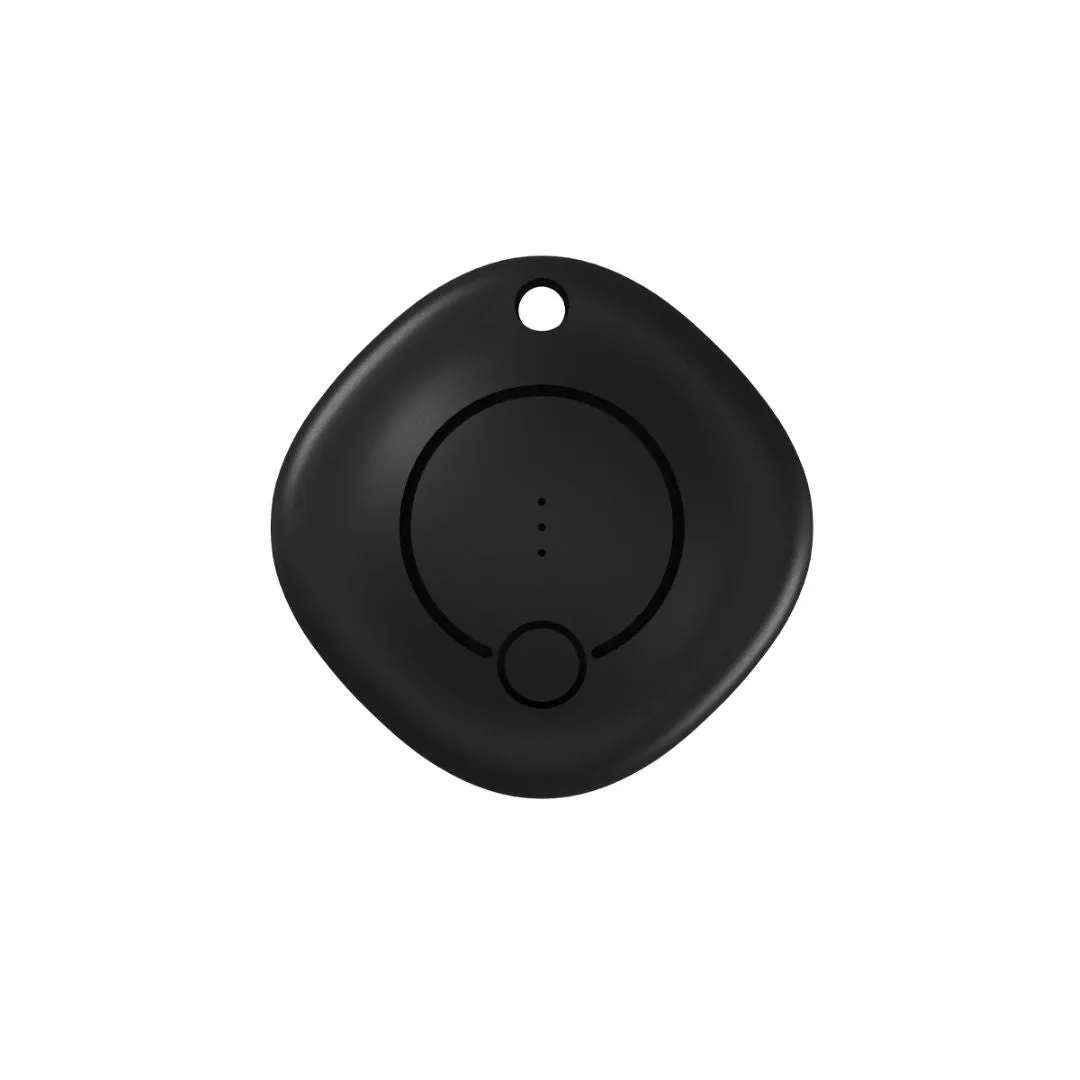
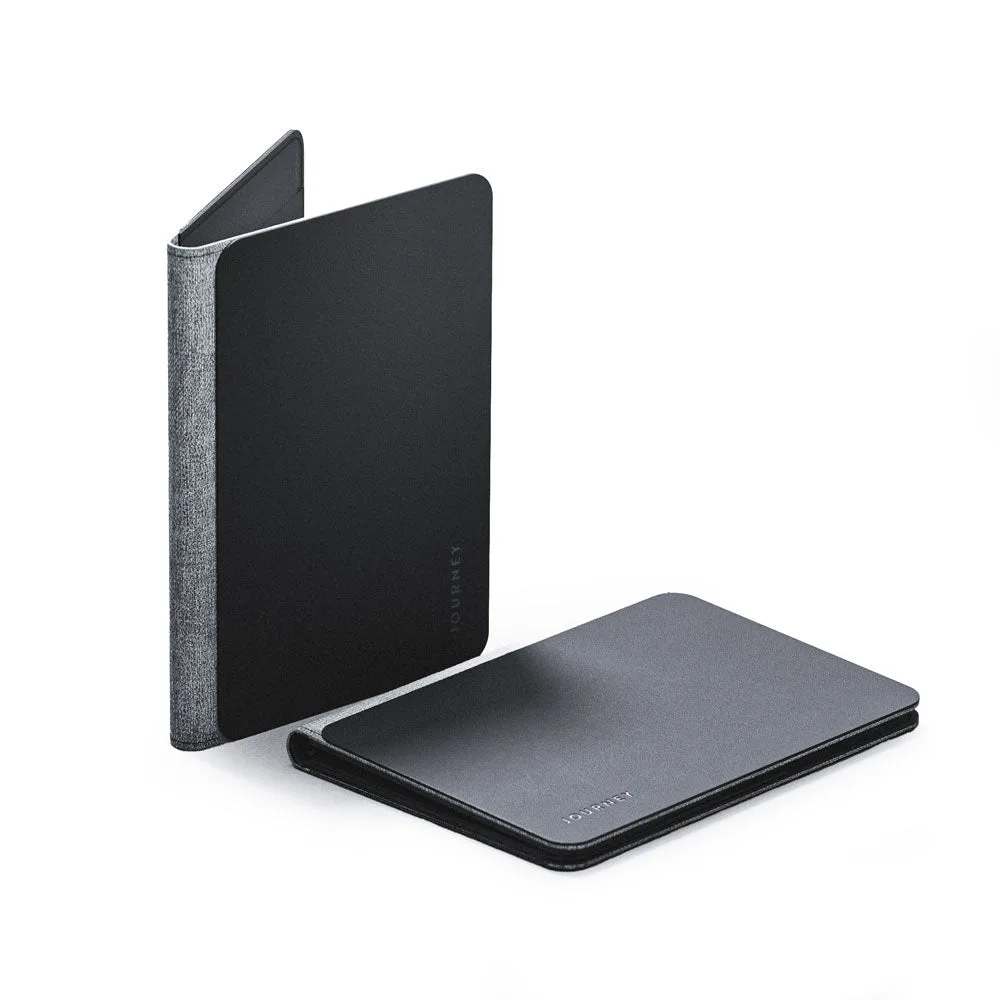
The LOC8 Passport Finder Wallet is more than a holder: it works with Find My on iPhone, so you can see where your travel documents are if they go missing. But to get the most from it at the airport, you need to pack it with purpose. This guide walks you through a supported setup and the checkpoints that matter when you're moving through security.
The catalog confirms room for up to 5 cards, boarding passes, money, a passport, and a pen. It also notes it fits in a small crossbody. That's the foundation; the rest is how you use those spaces.
Packing Your LOC8 Wallet for Travel
Follow these steps to organize your wallet before you leave for the airport.
- Group documents by function: Use the card slots for up to 5 cards, and keep your passport and boarding pass in their dedicated areas. The pen is handy for filling out any forms.
- Place money separately: Keep cash or cards in the money section so you can access them without pulling out your passport.
- Set up Find My: The wallet works with Find My on iPhone. Make sure it's paired and visible in the Find My app before you travel.
- Do a final check: Confirm your passport, boarding pass, and at least one payment card are in place. Close the wallet and give it a gentle shake to ensure nothing slips out.
What the LOC8 Wallet Holds
-
LOC8 Passport Finder Wallet and Holder: Room for up to 5 cards, boarding passes, money, passport, and pen. This capacity lets you keep all essential travel documents in one place, reducing the chance of leaving something behind.
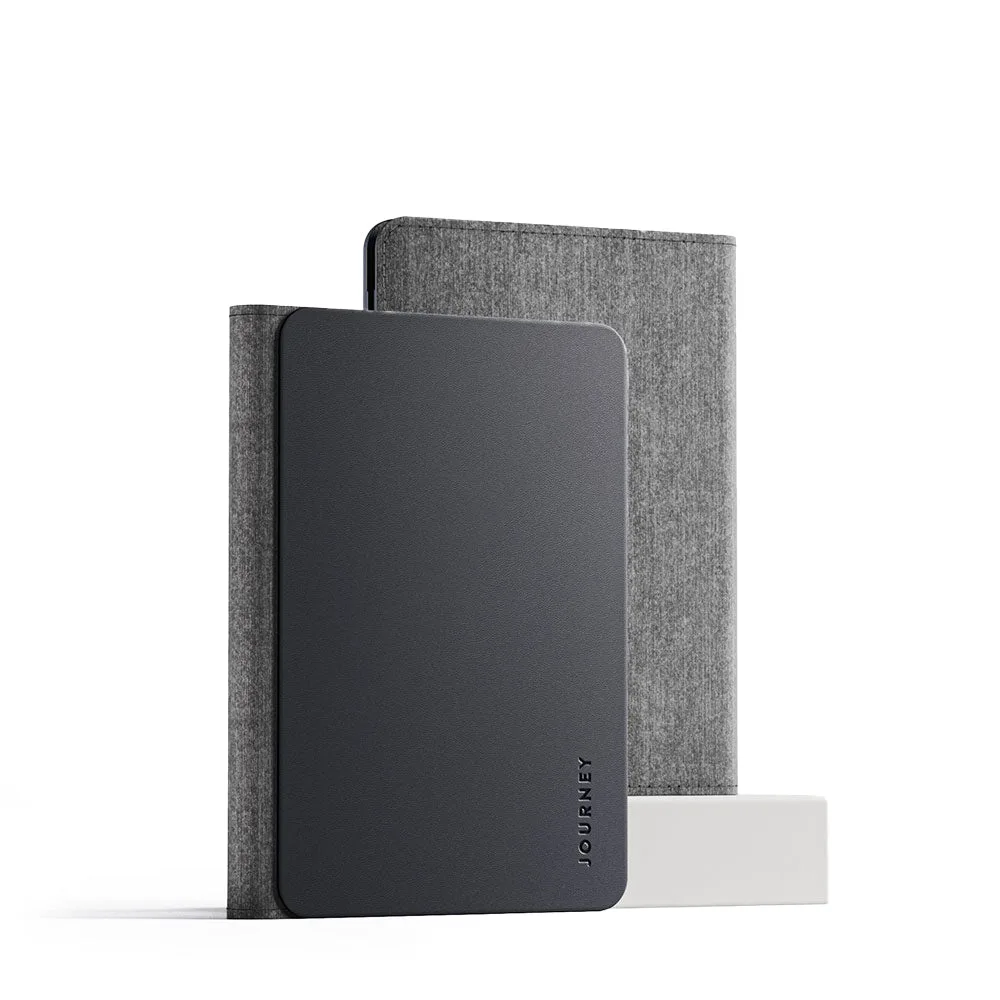
LOC8 Passport Finder Wallet and Holder
-
LOC8 Passport Finder Wallet and Holder: Works with Find My on iPhone. Find My support means you can locate your wallet if it's misplaced, adding a layer of security during busy travel days.
-
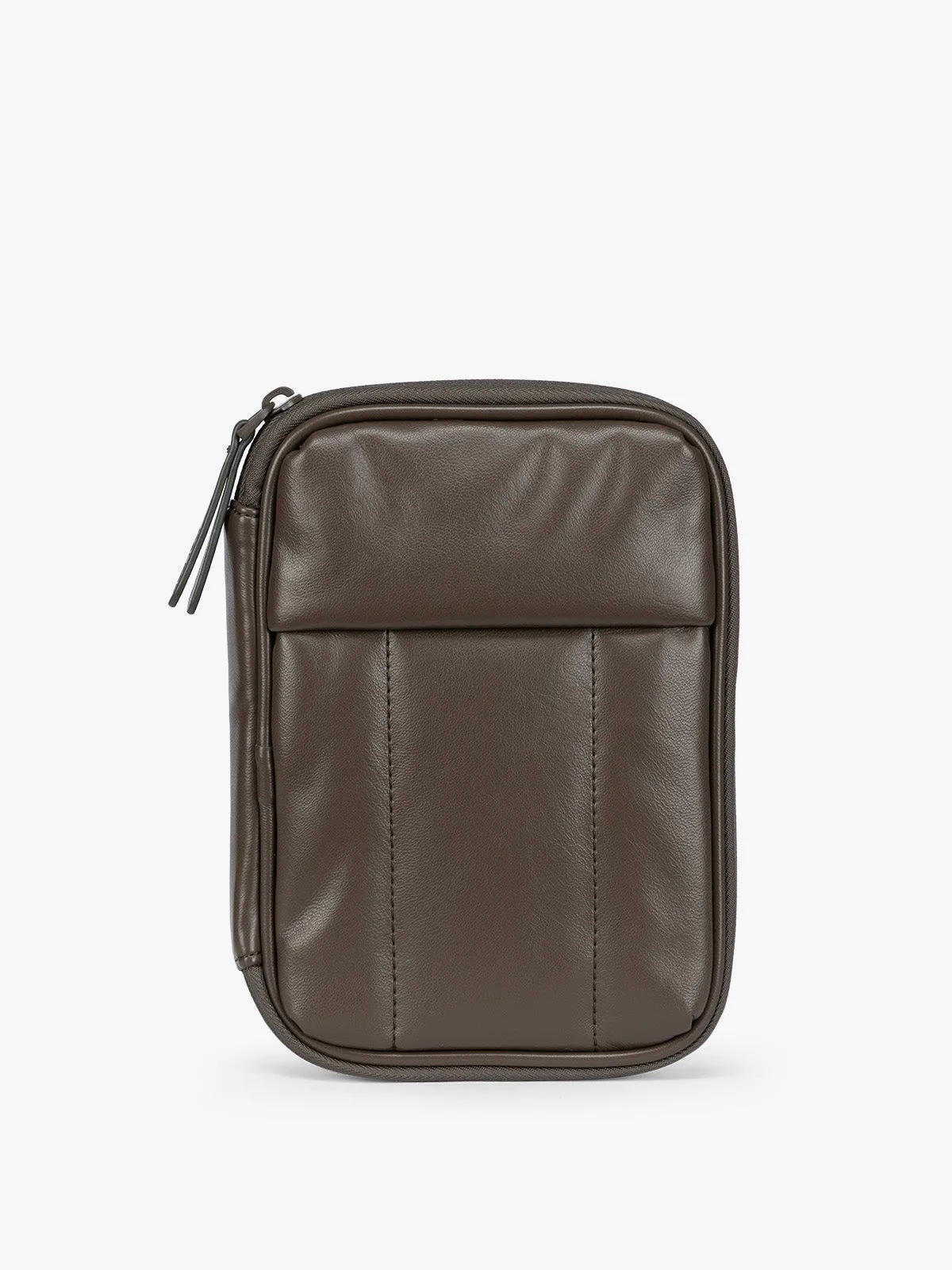
LOC8 Passport Finder Wallet and Holder: Fits in a small crossbody. The wallet's compact size means it can slip into a small bag, keeping your hands free and your documents close.
At the Airport: Security Checkpoints
When you reach the security checkpoint, you'll typically need to remove your passport and boarding pass. Because the LOC8 wallet keeps them together, you can present them quickly. Keep the wallet in your hand or in a tray with your other valuables; don't leave it in a pocket that goes through the scanner unless you're sure it's allowed. The Find My feature can help you track it if it gets separated from you.
After security, take a moment to recheck that your passport, boarding pass, and cards are all back in the wallet. Use the card slots to keep your ID and credit cards organized for quick access at the gate.
Travel Document Organization Tips
These habits help you keep your documents tidy and accessible throughout your trip.
- Use the pen for forms: Keep the pen in its slot so you're ready for any customs or immigration forms.
- Separate currencies: If you're carrying multiple currencies, use the money section for the one you'll need first.
- Keep boarding passes visible: Store your boarding pass in an easily accessible spot so you can show it at the gate without digging.
- Check Find My regularly: Open the Find My app to confirm your wallet is with you, especially after moving between terminals.
What the Catalog Does Not Confirm
The supplied information does not include details on RFID blocking, water resistance, or the exact materials used. If those features matter to you, check the full product page or contact the store before you buy. Also, while the wallet works with Find My, the catalog doesn't specify the range or battery life of the finder component; those details may be available elsewhere.