Installing a wired security camera system is about more than just choosing the right cameras and NVR. The mounting accessories you select play a critical role in protecting connections, managing cables, and ensuring your cameras capture the best possible view of your property. Two of the most common accessories – the junction box and the corner mount bracket – each serve distinct purposes, and knowing when to use one over the other can save you time during installation and prevent future issues.
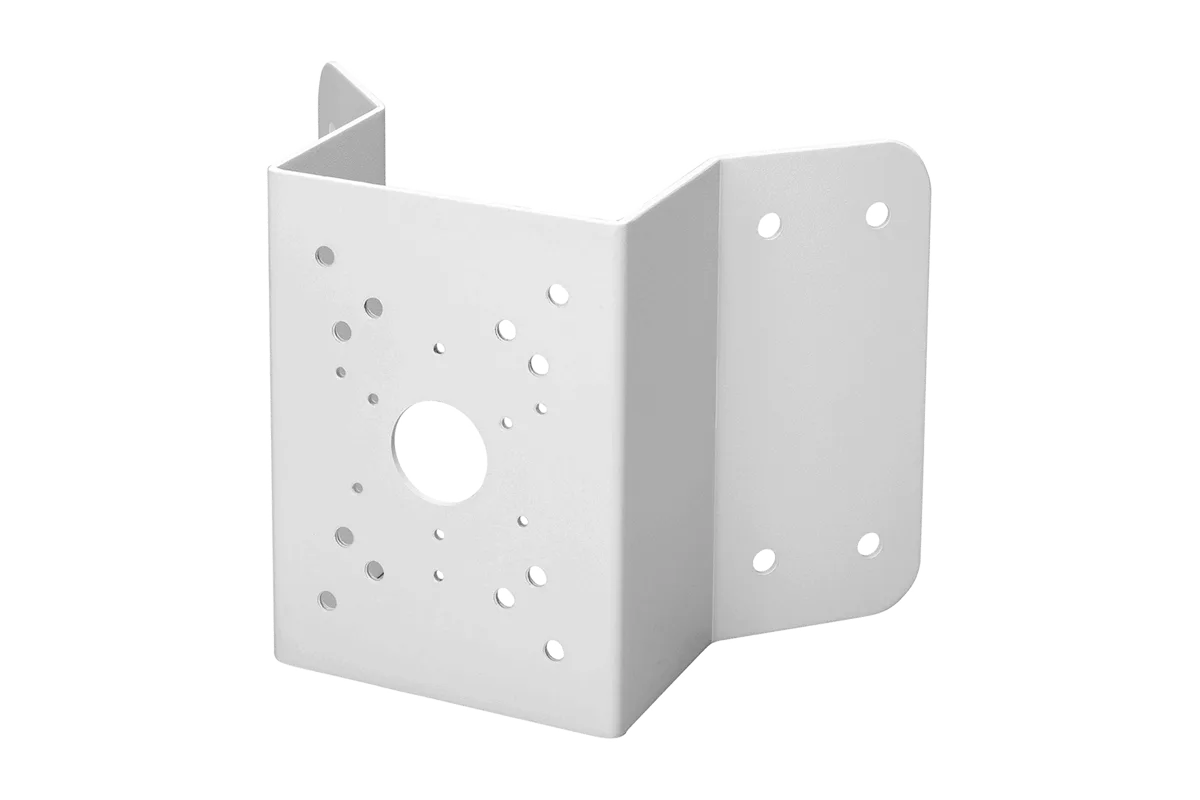
corner mount bracket
In this guide, we break down the key differences between a junction box and a corner mount bracket for Lorex security cameras. Whether you are setting up a new Lorex Fusion 4K system or upgrading an existing one, understanding how these accessories work with your NVR setup will help you achieve a cleaner, more professional installation that lasts for years.
Understanding the Role of Accessories in a Wired NVR System
A typical wired NVR system includes cameras, cables, and a recorder, but the hardware that mounts the cameras is just as vital. Accessories like junction boxes and corner mount brackets not only hold the camera in place but also provide weatherproofing for cable connections and allow you to position the camera at the ideal angle. Without the right mounting solution, you risk loosening the camera over time, exposing connectors to moisture, or missing critical areas of your property due to suboptimal placement.
Lorex offers a range of mounting accessories designed to complement its wired cameras and NVRs. Whether you are working with a Lorex A4 IP Wired Bullet camera or a larger turret camera, choosing between a junction box and a corner mount depends on the surface you are attaching the camera to, the cable routing options available, and the field of view you need. In the following sections, we explore each accessory in detail.
- Always consider the camera's weight and cable connector size when selecting a junction box or corner mount.
- Plan cable runs in advance to determine if a junction box's cable management or a corner mount's angle adjustment benefits you more.
When to Use a Junction Box for Your Lorex Camera
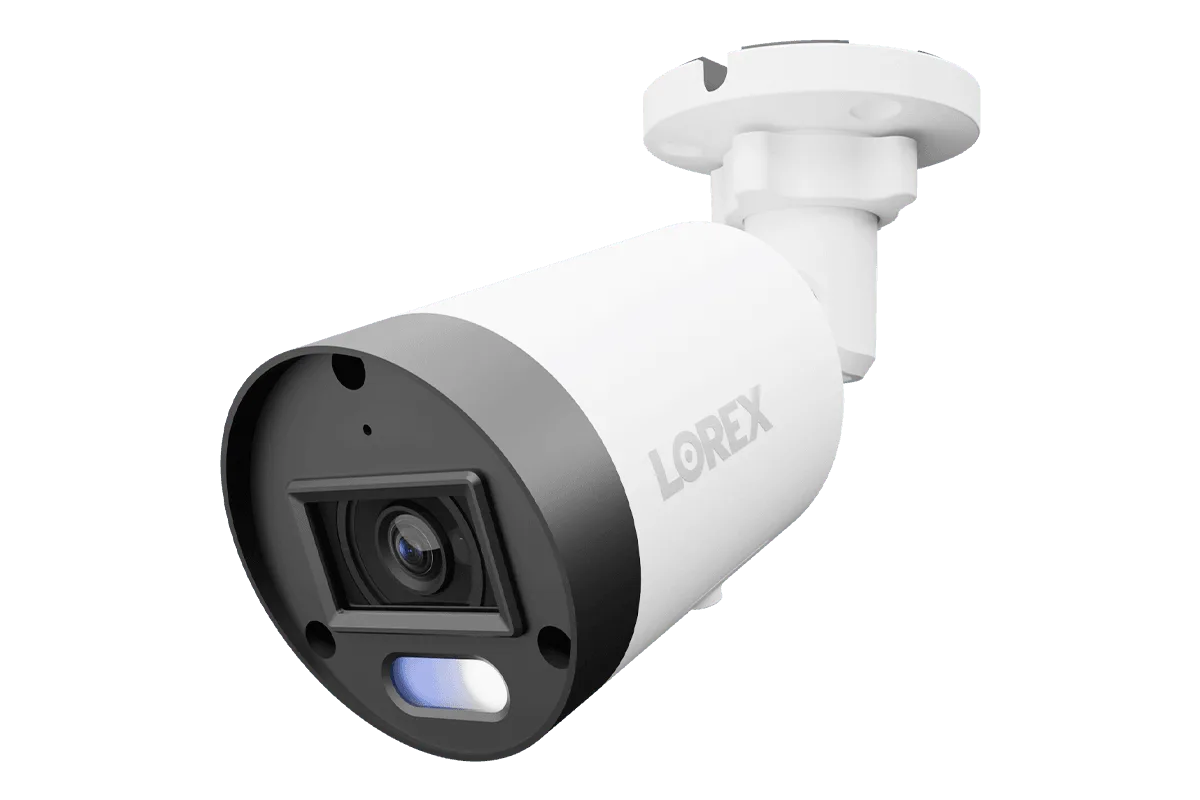
A junction box is typically mounted on a flat wall or ceiling, providing a protective enclosure for the camera's cable connections. It is especially useful when you need to conceal exposed wires instead of running them straight out the back of the camera. Junction boxes also simplify installation when your camera does not have a built-in base that can mount directly to a surface – they act as an intermediary, giving you a sturdy platform. For example, the Lorex A4 IP Wired Bullet Security White Camera with Listen-In Audio and Smart Motion Detection pairs well with a junction box in scenarios where you want to hide the PoE cable connection behind the camera for a cleaner look.
Another advantage of using a junction box is weather protection. By keeping the RJ45 connector inside a sealed box, you prevent moisture, dust, and insect intrusion. This is critical for outdoor installations, especially in areas with rain or snow. Junction boxes also make future maintenance easier because you can access the connection without removing the entire camera from its mount. If you are planning to run cables through the wall behind the camera, a junction box is the right choice – it accommodates the cable bend radius and avoids pinching.
- Ideal for flat surfaces: stucco, brick, siding, or drywall.
- Helps meet cable bend radius requirements for PoE cables (generally 4× the cable diameter).
- Recommended for bullet cameras that have a separate cable pigtail.
When to Choose a Corner Mount Bracket for Optimal Coverage
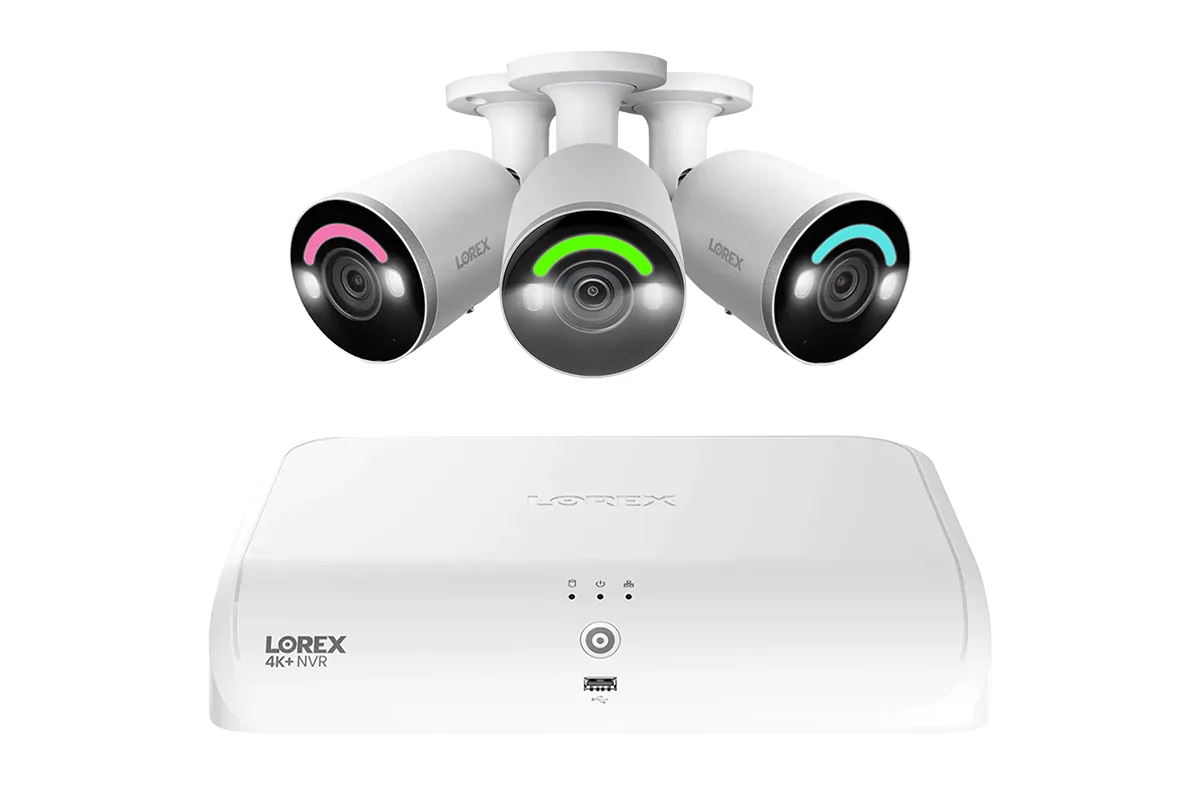
Corner mount brackets are designed for installations where you want to place a camera at the intersection of two walls – such as the corner of a building, an eave, or a fence post. The bracket angles the camera outward, providing a wider field of view than a flat wall mount would. This is especially beneficial for monitoring large driveways, parking lots, or building perimeters where two sides meet. A corner mount allows the camera to see down both sides without being blocked by a protruding wall. Systems like the Lorex 4K Fusion 2TB Wired NVR System with Two 4K Smart Security Lighting Turret Cameras and Two 4K Turret Cameras can take advantage of corner mounts to cover two zones from a single camera point.
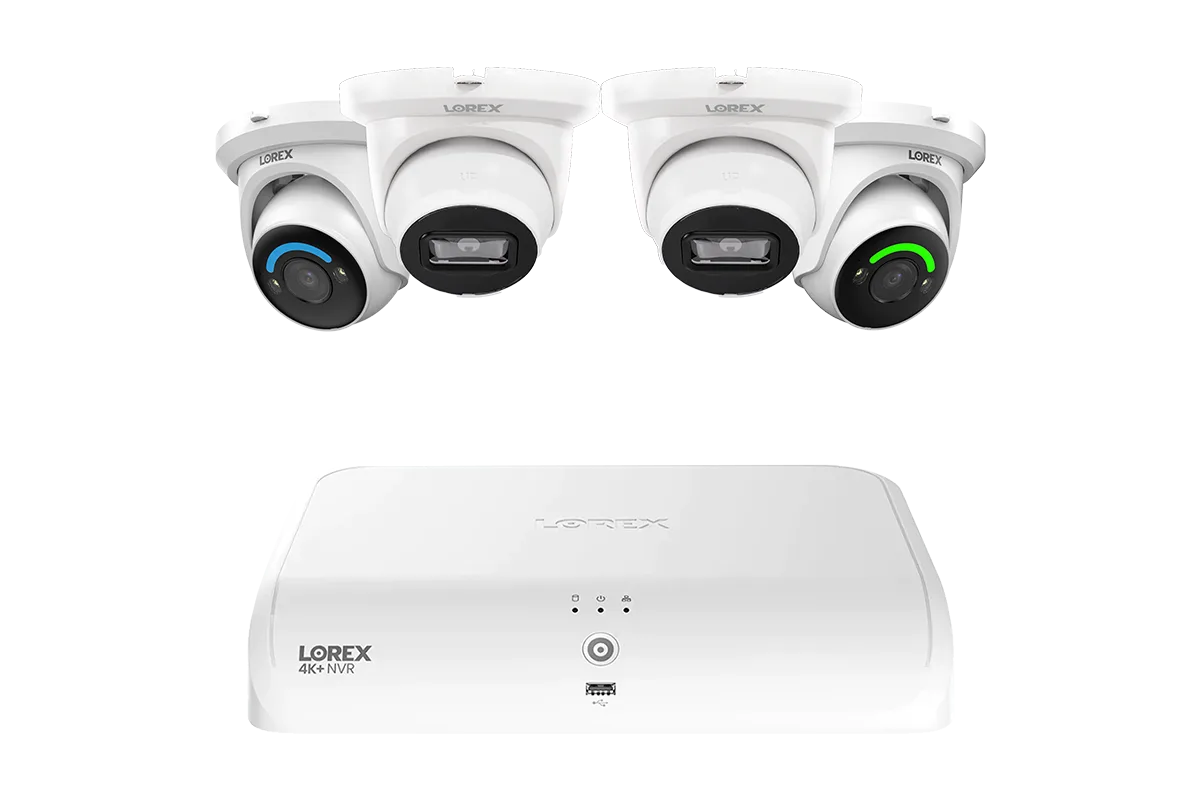
Lorex 4K Fusion 2TB Wired NVR System with Two 4K Smart Security Lighting Turret Cameras and Two 4K Turret Cameras
Corner mounts are also useful when the mounting surface is not perfectly flat or when you want to avoid drilling into the front of a facade. They often come with adjustable arms or brackets that let you tweak the camera's tilt and rotation. However, corner mounts do not provide the same cable concealment as a junction box – the camera's cable will typically be visible as it exits the bracket. For this reason, they are best used in areas where aesthetics are less of a concern or where the cable can be run into a soffit above the bracket. If you are mounting a camera under a porch eave, a corner mount combined with a small junction box can offer the best of both worlds.
- Best for enhancing camera view angles in narrow or L-shaped areas.
- Available in fixed and adjustable styles; adjustable arms allow fine-tuning.
- Works well with both bullet and turret cameras.
Key Differences Between Junction Box and Corner Mount Bracket
To help you decide quickly, here is a side-by-side comparison of the two accessories. The main differences lie in their mounting surface compatibility, cable management features, and the resulting camera field of view.
Junction box: mounts on flat walls or ceilings; encloses cables for weather protection and a clean look; no angle change from the surface plane. Corner mount bracket: mounts on inside or outside corners; changes camera orientation to cover two directions; may expose cables. Both accessories are durable and designed for outdoor use, but the right choice depends on your specific installation environment.
- Junction box – Ideal for flat surfaces; excellent cable concealment; keeps connectors dry; no built-in angle adjustment.
- Corner mount bracket – Ideal for corners; enhances field of view; cables may be visible; often includes articulation for precise aiming.
Additional NVR Accessories Worth Considering
Beyond junction boxes and corner mounts, several other accessories can improve your Lorex wired NVR installation. For long cable runs up to 400 meters, the Single Port IP & PoE Cat5e Extender Set (400m/1300ft end-to-end PoE Injector) helps maintain power and data integrity across large properties. If you are installing a video doorbell, a compatible mounting bracket or wedge kit can adjust the angle for a better view. For indoor setups, the Lorex 2K Pan-Tilt Indoor Wi-Fi Security Camera offers flexibility without requiring a fixed bracket.
Also, do not overlook the importance of quality cables and weatherproof connector covers. Even with a junction box, using outdoor-rated Ethernet cables and applying dielectric grease to connectors adds extra protection. Lorex systems are designed to work seamlessly with these accessories, so you can mix and match based on your layout.
- PoE extender for long-distance runs beyond 100 meters.
- Wedge kits for video doorbells to angle the camera left/right.
- Magnetic mounts for temporary or rental-friendly installations.
Choosing between a junction box and a corner mount bracket ultimately comes down to your specific installation surface and the view you want to capture. For flat walls where cable concealment and weatherproofing are top priorities, a junction box is the clear winner. For corners and wide-angle coverage, a corner mount bracket gives you the best vantage point. Both accessories are compatible with Lorex wired cameras, NVRs, and add-on solutions like the Lorex 4K Fusion 2TB Wired NVR System with Two 4K Smart Security Lighting Turret Cameras and Two 4K Turret Cameras. Explore your options and invest in the right hardware to get the most out of your security system.